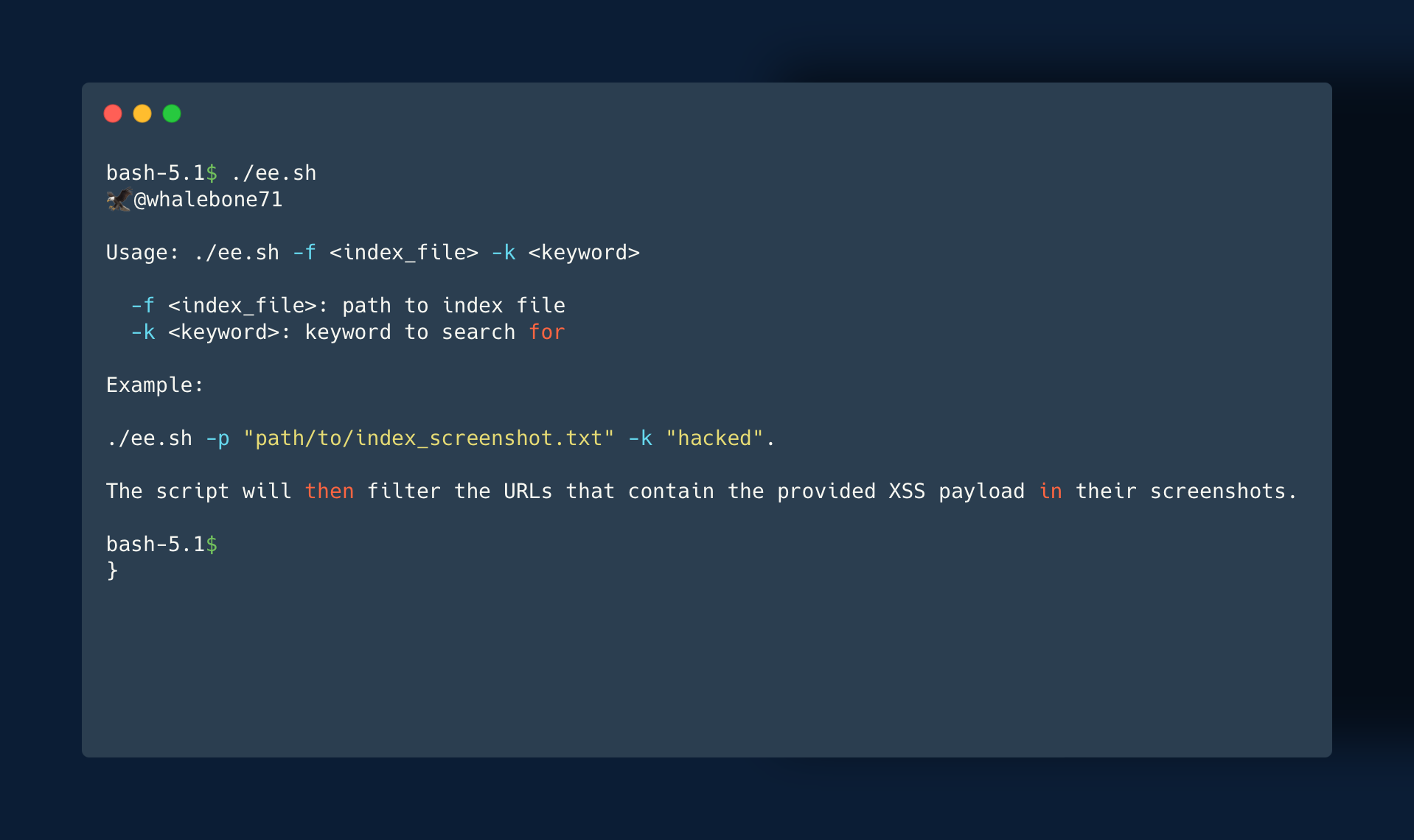

To filter the actual vulnerable URLs from the screenshots, you can use the ee.sh script. Simply run ./ee.sh -f "path/to/index_screenshot.txt" -k "hacked" and the script will filter the URLs that contain the reflective XSS payload (For Example: cPanel CVE-2023-29489 ) in their screenshots.
With the addition of the -ss option in HTTPX by Project Discovery, it is now possible to create a list of potentially vulnerable URLs with gf xss and qsreplace with the XSS payload, such as <script>alert(hacked)</script>. HTTPX will then visit all the URLs and take screenshots of them, which are stored in output/screenshot/index_screenshot.txt.
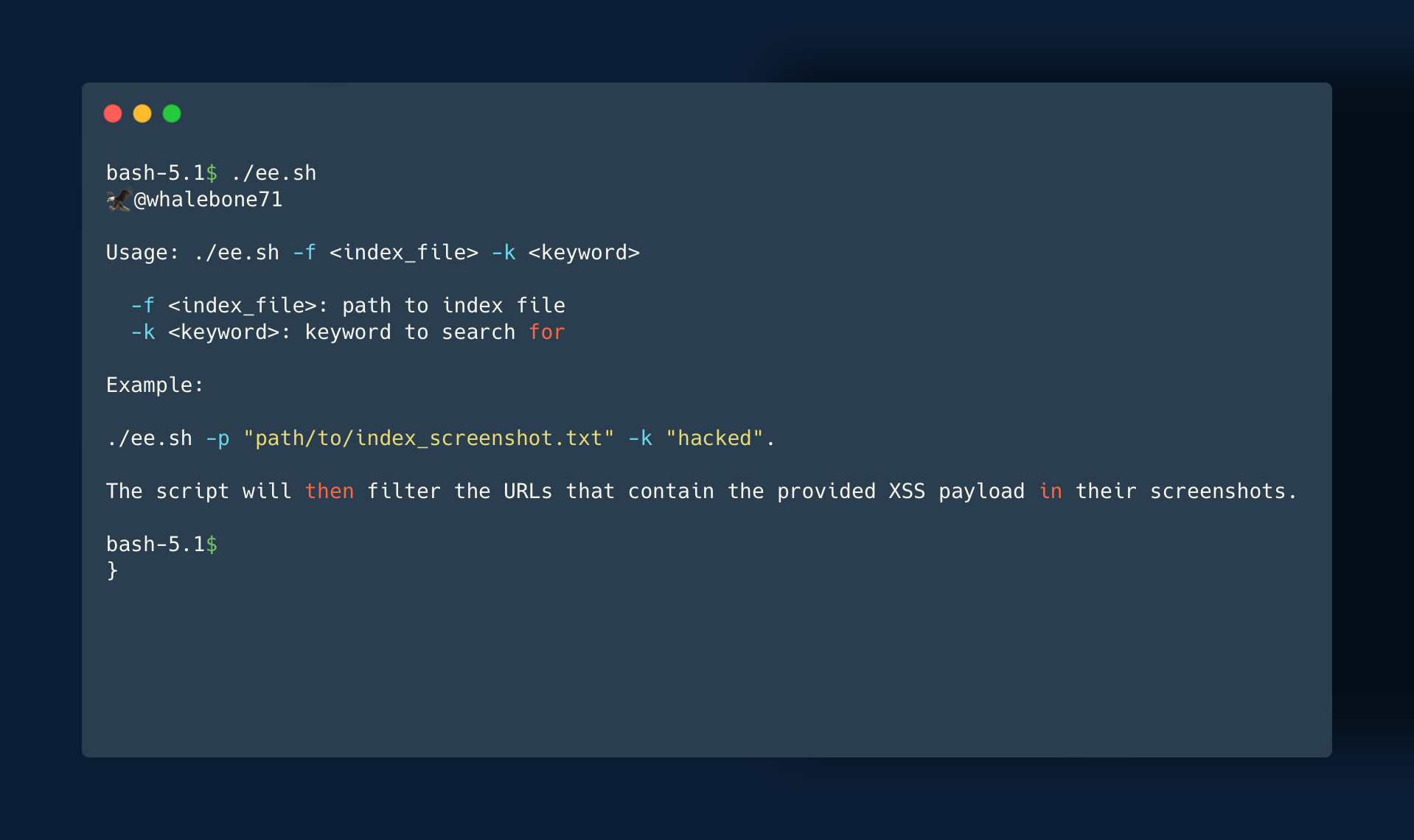
To filter the actual vulnerable URLs from the screenshots, you can use the ee.sh script. Simply run ./ee.sh -f "path/to/index_screenshot.txt" -k "hacked" and the script will filter the URLs that contain the provided XSS payload in their screenshots.
This process allows you to quickly identify potentially vulnerable URLs and filter out false positives based on the presence of the XSS payload in the screenshots. It can be a powerful tool in identifying and mitigating XSS vulnerabilities in your web applications.
With some mastery of the tools and techniques mentioned, you can apply them to find multiple types of vulnerabilities.
It's important to note that this tool is intended for ethical hackers and cybersecurity researchers who are conducting vulnerability testing within the bounds of the law and industry best practices. It is not to be used for any illegal or malicious activities. The responsibility falls on the user to ensure that they are using this tool.
This tool requires Tesseract OCR to be installed. It can be installed on Linux, macOS, and Windows by following the instructions on the official Tesseract OCR GitHub repository. Additionally, the script requires the Bash shell to be installed, which is pre-installed on most Unix-based systems.
1.Git Clone "This_Rep" && cd EagleEye
2.Chmod +x ee.sh
3../ee.sh

