 wgpsec/fofa_viewer
A simple FOFA client written in JavaFX. Made by WgpSec, Maintained by f1ashine.




中文 | EN
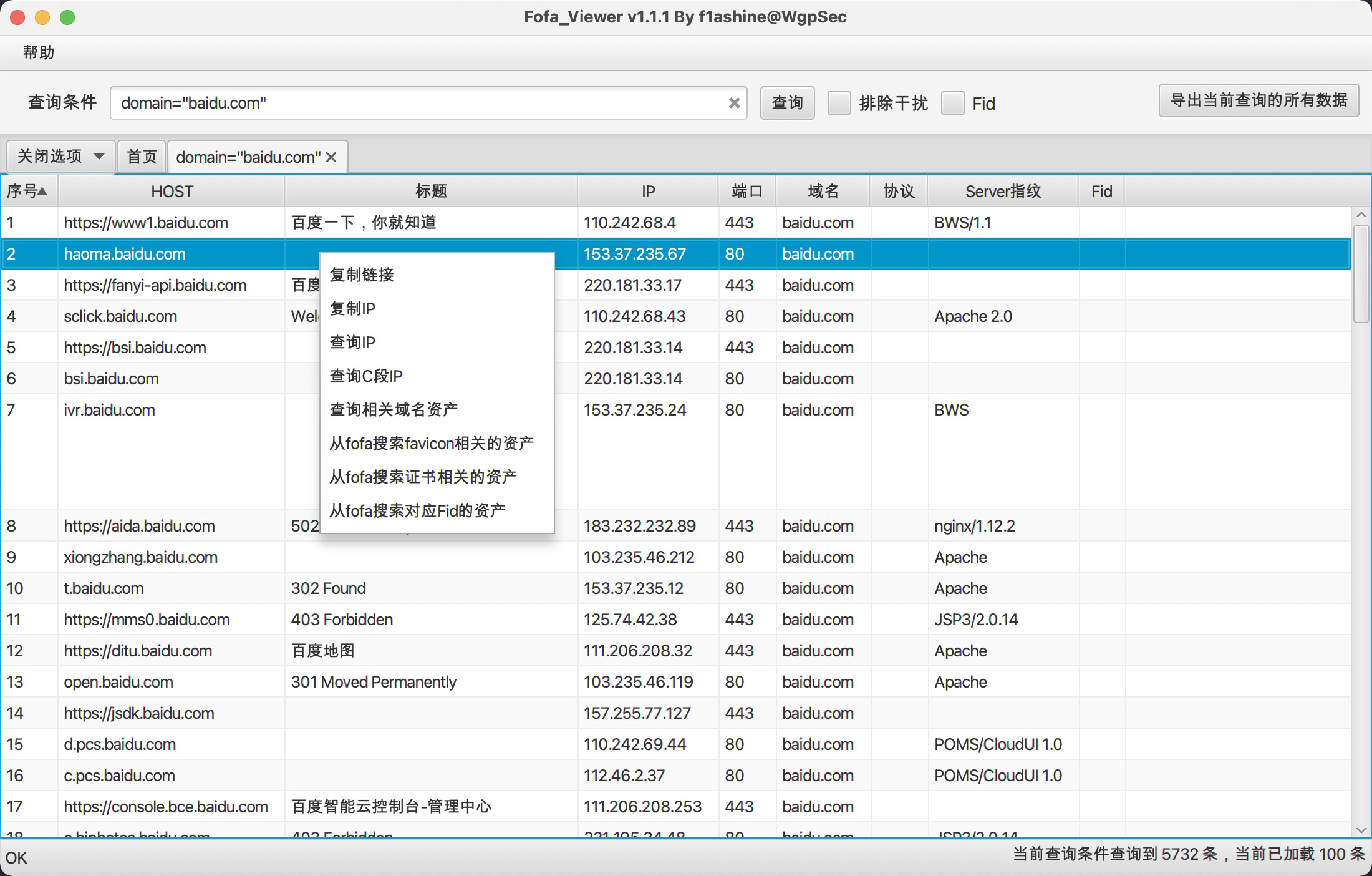
Fofa Viewer is a user-friendly FOFA client written in JavaFX, attributed to the WgpSec Community and primarily maintained by f1ashine. By leveraging the powerful internet search engine FoFa, it encapsulates many commonly used APIs into a concise UI, making it easier for cybersecurity professionals to hunt for vulnerabilities on target websites. With its out-of-the-box functionality, Fofa Viewer streamlines the search process, helping penetration testers quickly obtain the information they need.
The data obtained by this tool through FoFa's API.
You need to set the API key of senior member or ordinary member to the file config.properties.
Using the API key of the registered user will prompt that the account needs to be topped up with F coins
Click https://github.com/wgpsec/fofa_viewer/releases to download.
Download latest build and edit config.properties to start.
The default base domain of FOFA api is https://fofa.info. You can change it in config if FOFA made any change.
MacOS users can Create a Automator Workflow to pin Fofa_Viewer in Dashboard.
maxSize in config.properties)cert="converted_value" to match a certain SSL certificate. Example (zh)(*) in tab when active)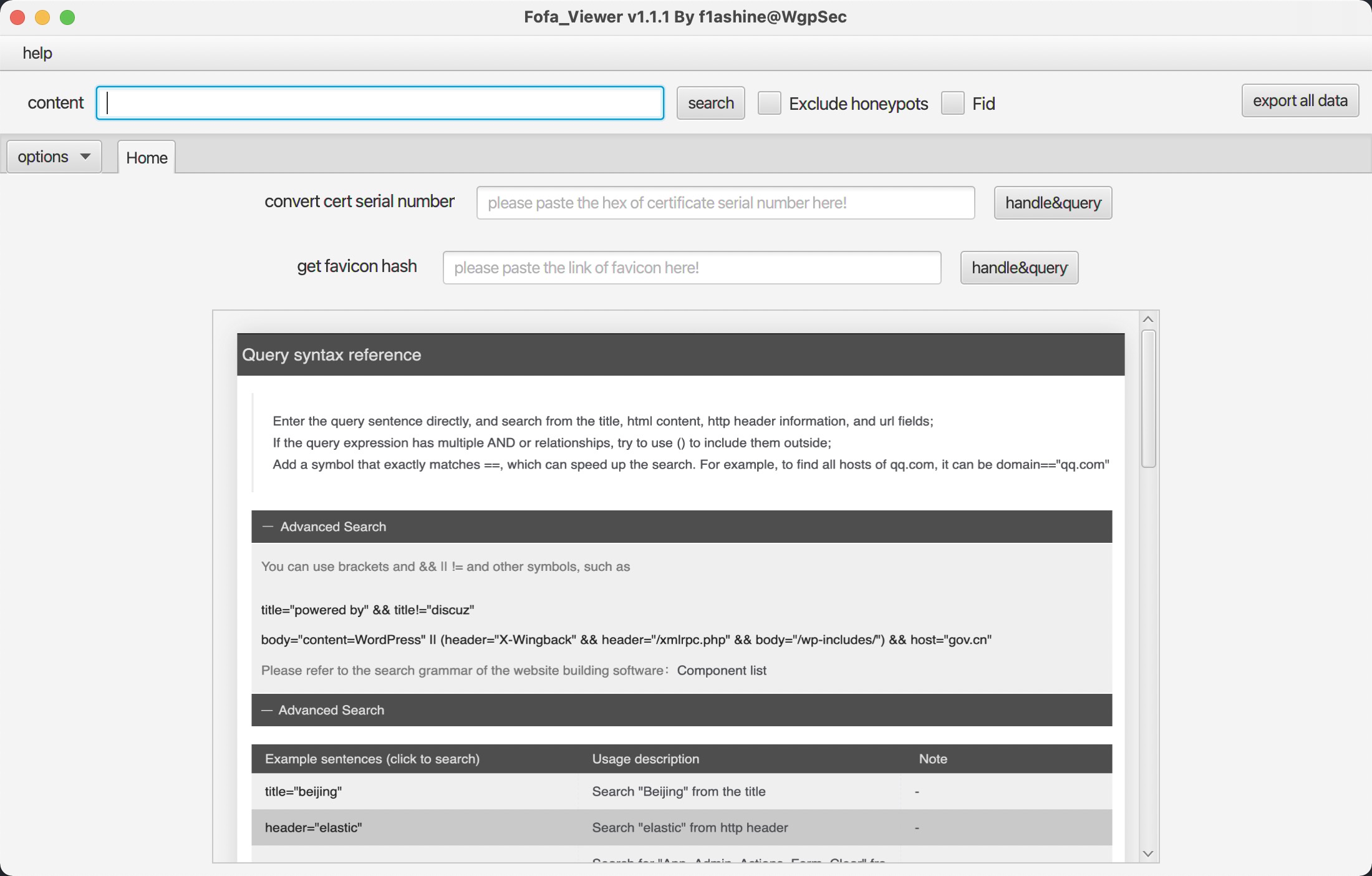
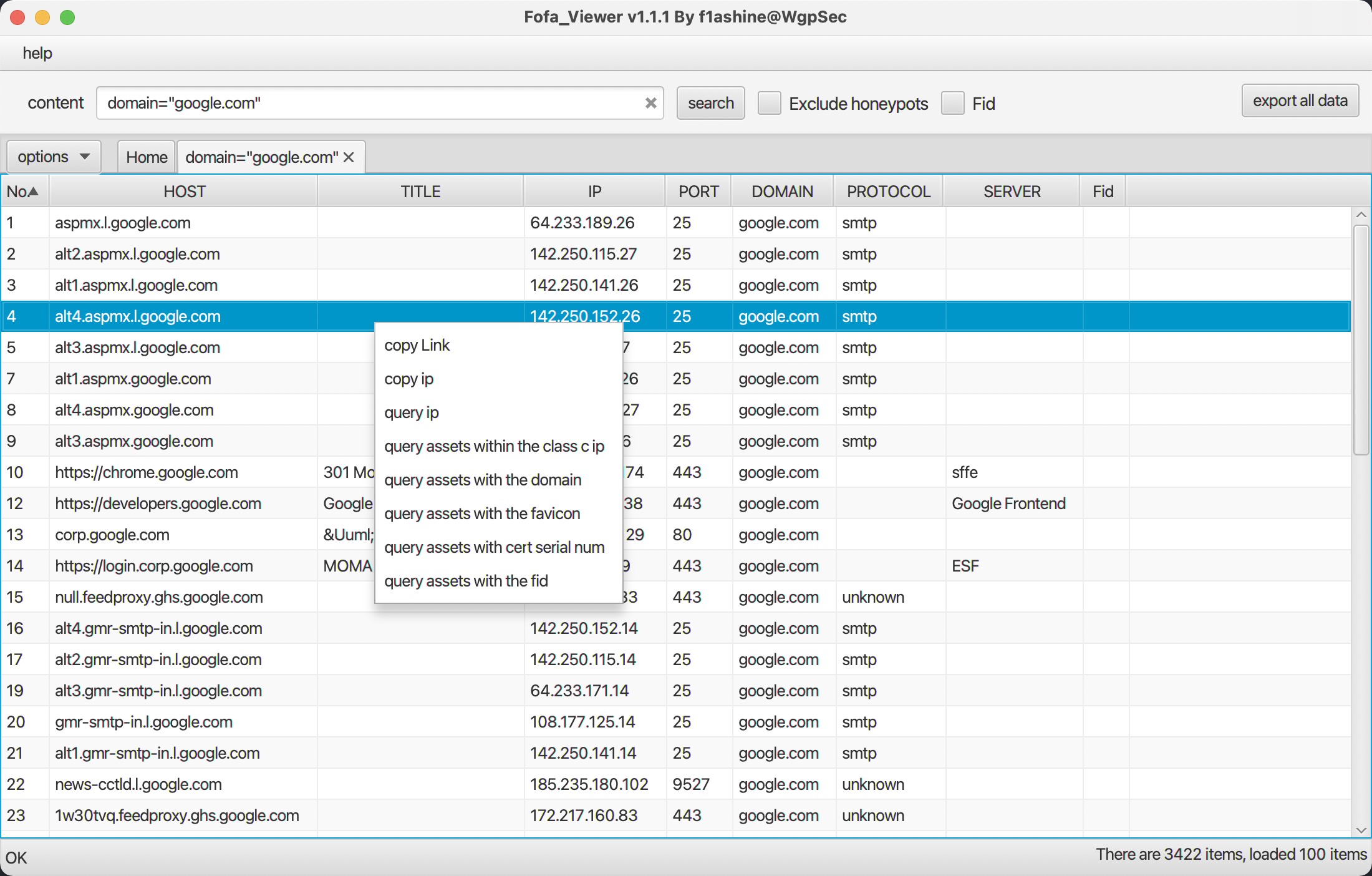
Due to FOFA API limitions, only a maximum of 10000 items can be returned in a single query.
Please try adding after and before criteria to limit total data count.
We removed some duplicates in returned data. Following types of data are removed:
http protocol field

https protocol field

http protocol field

https protocol field

A browser do following steps to get a favicon:
<link rel="icon" href=...> tag in HTML headerfavicon.ico in site rootThis tool use jsonp to parse HTML document, thus it is unable to parse some js-bundled site. In this case, paste favicon link into homepage's hash box manually.
Click IP or Port's column heading to select it, then hold shift and select another column to sort together.
Clone the project:
git clone https://github.com/wgpsec/fofa_viewer.git
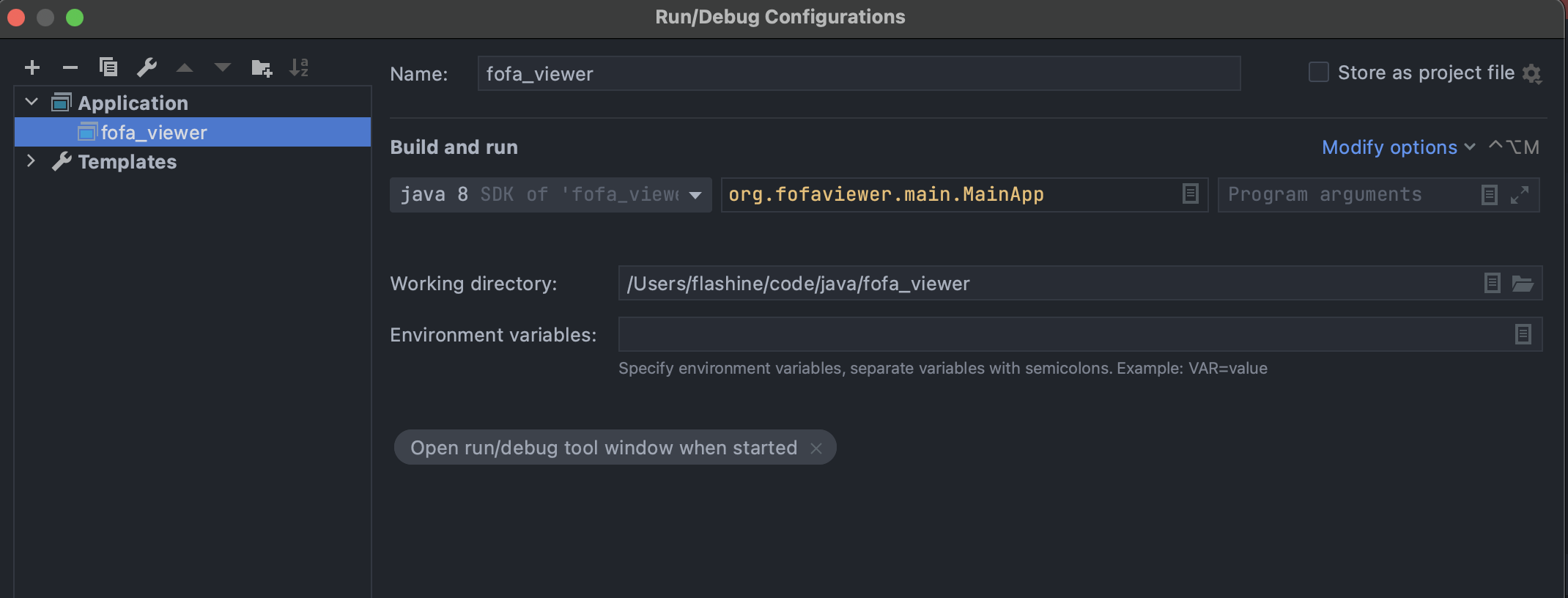
Add following Run/Debug Configuration in IDEA:
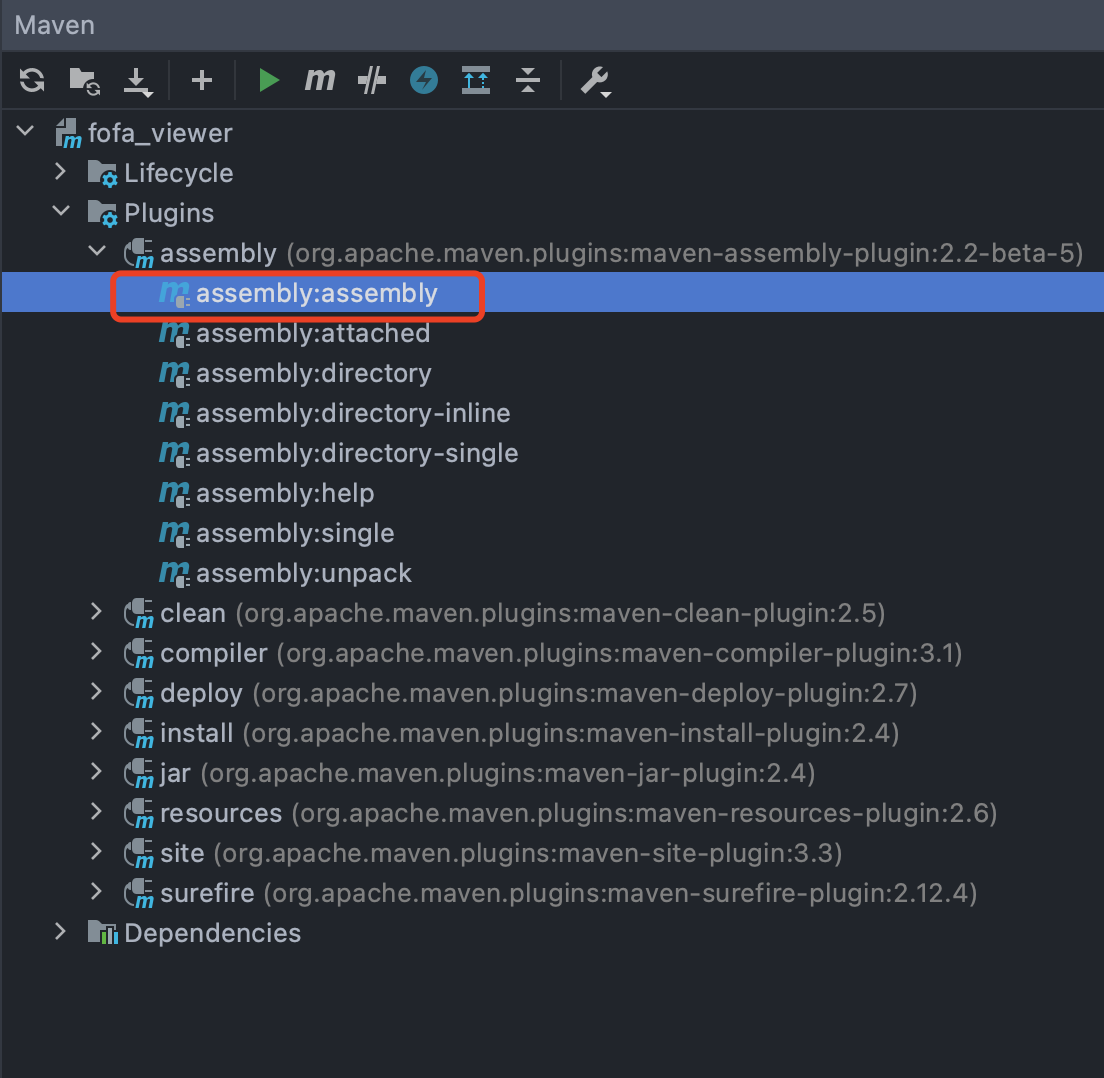
Run assembly:assembly target, then copy all "with-dependencies" dependencies in target folder into the folder containing config.properties
email and key in config.properties before use.error.log if you encountered a bug and wish to file an issue.