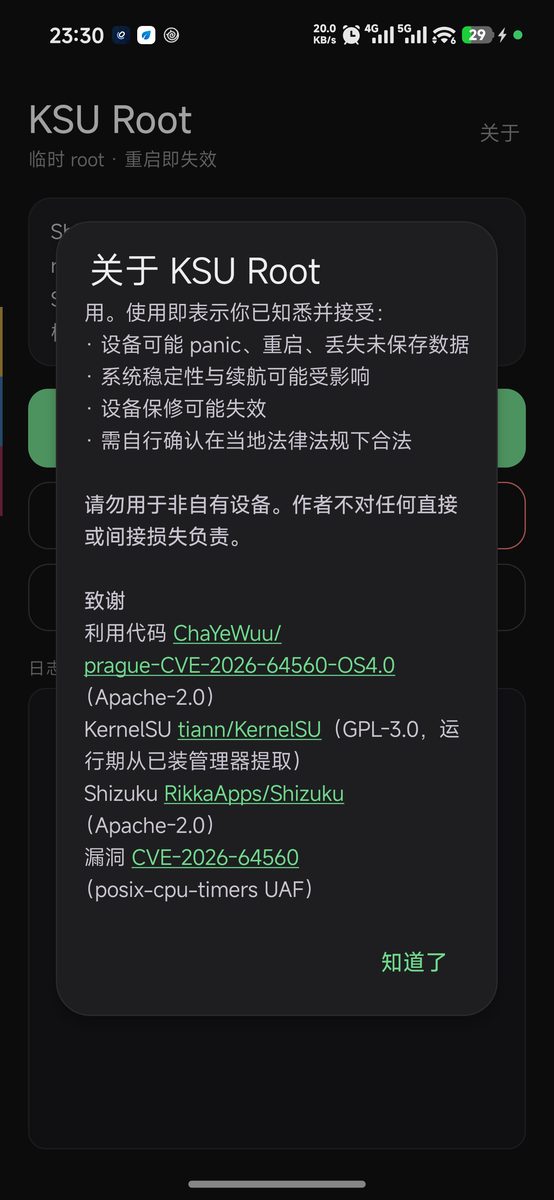

在 REDMI K90 Max(代号 prague / OS4.0.0.14)上,从手机端一键开一个临时 root。利用 CVE-2026-64560(posix-cpu-timers UAF)加载 KernelSU LKM,重启即失效。不需要电脑、不刷机、不解锁 Bootloader。
On the Redmi K90 Max (codename
prague, OS4.0.0.14 / OS4.0.5.0), open a temporary root with one tap from the phone. No computer, no flashing, no Bootloader unlocking required. It expires on reboot.
Download: Latest APK · Current version v1.1.0
Project introduction: KSU Root: Giving the Redmi K90 Max a temporary root that disappears on reboot — the author's blog, which walks through everything below; it's best to read this first before diving into the details.
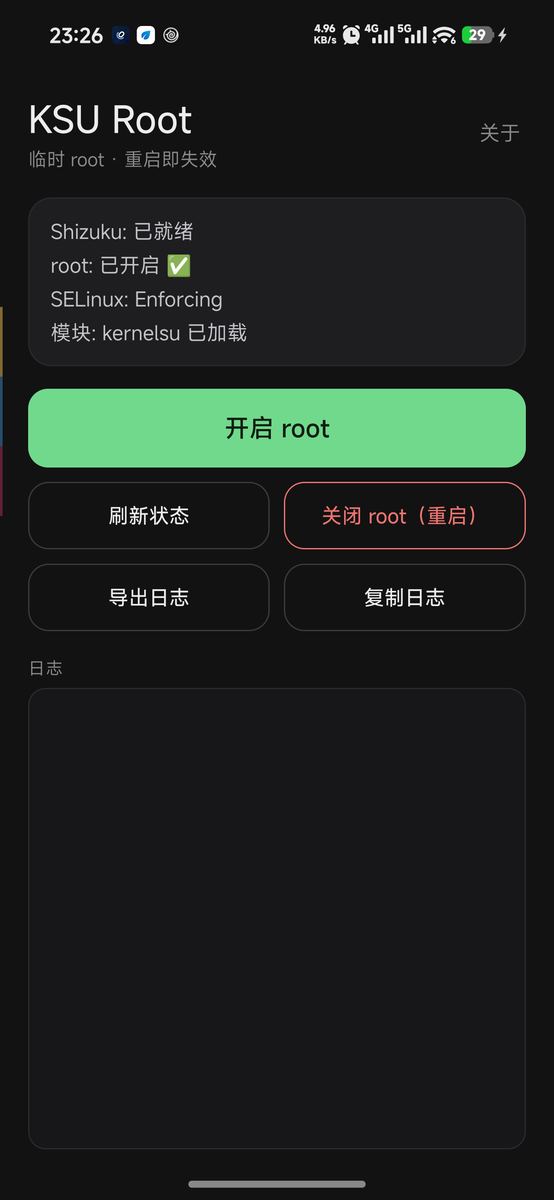
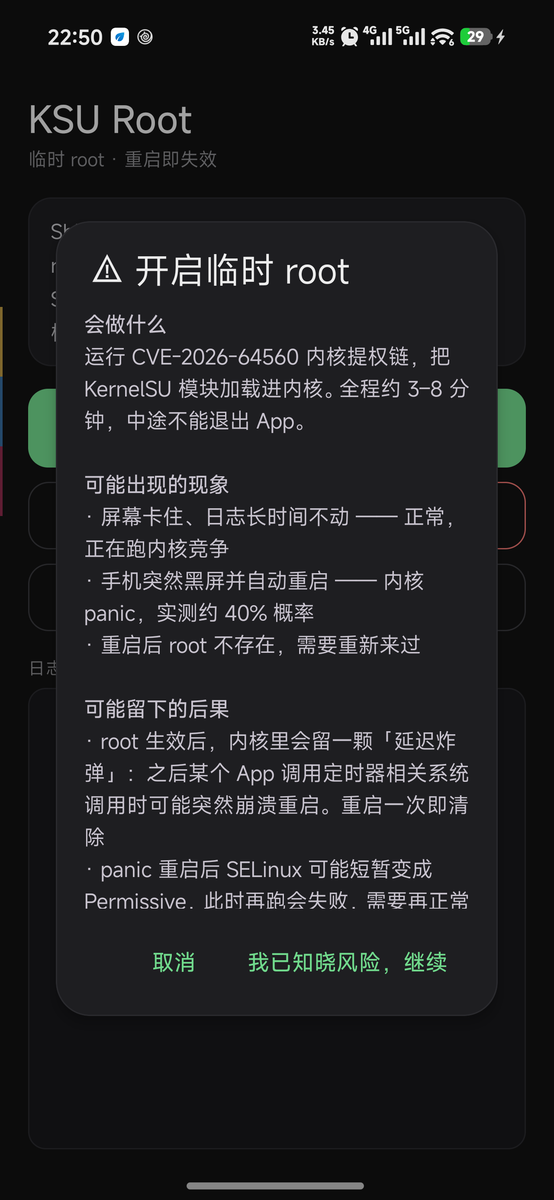
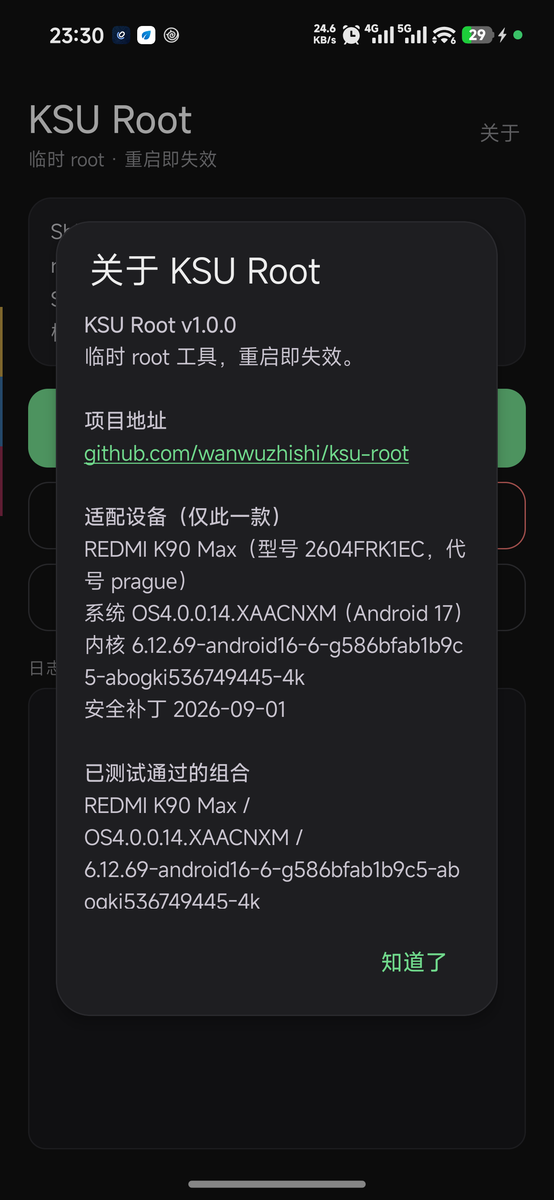
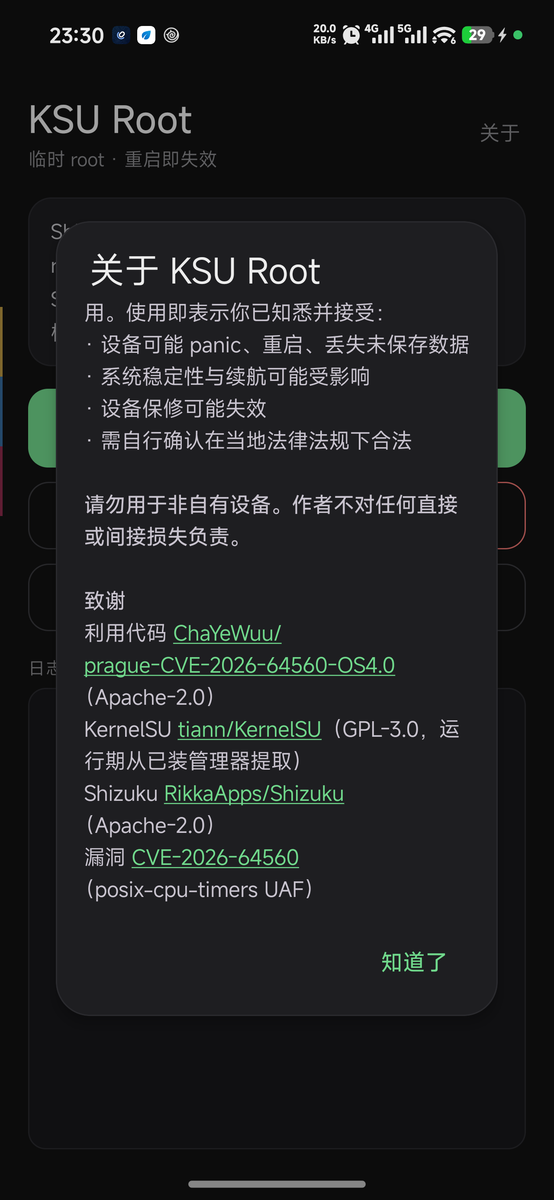
It packages the computer + adb privilege-escalation workflow from prague-CVE-2026-64560-OS4.0 into an Android App:
| What you originally had to do on a computer | Now just one tap on the phone |
|---|---|
Plug in the cable, adb push five payloads | The App deploys them automatically |
adb shell sh kp_arm.sh to arm the kprobe | Automatically armed and verified |
adb shell -tt ./pk64560 --run | ptyrun allocates a pty and then runs it |
| Manually type ksud commands into the root shell | Automatically injected after capturing ROOT_CHILD_HOLD_PASS |
su -c id to verify | Automatically verified and the result displayed |
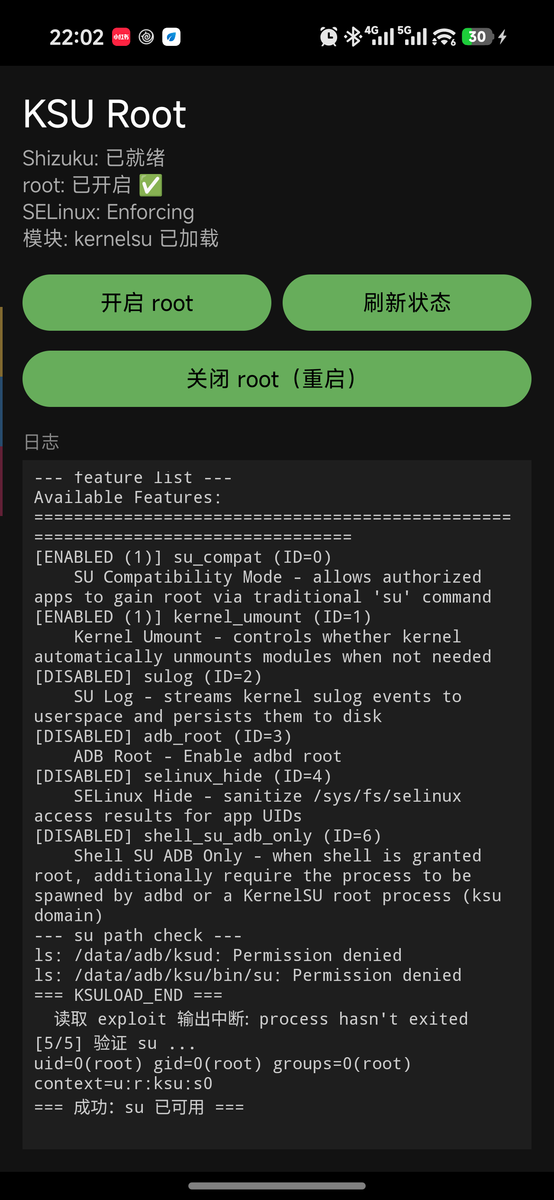
What it gives you: su -c id returns uid=0(root) ... context=u:r:ksu:s0, and the KernelSU manager shows "Working".
Only this one device, two OS versions:
机型        REDMI K90 Max (2604FRK1EC)
代号        prague
内核        6.12.69-android16-6-g586bfab1b9c5-abogki536749445-4k
系统        澎湃 OS 4.0.0.14.XAACNXM     ← 真机实测通过(2026-10-25)
            OS4.0.5.0.XAACNXM           ← 真机实测通过(2026-11-05)
指纹        Redmi/prague/prague:17/CP2A.260605.016/OS4.0.0.14.XAACNXM:user/release-keys
            Redmi/prague/prague:17/CP2A.260605.016/OS4.0.5.0.XAACNXM:user/release-keys
            Redmi/prague/prague:17/CP2A.260605.016/17OS4.0.261020.233332783.MTPECN.S:user/release-keys
安全补丁     2026-09-01 / 2026-10-01
Why 4.0.5.0 also works: That OTA did not recompile the kernel. Extracting the boot partition from the 8.96 GB full payload and decompressing it with LZ4 yields an Image whose version string, build time, and ABO build id are completely identical to 4.0.0.14, and the upstream fix for CVE-2026-64560 (920f893f) is not included. Address-by-address disassembly verification confirmed that all 9 hardcoded offsets match. 2026-11-05: verified working on a real device (OS4.0.5.0.XAACNXM): the first stage0 attempt panicked and rebooted, the second succeeded, and su -c id returned uid=0 context=u:r:ksu:s0.
Note: The OTA's
META-INF/com/android/metadatalistspost-buildas the pre-release string17OS4.0.261020.233332783.MTPECN.S, but after installation on a real devicegetprop ro.build.fingerprintreportsOS4.0.5.0.XAACNXM. v1.0.4 only recognizes the former and will be rejected by the gate on the official release; v1.0.5 recognizes both strings.
The criterion is uname -r and the ABO build id, not the system version number. Once the kernel changes, all hardcoded offsets become invalid, and the failure mode may be a kernel panic rather than a graceful error.
Shizuku installed and running
A kernel manager installed: SukiSU Ultra or KernelSU, pick one
ksud from its APKksud and the kernel module must come from the same manager: late-load loads the ko bundled with ksud. Mixing them causes a uapi mismatch, and the manager keeps reporting "kernel update required"kernelsu (File exists)Keep these files on the device (if you have run it manually before)
/data/local/tmp/kernelsu-prague.ko.disabled — must be renamed, otherwise the exploit will load that old module with uapi=2, and the manager will report "kernel update required"Shizuku: 已就绪Signs of success: the status line changes to root: 已开启 ✅ and 模块: kernelsu 已加载, and the log shows === 成功: su 已可用 ===.
adb shell su -c id
# uid=0(root) gid=0(root) groups=0(root) context=u:r:ksu:s0
Tap Disable root (reboot). This is the only reliable way — stage0 has modified the kernel's random_table, so a hot recovery is not possible.

