 vytlanikhil/cve-2026-37272
Proof-of-concept for a reflected XSS vulnerability in Bank Management System in Web 1.0, demonstrating exploitation via the msg parameter in settings.php.

CVE-2026-37272
[Description]
A reflected cross-site scripting (XSS) vulnerability exists in
/dashboard/settings.php in Bank Management System in Web 1.0. The
vulnerability occurs due to improper sanitization of user-supplied
input in the msg GET parameter. An attacker can craft a malicious URL
containing JavaScript code that is executed in the victim's browser
when the page is loaded.
[Additional Information]
The vulnerability occurs because the application reflects the msg parameter directly into the HTML response without proper output encoding. By injecting HTML or JavaScript code into this parameter, an attacker can execute arbitrary scripts in the victim s browser.
Example payload:
Please send a query'"()&%
Successful exploitation allows attackers to perform client-side attacks such as session hijacking, credential theft, or redirection to malicious websites. Proper mitigation includes implementing output encoding (e.g., htmlspecialchars() in PHP), validating user input, and applying a Content Security Policy (CSP).
[Vulnerability Type]
Cross Site Scripting (XSS)
[Vendor of Product]
[Affected Product Code Base]
https://github.com/sawongam/bank-management-system-in-web 1.0 - https://github.com/sawongam/bank-management-system-in-web 1.0
[Affected Component]
/bank-management-system-in-web-main/pages/dashboard/settings.php, GET parameter msg in /bank-management-system-in-web-main/pages/dashboard/settings.php, output rendering logic for user-supplied msg parameter in /bank-management-system-in-web-main/pag
[Attack Type]
Remote
[Impact Code execution]
true
[Attack Vectors]
The vulnerability can be exploited remotely by sending a crafted HTTP GET request to the following endpoint:
http://localhost/bank-management-system-in-web-main/pages/dashboard/settings.php
An attacker injects malicious JavaScript code into the msg parameter in the URL. The application fails to properly sanitize or encode the user-supplied input before rendering it in the HTML response, resulting in arbitrary JavaScript execution in the victim s browser.
Example exploit request:
GET /bank-management-system-in-web-main/pages/dashboard/settings.php?msg=Please%20send%20a%20query'"()%26%25 HTTP/1.1
Host: localhost
If a user visits the crafted URL, the injected script executes in the context of the application.
[Reference]
[Discoverer]
VYTLA NIKHIL
Use CVE-2026-37272.
**Note:-**This is the format how I exactly mailed mitre.org and they replied accordingly
Also I still did not make this public (will be done after notifying owner)
Writeup:-
1.Deploy repo in localhost
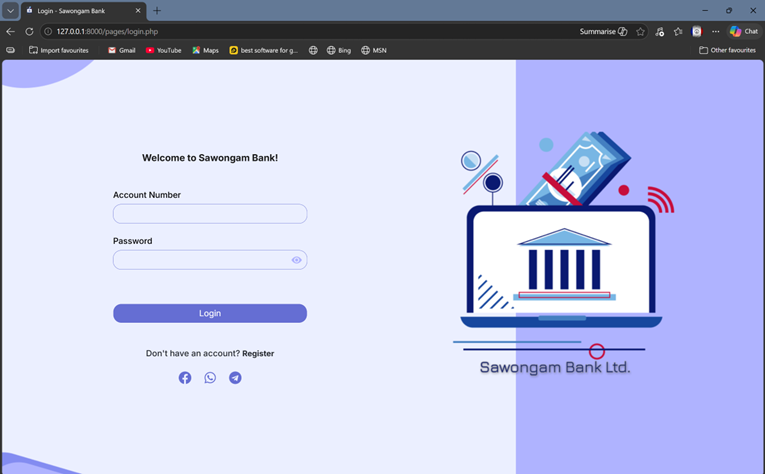
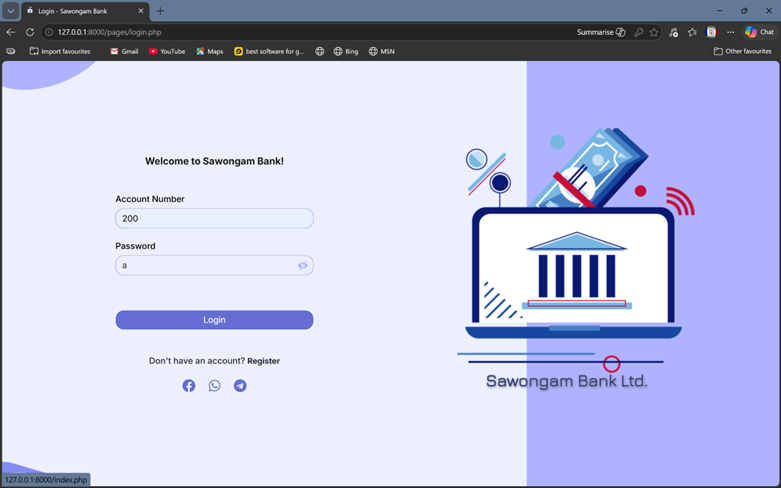
2.Login with test credentials Account Number: 200 Password: a click “Login”
http://127.0.0.1:8000/pages/dashboard/settings.php
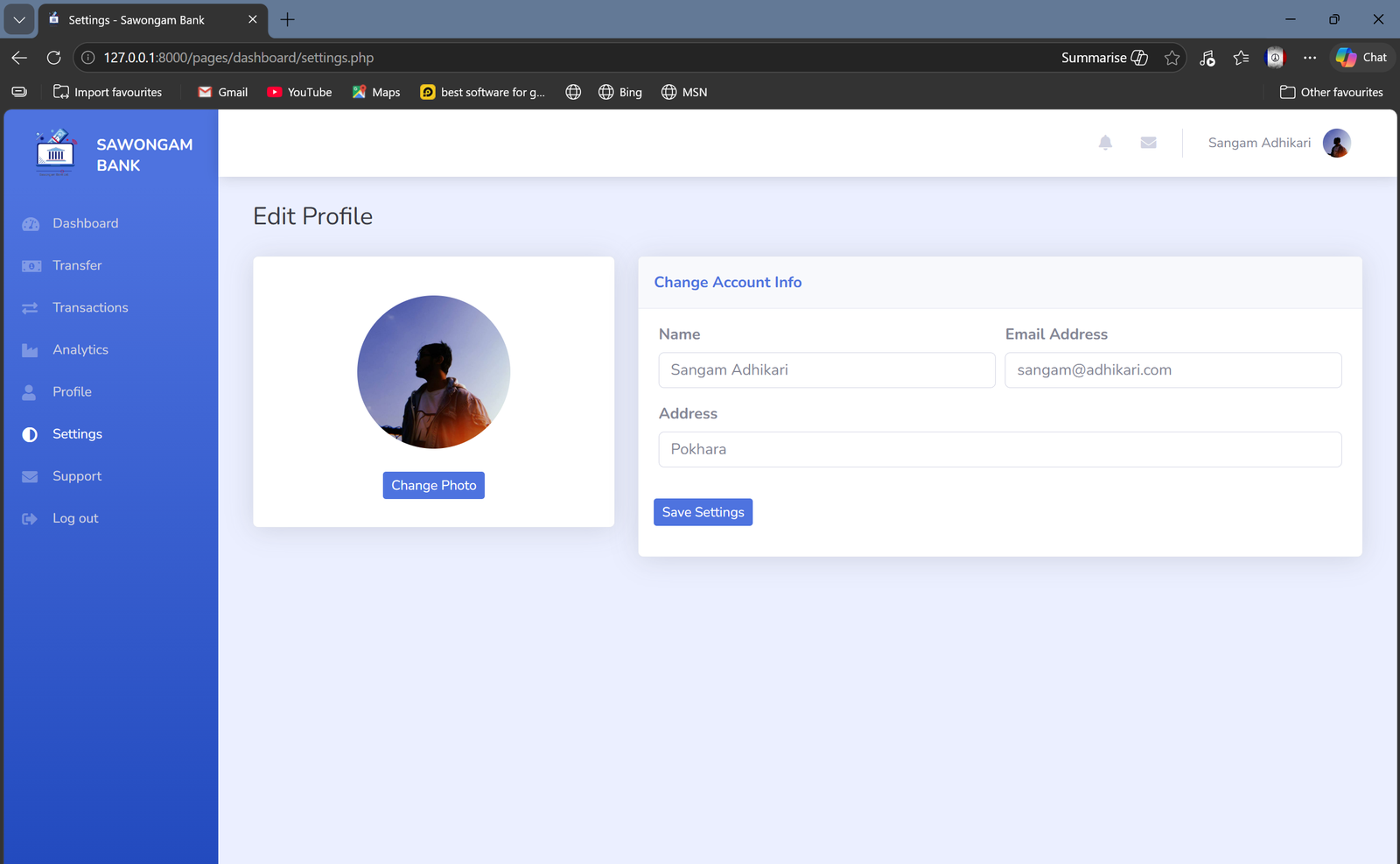
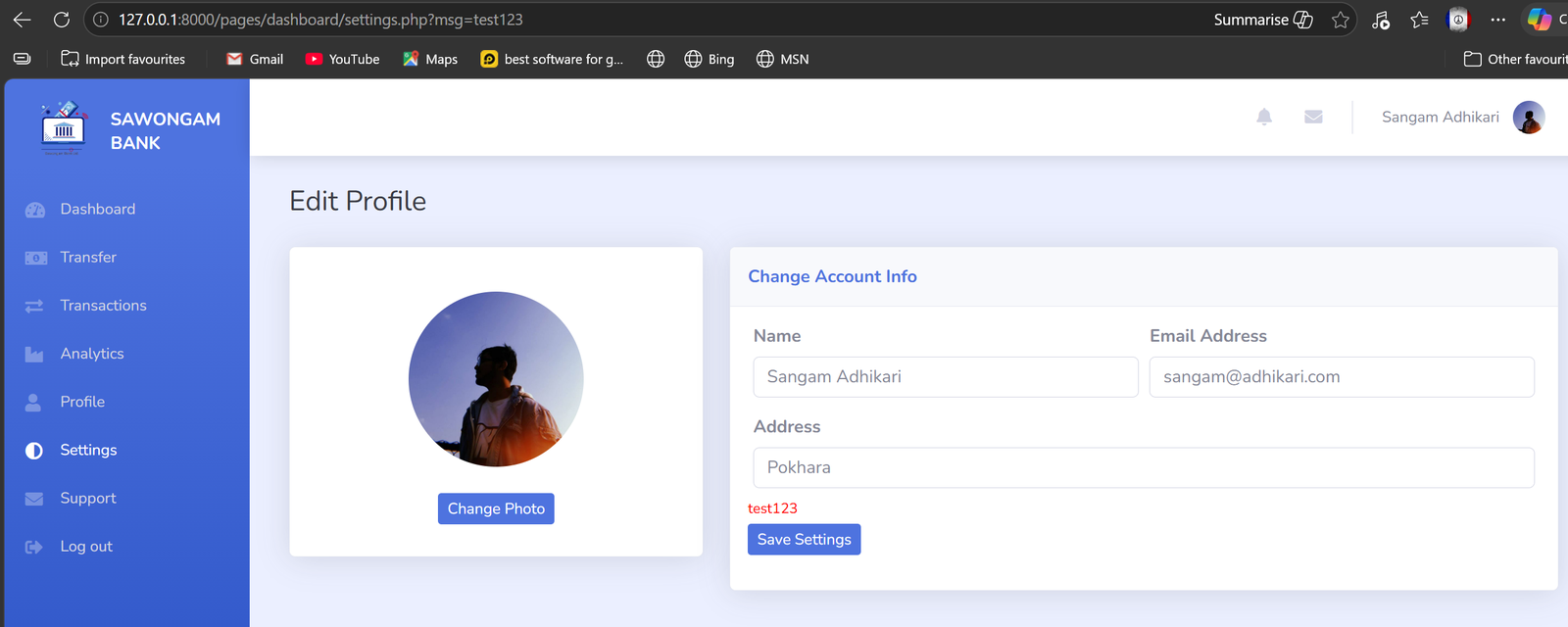
we can see here it is showing “test123” below the address section
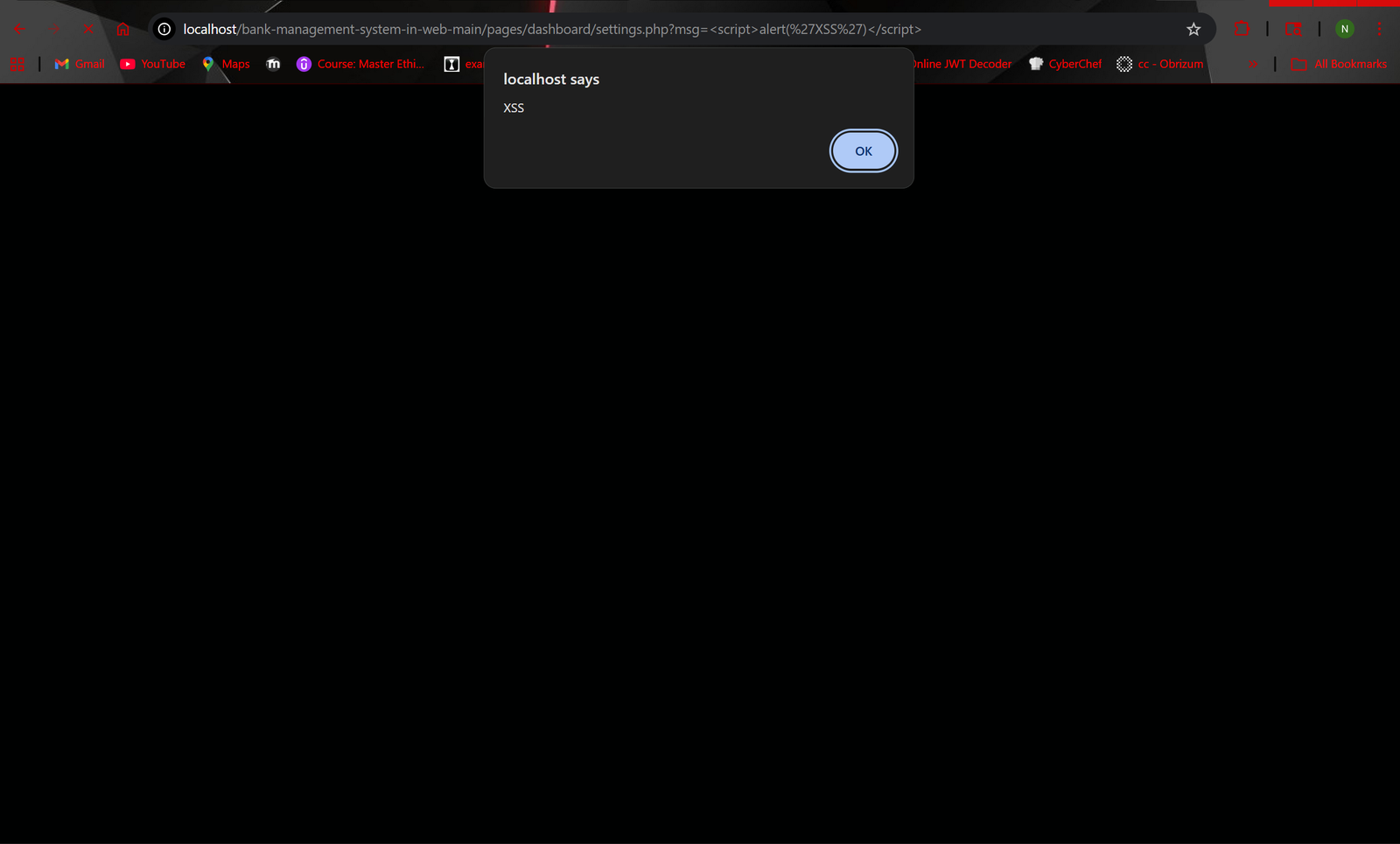
it worked!
use “http://localhost/bank-management-system-in-web-main/pages/dashboard/settings.php?msg=”
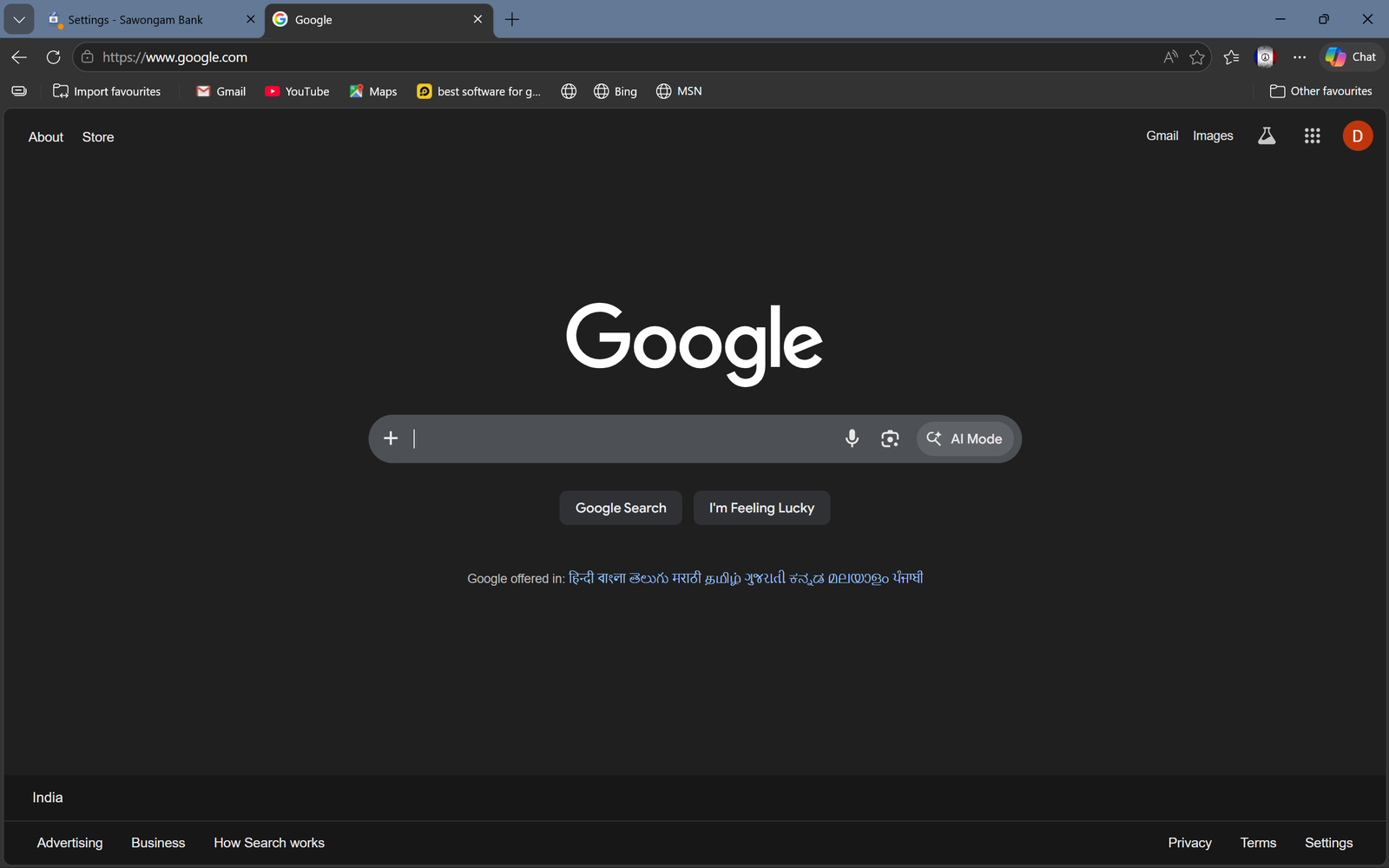
it will be redirected to google.com or the site you have given in the xss payload
