 vxfemboy/ghostport
A high-performance port spoofing tool built in Rust. Confuse port scanners with dynamic service emulation across all ports. Features customizable signatures, efficient async handling, and easy traffic redirection.


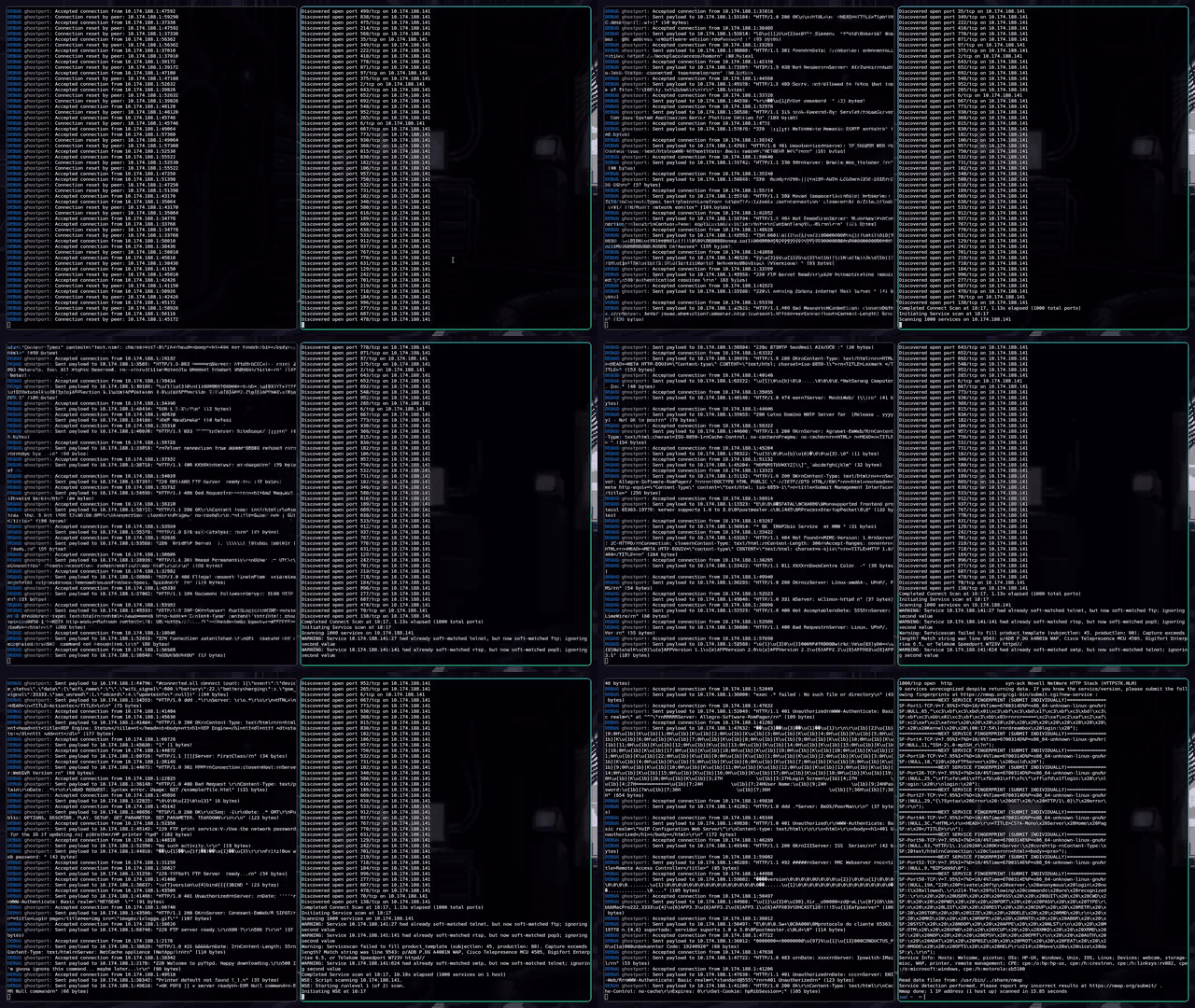
Ghostport is a sophisticated port spoofing tool designed to confuse and mislead port scanners. It's a Rust implementation inspired by the concept of portspoof, offering enhanced performance and flexibility.
git clone https://github.com/vxfemboy/ghostport.git
cd ghostport
cargo build --release
Basic usage:
./target/release/ghostport -s signatures.txt
or you can run with cargo
git clone https://github.com/vxfemboy/ghostport.git
cd ghostport
cargo run -- -s signatures.txt
This will start Ghostport on the default address (127.0.0.1:8888) using the signatures from signatures.txt.
-s, --signatures <FILE>: Path to the signatures file (default: "signatures")-l, --listen <ADDRESS>: Address to listen on (default: "127.0.0.1:8888")-d, --debug: Enable debug logging-v, --verbose: Enable verbose logging-q, --quiet: Enable quiet logging-V, --version: Print version informationRun with custom address and verbose logging:
./target/release/ghostport -s signatures.txt -l 0.0.0.0:8888 -v
Run with debug logging:
./target/release/ghostport -s signatures.txt -l 0.0.0.0:8888 -d
The signature file should contain one signature per line. Signatures can be raw text or regex patterns. For example:
HTTP/1.1 200 OK\r\nServer: Apache/2.4.41 (Unix)\r\n
SSH-2.0-OpenSSH_8.2p1 Ubuntu-4ubuntu0.1
220 (vsFTPd 3.0.3)
for more examples, see the signatures file.
To redirect all incoming TCP traffic to Ghostport, you can use iptables. This will allow Ghostport to respond to connections on any port, effectively spoofing all services:
INTERFACE="eth0" # change to your network interface

iptables -t nat -A PREROUTING -i $INTERFACE -p tcp -m tcp -m multiport --dports 1:65535 -j REDIRECT --to-ports 8888
This command will redirect all TCP traffic on ports 1-65535 to port 8888, where Ghostport is listening. Make sure to replace "eth0" with your actual network interface.
[!NOTE] This requires root privileges and will affect all incoming TCP connections on the specified interface. Use with caution, especially on production systems.
To remove this rule:
iptables -t nat -D PREROUTING -i $INTERFACE -p tcp -m tcp -m multiport --dports 1:65535 -j REDIRECT --to-ports 8888
Contributions are welcome! Please feel free to submit a Pull Request.
This project is licensed under the GNU License - see the LICENSE file for details.
