 vu-ls/crassus
Windows privilege escalation discovery tool that parses Process Monitor boot logs to identify DLL hijacking, weak ACLs, and other elevation paths, automatically generating proxy DLL source code.

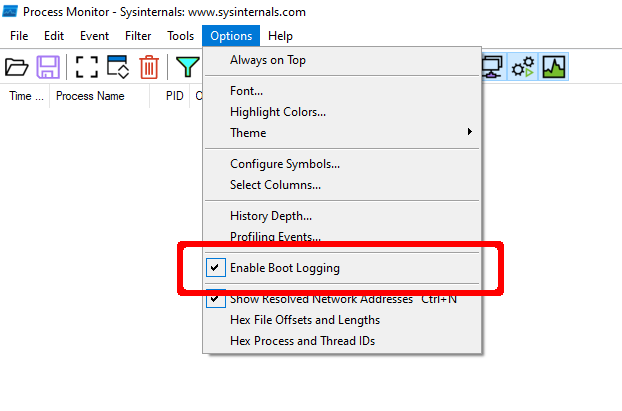
Enable Boot Logging option.
raw.PML.Ctrl-R.boot.PML.Crassus.exe boot.PML.results.csv.Accenture made a tool called Spartacus, which finds DLL hijacking opportunities on Windows. Using Spartacus as a starting point, we created Crassus to extend Windows privilege escalation finding capabilities beyond simply looking for missing files. The ACLs used by files and directories of privileged processes can find more than just looking for missing files to achieve the goal.
...but with a twist as Crassus is utilizing the SysInternals Process Monitor and is parsing raw PML log files. Typical usage is to generate a boot log using Process Monitor and then parse it with Crassus. It will also automatically generate source code for proxy DLLs with all relevant exports for vulnerable DLLs.
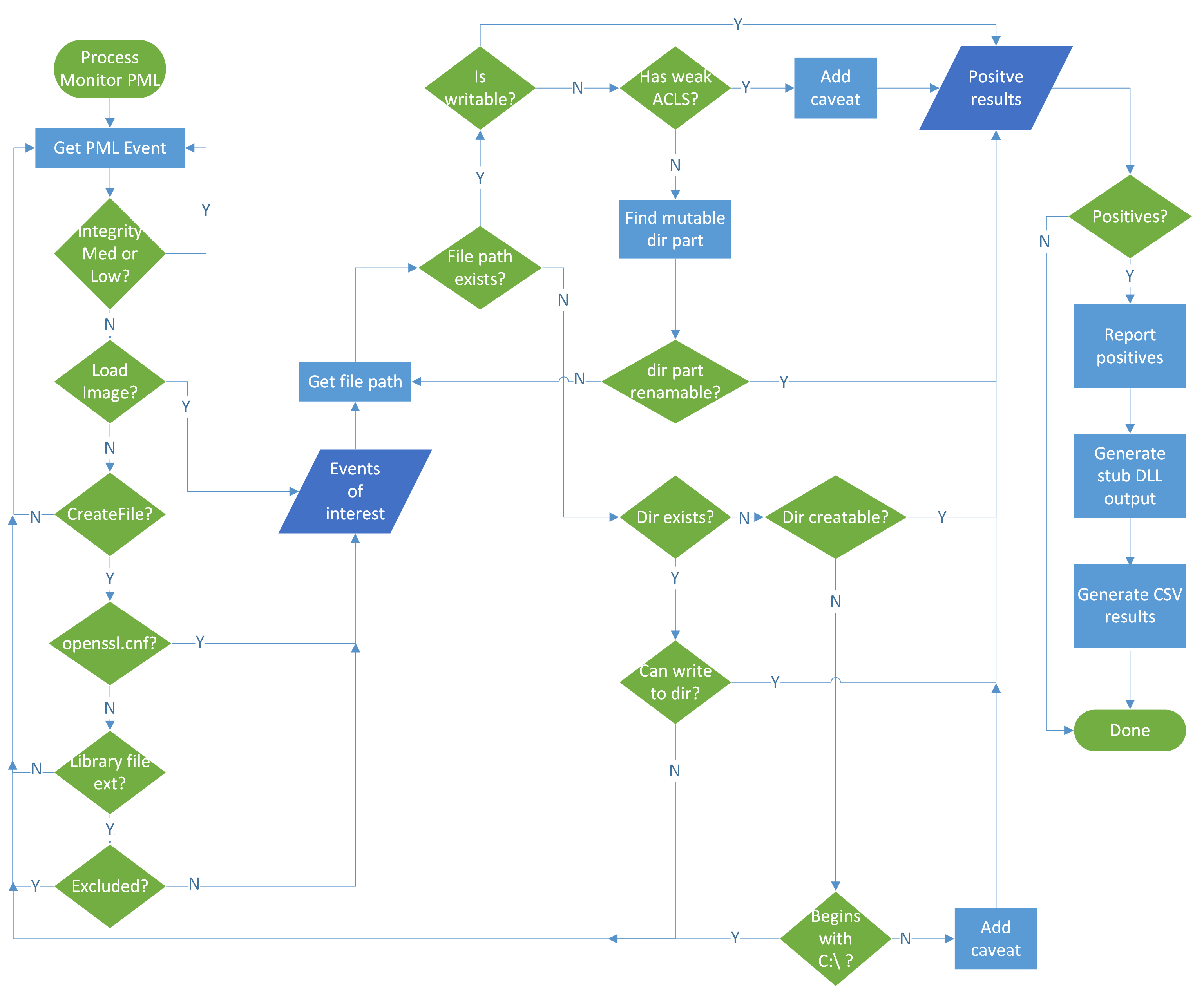
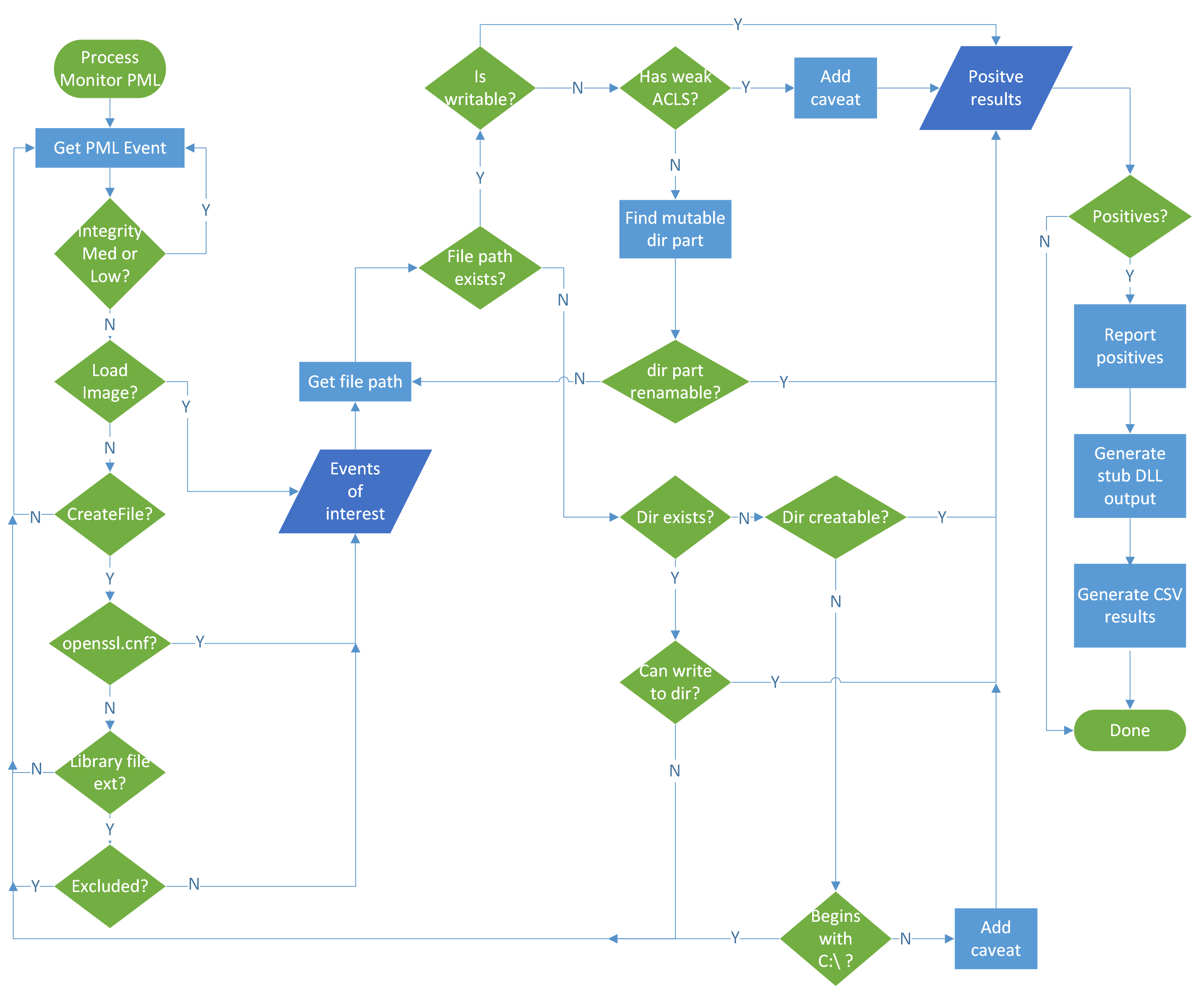
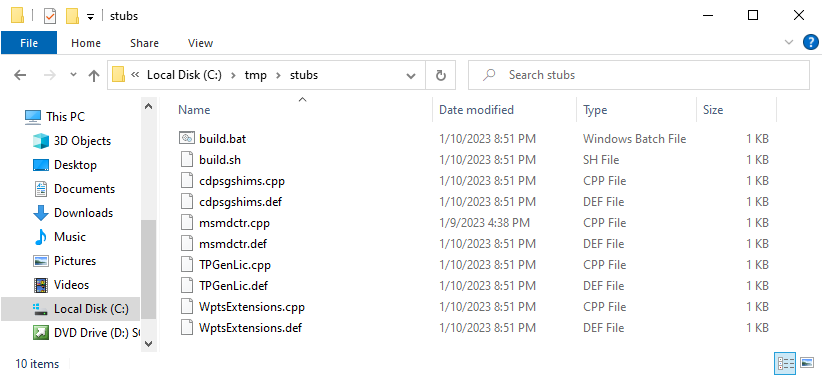
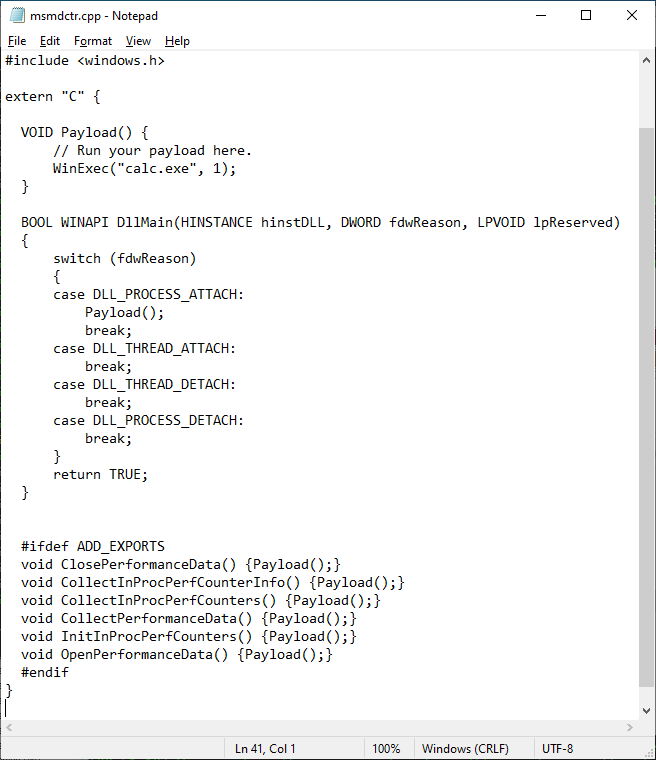
version.dll, Crassus will create version.cpp and version.def files for you with all the exports included in it. By default the proxy DLLs will launch calc.exe. Build scripts are included to build the DLLs on Visual Studio or MinGW.The general gist of how Crassus works can be summarized in this flowchart:

Crassus was developed as a Visual Studio 2019 project. To build Crassus.exe:
Crassus.slnCtrl+Shift+B on your keyboardIf you trust running other people's code without knowing what it does, Crassus.exe is provided in this repository.
Enable Boot Logging option.
Ctrl-R.boot.PML. The reason for re-saving the log file is twofold:
| Argument | Description |
|---|---|
<PMLFILE> | Location (file) of the existing ProcMon event log file. |
--verbose | Enable verbose output. |
--debug | Enable debug output. |
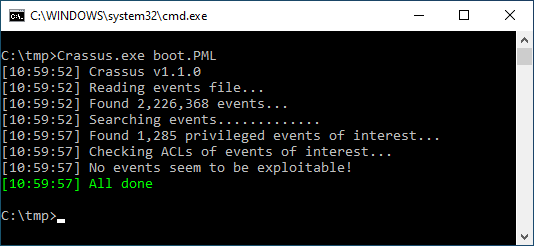
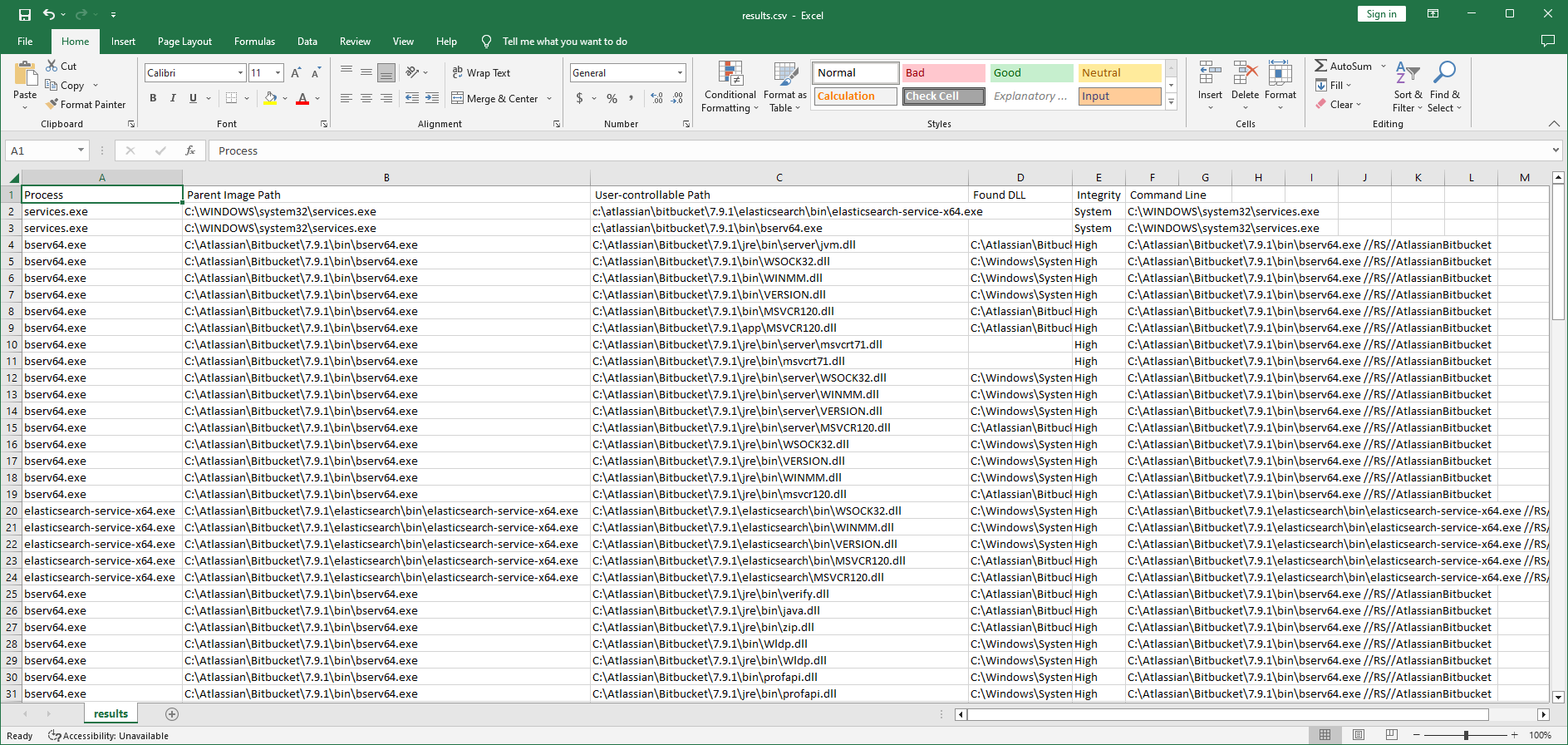
Parse the Process Monitor boot log saved in boot.PML. All vulnerable paths will be saved as results.csv and all proxy DLL source files in the stubs subdirectory.
C:\tmp> Crassus.exe boot.PML
