
Skip to content
KitploitKITPLOIT
ToolsBlog
Submit
ToolsBlog
Submit

Hacking, PenTest, and Cybersecurity Tools for Your Security Arsenal!

Kitploit is a directory of hacking, cybersecurity, and pentesting tools. Discover the latest project updates to find vulnerabilities, analyze systems, automate testing, and strengthen your security.

··Feeds·Contact·Privacy·© 2026 Kitploit

Tool Directory

Categories

View all categories
Loading categories
flyphish — Deploy a phishing infrastructure on the fly. | Kitploit
Tools/GitHubGitHub/virtualsamuraii/flyphish
Cloud Infrastructure SecurityPhishing ToolsPhishingPenetration TestingRed TeamingEmail Security
GitHubvirtualsamuraii/flyphish

flyphish

Deploy a phishing infrastructure on the fly.

View Repository
80731 year agoReviewed by Kitploit

Most Popular

View all →

Discover the most used tools by our community.

Explore all tools

Browse our collection of tools

View all tools →
Share

Flyphish

Flyphish is an Ansible playbook allowing cyber security consultants to deploy a phishing server in the cloud for security assessments.

The playbook installs and configures Gophish, Postfix and OpenDKIM on a virtual machine in the cloud. Additionally, for OPSEC purposes, the playbook removes default IOCs (SMTP headers) from Gophish and Postfix servers configurations.
Install

Requirements

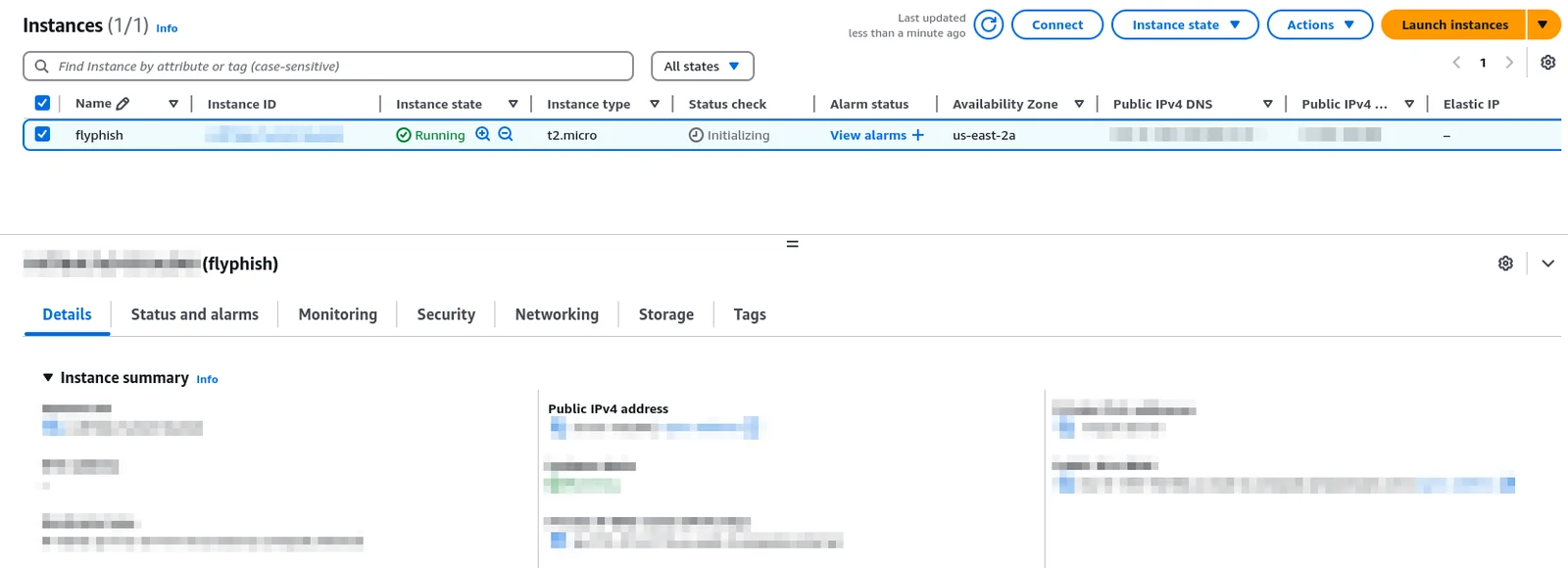
  • Make sure you have a Linux (Debian, Ubuntu or Kali) instance in the cloud (Amazon EC2, Azure VM, Google GCE...) with a public IPv4 address. Install OpenSSH and enable root access with SSH key-based authentication only.

alt text

  • Purchase a domain and set it's DNS records accordingly (A, MX and SPF records must point to your cloud instance's public IP address).

  • Install Ansible on your own machine :

root@kitploit:~
sudo apt install ansible

Installation steps

  • Clone the repository
root@kitploit:~
git clone --recursively https://github.com/VirtualSamuraii/flyphish.git
  • Put your cloud instance public IP address in the file.

Download Tool
hosts
  • Put your phishing domain in the group_vars/all.yml file.

  • You're ready to go !

    Usage

    • Run the playbook and wait for your phishing server to be deployed :
    root@kitploit:~
    ansible-playbook -i hosts playbook.yml
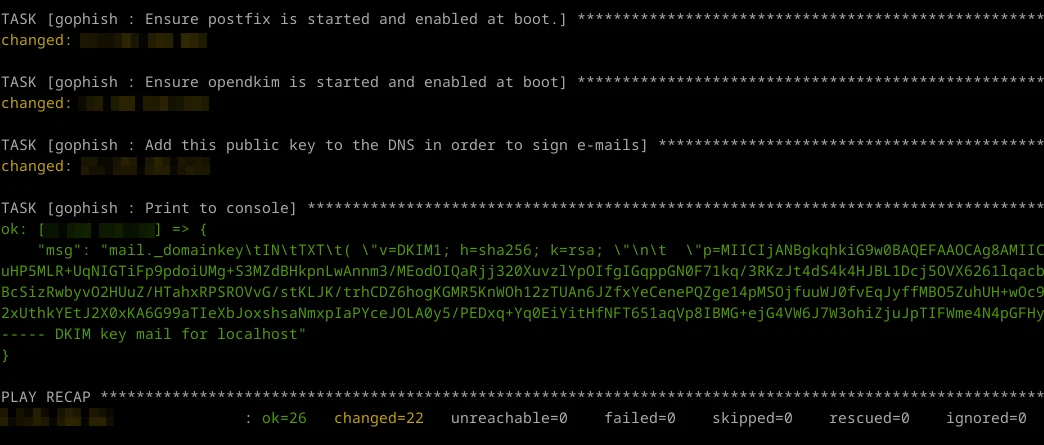
    
    • Once finished, the playbook displays your DKIM public key. Add this key to your DKIM record in your domain's DNS zone.

    alt text

    The rest is up to you.

    From now on, you can log into your cloud instance using SSH, start your Gophish server and configure it to send signed emails from your Postfix SMTP server.

    Tips

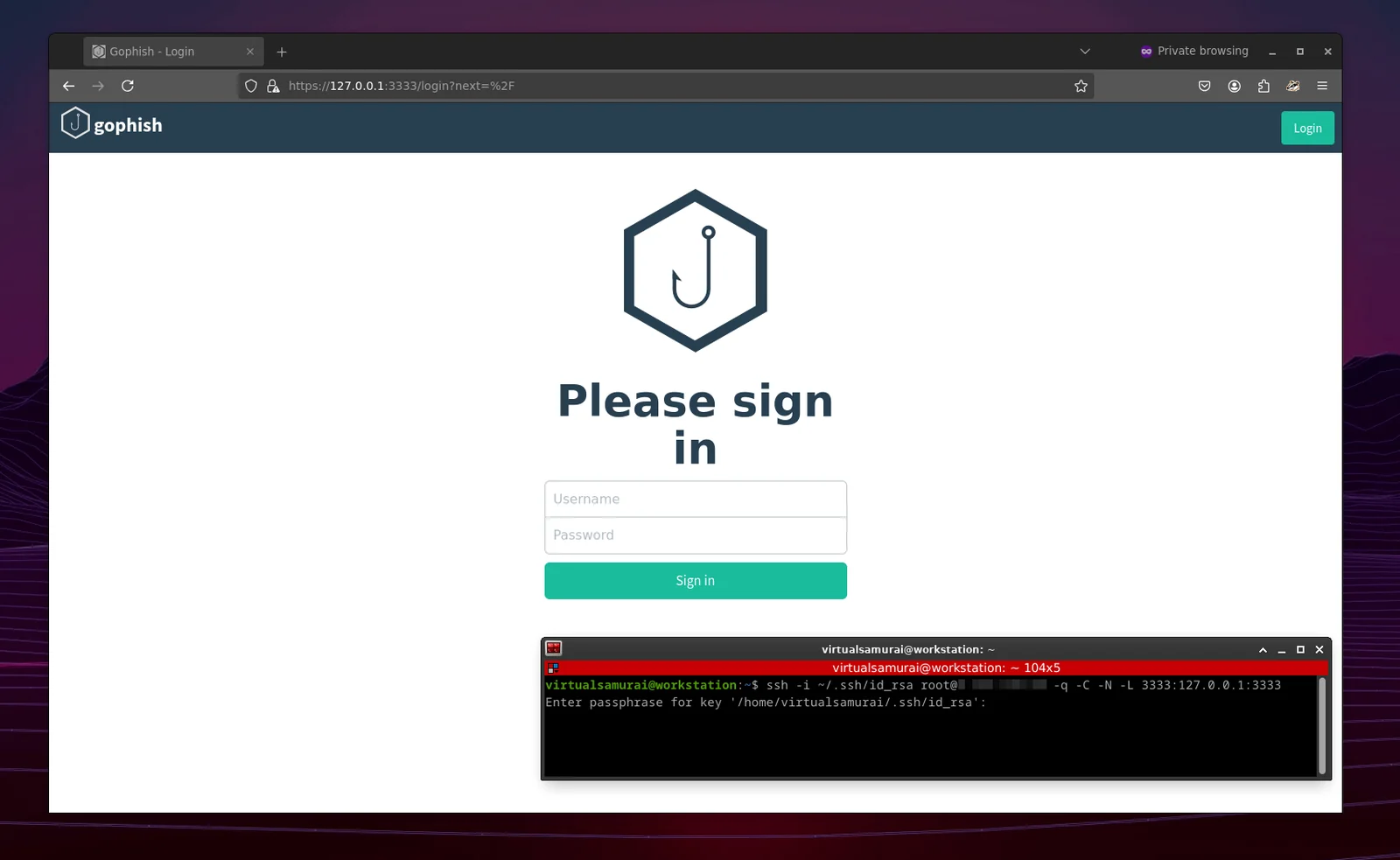
    • Avoid exposing your Gophish server on internet. You can access your Gophish UI on your local machine (https://127.0.0.1:3333) using SSH :
    root@kitploit:~
    ssh -i ~/.ssh/id_rsa youruser@yourcloudinstance -q -C -N -L 3333:127.0.0.1:3333
    

    alt text

    • Most of the cloud services providers don't allow outbound traffic to SMTP port 25 for spamming reasons. Choose your provider wisely.

    TODO

    • Add an SMTP redirector role
    • Add a RedELK role
    • Maybe automate the cloud instance creation part using Terraform