
A proof of concept crypto virus to spread user awareness about attacks and implications of ransomwares. Phirautee is written purely using PowerShell and does not require any third-party libraries. This tool steals the information, holds an organisation’s data to hostage for payments or permanently encrypts/deletes the organisation data.

A proof of concept crypto virus to spread user awareness about attacks and implications of ransomwares. Phirautee is written purely using PowerShell and does not require any third-party libraries. This tool steals the information, holds an organisation’s data to hostage for payments or permanently encrypts/deletes the organisation data.
Phirautee is a Living off the Land (LotL) ransomware which means it utilises legit powershell commands and operations to work against the operating system.

This project must not be used for illegal purposes or for hacking into system where you do not have permission, it is strictly for educational purposes and for people to experiment with.
Over the past few years, ransomware has gone wild and organisations around the world are getting targeted leading to the damage and disruption. As we all know that the threat landscape is changing rapidly and we hear the fuss about ransomware infection at the offices or read about it in the news. Have you ever wondered how threat actors are writing ransomwares? What level of sophistication and understanding is required to target an organisation? In this demo, we will utilise the native Windows commands to build ransomware and target a host via phishing. Introducing Phirautee, a proof of concept crypto virus to spread user awareness about attacks and implications of ransomwares. Phirautee is written purely using PowerShell and does not require any third-party libraries. This tool steals the information, holds an organisation's data to hostage for payments or permanently encrypts/deletes the organisation data. The tool uses public-key cryptography to encrypt the data on the disk. Before encrypting, it exfiltrates the files from the network to the attacker. Once the files are encrypted and exfiltrated, the original files are permanently deleted from the host and then tool demands a ransom. The ransom is asked using the cryptocurrency for payments, so transactions are more difficult for law enforcement to trace. During the demonstration of Phirautee, you will see a complete attack chain i.e. from receiving ransomware attack via a phishing email and how the files get encrypted on the compromised systems. A detailed walkthrough of the source code would be provided to understand how hackers utilise simple methods to create something dangerous. I will end the demo with several defence mechanisms by performing forensics analysis on Phirautee using publicly available tools.
Phirautee is a proof of concept ransomware tool written purely using PowerShell.
It uses Living off the Land (LotL) commands to work against the operating system to encrypt files on the machine.
This tool can be used during internal infrastructure penetration testing or during the red team exercise to validate Blue Team/SOC response to ransom attacks.
It uses public key cryptography to encrypt user content and exfiltrates large files via Google Drive.
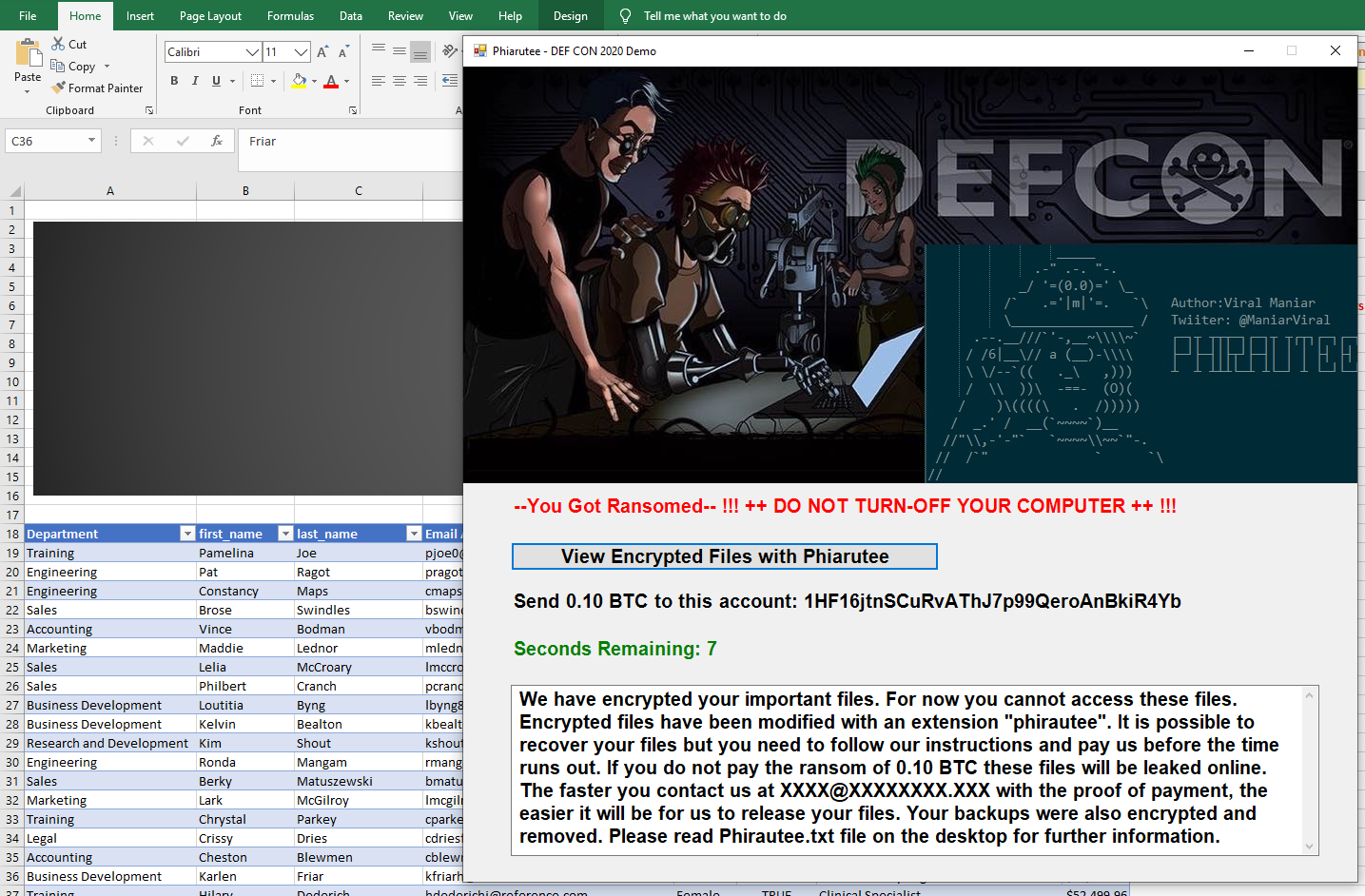
Upon successful attack the ransomware asks for a payment of 0.10 BTC (~1k USD).
Detection:
Phishing server and domain to target an organisation.
Email server to send malicious documents as an attachment to the targeted user.
Macro embedded file as an attachment to user which pulls the ransomware from the remote server to targeted machine and runs it in a memory.
Modify couple of parameters in the ransomware file to utilise it for your use case.
For data exfiltration:
Google offers a REST API that can be accessed via PowerShell to perform operations on the files such as upload, download and delete. The REST API allows you to leverage Google Drive storage from within your app.
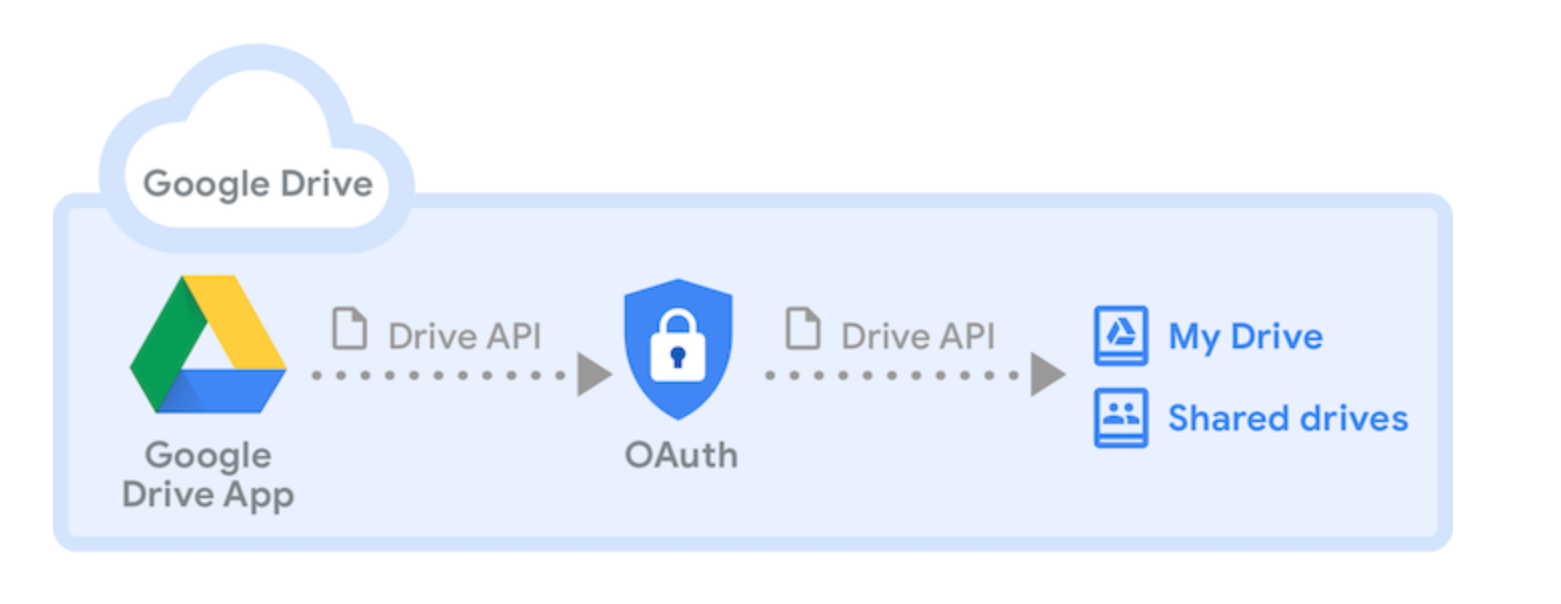
Please follow below steps to perform exfilteration via phirautee ransomware.
Step 1: Visit https://console.cloud.google.com/cloud-resource-manager
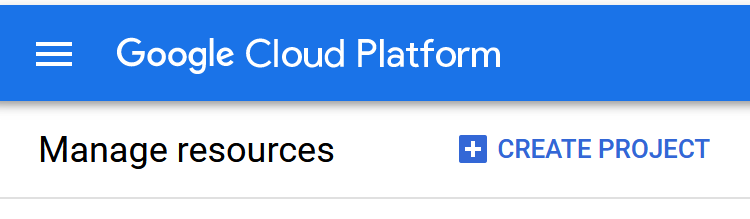
Step 2: Click on "CREATE PROJECT"
Step 3: Once the project is created enable the Google Drive API by click on the "ENABLE APIS AND SERVICES".
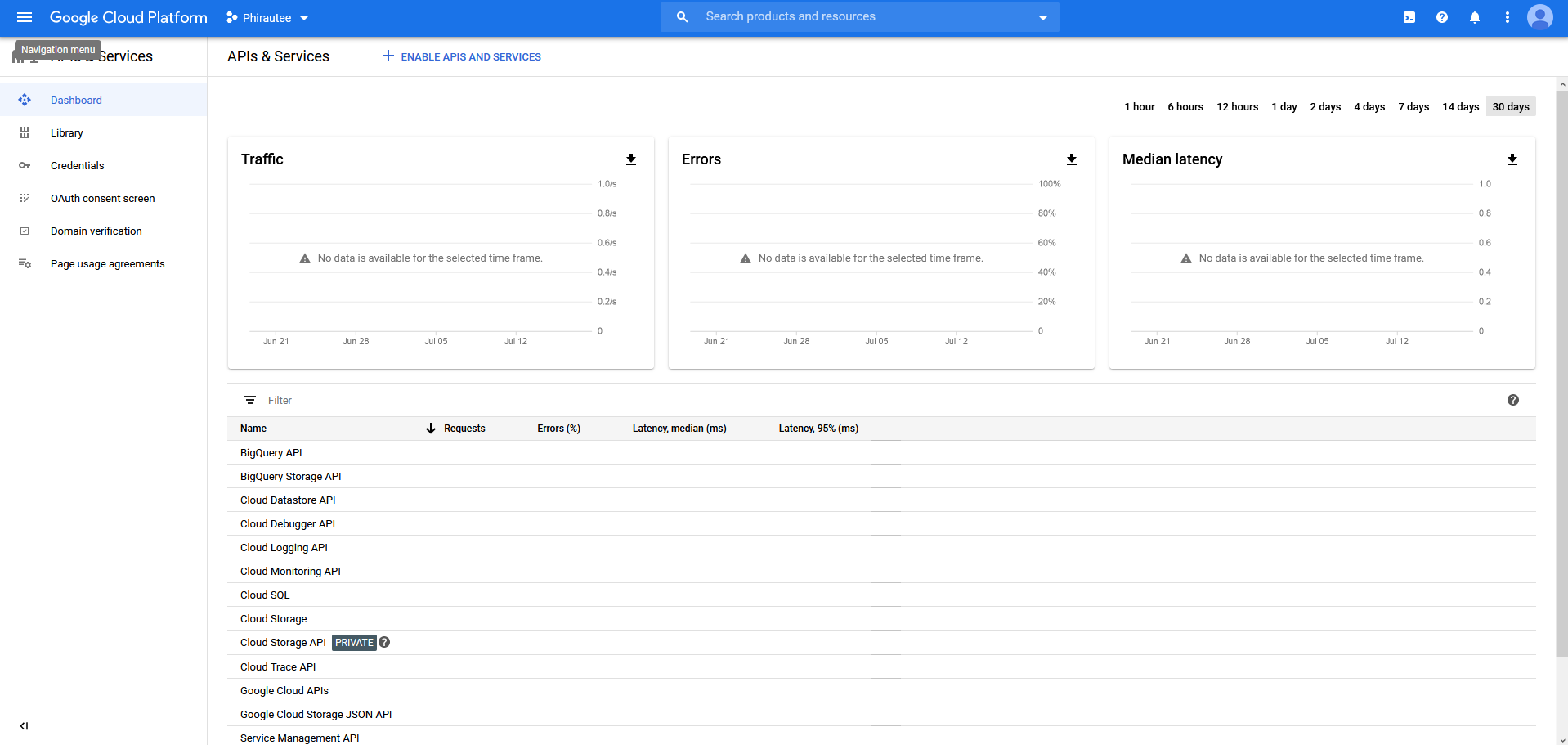
Step 4: Locate the Google Drive related APIs in the AOI Library:
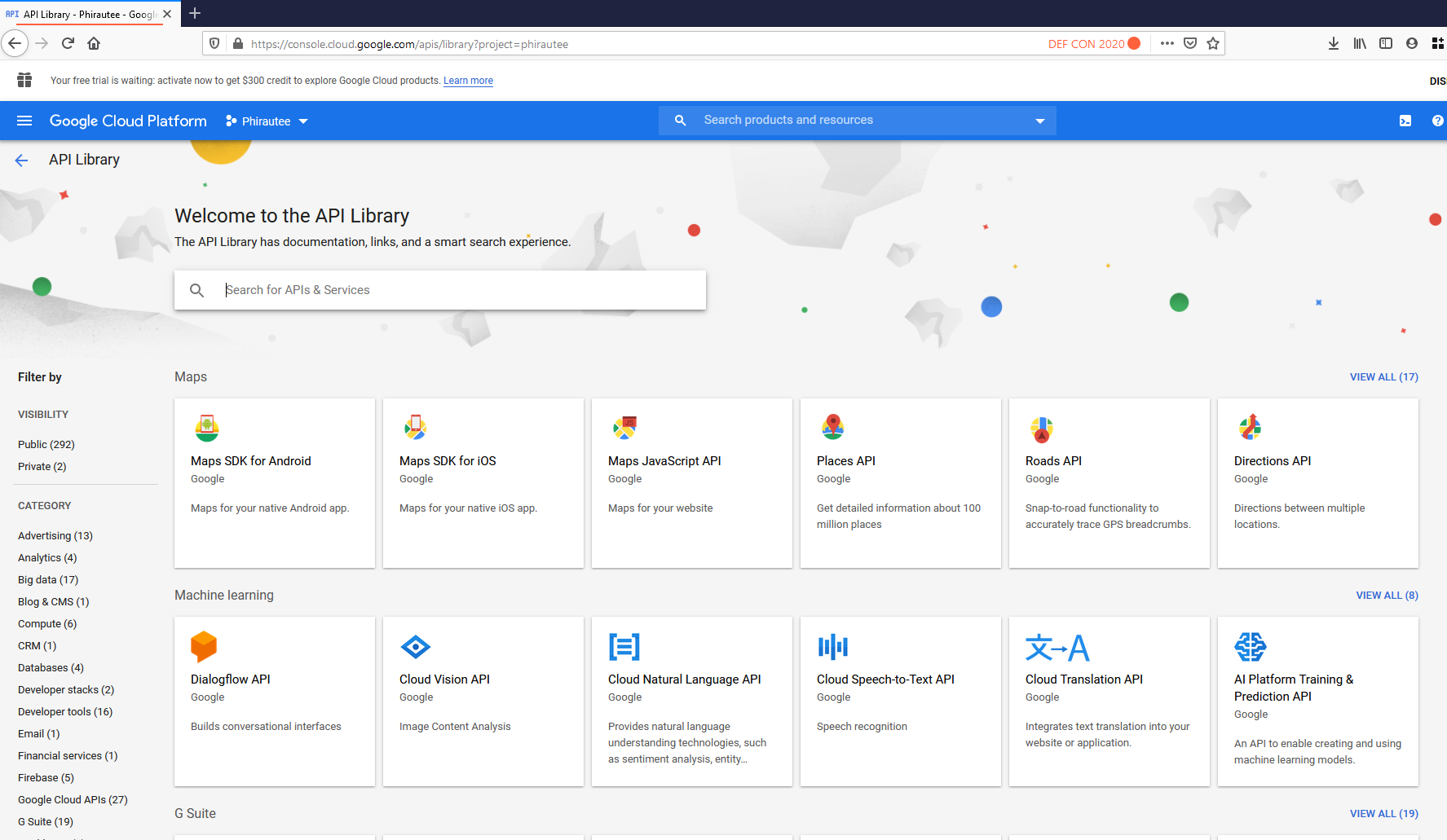
Step 5: Once located enable the API. This would allow access to various operations via Google Drive.
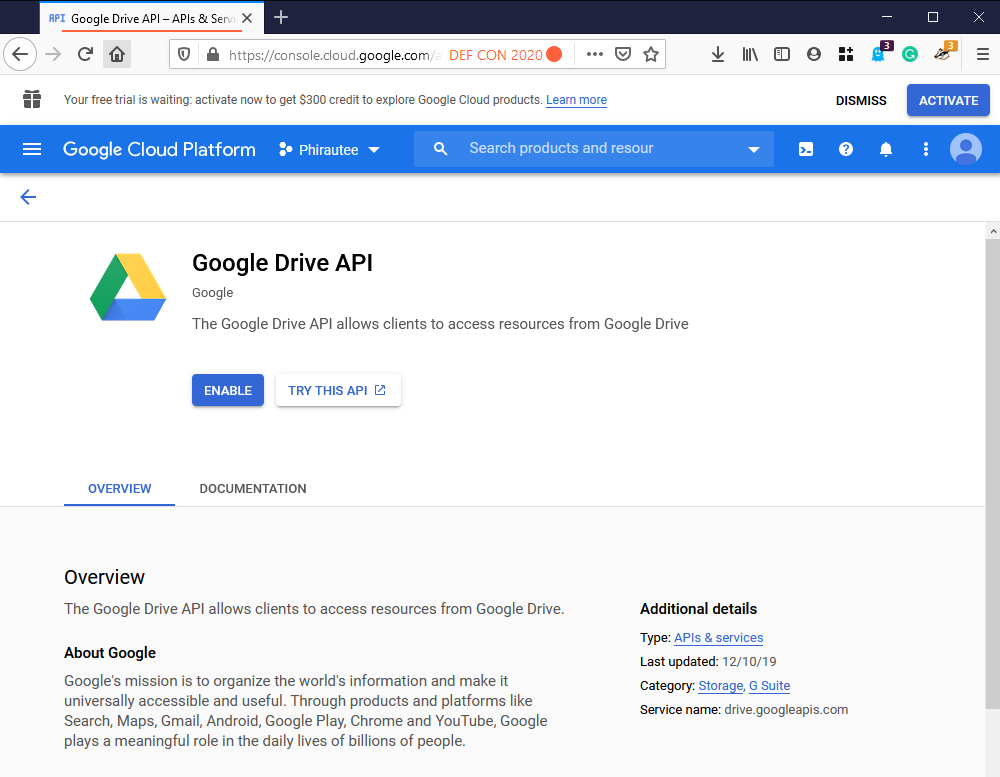
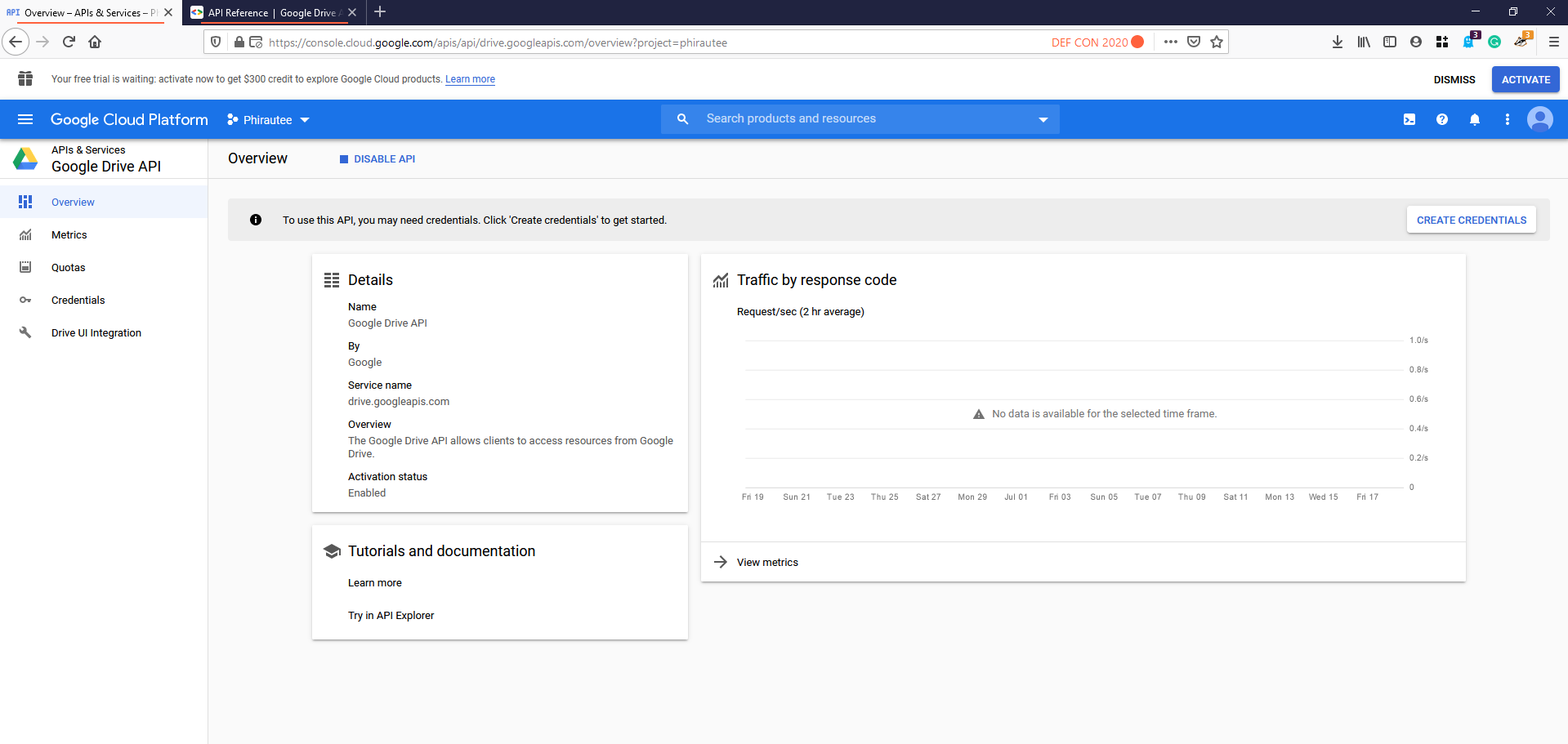
Step 6: After enabling the API access click on the "create credentials" button.
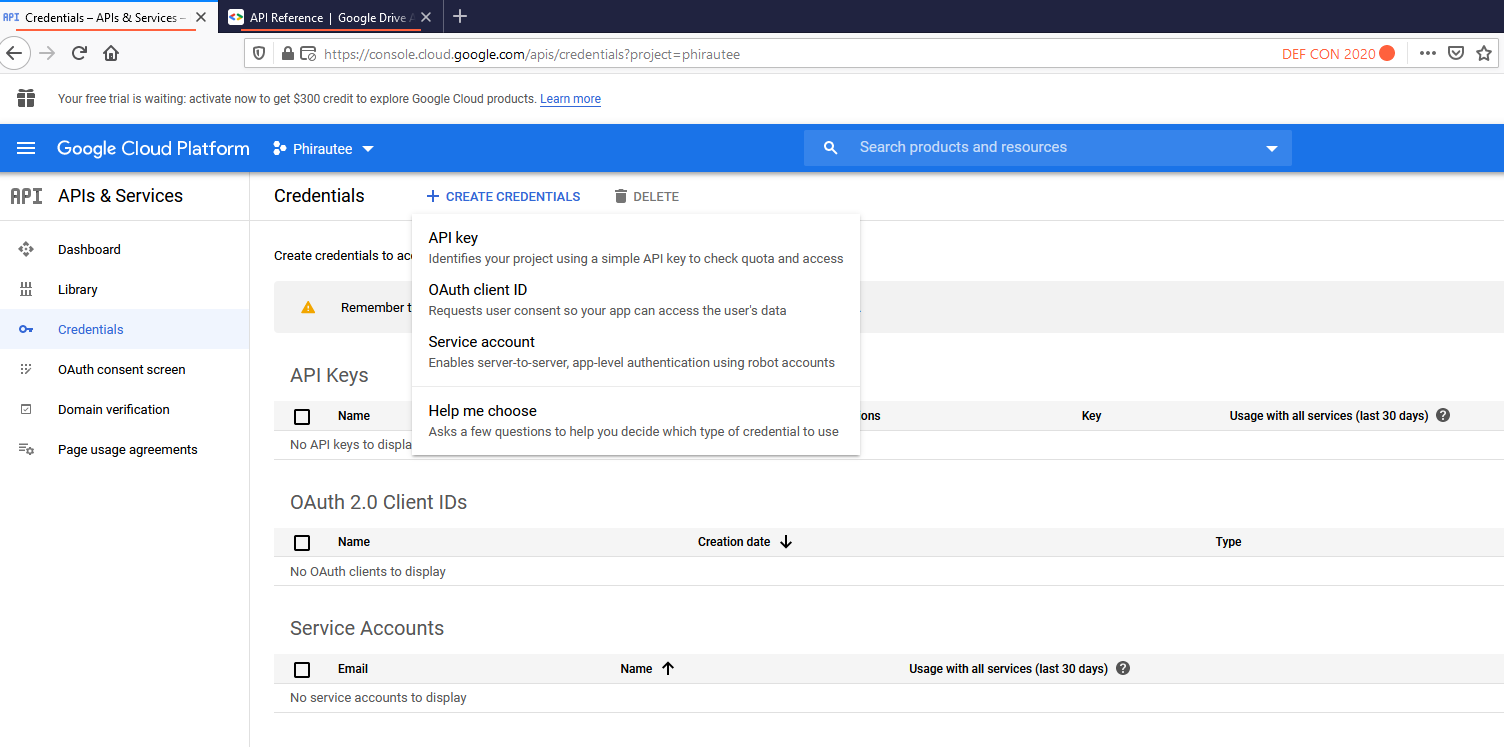
Step 6: Now create OAuth Client ID Credentials
Step 7: Select Web Application as product type and configure the authorized redirect URI to https://developers.google.com/oauthplayground
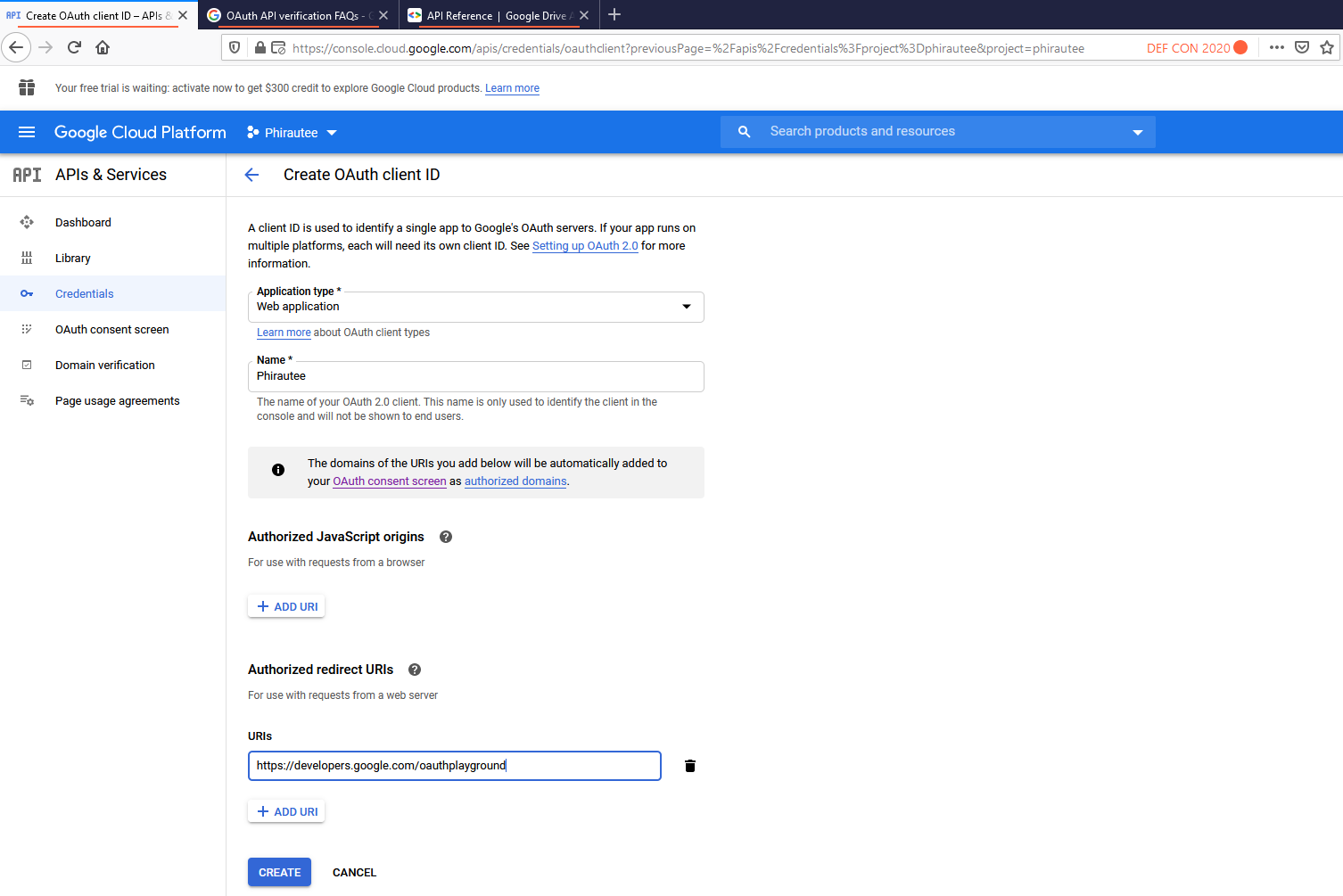
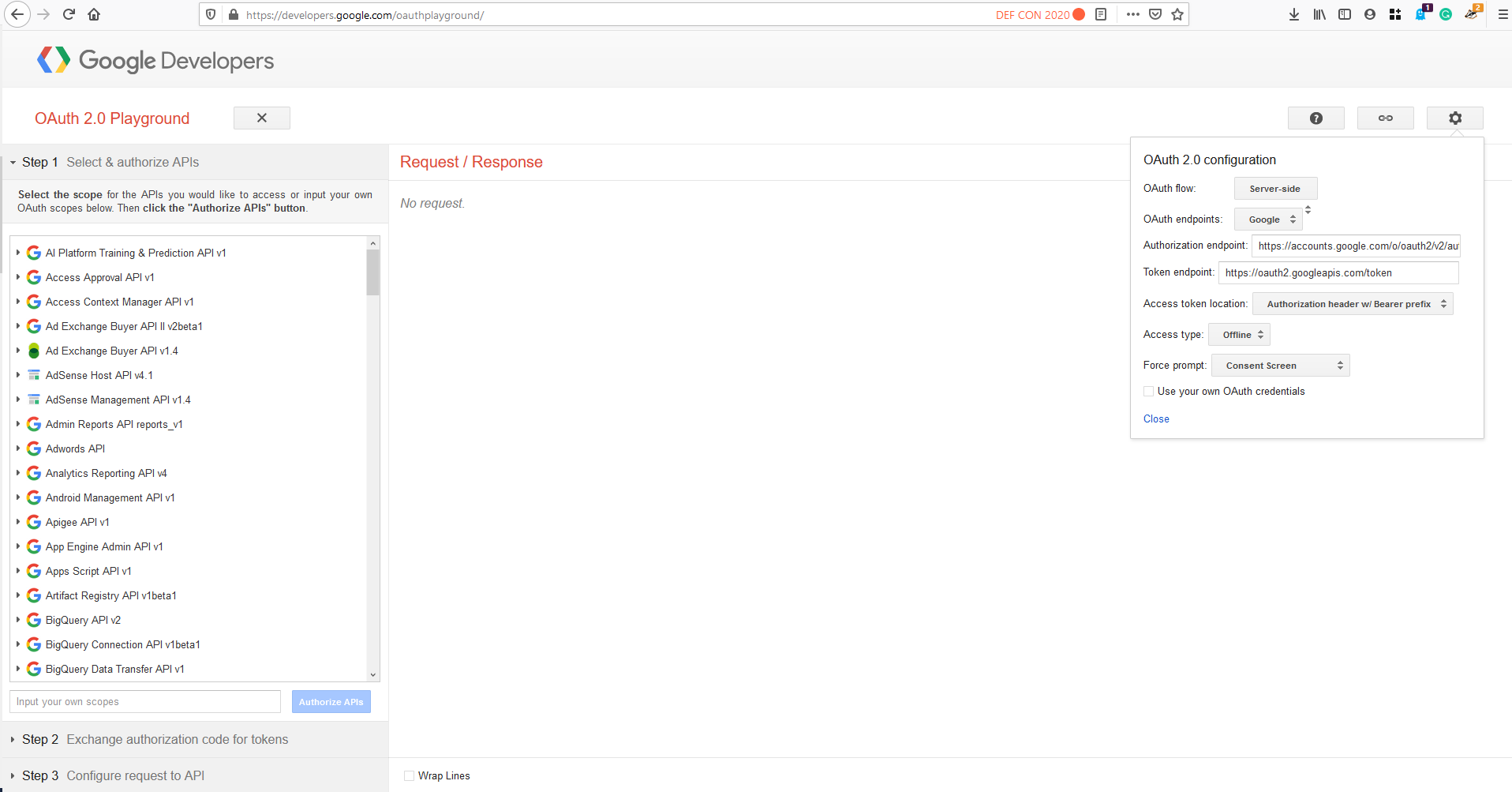
Step 8: Save your client ID and Secret. If you dont this can always be accessed from credentials in APIs & Services. Now browse to https://developers.google.com/oauthplayground
Step 9: Click on the gear icon and tick on the "Use your own OAuth credentials"