 v9mirza/lazyports
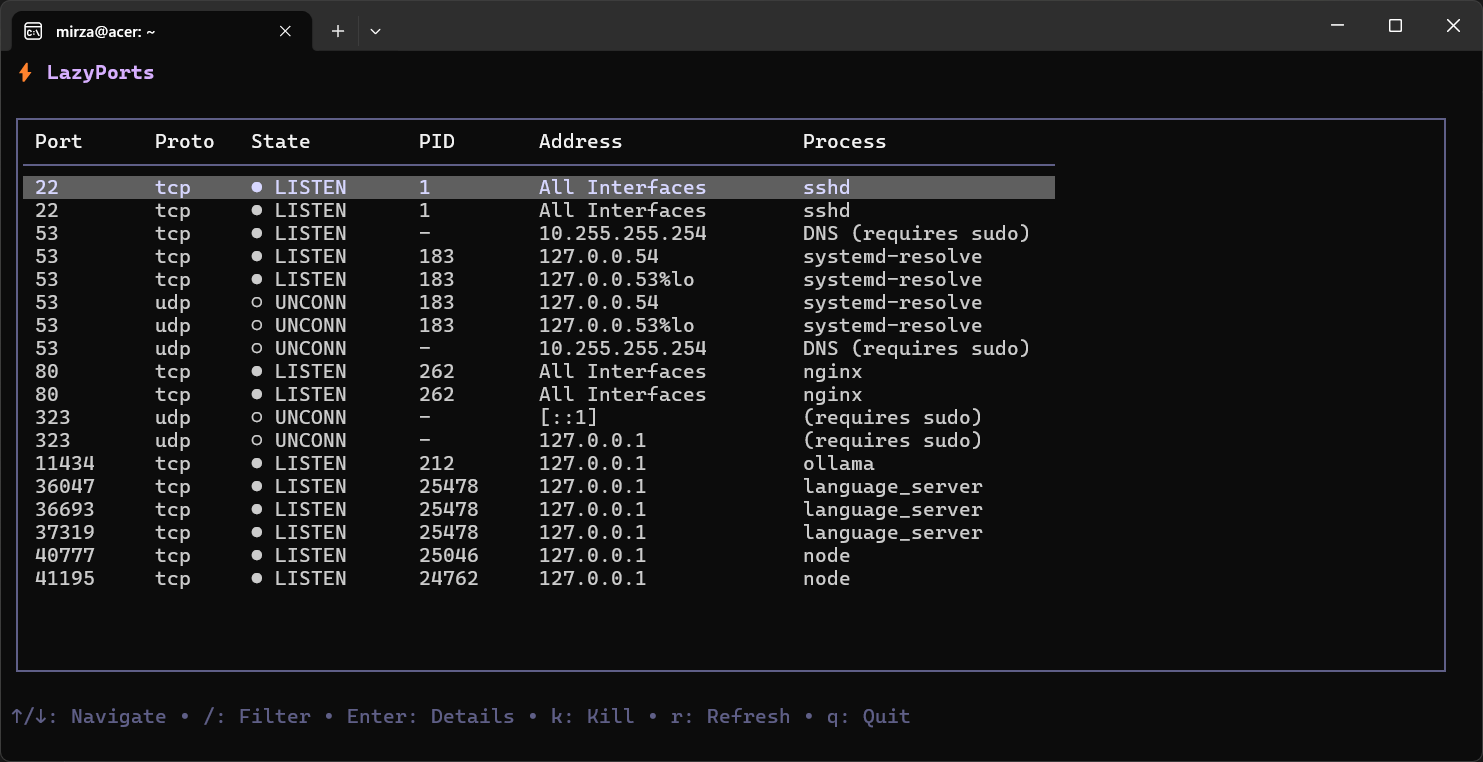
lazyports is a terminal UI tool to visualize and manage network ports. It provides an interactive table to inspect listening processes and kill them easily.

Visual port manager for Linux


lazyports is a terminal UI tool to visualize and manage network ports. It provides an interactive table to inspect listening processes and kill them easily.
Built with Bubble Tea and Lipgloss.
Install with a single command:
curl -sL https://raw.githubusercontent.com/v9mirza/lazyports/main/install.sh | bash
Note: The script may request sudo permission to install the binary to /usr/local/bin for system-wide access.
To remove lazyports from your system, simply delete the binary:
# Remove system-wide installation
sudo rm /usr/local/bin/lazyports

# Remove user-local installation
rm ~/go/bin/lazyports
Run the tool from your terminal:
lazyports
| Key | Action |
|---|---|
↑ / ↓ | Navigate list |
/ | Filter / Search ports |
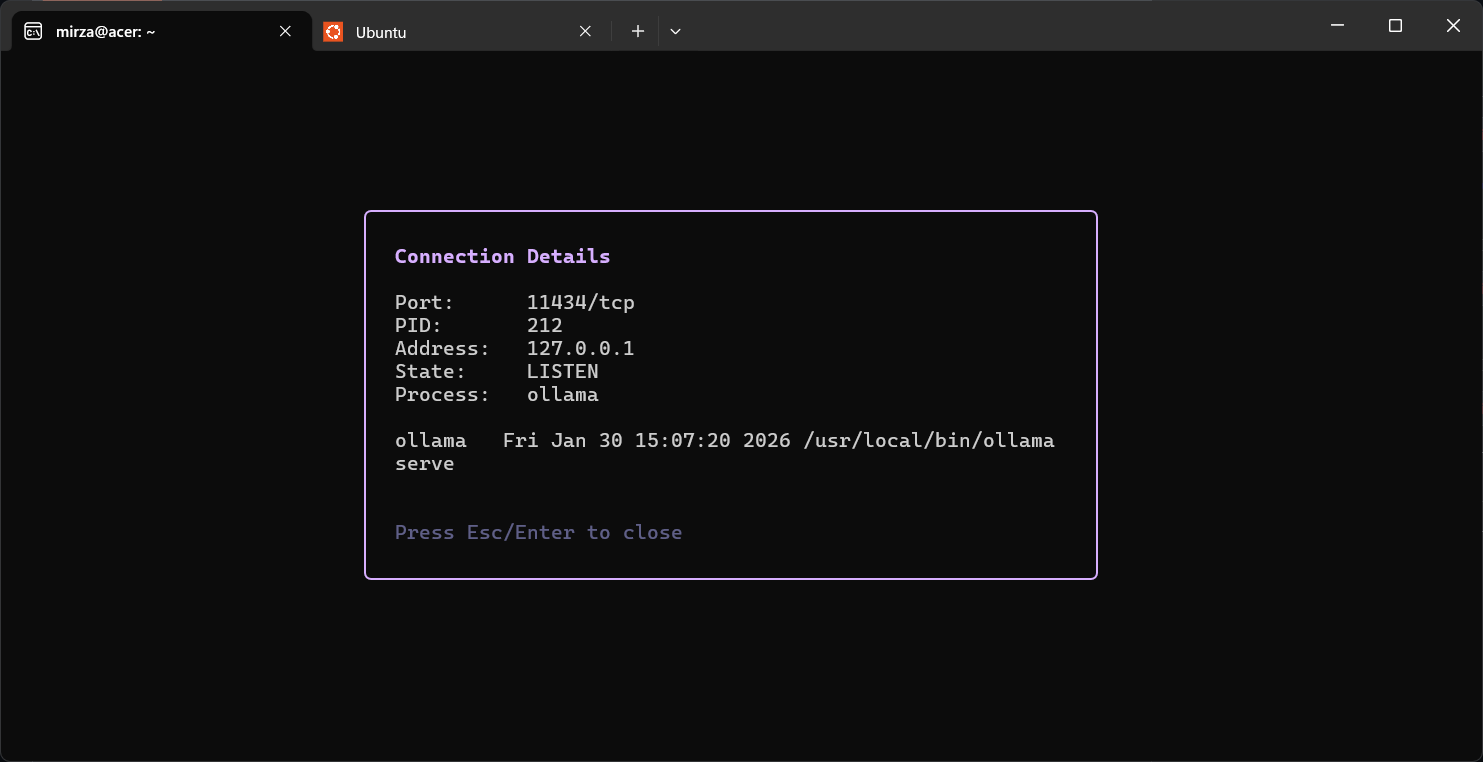
Enter | View Details (User, Path, Time) |
k | Kill selected process |
r | Refresh list |
s | Sort (Cycle: Port → Process → PID) |
q | Quit |
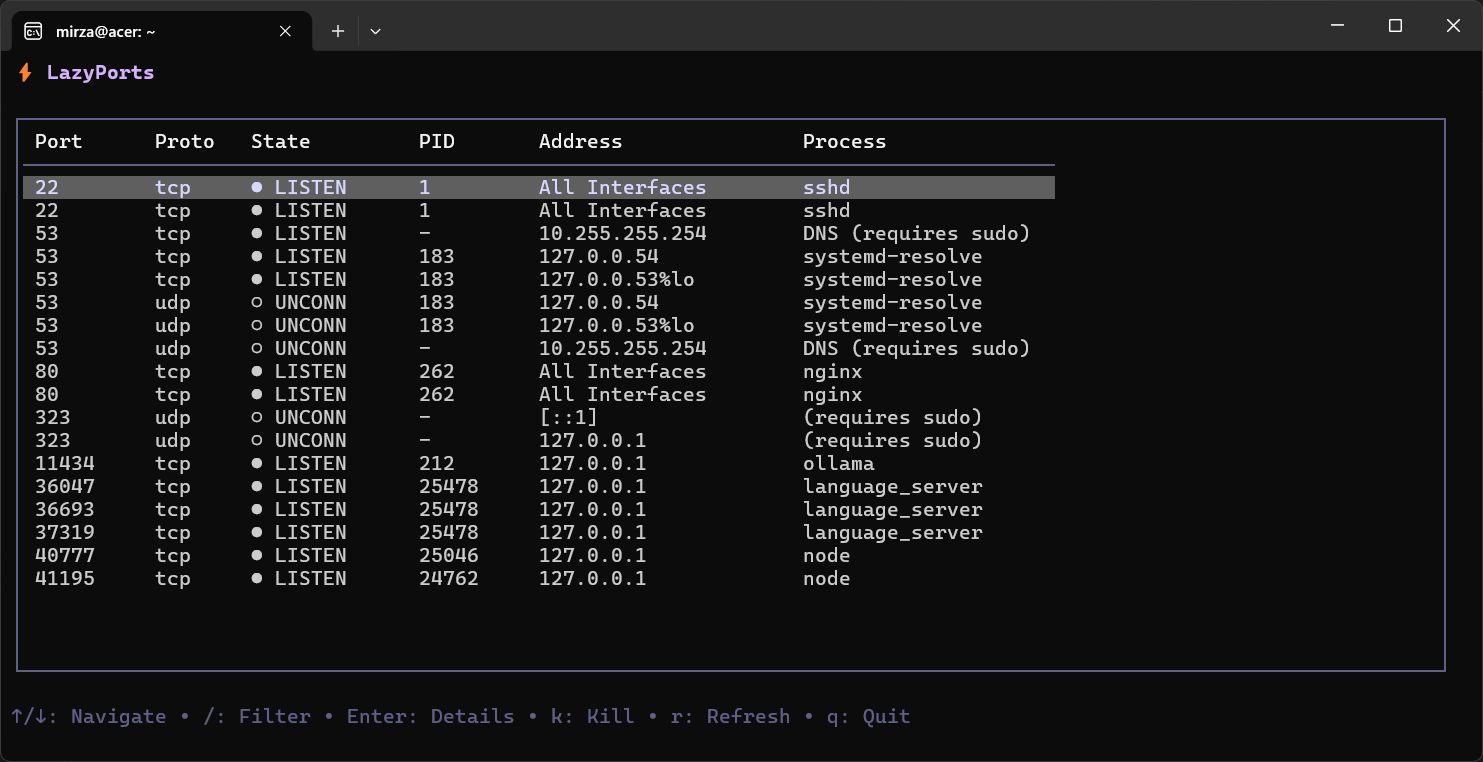
Interactive Table: Clean visualization of open ports (TCP/UDP).
Sortable Columns: Press s to cycle sorting by Port, Process Name, or PID.
Smart Filtering: Type / to instantly filter by port, PID, or process name.
Detailed Inspection: Press Enter to see full command, user, and start time.
Process Management: Terminate blocking processes instantly.
Root-Aware detection: Correctly identifies system processes (returning (system)) vs required privileges.
Auto-Sorting: Ports are automatically sorted numerically by default.
Visual States: Distinct indicators for LISTEN and ESTAB connections.
Zero Config: Works out of the box with automatic shell path configuration.
MIT
