
 usebruno/bruno
Opensource IDE For Exploring and Testing API's (lightweight alternative to Postman/Insomnia)







English | Українська | Русский | Türkçe | Deutsch | Français | Português (BR) | 한국어 | বাংলা | Español | Italiano | Română | Polski | 简体中文 | 正體中文 | العربية | 日本語 | ქართული | Nederlands | فارسی | हिन्दी
Bruno is a new and innovative API client, aimed at revolutionizing the status quo represented by Postman and similar tools out there.
Bruno stores your collections directly in a folder on your filesystem. We use a plain text markup language, Bru, to save information about API requests.
You can use Git or any version control of your choice to collaborate over your API collections.
Bruno is offline-only. There are no plans to add cloud-sync to Bruno, ever. We value your data privacy and believe it should stay on your device. Read our long-term vision here
📢 Watch our recent talk at India FOSS 3.0 Conference here
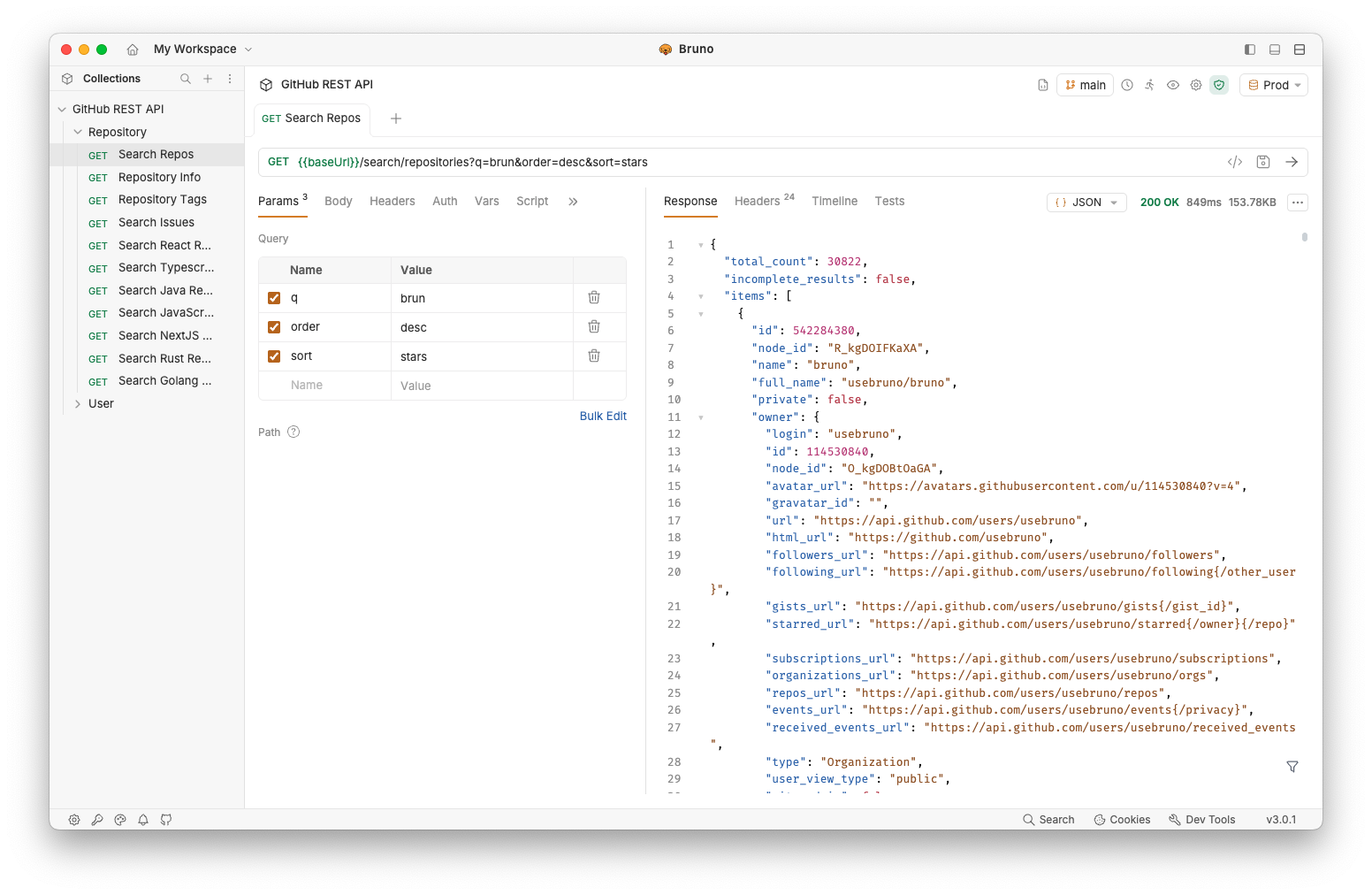
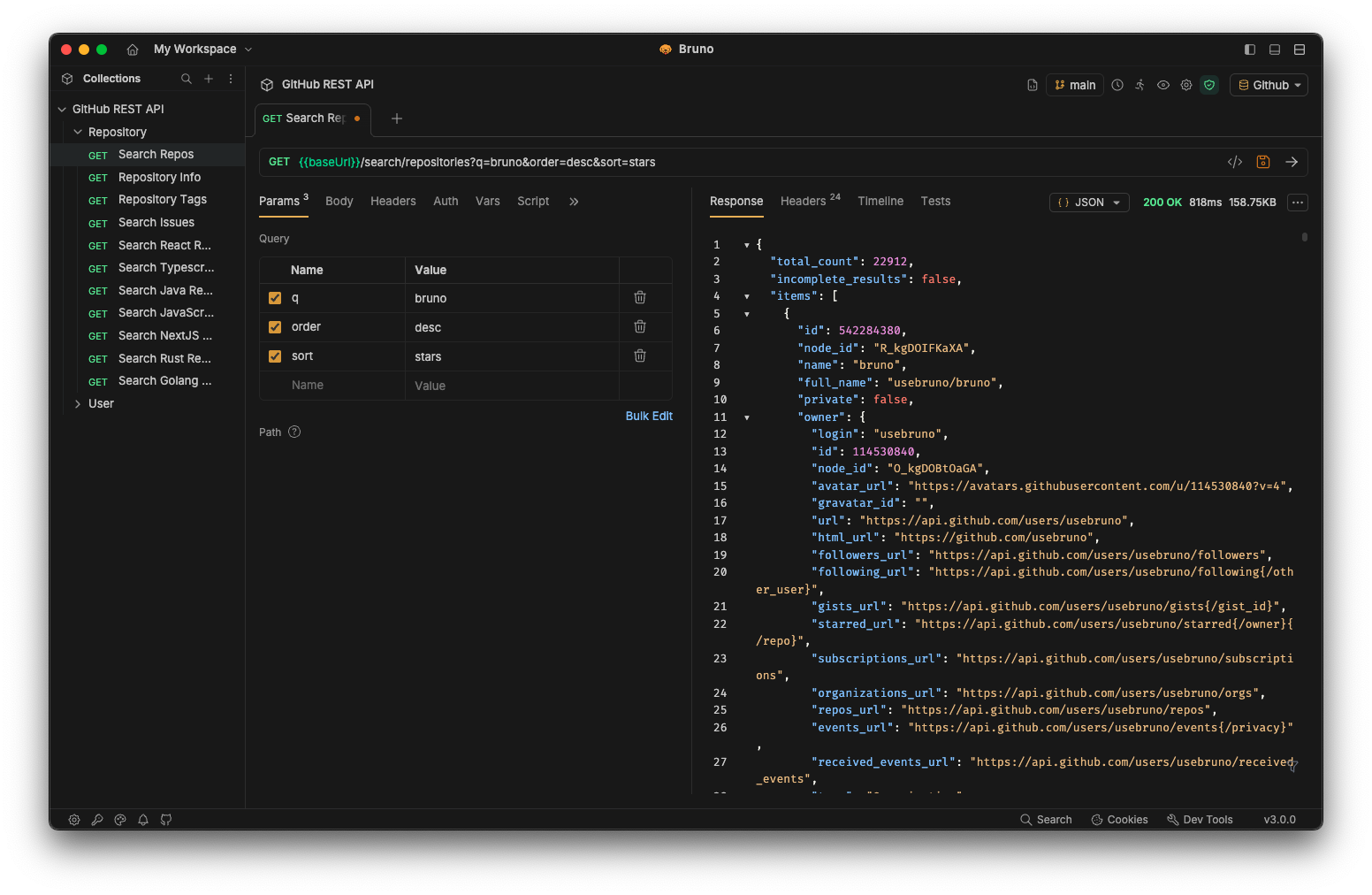
Majority of our features are free and open source. We strive to strike a harmonious balance between open-source principles and sustainability
You can explore our paid versions to see if there are additional features that you or your team may find useful!
Bruno is available as binary download on our website for Mac, Windows and Linux.
You can also install Bruno via package managers like Homebrew, Chocolatey, Scoop, Snap, Flatpak and Apt.
# On Mac via Homebrew
brew install bruno

# On Windows via Chocolatey
choco install bruno

# On Windows via Scoop
scoop bucket add extras
scoop install bruno

# On Windows via winget
winget install Bruno.Bruno

# On Linux via Snap
snap install bruno

# On Linux via Flatpak
flatpak install com.usebruno.Bruno

# On Arch Linux via AUR
yay -S bruno

# On Linux via Apt
sudo mkdir -p /etc/apt/keyrings
sudo apt update && sudo apt install gpg curl
curl -fsSL "https://keyserver.ubuntu.com/pks/lookup?op=get&search=0x9FA6017ECABE0266" \
  | gpg --dearmor \
  | sudo tee /etc/apt/keyrings/bruno.gpg > /dev/null
sudo chmod 644 /etc/apt/keyrings/bruno.gpg
echo "deb [arch=amd64 signed-by=/etc/apt/keyrings/bruno.gpg] http://debian.usebruno.com/ bruno stable" \
  | sudo tee /etc/apt/sources.list.d/bruno.list
sudo apt update && sudo apt install bruno
The Bruno CLI lets you run your API collections from the command line, which is ideal for automated testing and CI/CD pipelines. Install it from npm using the package manager of your choice:
npm install -g @usebruno/cli
Navigate to the directory containing your collection and run it:
# Run every request in the collection
bru run

# Run a single request
bru run request.bru

# Run a folder against a specific environment
bru run folder --env Local
For the full command reference, see the Bruno CLI documentation.
Official Docker images for the Bruno CLI let you run API collections in CI/CD pipelines and locally without installing Node.js or npm on the host. Images are published to both Docker Hub and the GitHub Container Registry on every CLI release, with alpine and debian variants for linux/amd64 and linux/arm64.
# Pull from Docker Hub
docker pull usebruno/cli:latest

# Or pull from the GitHub Container Registry
docker pull ghcr.io/usebruno/cli:latest

# Run a collection by mounting the current directory
docker run -v $(pwd):/bruno usebruno/cli run
For variants, tag matrix, environment files, and CI examples (GitHub Actions, GitLab CI, Jenkins), see the full Bruno CLI Docker documentation.
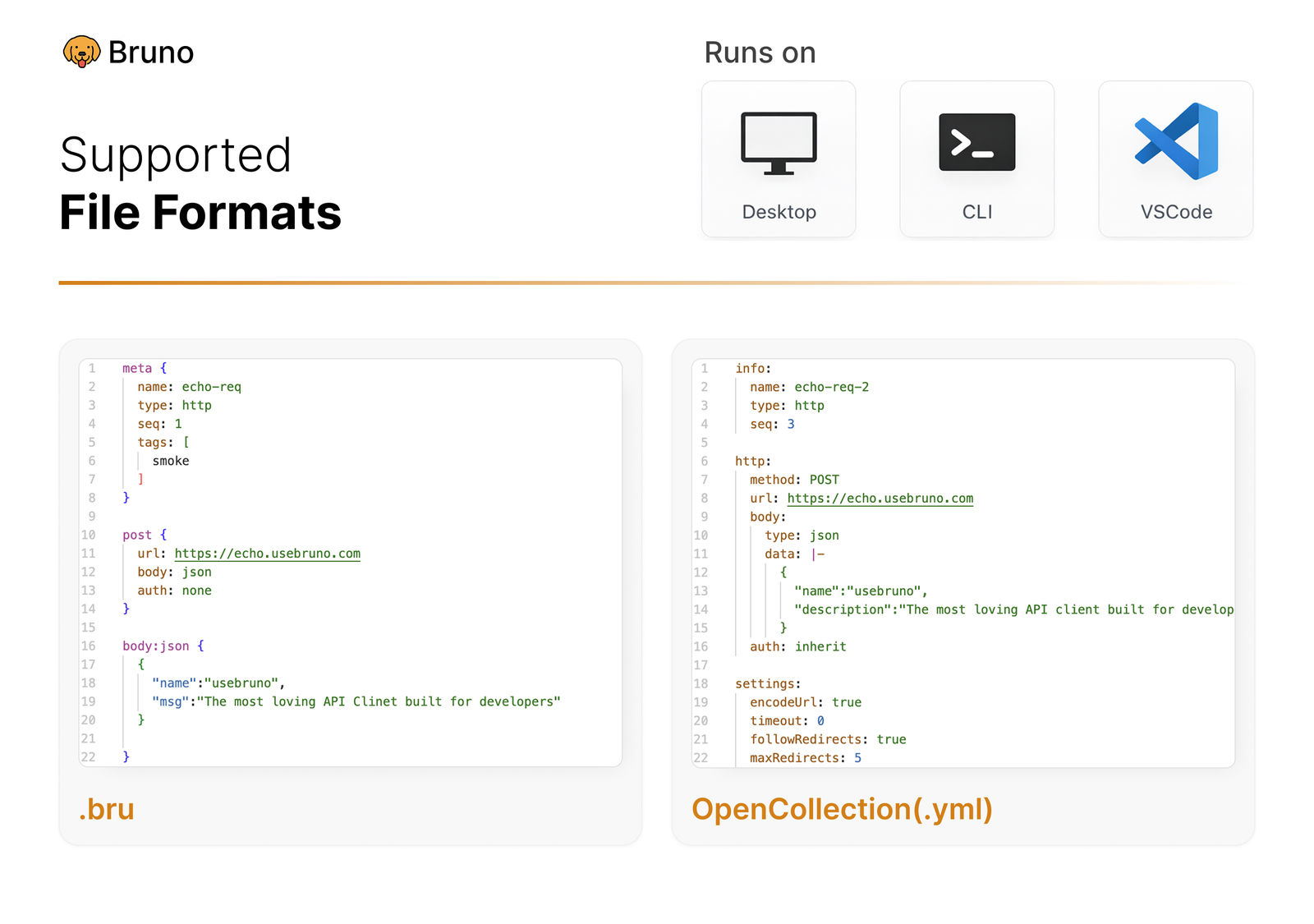
Or any version control system of your choice

