 trunkrecorder/trunk-recorder
Records calls from a Trunked Radio System (P25 & SmartNet)



Do you find Trunk Recorder and OpenMHz useful? Become a Sponsor to help support continued development and operation! Thank you to everyone who has contributed!
Thanks to everyone who contributed, tested and helped collect core dumps!
Need help? Got something working? Share it!
... and don't forget the Wiki
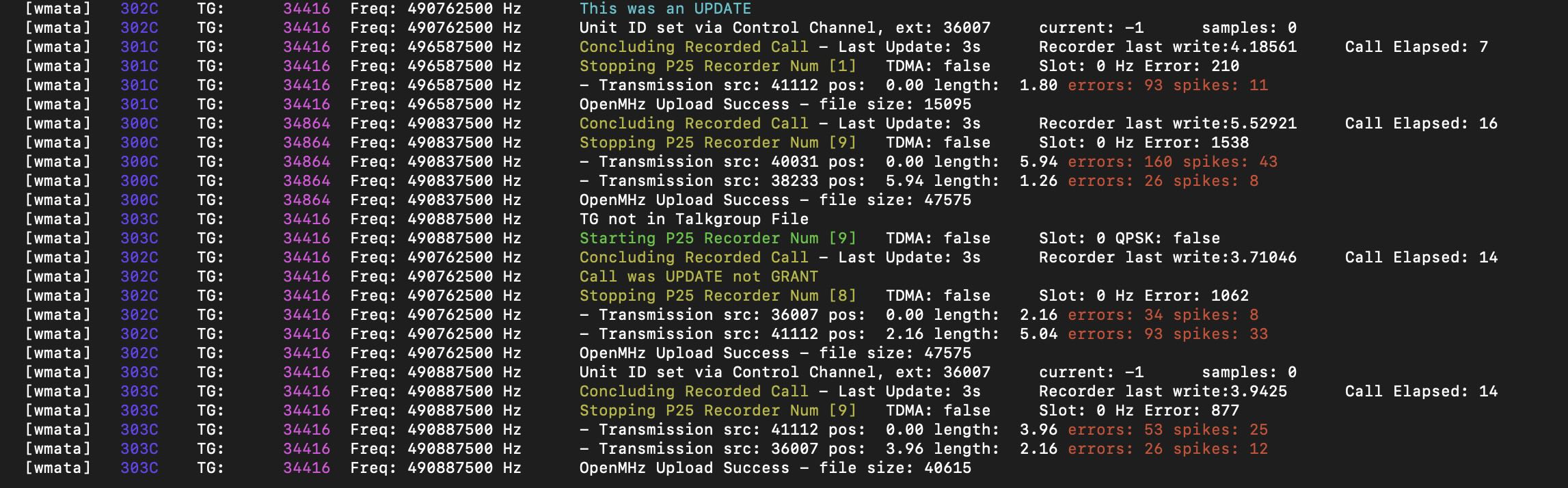
Trunk Recorder is able to record calls on trunked and conventional radio systems. It uses 1 or more Software Defined Radios (SDRs) to do this. The SDRs capture large swathes of RF and then use software to process what was received. GNU Radio is used to do this processing because it provides lots of convenient RF blocks that can be pieced together to allow for complex RF processing. The libraries from the amazing OP25 project are used for a lot of the P25 functionality. Multiple radio systems can be recorded at the same time.
Trunk Recorder currently supports the following:
GNU Radio 3.7 - 3.10
RTL-SDR dongles; HackRF; Ettus USRP B200, B210, B205; BladeRF; Airspy; SDRplay
By default, Trunk Recorder just dumps a lot of recorded files into a directory. Here are a couple of options to make it easier to browse through recordings and share them on the Internet.
If you are having trouble, check out the FAQ and/or ask a question on the Discord Server
For those not familiar, trunking systems allow a large number of user groups to share a limited number of radio frequencies by temporarily, dynamically assigning radio frequencies to talkgroups (channels) on-demand. It is understood that most user groups actually use the radio very sporadically and don't need a dedicated frequency.
Most trunking system types (such as SmartNet and P25) set aside one of the radio frequencies as a "control channel" that manages and broadcasts radio frequency assignments. When someone presses the Push to Talk button on their radio, the radio sends a message to the system which then assigns a voice frequency and broadcasts a Channel Grant message about it on the control channel. This lets the radio know what frequency to transmit on and tells other radios set to the same talkgroup to listen.
In order to follow all of the transmissions, Trunk Recorder constantly listens to and decodes the control channel. When a frequency is granted to a talkgroup, Trunk Recorder creates a monitoring process which decodes the portion of the radio spectrum for that frequency from the SDR that is already pulling it in.
No message is transmitted on the control channel when a conversation on a talkgroup is over. The monitoring process keeps track of transmissions and if there has been no activity for a specified period, it ends the recording.
