 trickest/mkpath
Make URL path combinations using a wordlist


Read a wordlist file and generate path combinations for given domain or list of domains. Input from wordlist file is lowercased and unique words are processed. Additionally, wordlist can be filtered using regex.
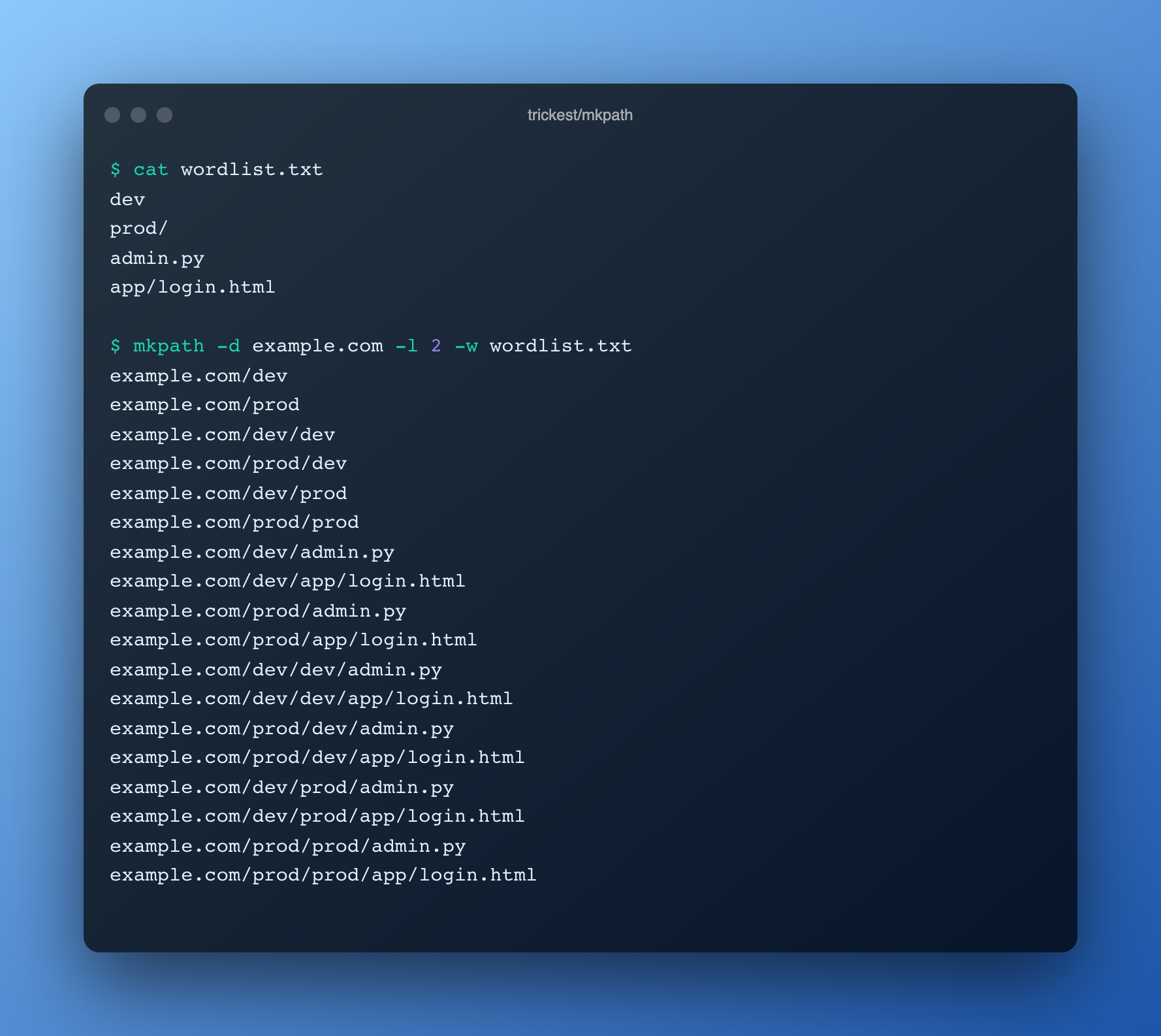
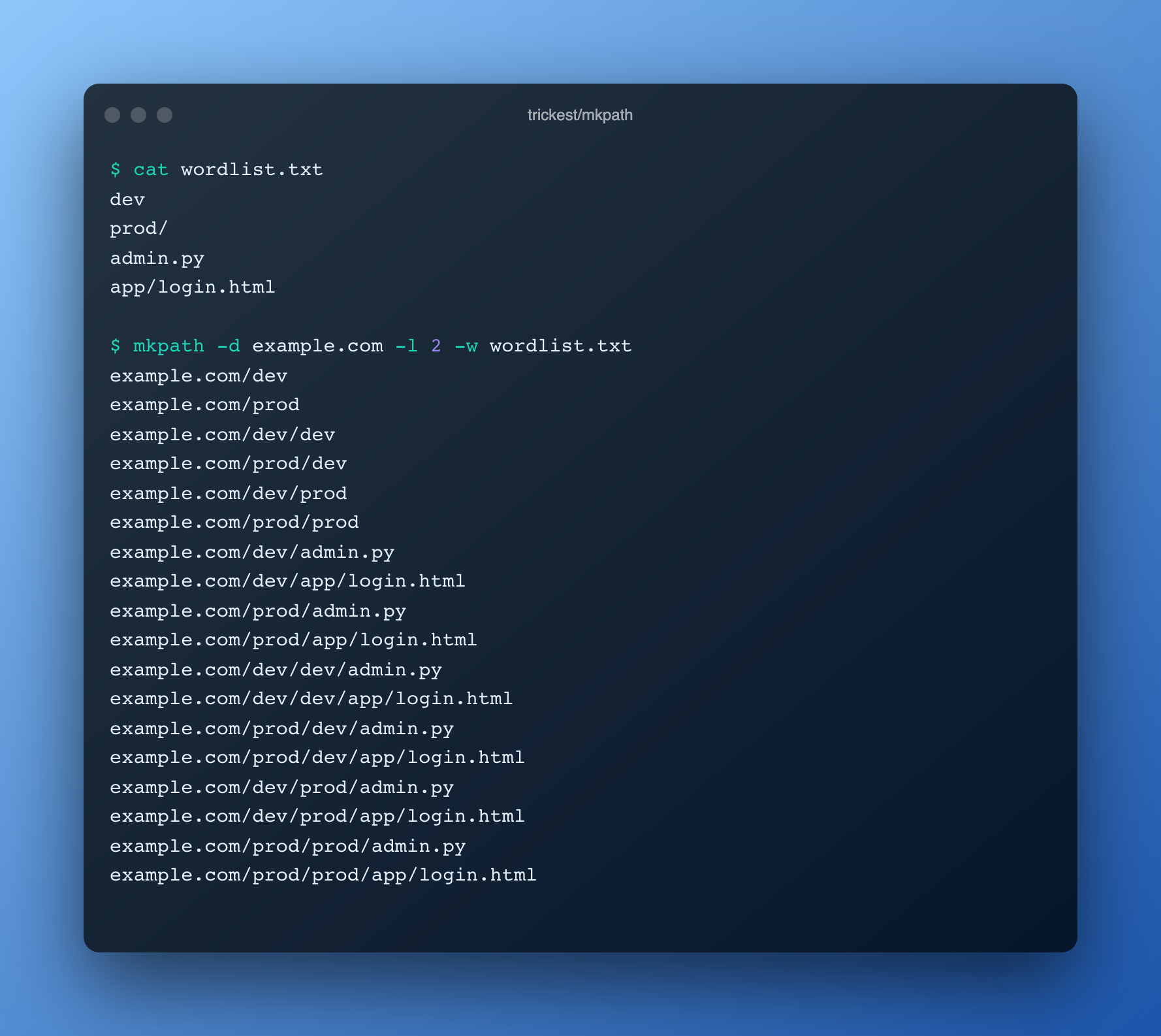
When you use mkpath's -l parameter, it will generate all path combinations up to the specified level, including all lower levels, using words from the wordlist. For instance, with -l 2, it will generate len(permutation_list)^2 + len(permutation_list) results, which is:
Binaries are available in the latest release.
docker run quay.io/trickest/mkpath
go install github.com/trickest/mkpath@latest
  -d string
    	Input domain
  -df string
    	Input domain file, one domain per line
  -l int
    	URL path depth to generate (default 1) (default 1)
  -lower
    	Convert wordlist file content to lowercase (default false)
  -o string
    	Output file (optional)
  -only-dirs
    	Generate directories only, files are filtered out (default false)
  -only-files
    	Generate files only, file names are appended to given domains (default false)
  -r string
    	Regex to filter words from wordlist file
  -t int
    	Number of threads for every path depth (default 100)
  -w string
    	Wordlist file
dev
prod/
admin.py
app/login.html
$ mkpath -d example.com -l 2 -w wordlist.txt
example.com/dev
example.com/prod
example.com/dev/dev
example.com/prod/dev
example.com/dev/prod
example.com/prod/prod
example.com/dev/admin.py
example.com/dev/app/login.html
example.com/prod/admin.py
example.com/prod/app/login.html
example.com/dev/dev/admin.py
example.com/dev/dev/app/login.html
example.com/prod/dev/admin.py
example.com/prod/dev/app/login.html
example.com/dev/prod/admin.py
example.com/dev/prod/app/login.html
example.com/prod/prod/admin.py
example.com/prod/prod/app/login.html
We look forward to any feedback you want to share with us or if you're stuck with a problem you can contact us at [email protected]. You can also create an Issue or pull request on the Github repository.
Mkpath is an integral part of many workflows in the Trickest store. Sign up on trickest.com to get access to these workflows or build your own from scratch!