 tomcarver16/adsearch
A tool to help query AD via the LDAP protocol

A tool written for cobalt-strike's execute-assembly command that allows for more efficent querying of AD.
ADSearch 1.0.0.0
Copyright c  2020
USAGE:
Query Active Directory remotely or locally:
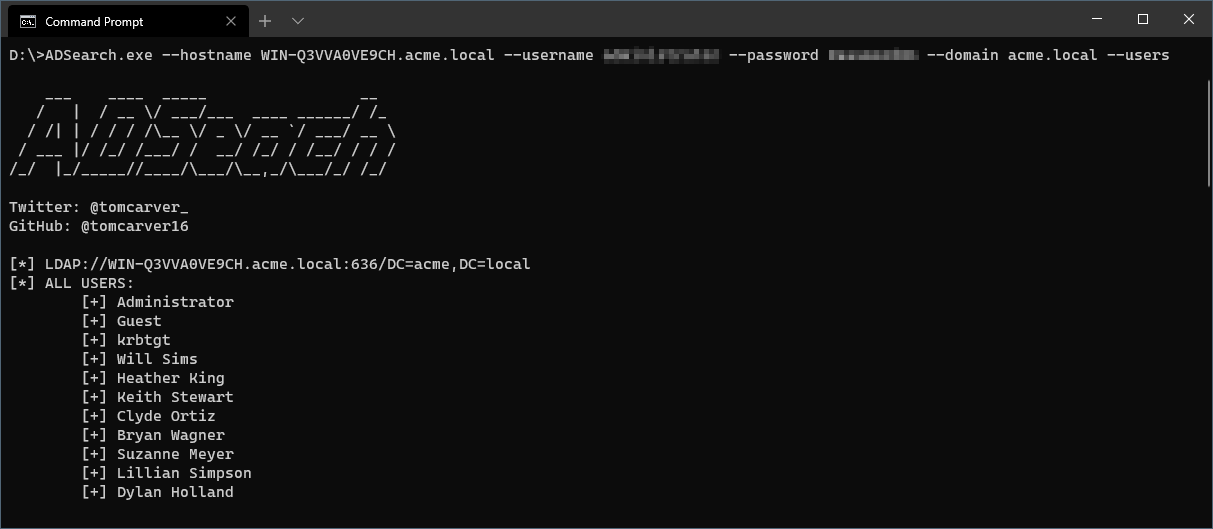
  ADSearch --domain ldap.example.com --password AdminPass1 --username admin --users

  -f, --full          If set will show all attributes for the returned item.

  -o, --output        File path to output the results to.

  --json              (Default: false) Output results in json format.

  --supress-banner    When set banner will be disabled.

  -G, --groups        Enumerate and return all groups from AD.

  -U, --users         Enumerate and return all users from AD.

  -C, --computers     Enumerate and return all computers joined to the AD.

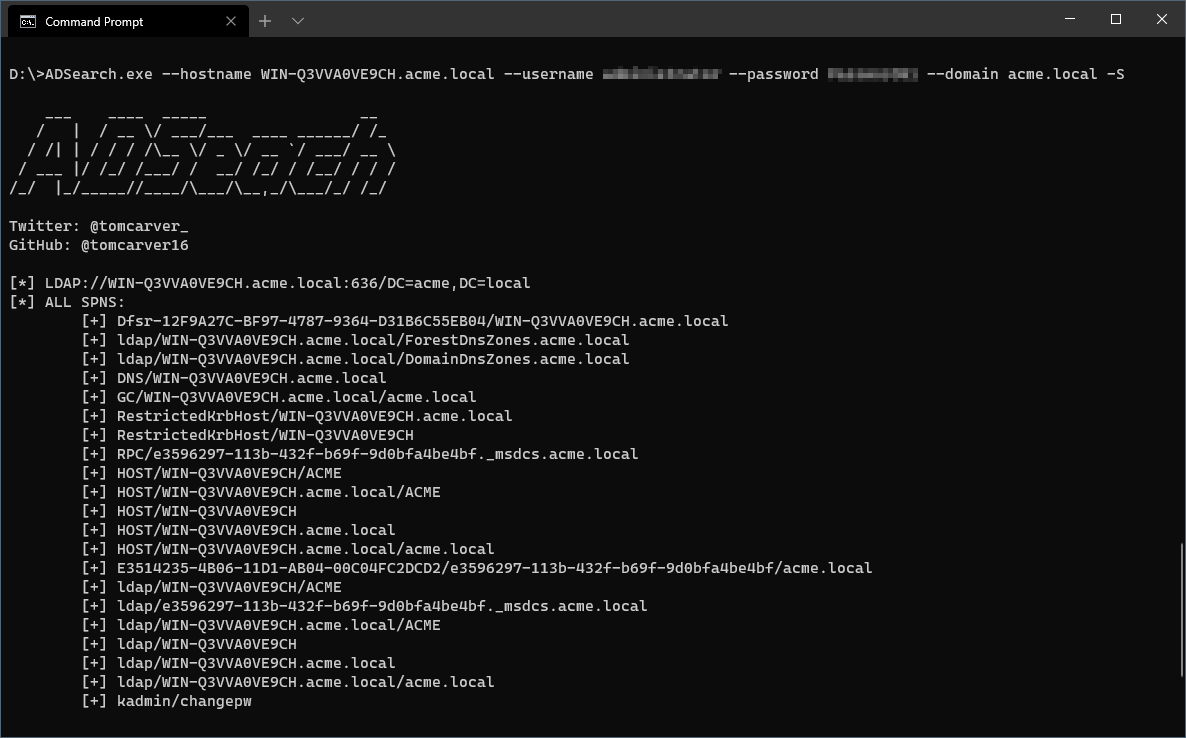
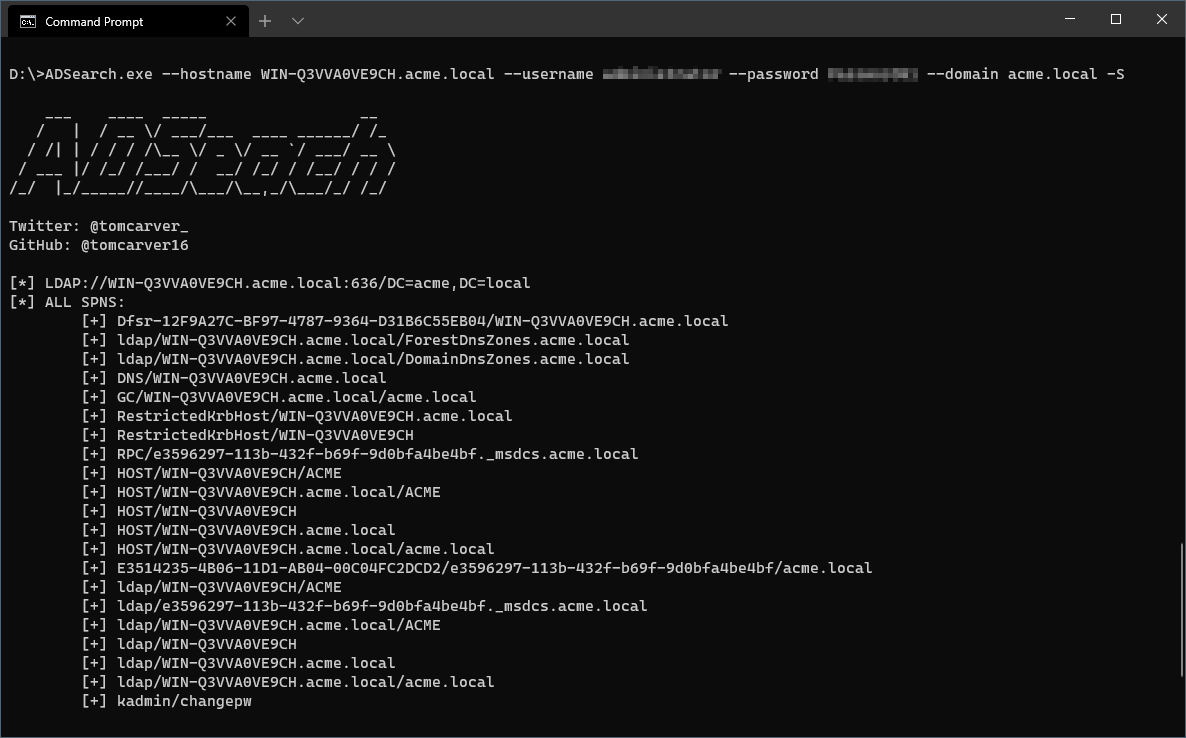
  -S, --spns          Enumerate and return all SPNS from AD.

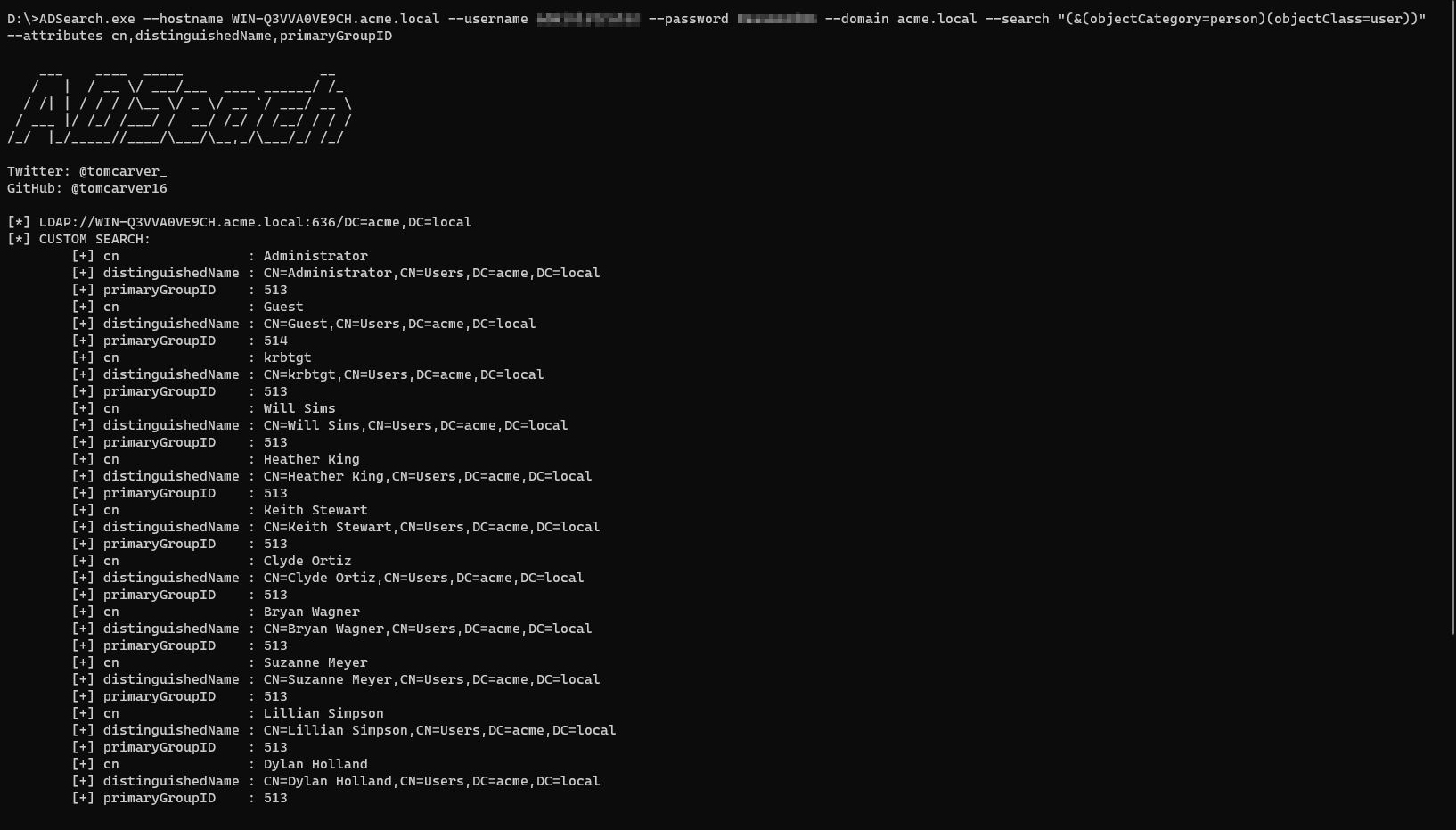
  --attributes        (Default: cn) Attributes to be returned from the results in csv format.

  -s, --search        Perform a custom search on the AD server.

  --domain-admins     Attempt to retreive all Domain Admin accounts.

  -u, --username      Attempts to authenticate to AD with the given username.

  -p, --password      Attempts to authenticate to AD with the given password.

  -h, --hostname      If set will attempt a remote bind to the hostname. This option requires the domain option to be set to a valid DC on the hostname. Will allow an IP address to be used as well.

  -p, --port          (Default: 636) If set will attempt a remote bind to the port based on the IP.

  -d, --domain        The domain controller we are connecting to in the FQDN format. If left blank then all other connection options are ignored and the lookups are done locally.

  --insecure          (Default: false) If set will communicate over port 389 and not use SSL

  --help              Display this help screen.

  --version           Display version information.