 timf34/pagesource
CLI to download websites' actual JS/CSS/assets (not flattened HTML)

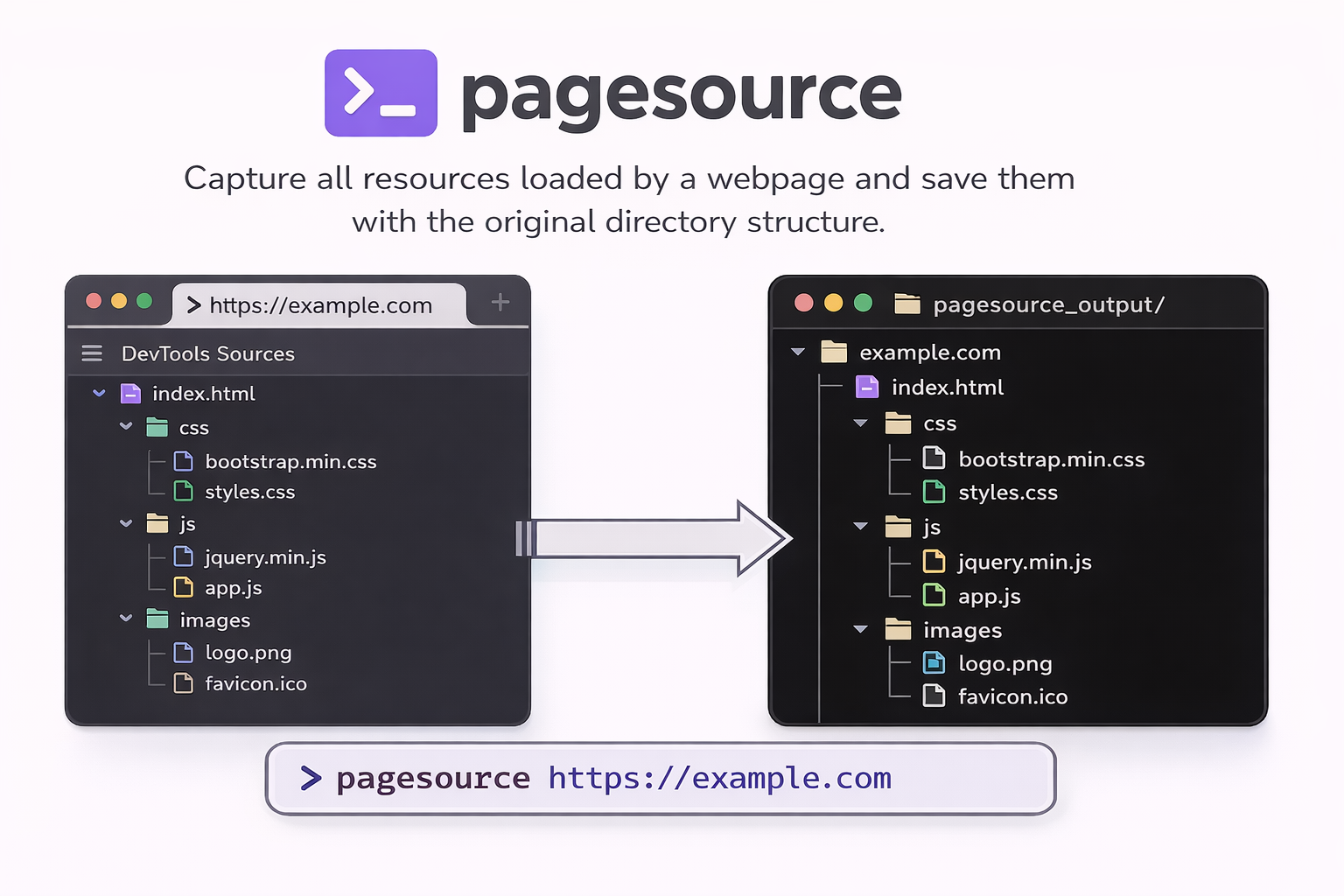
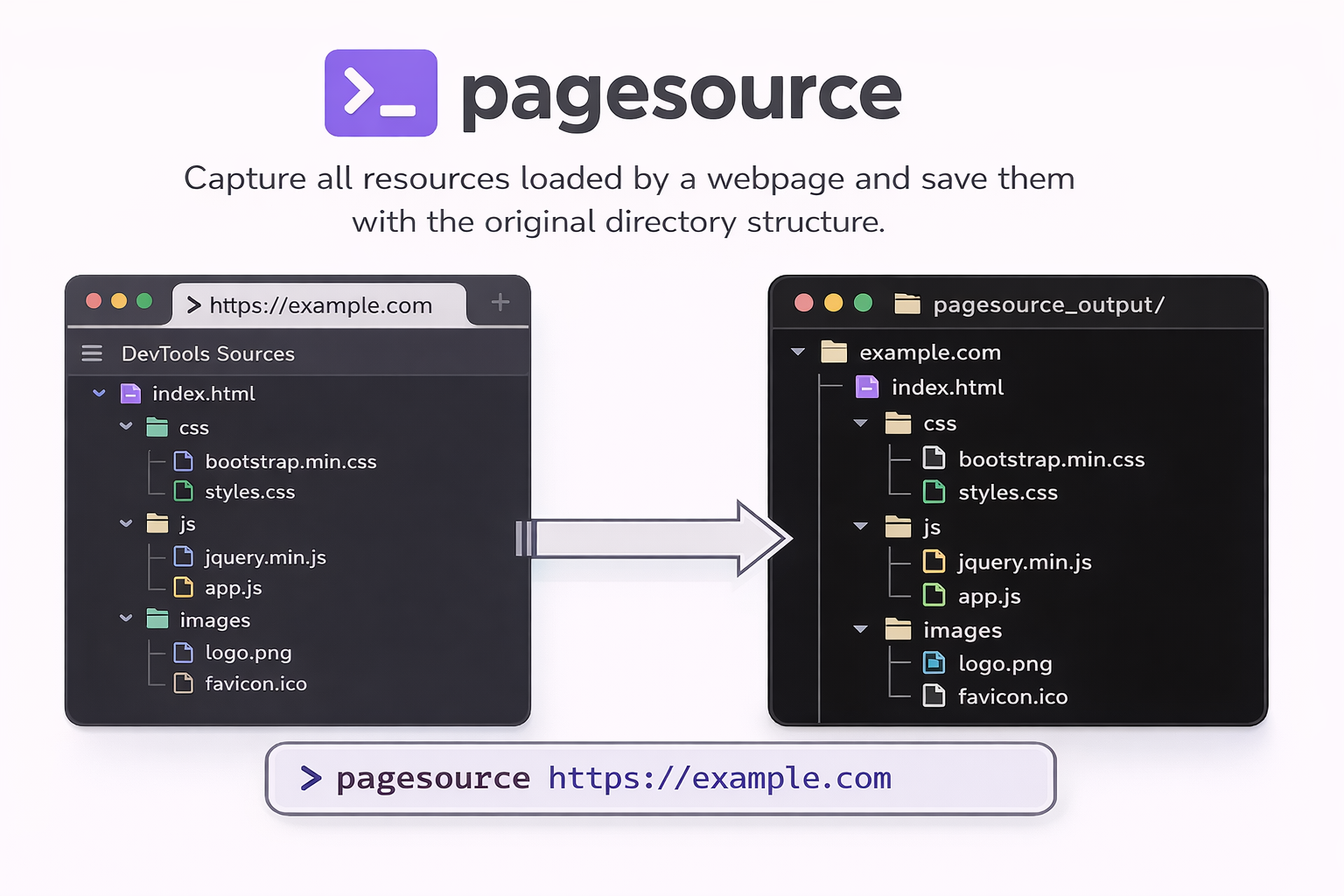
A Python CLI tool that captures all resources loaded by a webpage (like browser DevTools Sources tab) and saves them with the original directory structure.
pip install pagesource

# IMPORTANT: Install Playwright browser after package installation
playwright install chromium
# Capture all resources from a webpage
pagesource https://example.com
This will save all resources to ./pagesource_output/ with the directory structure preserved.
# Specify custom output directory
pagesource https://example.com -o ./my-output

# Wait extra time for JavaScript content (useful for SPAs)
pagesource https://example.com --wait 5

# Include external resources (CDN assets, third-party scripts)
pagesource https://example.com --include-external

# Combine options
pagesource https://example.com -o ./output --wait 3 --include-external
pagesource <url> [OPTIONS]

Arguments:
  url                     URL of the webpage to capture resources from

Options:
  -o, --output PATH       Output directory (default: ./pagesource_output)
  -w, --wait INTEGER      Additional seconds to wait after page load
  -e, --include-external  Include external resources (CDN, third-party)
  -v, --version           Show version and exit
  --help                  Show help message
Resources are saved preserving the URL path structure:
pagesource_output/
└── example.com/
    ├── index.html
    ├── assets/
    │   ├── css/
    │   │   └── style.css
    │   └── js/
    │       └── app.js
    └── images/
        └── logo.png
If --include-external is used, external resources are saved in their own host directories:
pagesource_output/
├── example.com/
│   └── ...
├── cdn.example.com/
│   └── libs/
│       └── library.js
└── fonts.googleapis.com/
    └── css/
        └── font.css
MIT
