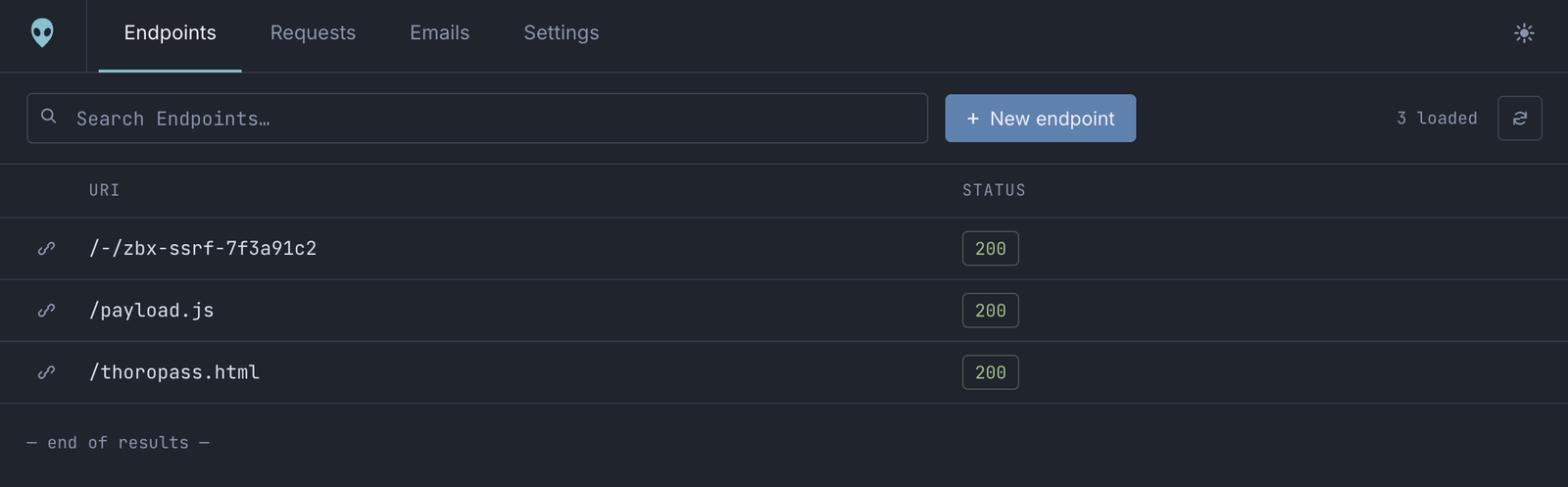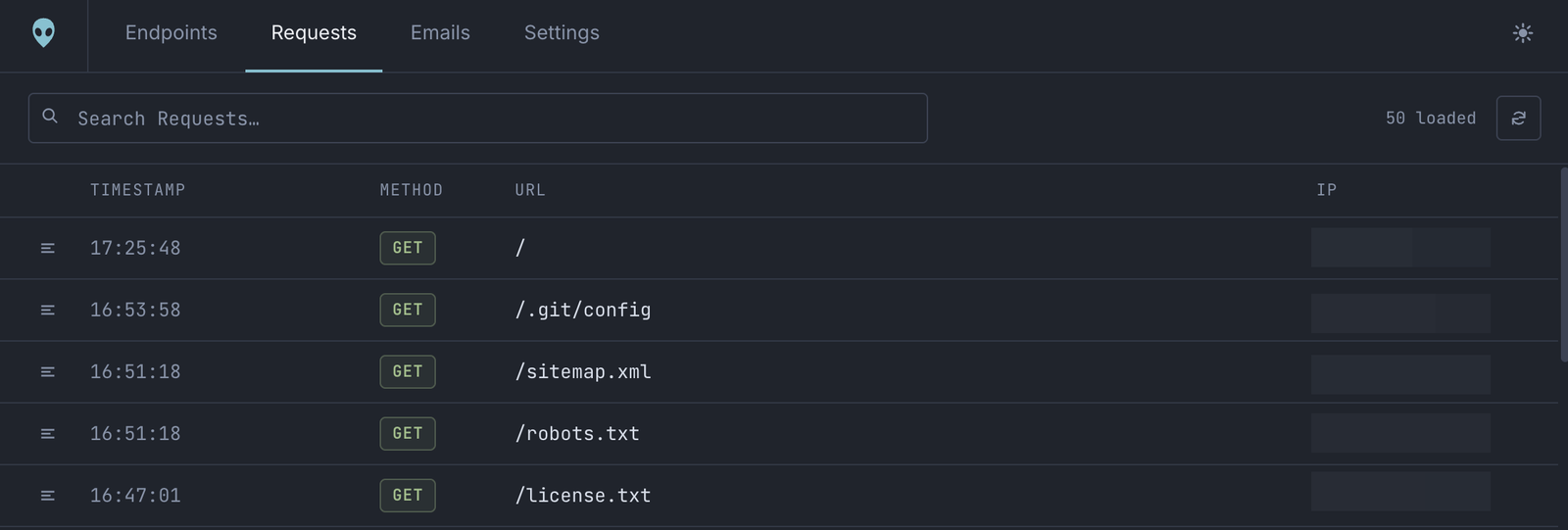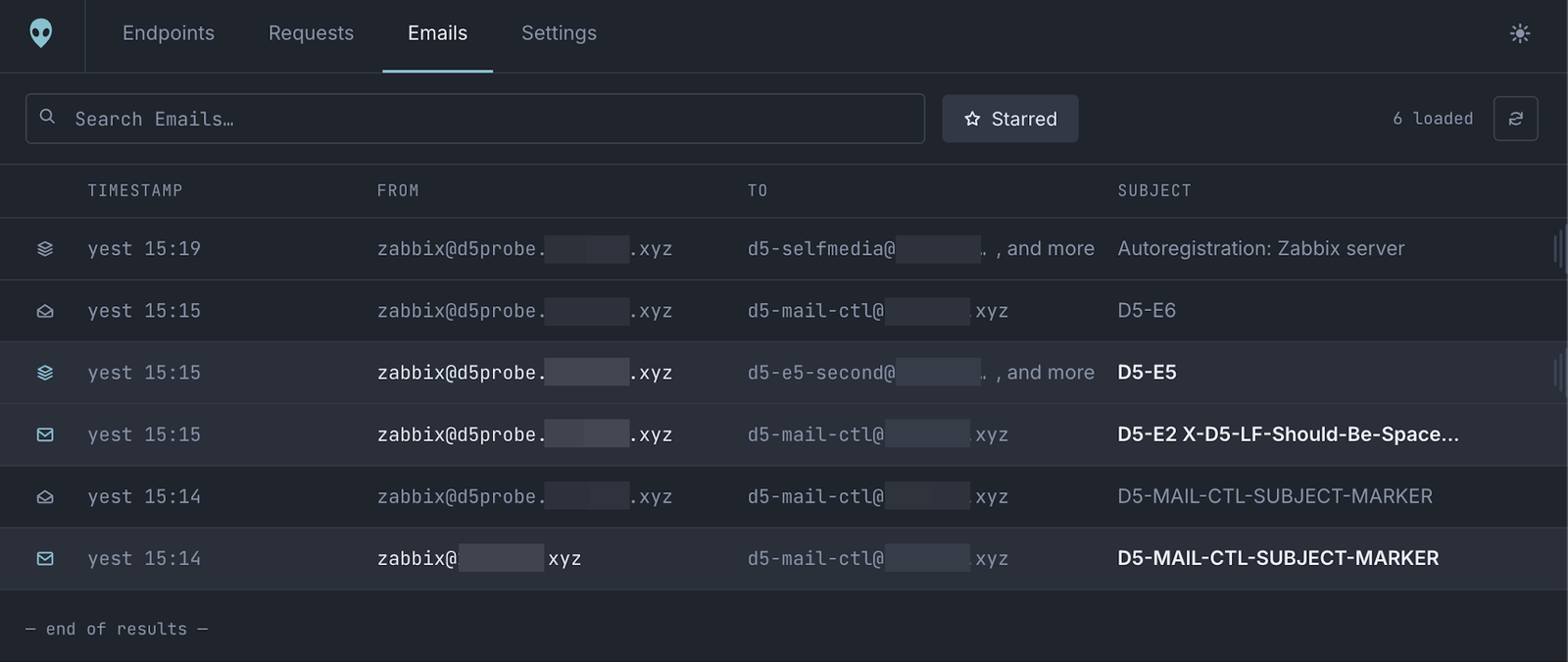

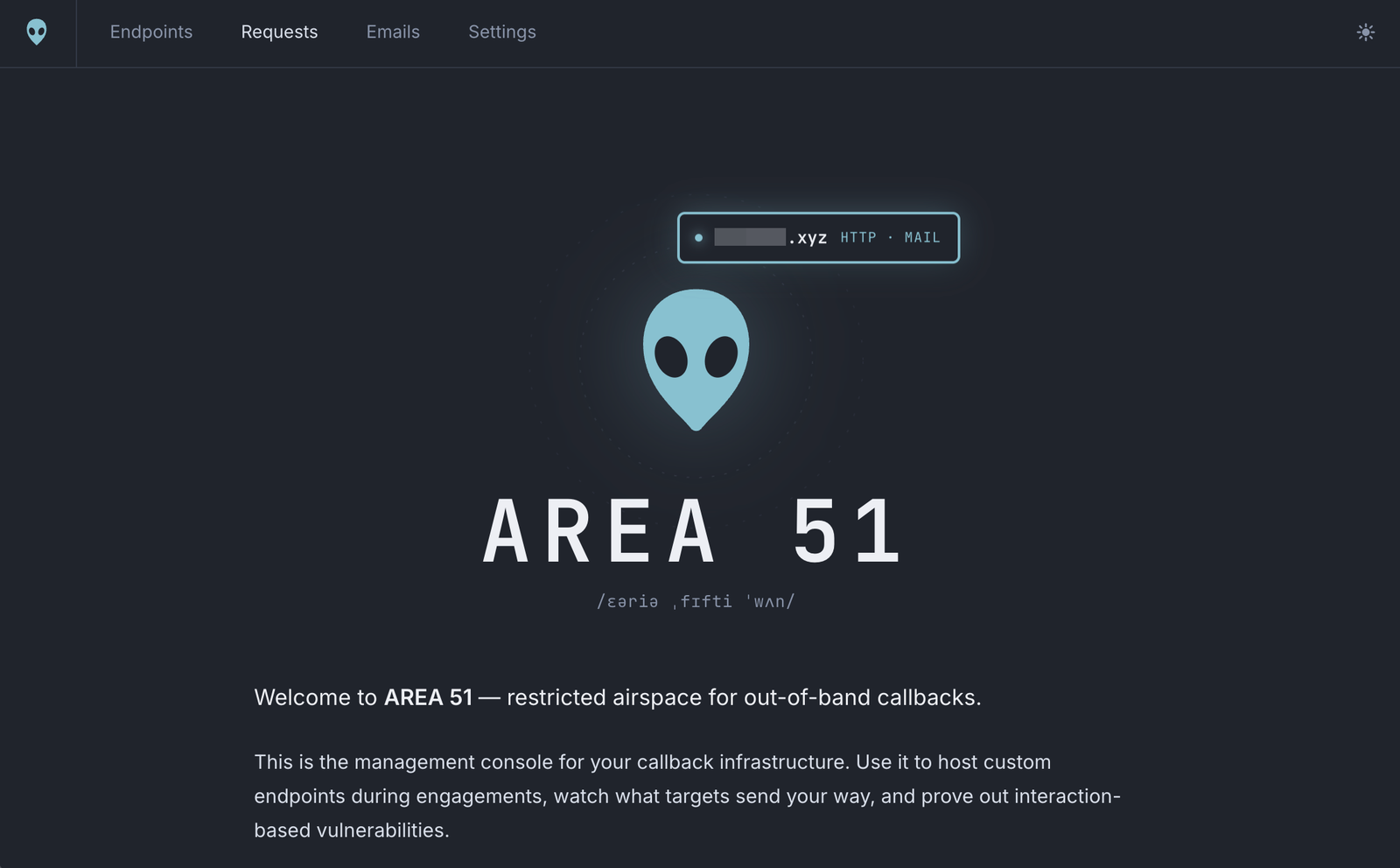
The exploit server for out-of-band findings. Point a target at a domain you own. Every HTTP request and every email it sends back lands in a dashboard you control, and it gets whatever response you choose in return.

Getting started · Playbooks · · ·
⚠️ For authorized security testing and research only. A black hole is a live, internet-reachable catch-all: everything a target sends it is stored, and it serves back whatever you configure. Only point targets you have explicit, written authorization to test at it, and treat every deployment as client-data storage. Test only what you are authorized to test.
Half of what you find on an engagement only proves itself when something calls
home. A blind SSRF. An XXE that exfiltrates over HTTP. A stored XSS firing in an
admin's browser you will never see. A password-reset flow you need to read. An
OAuth redirect_uri nobody validated. Each one needs infrastructure that is
reachable from the target, captures everything, and answers exactly how you want.
Public interaction services give you a hostname and a log. AREA 51 gives you the whole thing, on infrastructure you own:
302 into a metadata endpoint, a DTD, a .js
beacon, a JSON stub, a 25 MB binary. Per exact path.Released early, on purpose. AREA 51 began as an internal tool for a small, trusted team, so it favors simplicity over hardening and scale. Expect rough edges. If you hit one, open an issue with repro steps. Contributions are welcome; see CONTRIBUTING.md.
|
AREA 51 · the dashboard Configure endpoints, read captured requests and email, manage noise filters. Locked behind single sign-on with an emailed one-time PIN. |
Black Holes · your domains Every path serves what you defined, and every request and every address at the domain is captured. Public by necessity, because targets have to reach it. |
Autopilot · the agent interface A key-authenticated MCP + REST server. Reads the last hour of callbacks, stages its own response stubs, and cannot touch anything else. |
Cool and easy: Autopilot exposes an MCP server (with a REST mirror) so an
authorized AI agent can run the loop itself mid-engagement, without you in the
middle of it. It reads the last hour of callbacks, stages its own response stub
under the fenced /-/* namespace, and confirms the hit. Every operator gets
their own API key, and it is sandboxed: it can never read your files, or any
endpoint outside /-/. → Autopilot internals
![]() | ![]() |
![]() | ![]() |
| Finding | How AREA 51 proves it | Playbook |
|---|---|---|
| Blind SSRF | An unconfigured path already captures the hit, with egress IP, User-Agent and every header | → |
| SSRF filter bypass | A text endpoint answers 302 into the address you actually want fetched | → |
| XXE / XSLT exfiltration | Host the external DTD, then read the exfiltrated bytes out of the second request | → |
| Blind XSS | Serve the beacon; the capture's Referer names the internal page that executed it | → |
| Email-driven flows | Every address is a live inbox, so signup, invite, reset and verification mail arrives in full | → |
OAuth redirect_uri abuse | Stage the landing page and capture the code, state or token the flow hands over | → |
| Payload delivery | Upload an archive, binary, PDF or font and serve it inline with its own content type | → |
| Mail authentication review | The full Received chain plus SPF, DKIM and DMARC results on real delivered mail | → |
Everything else is created for you: the database, storage, three Workers, the dashboard, DNS, TLS, mail routing and the access policy.
First work through Requirements above. The API token and the two one-click activations (R2 and Zero Trust) cannot be done through the API, so those come first, by hand. Then:
git clone https://github.com/thoropass-public/area51.git && cd area51
npm install
cp .env.example .env # paste your API token
./a51 setup # provisions and deploys everything
setup asks which domain to use, confirms that it may take that domain over,
then provisions in order: database and schema → storage → the three Workers →
your black hole and its mail catch-all → the dashboard with its bindings already
attached → DNS → the access policy. The domain becomes the black hole itself, so
https://your-domain/anything and anything@your-domain are both captured, and
the dashboard and agent server are set up alongside it. Every step is idempotent,
so it is also the command you re-run after changing anything.
Then confirm it:
./a51 doctor
doctor checks every binding, domain and policy, then probes the live hosts. A
request to any path on your black hole should answer 404! Not Found and appear
in the dashboard seconds later; mail to any address at it lands in the same place.
Full walkthrough, with the manual fallback for every step: docs/guides/getting-started.md.
| Getting started | Prerequisites, token permissions, every setup step and its manual equivalent |
| Playbooks | Running an engagement: SSRF, XXE, blind XSS, email flows, OAuth, payload hosting, evidence |
| Operations | Deploys, domains, purging, retention, logs, quotas, teardown |
| Troubleshooting | Symptom → cause → fix |
| CLI · Configuration | Every command; every .env value |
| API · Database | The dashboard's HTTP API; tables and buckets |
| Internals | Architecture, catcher, Autopilot, dashboard, retention |
| Decisions | Why the non-obvious choices are the way they are |
Start at docs/README.md for the full map.
Contributions are welcome, bug reports and playbooks and new capture recipes especially. See CONTRIBUTING.md to get set up. To report a security issue in AREA 51 itself, follow SECURITY.md rather than opening a public issue.
AREA 51 is © Copyright 2026 Thoropass, Inc., licensed and released under the Apache License 2.0. See NOTICE for third-party components.
Built with ❤️ by the Pentest Team at Thoropass.