





⭐ Star us on GitHub — to show your support!


💡 Best Viewed in Dark Mode :)
The project SUDO_KILLER made it to the final for the SANS Difference Award 2023 in the category open-source tool.

SUDO_KILLER is a tool geared towards cyber security practitioners (pentesters, security auditors, system admins, CTF players and Infosec students), facilitating privilege escalation within Linux environments. It focuses on vulnerabilities tied to SUDO usage, including misconfigurations in sudo rules, version-based weaknesses (CVEs and other vulnerabilities), and risky binary deployments (GTFOBINS). These weak points can be exploited to gain ROOT-level privileges or impersonate other users.
SUDO_KILLER provides a catalog of potential commands and local exploits for manual privilege elevation. Importantly, it refrains from automated exploitation, requiring users to carry out the exploitation process themselves as per its intended usage.
Below is a list of checks that are perform by SUDO_KILLER
[!WARNING] The check list above is NOT exhaustive.
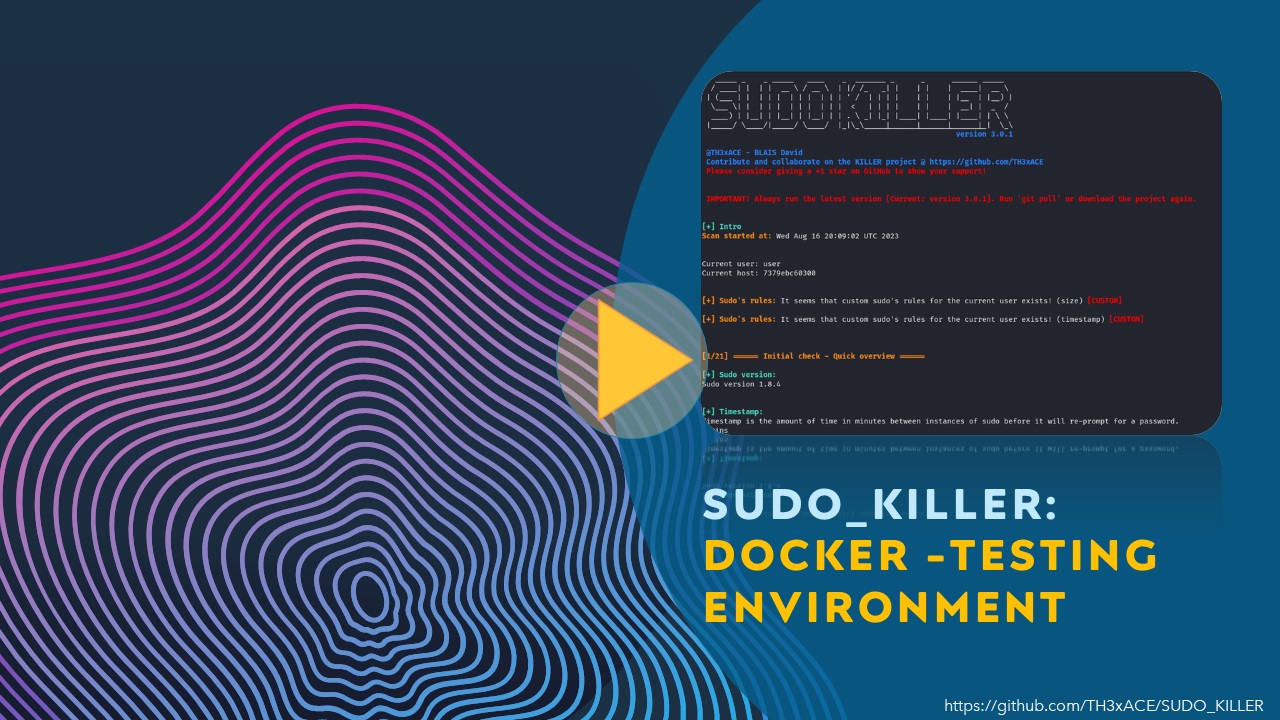
To get started with SUDO_KILLER, you can either git clone or download the zip. If you want to practice and/or test it, there is a vulnerable testing enviroment (using docker). See the related video which provides an overview on how to setup the docker and run SUDO_KILLER. Several scenarios can be setup in the docker environment and can be used for testing different misconfigurations or flaws. Alternatively, you can run it on the system to be audited to check for misconfigurations and/or flaws related to sudo.
./SUDO_KILLERv<version>.sh -c -a -e -r report.txt -p /tmp
Optional arguments:
-c : includes CVE checks
-a : includes CVEs related to third party apps/devices
-i : import (offline mode) from extract.sh
-e : include export of sudo rules / sudoers file
-r : report name (save the output)
-p : path where to save export and report
-s : supply user password for sudo checks (If sudo rules is not accessible without current user's password)
-h : help
[!NOTE] It is worth noting that when using the -c argument, two types of check are provided one for which the CVE identified is solely based on the current sudo version being used and another where the requirements are also checked. Very often, a sudo version might be vulnerable but some pre-requisites might be needed for a successful exploitation.
[!NOTE] Providing password: If a password is needed to run sudo -l then the script will not work if you don't provide a password with the argument -s.

A range of Docker containers is made available to offer a deliberately vulnerable environment for testing and hands-on experimentation with SUDO_KILLER as well as with the vulnerabilities.
service docker start
docker pull th3xace/sudo_killer_demo3
docker run --rm -it th3xace/sudo_killer_demo3
(This docker is only to test the CVE-2019-18634 (pwfeedback))
service docker start
docker pull th3xace/sudo_killer_demo2
docker run --user 1000 --rm -it th3xace/sudo_killer_demo2
(This docker is only to test the CVE-2025-32463 (chwoot)) -> Credits to author
$ git clone https://github.com/pr0v3rbs/CVE-2025-32463_chwoot.git
$ cd CVE-2025-32463_chwoot

# Build and run Docker image (tagged "sudo-chwoot")
$ service docker start
$ ./run.sh

# Run exploit in container (runs root command directly or drops you into a root shell)
pwn@f722d9182d1f:~$ ./sudo-chwoot.sh id
woot!
uid=0(root) gid=0(root) groups=0(root),1001(pwn)

pwn@f722d9182d1f:~$ ./sudo-chwoot.sh
woot!

root@f722d9182d1f:/# id
uid=0(root) gid=0(root) groups=0(root),1001(pwn)
By default, if the NOPASSWD tag is applied to any of the entries for a user on a host, you will be able to run "sudo -l" without a password. This behavior may be overridden via the verifypw and listpw options.
However, these rules only affect the current user, so if user impersonation is possible (using su), sudo -l should be launched from this user as well.
Sometimes the file /etc/sudoers can be read even if sudo -l is not accessible without password.
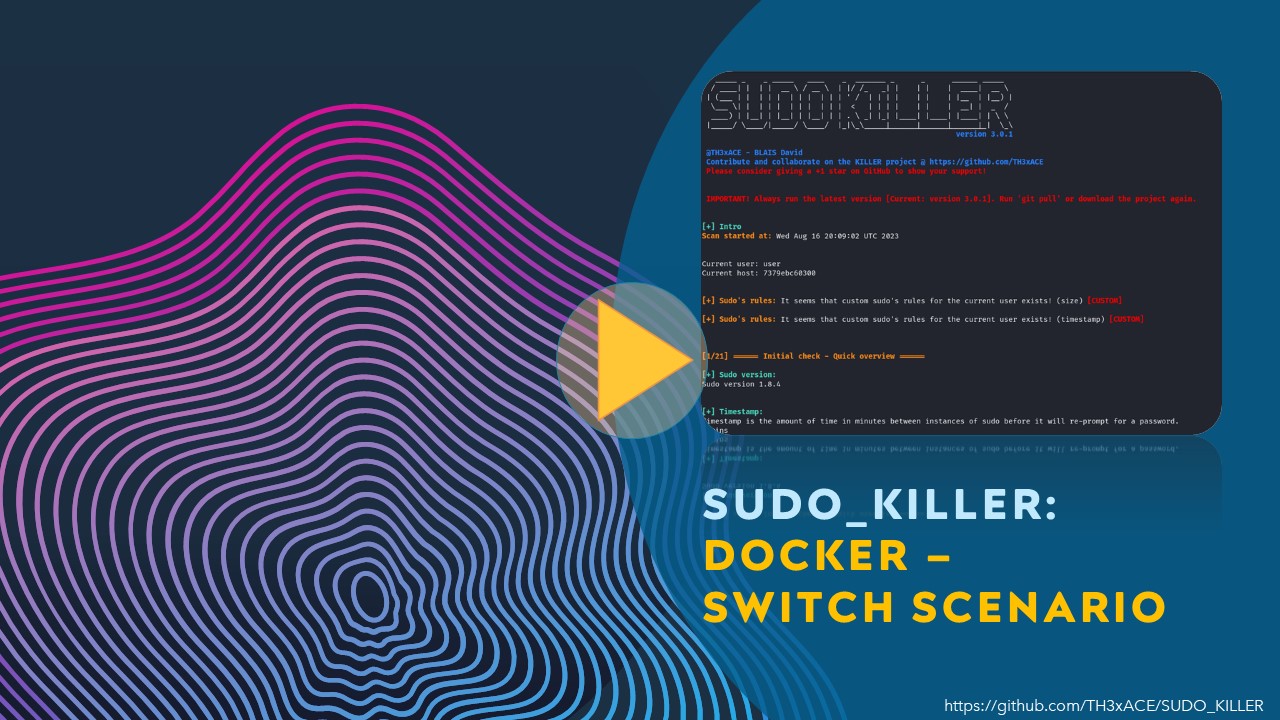
To switch scenario (To prevent conflicts between the different scenarios) on the docker (demo3):
switchScenario <scenario_number>

Available scenarios: 0 to 10
All Scenarios 0 : Conflict might occur!
Scenario 1: [2,3] CVE - Rules
Scenario 2: [4] Excessive permissions
Scenario 2: [5] Excessive permissions (Authentication required)
Scenario 3: [6] User Impersonation
Scenario 4: [7] Common Misconfiguration (Change owner)
Scenario 4: [8,11] Common Misconfiguration (Wildcard)
Scenario 5: [13] Missing scripts from sudo rules
Scenario 6: [17] Dangerous Environment Variables
Scenario 7: [18] Dangerous binaries (gtfobins)
Scenario 8: [19] Recursive Impersonation test
Scenario 9: [20] Environment Path Hijacking
Scenario 10: [21] App Specific sudo vuln/misconfig
Scenario 11: [5] Excessive permissions (Authentication required)
Scenario 12: [16] Backdooring sudo (Credentials Capture)
The playlist can be found here: https://www.youtube.com/watch?v=Q8iO9mYrfv8&list=PLQPKPAuCA40FMpMKWZLxQydLe7rPL5bml
[!IMPORTANT] Quick videos on how to properly do the testing on the provided docker.
[!WARNING] The video list below is not exhaustive, to have access to all the videos, please check the playlist link.

