
Skip to content
KitploitKITPLOIT
ToolsBlog
Submit
ToolsBlog
Submit

Hacking, PenTest, and Cybersecurity Tools for Your Security Arsenal!

Kitploit is a directory of hacking, cybersecurity, and pentesting tools. Discover the latest project updates to find vulnerabilities, analyze systems, automate testing, and strengthen your security.

··Feeds·Contact·Privacy·© 2026 Kitploit

Tool Directory

Categories

View all categories
Loading categories
telegram-nearby-map — Maps nearby Telegram users using trilateration of distance data from the official Telegram library and OpenStreetMap, for OSINT and geolocation reconnaissance. | Kitploit
Tools/GitHubGitHub/tejado/telegram-nearby-map
OSINT (Open Source Intelligence)ReconnaissanceInformation GatheringPrivacy
GitHubtejado/telegram-nearby-map

telegram-nearby-map

Maps nearby Telegram users using trilateration of distance data from the official Telegram library and OpenStreetMap, for OSINT and geolocation reconnaissance.

View Repository
1.2k1712 years agoReviewed by Kitploit

Most Popular

View all →

Discover the most used tools by our community.

Explore all tools

Browse our collection of tools

View all tools →
Share

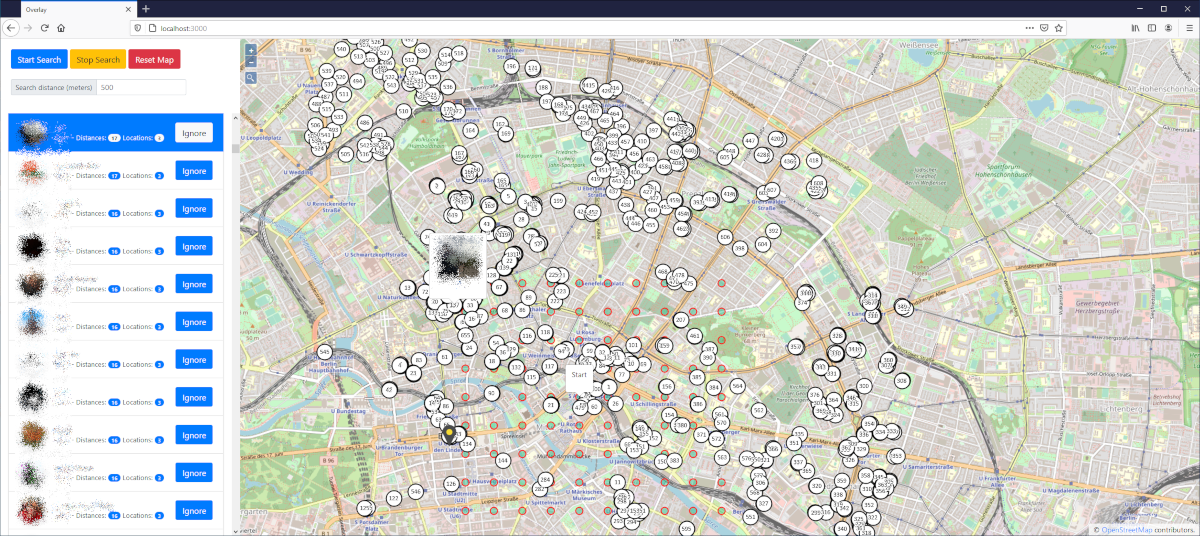
Telegram Nearby Map

Telegram Nearby Map uses OpenStreetMap and the official Telegram library to find the position of nearby users.

Please note: Telegram's API was updated a while ago to make nearby user distances less precise, preventing exact location calculations. Therefore, Telegram Nearby Map displays users nearby, but does not show their exact location.

Inspired by Ahmed's blog post and a Hacker News discussion. Developed by github.com/tejado.
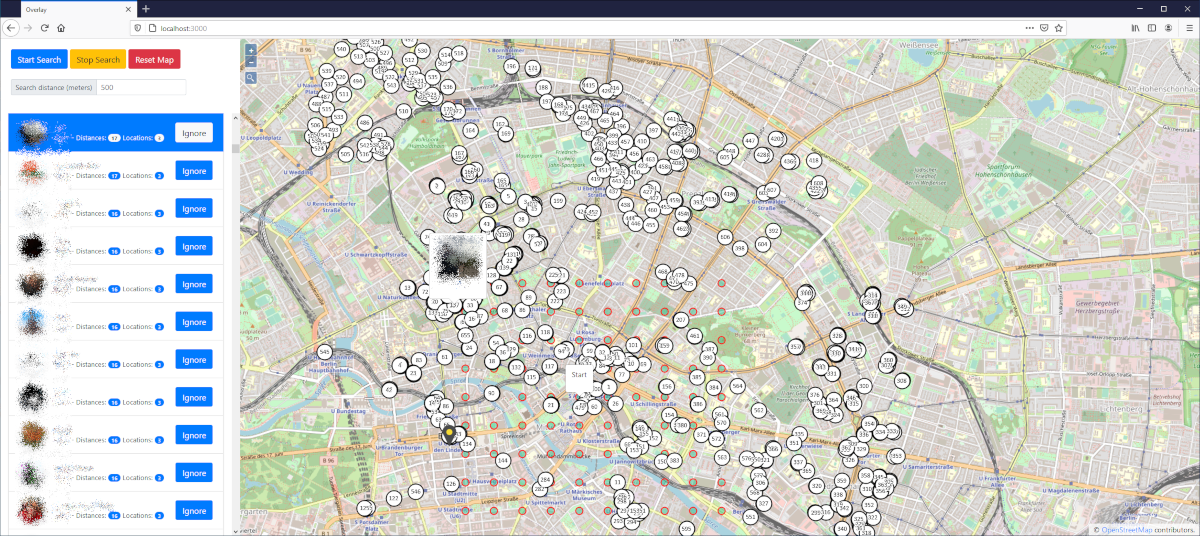
Telegram Nearby Map Screenshot

How does it work?

Every 25 seconds all nearby users will be received with TDLib from Telegram. This includes the distance of every nearby user to "my" location. With three distances from three different points, it is possible to calculate the position of the nearby user.

This only finds Telegram users which have activated the nearby feature. Per default it is deactivated.

Installation

Requirements: node.js and an Telegram account

  1. Create an API key for your Telegram account here
  2. Download the repository
  3. Create config.js (see config.example.js) and put your Telegram API credentials in it
  4. Install all dependencies: npm install
  5. Start the app: npm start
  • Look carefully at the output: you will need to confirm your Telegram login
  • Go to http://localhost:3000 and have fun
  • Changelog

    2023-09-23

    • Switched to prebuild-tdlib
    • Updated all dependencies
    • Bugfix of the search distance field

    2021-11-13

    • Added tdlib.native for Linux (now it works in GitHub Codespaces)
    • Updated all dependencies
    • Bugfixes
    Download Tool