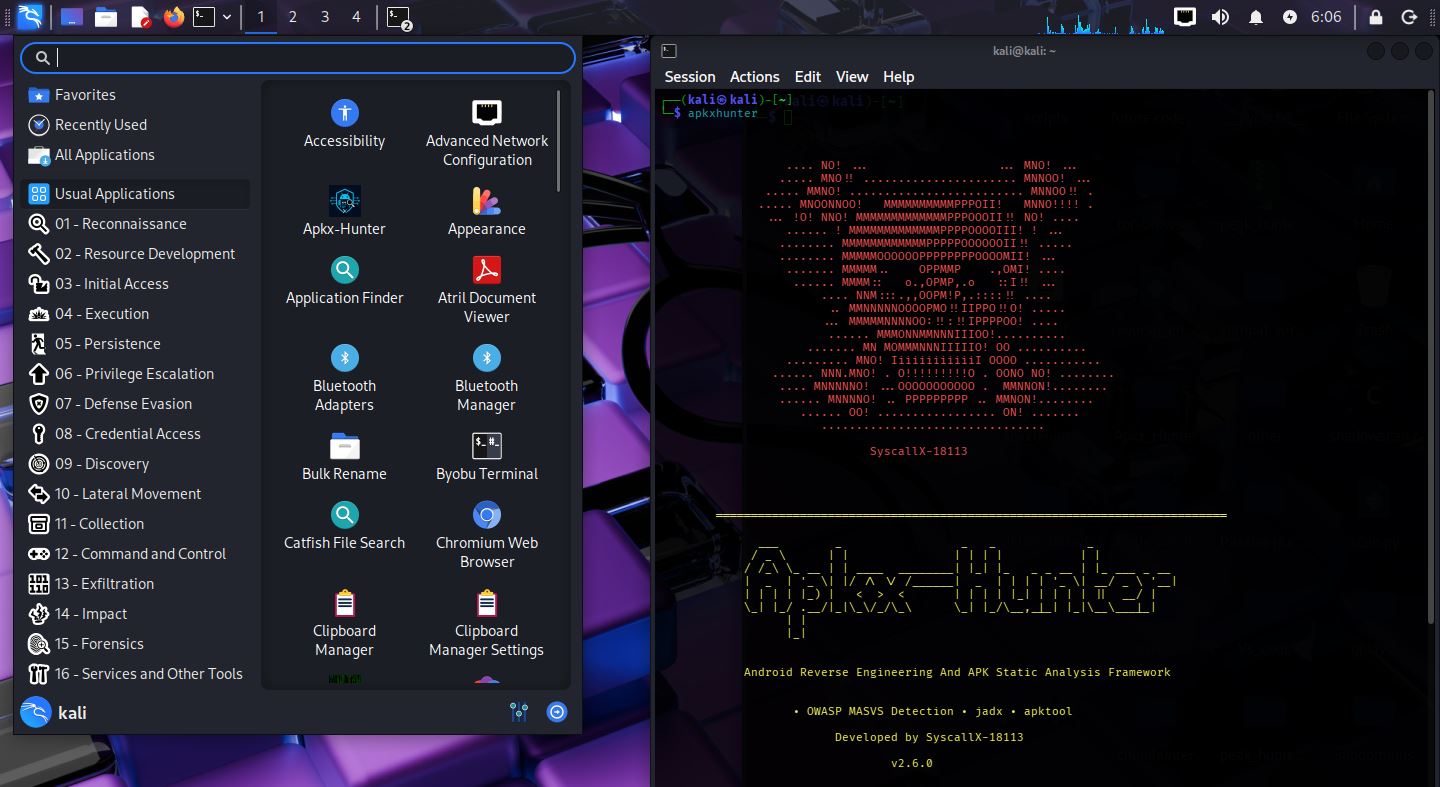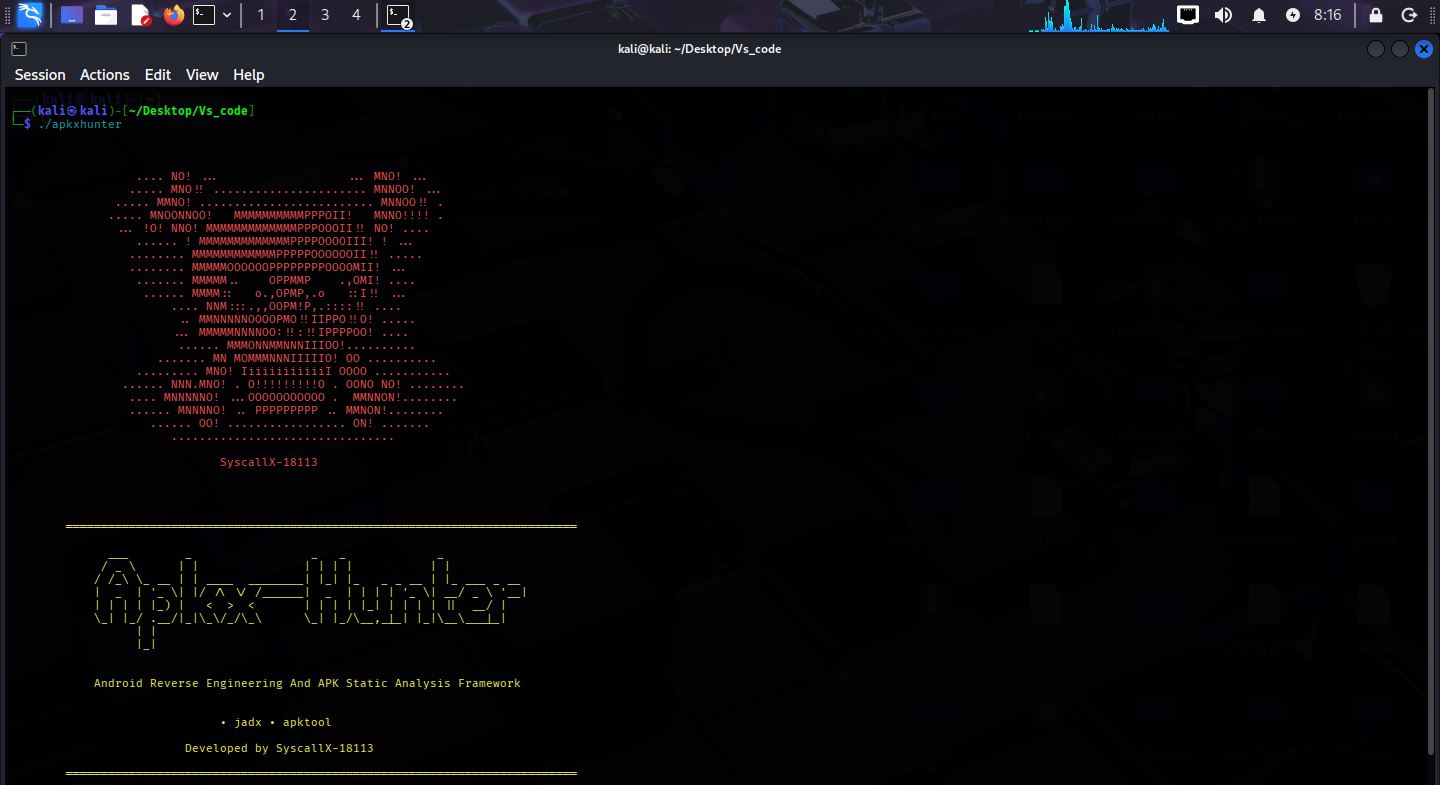
C-based Android static analysis framework for decompilation, secret detection, endpoint discovery, permission analysis, and native library scanning with ML-assisted secret classification.

APKX-Hunter is an open-source Android Static Analysis Framework written entirely in C, purpose-built for Android security assessments, reverse engineering, malware analysis, OWASP MASVS compliance scanning, bug bounty hunting, and penetration testing.
The framework supports both single-application and large-scale Android application analysis by automatically extracting and analyzing supported Android package formats, including APK, APKS, APKM, XAPK, and ZIP archives. With Recursive Multi-APK Scanning and Silent Batch Mode, APKX-Hunter is designed to efficiently process large Android application collections while producing clean, organized, and actionable results.
APKX-Hunter combines multiple static analysis techniques—including decompilation, AndroidManifest analysis, permission analysis, exported component detection, endpoint discovery, hardcoded secret detection, cloud configuration discovery, native library detection, and OWASP MASVS security checks—to uncover security-relevant information inside Android applications.
APKX-Hunter also integrates a lightweight Machine Learning-based Secret Classification Engine, written entirely in C, which automatically classifies detected secrets by confidence and severity helping security researchers prioritize high-value findings, reduce false positives, and accelerate vulnerability triage.
At the end of every scan, APKX-Hunter generates detailed scan statistics, including the number of APKs scanned, files analyzed, secrets detected, patterns detected, and MASVS findings, providing researchers with a comprehensive overview of the entire security assessment.

Apkx-Hunter now includes OWASP MASVS security scanning with 15 categories and 166 detection patterns:
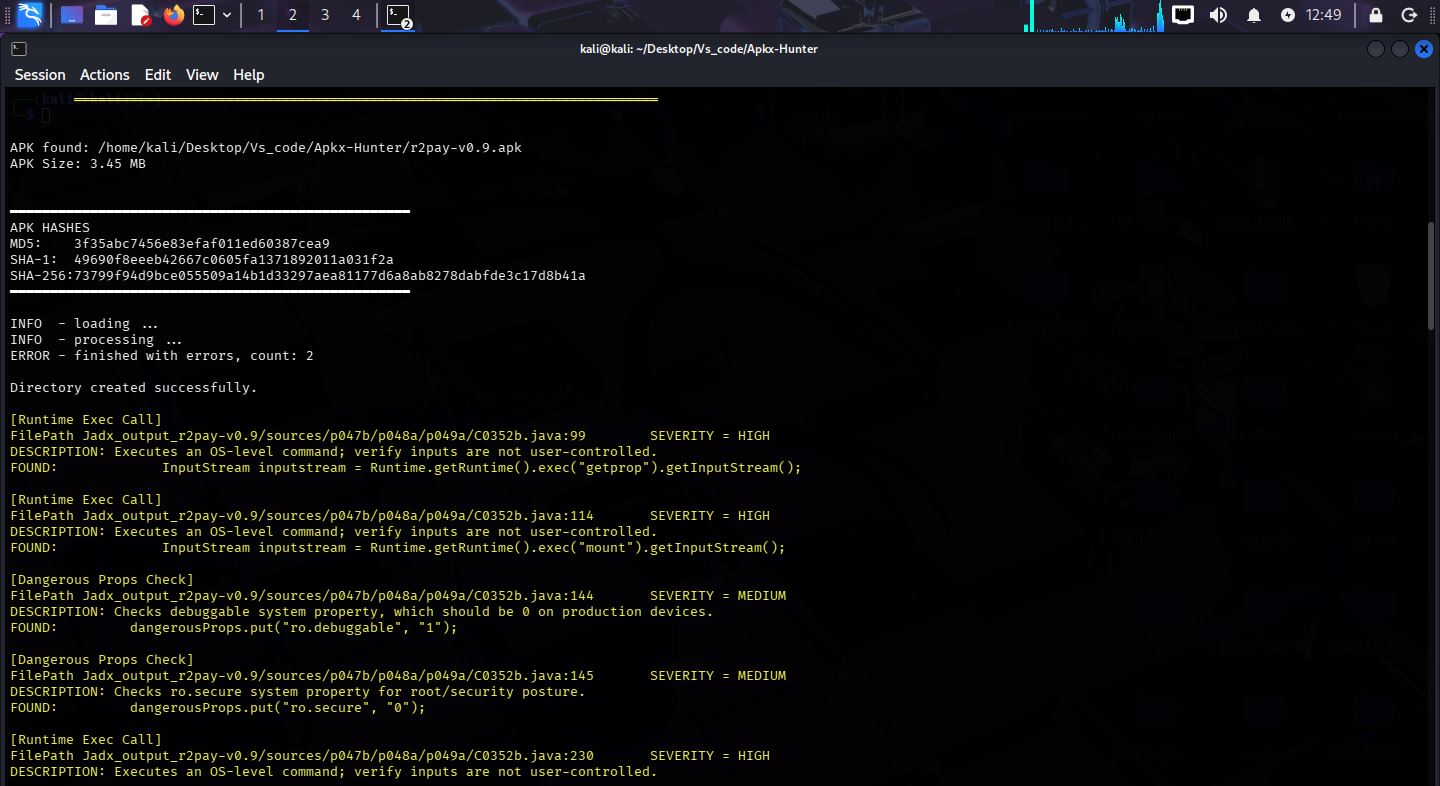
APKXHunter has been tested against the OWASP UnCrackable Level 4 application. The scan successfully identified multiple security findings, demonstrating the effectiveness of its OWASP MASVS scanning engine and Android static analysis capabilities.
Machine Learning Model
APKXHunter uses an offline machine learning classifier. model.bin contains only trained numerical weights used to calculate the confidence score of detected secrets.
It is NOT executable.
It contains no code.
It is loaded as binary data only.
Project Statistics
The following results are based on testing performed during development.
| Metric | Tested Value |
|---|---|
| Operating System | Kali Linux |
| RAM Used for Testing |
Minimum:
Recommended:
APKXHunter integrates a lightweight Machine Learning-based Secret Classification Engine, written entirely in C, as part of its secret detection workflow. This is a statistical Machine Learning model — not a Large Language Model, ChatGPT, Generative AI, or Deep Learning system.
model.bin).All Machine Learning inference is performed locally on the trained model.bin file. APKXHunter does not transmit scanned data, detected secrets, or any other analysis output externally — no cloud APIs are used, and no internet connection is required for ML inference.
Install the Debian package:
sudo dpkg -i apkx-hunter_2.7.1-1_amd64.deb
Dependency Management: Automatically check and install JADX, Apktool, Java, and other required tools.
--install-dependencies
USAGE
apkxhunter <package/folder> [options] [options]
| Flag | Description |
|---|---|
--help | Show help message. |
| Flag | Description |
|---|---|
--fast | Perform a fast jadx decompilation and scan extracted folder. |
--deep | Perform a complete deep jadx decompilation and scan extracted folder. |
Note: Use these flags only after giving apk file name
Examples:
apkxhunter app.apk --fast
apkxhunter app.apk --deep
| Flag | Description |
|---|---|
--apktool | Perform a apktool decompilation and scan extracted folder. |
Note: Use these flags only after giving apkfile name
Examples:
apkxhunter app.apk --apktool
| Flag | Description |
|---|---|
--multi-apk | Perform a multi apk decompilation and scan extracted folder. |
Note: Use these flags only after giving apk_files_folder name
Examples:
apkxhunter Apks --multi-apk
| Flag | Description |
|---|---|
--extract-multi-apk | Extract package (APKS/APKM/XAPK/ZIP) and automatically analyze every extracted APK. |
Note: Use these flags only after giving apk_package_file name
Examples:
apkxhunter test.apkm --extract-multi-apk
| Flag | Description |
|---|---|
--folder-scan | Scan an already decompiled JADX source directory or any directory |
--apktool-folder-scan | Scan an already decompiled Apktool directory — use this flag only for scanning decompiled apk folder which is decompiled by APKTOOL. |
Note: Use these flags only after folder_name for scan
Examples:
apkxhunter <folder_name> --folder-scan
apkxhunter <folder_name_decompiled_by_apktool> --apktool-folder-scan
apkxhunter <folder_name> --folder-scan --secrets
apkxhunter <folder_name> --folder-scan --masvs
apkxhunter <folder_name> --folder-scan --permissions
apkxhunter <folder_name_decompiled_by_apktool> --apktool-folder-scan --secrets
apkxhunter <folder_name_decompiled_by_apktool> --apktool-folder-scan --files
Note: Use these flags only after scanning modes flags or folder analysis flags
Examples:
apkxhunter app.apk --deep --secrets
apkxhunter Apks_folder --deep --multi-apk --secrets
apkxhunter test.apkm --extract-multi-apk --secrets
apkxhunter app.apk --deep --masvs
apkxhunter <folder_name> --folder-scan --secrets
apkxhunter <folder_name> --folder-scan --permissions
apkxhunter <folder_name_decompiled_by_apktool> --apktool-folder-scan --endpoints
apkxhunter app.apk --deep --files
| Flag | Description |
|---|---|
--decompile | Decompile APK using JADX or APKTOOL — doesn't run folder scan after decompilation |
Note: Use these flags only after scanning modes flags
Examples:
apkxhunter app.apk --deep --decompile
apkxhunter app.apk --fast --decompile
apkxhunter app.apk --apktool --decompile
| Flag | Description |
|---|---|
--extract | Extract supported Android packages before analysis and save extracted apk to folder extracted_output_<apk_name>. |
Supported Formats: APK, APKM, APKS, XAPK, ZIP
Example:
apkxhunter app.apkm --extract
Jadx_output_<apk_name>/
Findings Reports:
Result_Jadx_output_<apk_name>/
|- secrets_findings.txt -> Embedded API keys, tokens, secrets
|- permissions.txt -> Android permission analysis
|- pattern_findings.txt -> URLs, endpoints and security patterns
|- files.txt -> File inventory report
|- native_library_files.txt -> Detected native (.so) libraries
|- masvs_findings.txt -> OWASP MASVS Scann Result
Findings Reports:
Folder-scan_Result_<folder_name>/
|- secrets_findings.txt
|- permissions.txt
|- pattern_findings.txt
|- files.txt
|- native_library_files.txt
|- masvs_findings.txt
Apktool_output_<apk_name>/
Findings Reports:
Apktool_Result_<apk_name>/
|- secrets_findings.txt
|- permissions.txt
|- endpoint_findings.txt
|- files.txt
|- native_library_files.txt
|- masvs_findings.txt
Findings Reports:
Apktool-folder-scan_Result_<folder_name>/
|- secrets_findings.txt
|- permissions.txt
|- endpoint_findings.txt
|- files.txt
|- native_library_files.txt
|- masvs_findings.txt
extracted_output_<package_name>/
|- Extracted APK files
APK, APKM, APKS, XAPK, ZIP
APKX-Hunter is actively maintained. If there is a feature, improvement, or analysis capability you would like to see in a future release, we welcome your suggestions. Please submit your ideas through one of the support channels listed below. Community feedback helps shape the future development of APKX-Hunter.
APKXHunter is an actively maintained open-source project.
If you:
Please open a GitHub Issue or contact me directly:
Your feedback helps improve APKXHunter for everyone.
APKXHunter is intended strictly for:
Users are solely responsible for ensuring they have proper authorization before analyzing any application. Unauthorized use of this tool against applications or systems you do not own or have explicit permission to test may be illegal.
APKXHunter is licensed under the Apache License 2.0.
Copyright © 2026 Devesh Kachhawaha (SyscallX-18113).
| # | Category | Patterns |
|---|
| 1 | Weak Cryptography | 28 |
| 2 | Certificate Pinning | 13 |
| 3 | Root Detection | 20 |
| 4 | Anti Debugging | 9 |
| 5 | Anti Tamper | 3 |
| 6 | SharedPreferences | 8 |
| 7 | SQLite | 9 |
| 8 | External Storage | 11 |
| 9 | Dynamic Code Loading | 10 |
| 10 | Reflection | 9 |
| 11 | Runtime Command Execution | 9 |
| 12 | WebView Security | 13 |
| 13 | Network Security | 10 |
| 14 | SSL Validation | 10 |
| 15 | Native Library Loading | 9 |
| TOTAL | 166 |
| 8 GB |
| CPU | Intel Core i3-2120 |
| Largest APK Successfully Decompiled or Scanned | 85 MB |
| Average Decompilation Time | ~50 - 60 seconds |
| Flag | Description |
|---|
--secrets | Scan for API keys, tokens, passwords, and other embedded secrets. |
--permissions | Analyze Android permissions or exported activity. |
--endpoints | Discover URLs, endpoints, and patterns. |
--files | Generate a file inventory report with .so name files extraction. |
--masvs | OWASP MASVS Scan. |
| File | Description |
|---|
secrets_findings.txt | Embedded API keys, tokens, secrets |
permissions.txt | Android permission analysis |
pattern_findings.txt | URLs, endpoints and security patterns (JADX / Folder Scan output) |
endpoint_findings.txt | URLs, endpoints and security patterns (APKTool output) |
files.txt | File inventory report |
native_library_files.txt | Detected native (.so) libraries |
masvs_findings.txt | OWASP MASVS Scann Result |