 synacktiv/hopla
HopLa Burp Suite Extender plugin - Brings AI capabilities, autocompletion support, and a set of useful payloads to Burp Suite

💥 All the power of PayloadsAllTheThings, without the overhead.
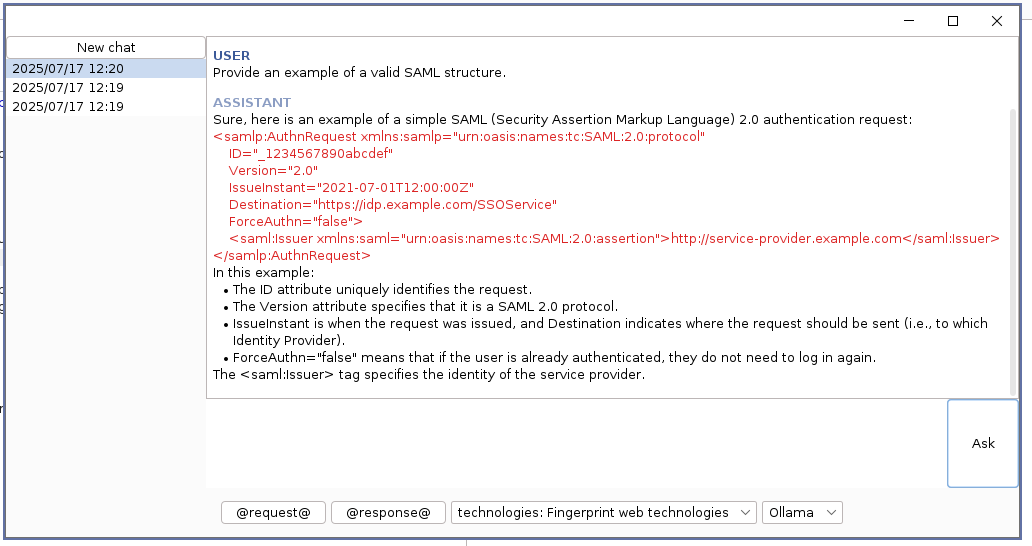
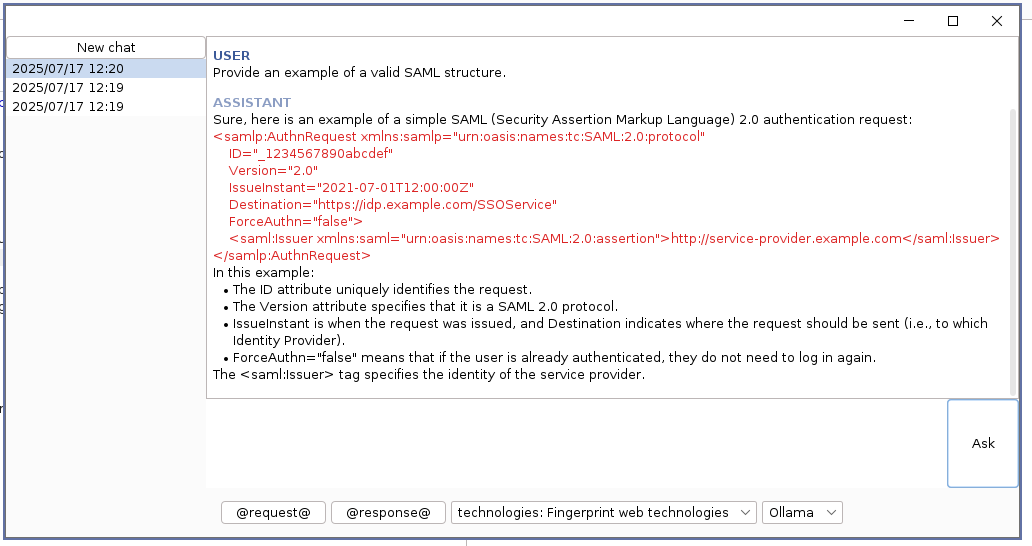
This extension enhances Burp Suite with intelligent autocompletion and built-in payloads to simplify intrusion testing. It supports integration with AI providers like Ollama, OpenAI, and Gemini to offer advanced features such as chat and content generation/transformation. You can also add your own payloads to tailor it to your needs!
Developed by Alexis Danizan
Released as open source by Synacktiv 🥷
Features:
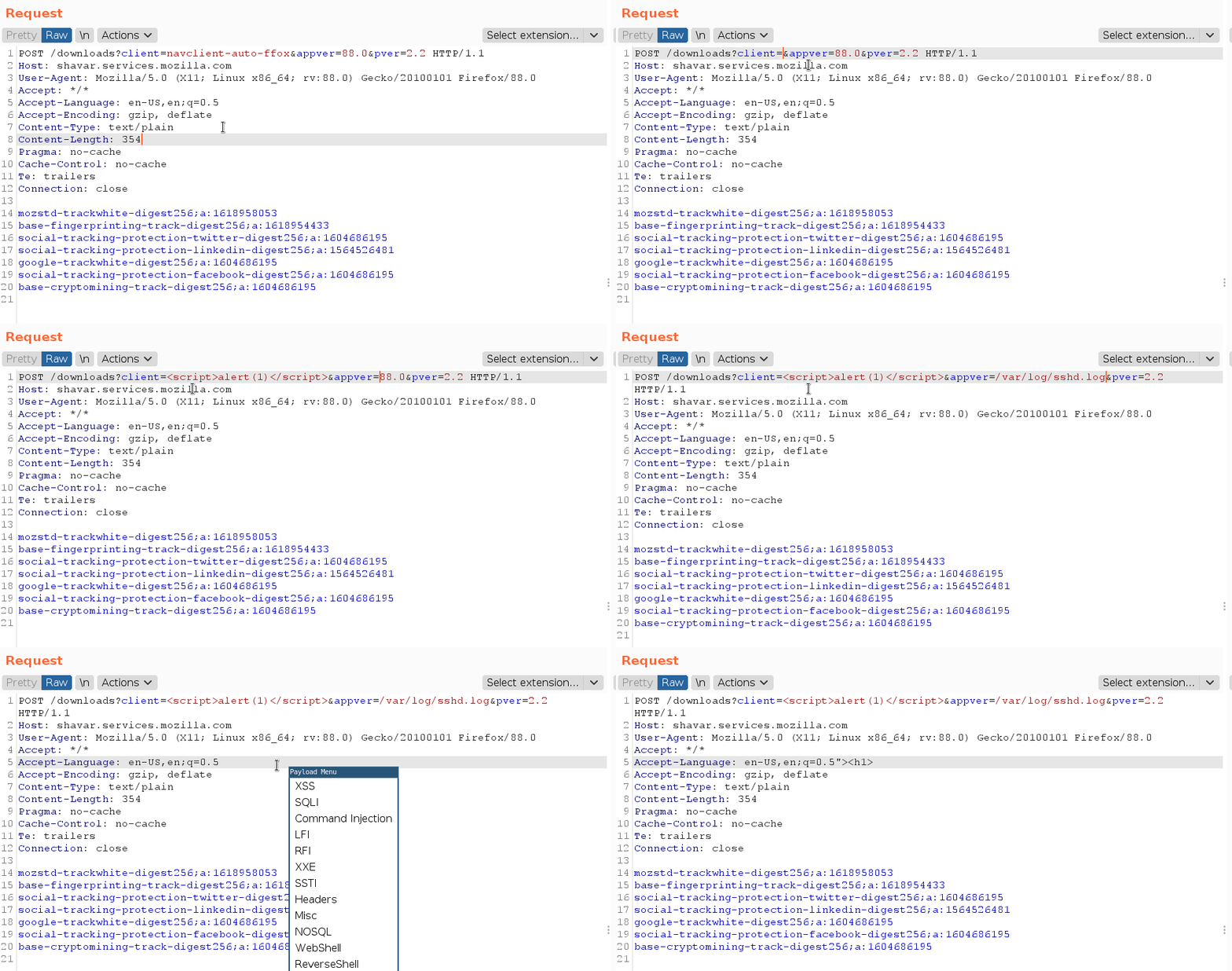
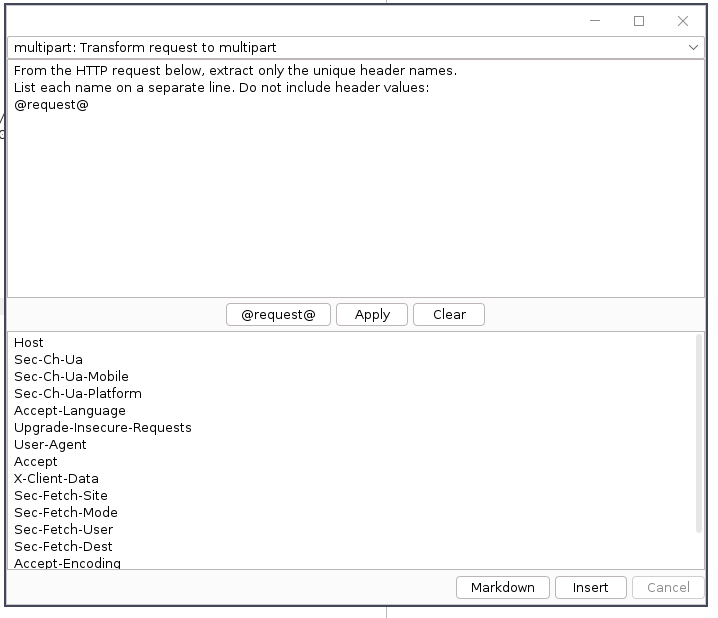
By default, HopLa comes with a built-in set of payloads. You can extend them by loading your own custom YAML file via the top menu. (See the default payloads file for reference.)
AI providers can be configured by importing your YAML configuration (see Configure AI providers)
Several keyboard shortcuts are predefined by default and can be customized through configuration files.
Ctrl+Q - Open the Payload Library menuCtrl+J - Launch the AI ChatCtrl+Alt+O - Open the Quick Actions menuCtrl+L - Open the Search & Replace menuCtrl+M - Insert a Burp Collaborator payloadCtrl+Alt+J - Open the Custom Keywords ManagerIf you're using i3, add the following line to your $HOME/.config/i3/config to enable floating mode for the frame:
for_window [class=".*burp-StartBurp.*" title="^ $"] floating enable
HopLa supports multiple AI providers (OpenAI, Gemini, Ollama), but AI-powered autocompletion is only available with Ollama.
| Features | Ollama | Gemini | OpenAI |
|---|---|---|---|
| Chat | ✅ Yes | ✅ Yes | ✅ Yes |
| Autocompletion | ✅ Yes | ❌ No | ❌ No |
| Quick Action | ✅ Yes | ✅ Yes | ✅ Yes |
The YAML configuration file for AI is structured as follows (a sample file can be exported from the HopLa menu):
shortcut_ai_chat: Ctrl+J
shortcut_quick_action: Ctrl+Alt+O
#autocompletion_min_chars: 1 # Minimum input length for AI-powered autocompletion (default: 1)

providers:
  OPENAI:
    enabled: true
    chat_model: gpt-4.1
    chat_endpoint: https://api.openai.com/v1/chat/completions
    #chat_model_system_prompt: REPLACE_ME
    quick_action_model: gpt-4.1
    #quick_action_system_prompt: REPLACE_ME
    quick_action_endpoint: https://api.openai.com/v1/chat/completions
    headers:
      Authorization: "Bearer REPLACE_ME"
    proxy:
      enabled: true
      host: 127.0.0.1
      port: 5555
      username: user123
      password: pass123
      type: SOCKS # SOCKS or HTTP
  GEMINI:
    enabled: true
    chat_model: gemini-2.0-flash
    chat_endpoint: https://generativelanguage.googleapis.com/v1beta/models/@model:streamGenerateContent?alt=sse&key=@key #HopLa replace @key with api_key value
    #chat_model_system_prompt: REPLACE_ME
    quick_action_endpoint: https://generativelanguage.googleapis.com/v1beta/models/@model:streamGenerateContent?alt=sse&key=@key #HopLa replace @key with api_key value
    #quick_action_system_prompt: REPLACE_ME
    api_key: REPLACE_ME
    proxy:
      enabled: true
      host: 127.0.0.1
      port: 5555
      username: user123
      password: pass123
      type: SOCKS # SOCKS or HTTP

  OLLAMA:
    enabled: true
    completion_model: qwen2.5-coder:3b
    completion_endpoint: http://localhost:11434/api/generate
    #completion_model_system_prompt: REPLACE_ME
    completion_prompt: "<|fim_prefix|>@before<|fim_suffix|>@after<|fim_middle|>" # @input, @section, @before, @after
    completion_params:
      seed: 42
      temperature: 0.0
      top_p: 1.0
      top_k: 0
      num_predict: 15
    completion_stops:
      - "\n"
      - "<|fim_middle|>"
    chat_model: qwen2.5-coder:3b
    #chat_system_prompt: REPLACE_ME
    chat_endpoint: http://localhost:11434/api/chat
    #chat_stops:
    #  - "\n"
    #chat_params:
    #  temperature: 0.0
    quick_action_model: qwen2.5-coder:7b
    quick_action_endpoint: http://localhost:11434/api/generate
    #quick_action_system_prompt: REPLACE_ME
    #quick_action_stops:
    #  - "\n"
    #quick_action_params:
    #  temperature: 0.0
  BURP:
    enabled: true
    #chat_system_prompt: REPLACE_ME
    chat_params:
      temperature: 0.0
    #quick_action_system_prompt: REPLACE_ME
    quick_action_params:
      temperature: 0.0

defaults:
  chat_provider: OLLAMA # OLLAMA, OPENAI, GEMINI, BURP
  completion_provider: OLLAMA # OLLAMA, OPENAI, GEMINI, BURP
  quick_action_provider: OLLAMA # OLLAMA, OPENAI, GEMINI, BURP
  timeout_sec: 60

prompts:
  - name: technologies
    description: "Fingerprint web technologies"
    content: |
      Analyze the following HTTP response and identify the web technologies used.
      List your reasoning for each technology detected.

quick_actions:
  - name: multipart
    description: "Transform request to multipart"
    content: |
      Transform the following HTTP POST request into a multipart/form-data request:
  - name: json
    description: "Transform request to json"
    content: |
      Transform the following HTTP POST request into a JSON request:
  - name: headers_name
    description: "Extract HTTP header names"
    content: |
      From the HTTP request below, extract only the unique header names. List each name on a separate line. Do not include header values.
For the BApp Store version of the extension, only the Burp provider is supported.
The YAML payloads file follow the structure (there is no nesting limit):
shortcut_search_and_replace: Ctrl+L
shortcut_payload_menu: Ctrl+Q
shortcut_collaborator: Ctrl+M
shortcut_add_custom_keyword: Ctrl+Alt+J

categories:
  - name: "XSS"
    payloads:
      - name: "Fingerprint"
        value: "\"><h1>"
        shortcut: Ctrl+k # Use this shortcut to insert a payload
  - name: "Path Traversal"
    categories:
      - name: "Simple"
        payloads:
          - name: ""
            value: "../"
      - name: "Simple 2"
        payloads:
          - name: ""
            value: "../"
keywords:
  - name: "Headers"
    values:
      - "Accept"
      - "Accept-Charset"
To add only autocompletion keywords that do not appear in the menu, you can add them in the keywords category:
keywords:
  - name: "Headers"
    values:
      - "Accept"
      - "Accept-Charset"
To enable other providers, set def externalAIEnabled = true in build.gradle.
Build using Docker or Podman:
$ podman build -t hopla .

