
 sylhetyhackvenger/hikraven
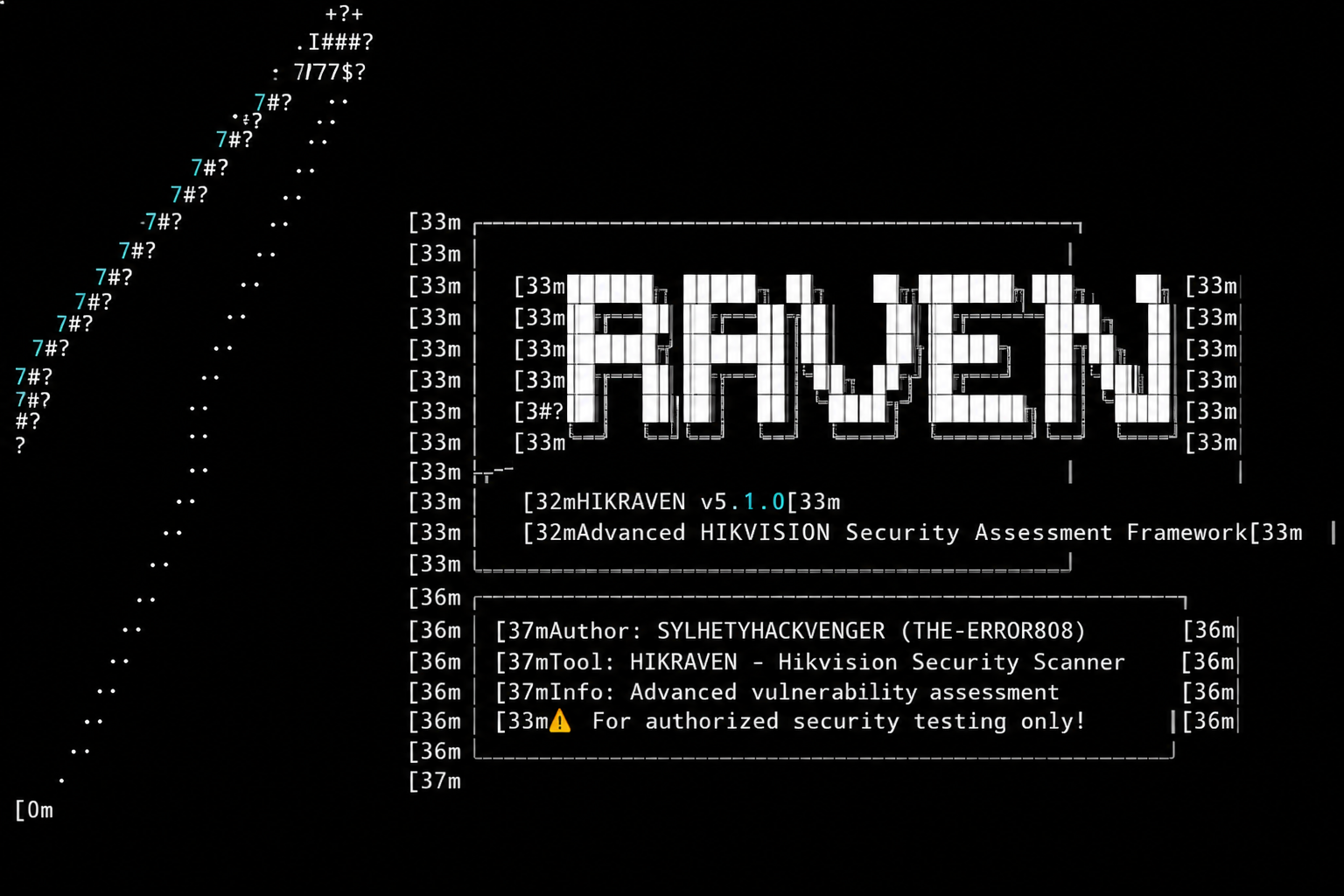
HIKRAVEN - Advanced Hikvision Security Assessment Platform for professional penetration testing. Detects 12+ CVEs including CVE-2021-36260 (CRITICAL), tests default credentials, performs network discovery, and generates professional security reports. For authorized security testing only! 🛡️🔒

Advanced Hikvision Security Assessment Platform - Professional Edition
Features • Quick Start • Installation • Usage • Documentation • Disclaimer
⚠️ IMPORTANT LEGAL NOTICE
[!] THIS TOOL IS FOR AUTHORIZED SECURITY TESTING ONLY [!]
Unauthorized access to computer systems is illegal and unethical.
By using this tool, you agree to:
· Only test systems you own or have explicit written permission to test · Comply with all applicable laws and regulations · Use findings responsibly and report vulnerabilities ethically · Accept full legal responsibility for your actions
📋 Table of Contents
· Overview · Features · Installation · Quick Start · Usage Guide · Commands Reference · Reporting · Vulnerabilities Detected · Architecture · Configuration · Contributing · Disclaimer · License
🔍 Overview
HIKRAVEN is a professional-grade security assessment platform specifically designed for identifying and analyzing vulnerabilities in Hikvision devices. Built for security researchers, penetration testers, and IT security professionals. It provides comprehensive network discovery, vulnerability scanning, and reporting capabilities.
Key Capabilities
Capability Description 🔎 Discovery Passive and active network discovery with ARP sniffing, multicast probing, and port scanning 🎯 Fingerprinting Detailed device identification including model, firmware, serial numbers, and cloud status 🛡️ Vulnerability Scan Detection of 12+ known CVEs including critical command injection vulnerabilities 🔑 Credential Testing Automated testing of 40+ default username/password combinations 💥 Exploitation Safe and controlled exploitation testing for authorized penetration testing 📊 Reporting Professional reports in JSON, HTML, CSV, and Markdown formats 🗄️ Database Persistent storage with encryption for credentials and scan history
✨ Features
🚀 Discovery & Reconnaissance
· Passive ARP Sniffing - Detect Hikvision devices without active scanning · Multicast Probing - Discover devices via UDP multicast (239.255.255.250:37020) · Subnet Scanning - Ping sweeps and port scanning across entire subnets · MAC OUI Detection - Identify Hikvision devices by MAC address prefixes · Interface Management - Multi-interface support with cross-platform compatibility · Reverse DNS - Automatic hostname resolution
🛡️ Vulnerability Assessment
· 12+ CVE Signatures - Comprehensive vulnerability database including: · CVE-2021-36260 (Command Injection - CRITICAL) · CVE-2017-7923 (Authentication Bypass - HIGH) · CVE-2019-11376 (Information Disclosure - HIGH) · And more... · Default Credential Testing - 40+ common username/password combinations · Web Interface Analysis - Extract device information from web interfaces · Cloud Management Detection - Identify Hik-Connect enabled devices · Risk Scoring - Automatic threat level calculation (INFO → CRITICAL)
💣 Exploitation (Authorized Use Only)
· CVE-2021-36260 - Command injection exploitation with safe mode · CVE-2017-7923 - Authentication bypass and password reset · Safe Mode - Non-destructive testing options · Evidence Collection - Proof of concept capture
📊 Professional Reporting
Format Use Case Features HTML Executive Reports Interactive, styled, device cards, severity coloring JSON API Integration Machine-readable, structured, complete dataset CSV Spreadsheet Analysis Excel-compatible, pivot table ready Markdown Documentation Readable, version control friendly
🗄️ Database & Management
· SQLite Storage - Lightweight, portable database · Encrypted Credentials - AES-256 encryption for sensitive data · Scan History - Complete audit trail of all scans · Automatic Backups - Database rotation and compression · Device Fingerprinting - Unique identifiers to prevent duplicates
📦 Installation
Prerequisites
Python 3.8 or higher
pip (Python package manager)
Quick Install
# Clone the repository
git clone https://github.com/SYLHETYHACKVENGER/HIKRAVEN
cd HIKRAVEN

# Install dependencies
pip install -r requirements.txt

# Verify installation
python hikraven.py --version
Dependencies
requests>=2.31.0
scapy>=2.5.0
lxml>=4.9.0
cryptography>=41.0.0
colorama>=0.4.6
pyyaml>=6.0
tqdm>=4.66.0
packaging>=23.1
rich>=13.5.0
netifaces>=0.11.0
psutil>=5.9.5
Platform-Specific Notes
Linux/Unix:
# May require root privileges for packet capture
sudo python hikraven.py --interface eth0

# Install additional dependencies
sudo apt-get install python3-scapy
Windows:
# Run as Administrator for packet capture
python hikraven.py --interface "Ethernet"

# Install Npcap for packet capture
# Download from: https://npcap.com/
macOS:
# May require sudo for packet capture
sudo python hikraven.py --interface en0
🚀 Quick Start
# Auto-detect interface and scan local network
python hikraven.py --auto-detect

# Scan specific subnet
python hikraven.py --subnet 192.168.1.0/24
# Complete vulnerability scan with reporting
python hikraven.py --interface eth0 --subnet 192.168.1.0/24 --vuln-scan --report html
# Low-profile scanning with rate limiting
python hikraven.py --interface eth0 --stealth --passive
# Safe exploitation testing
python hikraven.py --subnet 192.168.1.0/24 --vuln-scan --exploit
📖 Usage Guide
Command Line Options
Option Short Description --interface -i Network interface (e.g., eth0, wlan0) --address -a IP address of the interface --auto-detect -D Auto-detect network interface --list-interfaces -L List available network interfaces --passive -p Passive discovery only (ARP sniffing) --active -A Active discovery (ping scan, port scan) --subnet -s Subnet to scan (e.g., 192.168.1.0/24) --vuln-scan -v Perform vulnerability scanning --exploit -e Attempt exploitation (DANGEROUS!) --report -r Generate report format(s) --output -o Output directory for reports --stealth Enable stealth mode --threads -t Number of threads (default: 100) --timeout Network timeout in seconds (default: 10) --config -c Configuration file path --verbose -V Verbose output --quiet -q Quiet mode --version Show version
Examples
python hikraven.py --list-interfaces
# Discover devices without active scanning
python hikraven.py --interface wlan0 --passive --verbose
# Complete scan with all features
python hikraven.py --interface eth0 --subnet 10.0.0.0/24 --vuln-scan --report all
# Save reports to custom location
python hikraven.py --subnet 192.168.1.0/24 --vuln-scan --output /home/user/security-reports
# High-performance scan
python hikraven.py --subnet 192.168.1.0/24 --threads 200 --timeout 5

# Conservative scan
python hikraven.py --subnet 192.168.1.0/24 --threads 20 --timeout 20 --stealth
📊 Reporting
Report Generation
# Generate all report formats
python hikraven.py --subnet 192.168.1.0/24 --vuln-scan --report all

# Generate specific format
python hikraven.py --subnet 192.168.1.0/24 --vuln-scan --report html
python hikraven.py --subnet 192.168.1.0/24 --vuln-scan --report json
Report Contents
Executive Summary
· Total devices discovered · Vulnerable devices count · Total vulnerabilities found · Severity distribution · Risk score overview
