 st1lly/dc-sonar
Analyzing AD domains for security risks related to user accounts

The project consists of repositories:
It's only for education purposes.
Avoid using it on the production Active Directory (AD) domain.
Neither contributor incur any responsibility for any using it.
Check out our Red Team community Telegram channel
For the visual descriptions, open the diagram files using the diagrams.net tool.
The app consists of:
The DC Sonar Community provides functionality for analyzing AD domains for security risks related to accounts:
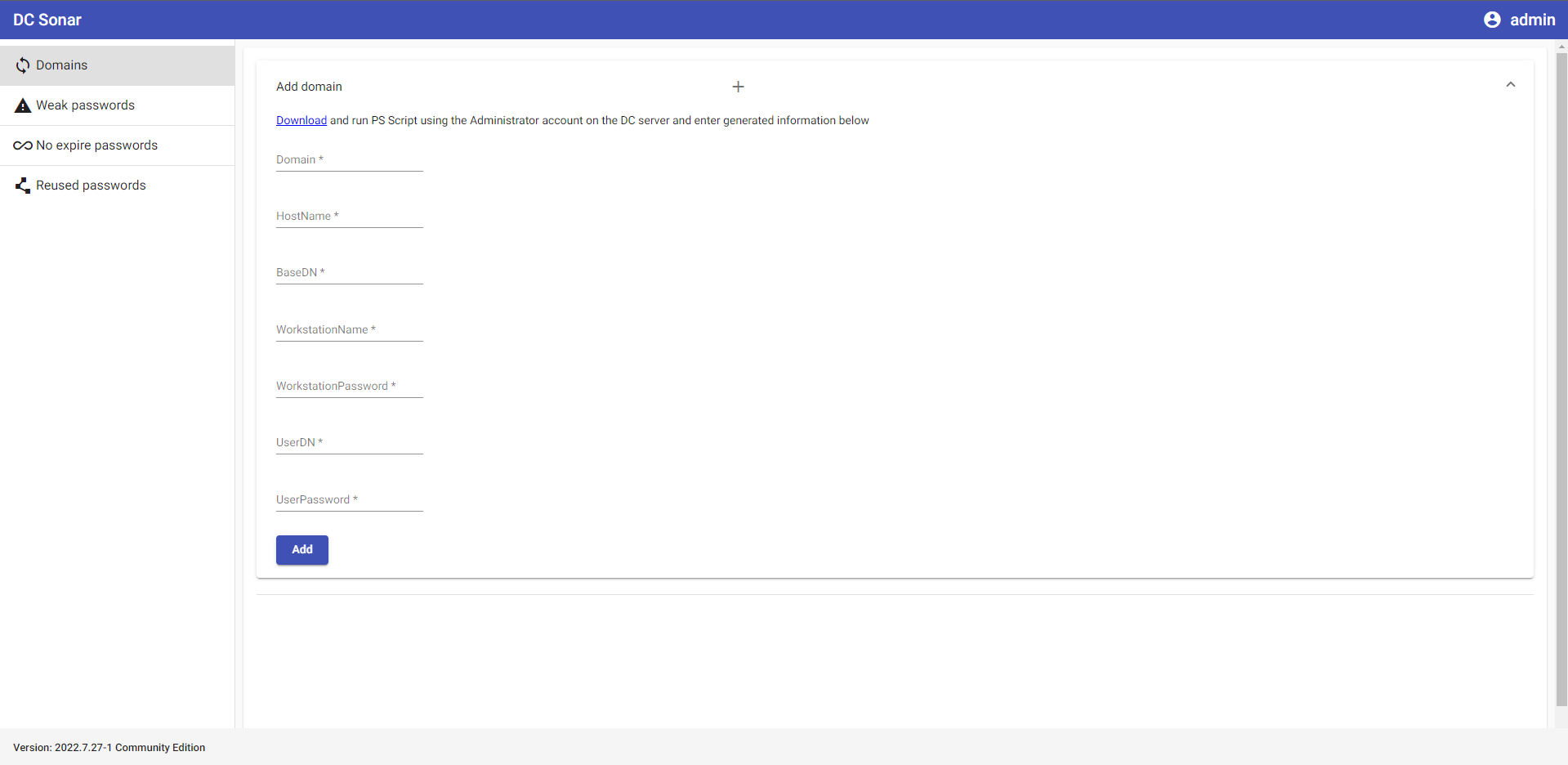
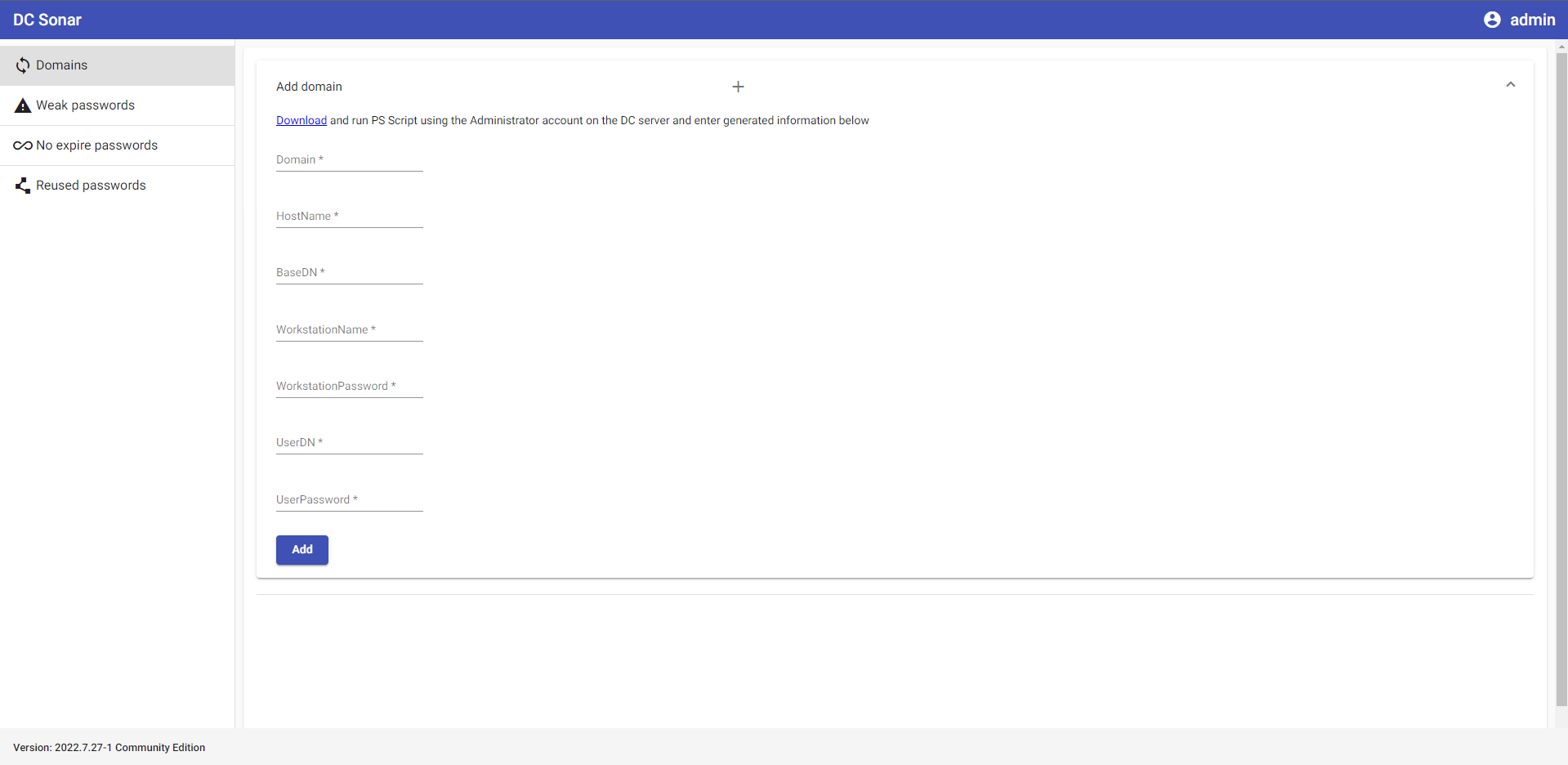
Register analyzing AD domain in the app
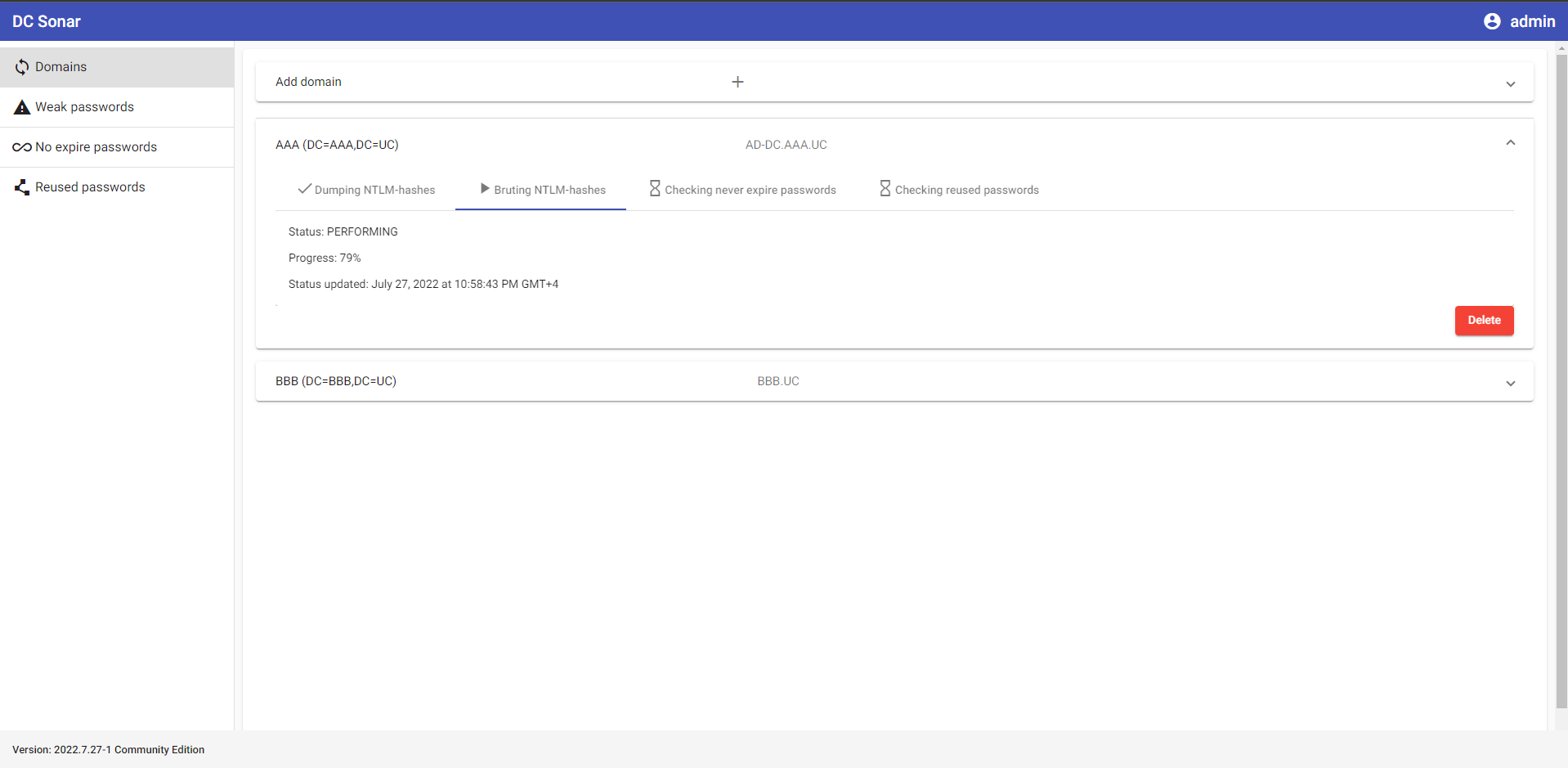
See the statuses of domain analyzing processes
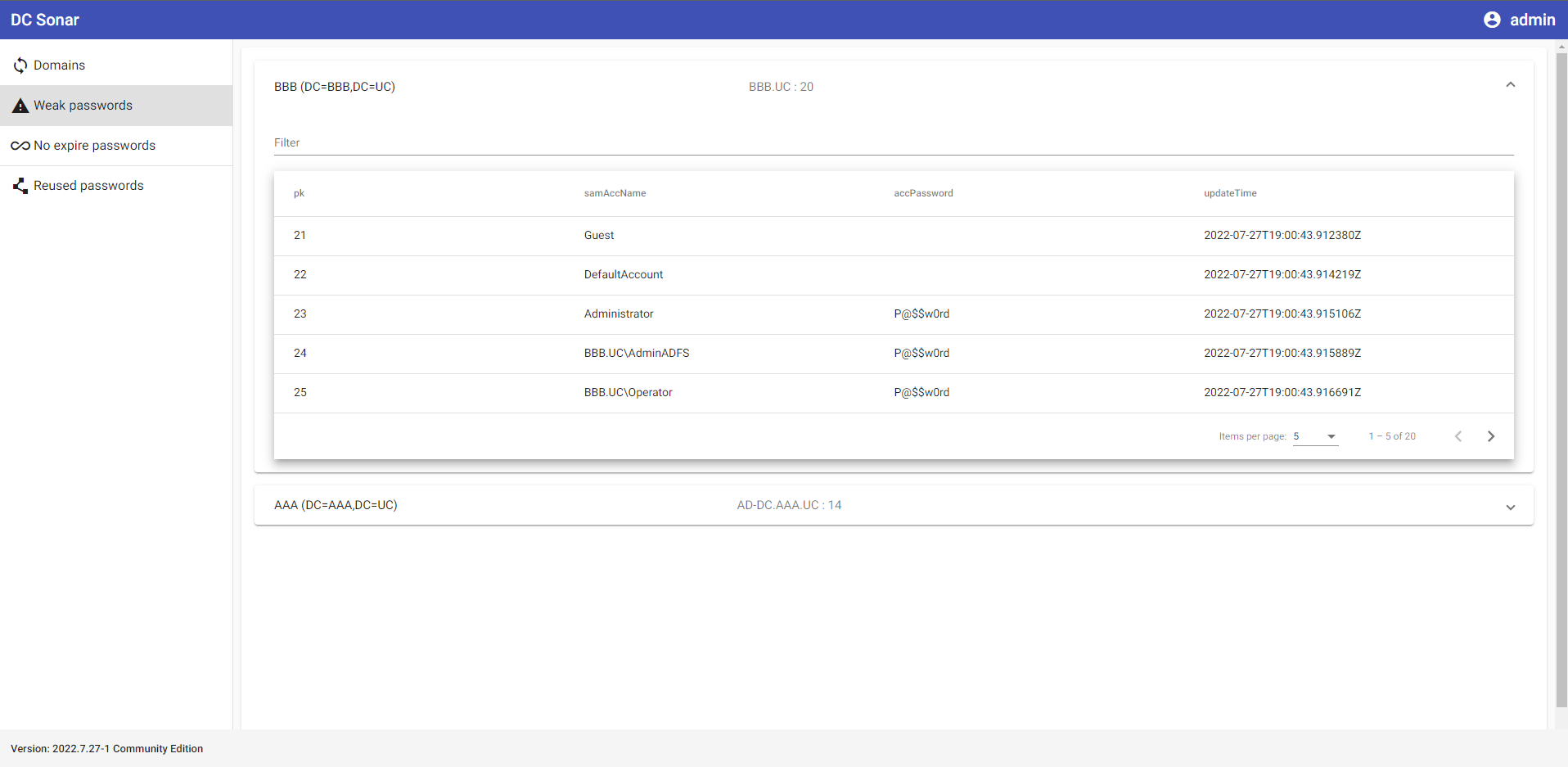
Dump and brute NTLM hashes from set AD domains to list accounts with weak and vulnerable passwords
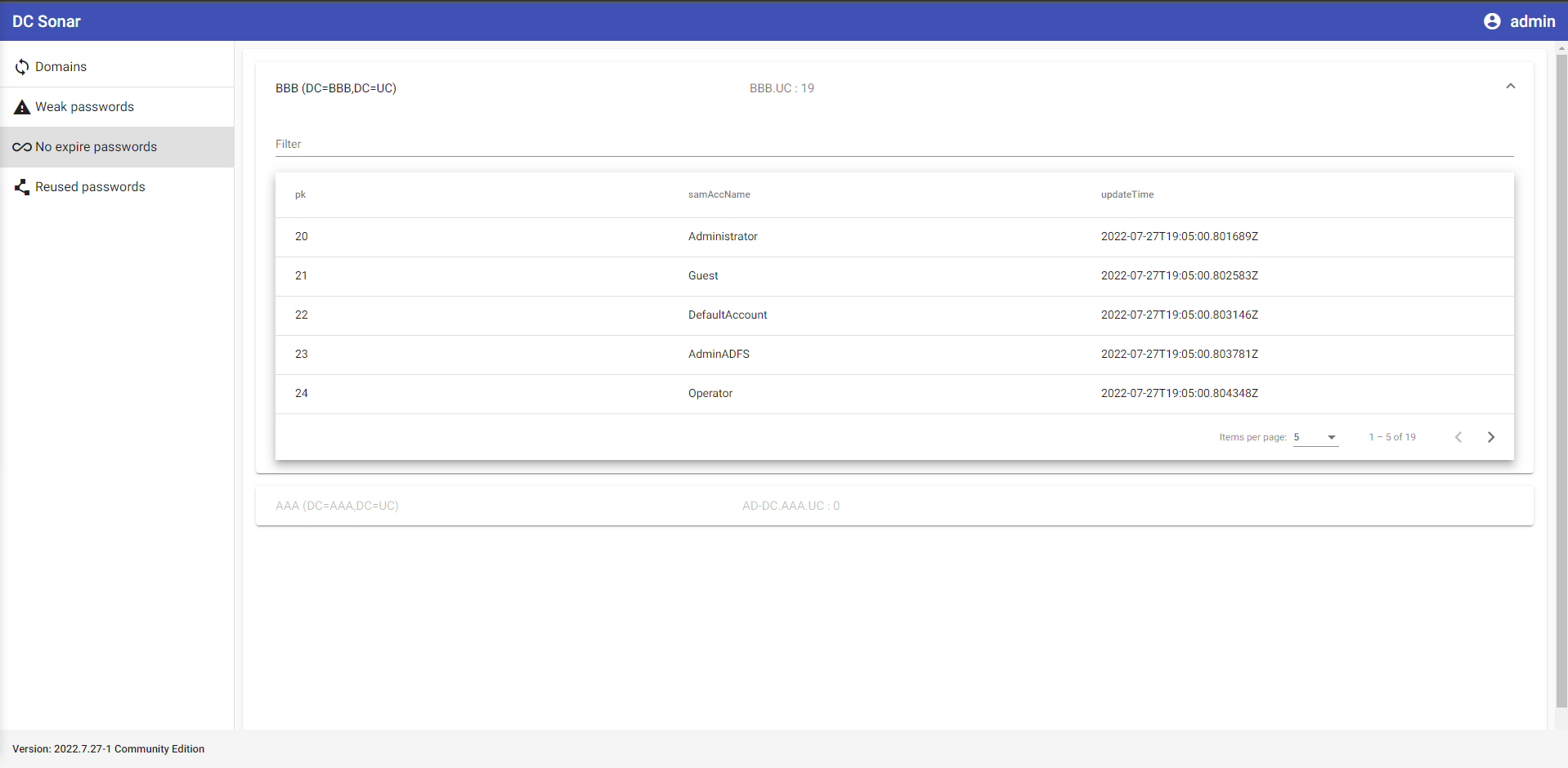
Analyze AD domain accounts to list ones with never expire passwords
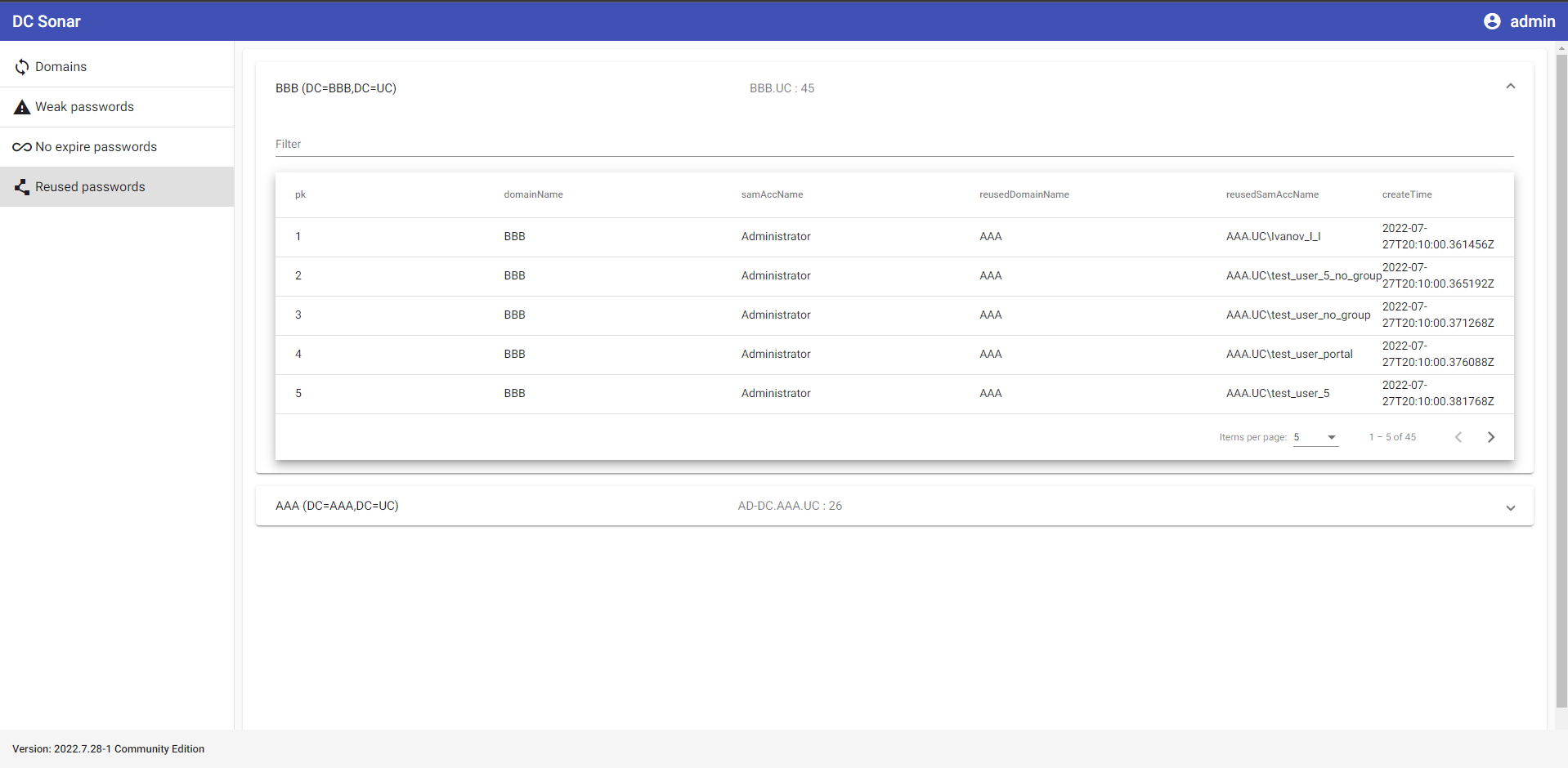
Analyze AD domain accounts by their NTLM password hashes to determine accounts and domains where passwords repeat
In progress ...
It is assumed that you have a clean Ubuntu Server 22.04 and account with the username "user".
The app will install to /home/user/dc-sonar.
The next releases maybe will have a more flexible installation.
Download dc_sonar_NNNN.N.NN-N_amd64.tar.gz from the last distributive to the server.
Create a folder for extracting files:
mkdir dc_sonar_NNNN.N.NN-N_amd64
Extract the downloaded archive:
tar -xvf dc_sonar_NNNN.N.NN-N_amd64.tar.gz -C dc_sonar_NNNN.N.NN-N_amd64
Go to the folder with the extracted files:
cd dc_sonar_NNNN.N.NN-N_amd64/
Install PostgreSQL:
sudo bash install_postgresql.sh
Install RabbitMQ:
sudo bash install_rabbitmq.sh
Install dependencies:
sudo bash install_dependencies.sh
It will ask for confirmation of adding the ppa:deadsnakes/ppa repository. Press Enter.
Install dc-sonar itself:
sudo dpkg -i dc_sonar_NNNN.N.NN-N_amd64.deb
It will ask for information for creating a Django admin user. Provide username, mail and password.
It will ask for information for creating a self-signed SSL certificate twice. Provide required information.
Open: https://localhost
Enter Django admin user credentials set during the installation process before.
See the information in STYLE_GUIDE.md
In progress ...
In this case, we will set up the environment for editing code on the Windows host while running Python code on the Ubuntu guest.
Create a virtual machine with 2 CPU, 2048 MB RAM, 10GB SSD using Ubuntu Server 22.04 iso in VirtualBox.
If Ubuntu installer asks for updating ubuntu installer before VM's installation - agree.
Choose to install OpenSSH Server.
VirtualBox Port Forwarding Rules:
| Name | Protocol | Host IP | Host Port | Guest IP | Guest Port |
|---|---|---|---|---|---|
| SSH | TCP | 127.0.0.1 | 2222 | 10.0.2.15 | 22 |
| RabbitMQ management console | TCP | 127.0.0.1 | 15672 | 10.0.2.15 | 15672 |
| Django Server | TCP | 127.0.0.1 | 8000 | 10.0.2.15 | 8000 |
| NTLM Scrutinizer | TCP | 127.0.0.1 | 5000 | 10.0.2.15 | 5000 |
| PostgreSQL | TCP | 127.0.0.1 | 25432 | 10.0.2.15 | 5432 |
Download and install Python 3.10.5.
Create a folder for the DC Sonar project.
Go to the project folder using Git for Windows:
cd '{PATH_TO_FOLDER}'
Make Windows installation steps for dc-sonar-user-layer.
Make Windows installation steps for dc-sonar-workers-layer.
Make Windows installation steps for ntlm-scrutinizer.
Make Windows installation steps for dc-sonar-frontend.
