 space0blaster/smartmap
LLM based map for research, exploration and discovery.

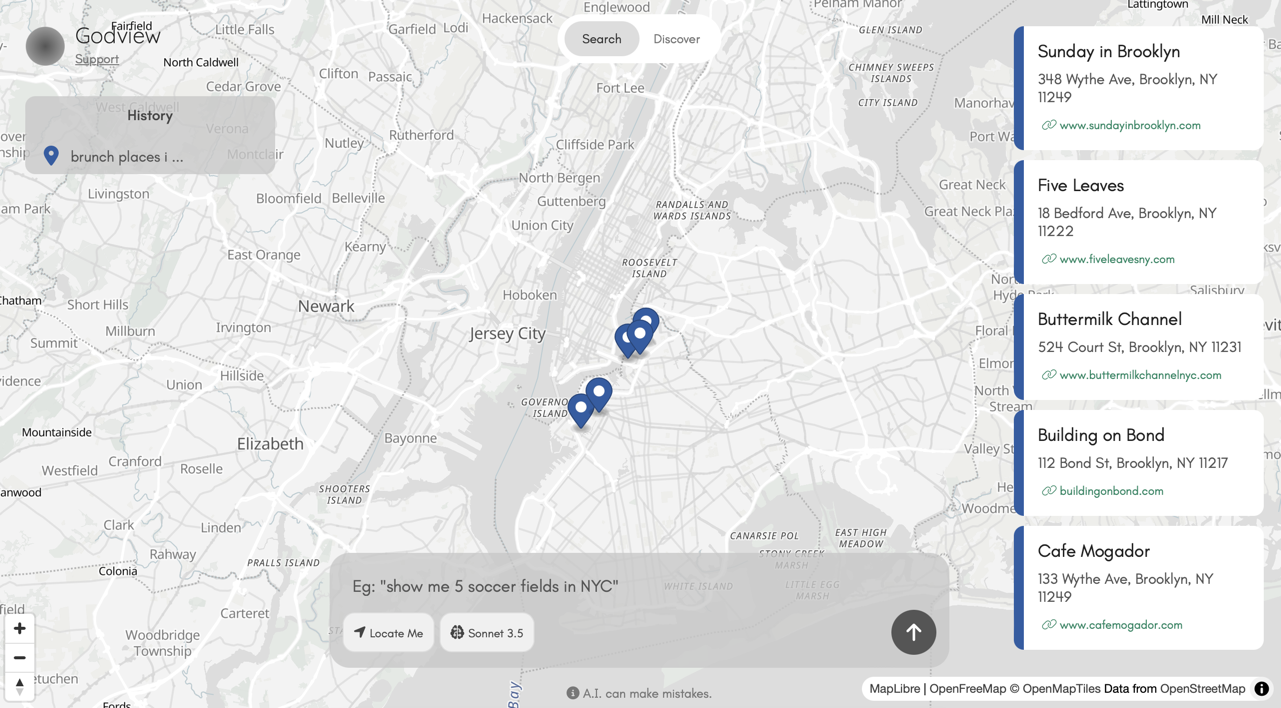
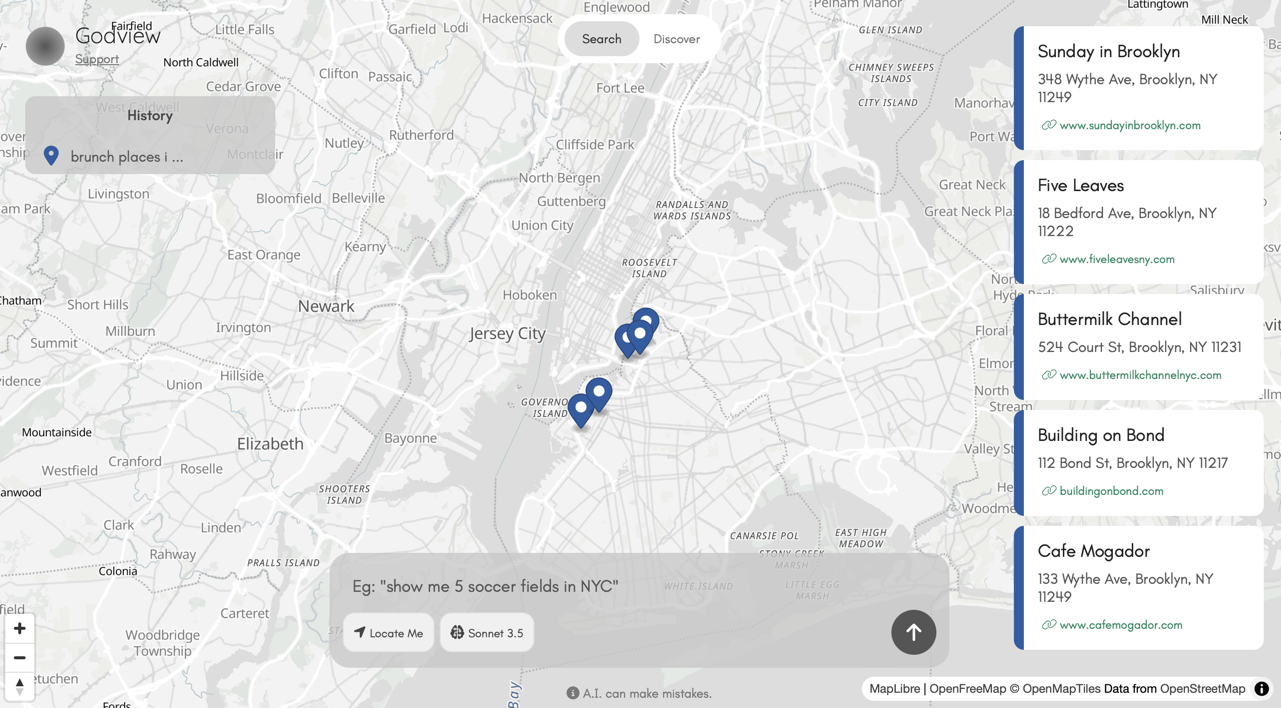
Godview is a map based entirely on LLMs (Large Language Models) and OSM (Open Street Map). Uses Anthropic, DeepSeek or Open AI. Godview also runs locally with Ollama.
Website: godview.ai
git clone https://github.com/space0blaster/godview.git
Install dependencies.
npm install
If using Ollama, don't forget to install it if you don't have it already. Install at ollama.com/.
Navigate into the godview directory and copy the provided example environment file.
Copy your desired tokens for each model provider or alternatively use local models (requires Ollama installation).
The default model for local inference is llama3.2:3b. You can modify this in your .env file to whatever model you desire (don't forget to pull it first).
cd godview
cp .env.example .env
Run the app.
node index.js
You will see this message Godview running on port 3939.
Open your favorite browser and head over to http://localhost:3939.
You can change the port number in your .env file.
The app has to pages, /search and /discover as seen on the top navigation bar.
Search queries the LLM based on your prompt and returns geo-locations.
Discover allows you to click on any point in the map and query the LLM for info on using the lat,long coordinates.
The only difference between this codebase and the codebase running on godview.ai is that site uses MapBox. I chose OSM for the open-source version so you don't have to go obtain a MapBox token.
If you insist on using MapBox, simple head over to mapbox.com, sign up for an account and obtain a token.
In the codebase, namely the map.interface.js file, simply replace all the maplibregl classes with mapboxgl.
Don't forget to set your token by putting mapboxgl.accessToken=YOUR-MAPBOX-TOKEN and include the .js and .css file from MapBox into your index.html file.
The code base is located in the /assets folder.
/interface contains the JavaScript files and /style contains the CSS files.
The /lib file contains the OSM files (or any additional external files you may want to include).
If you modify any of the /assets files, don't forget to minify using your favorite minifier.
CSS files are minified to style.min.css and JavaScript files are minified to interface.min.js.
Those are the files called from index.html.
You can reach me on Twitter/X.
This codebase is under MIT license.
