
Skip to content
KitploitKITPLOIT
ToolsBlog
Submit
ToolsBlog
Submit

Hacking, PenTest, and Cybersecurity Tools for Your Security Arsenal!

Kitploit is a directory of hacking, cybersecurity, and pentesting tools. Discover the latest project updates to find vulnerabilities, analyze systems, automate testing, and strengthen your security.

··Feeds·Contact·Privacy·© 2026 Kitploit

Tool Directory

Categories

View all categories
Loading categories
RadareEye — Tool for especially scanning nearby devices and execute a given command on its own system while the target device comes in range. | Kitploit
Tools/GitHubGitHub/souravbaghz/radareeye
ReconnaissanceWi-Fi AuditingBluetooth SecurityIoT SecurityWireless SecurityRed Teaming
GitHubsouravbaghz/radareeye

RadareEye

Tool for especially scanning nearby devices and execute a given command on its own system while the target device comes in range.


View Repository
384504 years agoReviewed by Kitploit

Most Popular

View all →

Discover the most used tools by our community.

Explore all tools

Browse our collection of tools

View all tools →
Share

A tool for scanning nearby devices and execute command when the target device comes in between range..


NOTE:- RadareEye Owner will be not responsible if any user performs malicious activities using this tool. Use it for Learning purpose only.

  • Installation of RadareEye :
root@kitploit:~
git clone https://github.com/souravbaghz/RadareEye

Usage:

root@kitploit:~
./radare <mac_addr> <option>

Available Options Are:

  • -blue Bluetooth RadareEye
  • -ble BLE radareEye
  • -wifi Wifi AP radareEye

  • Running Bluetooth RadareEye :
root@kitploit:~
sudo bash radare XX:XX:XX:XX:XX:XX -blue
  • Running BLE RadareEye :
root@kitploit:~
sudo bash radare XX:XX:XX:XX:XX:XX -ble

Same for the Wifi also with -wifi option, Here XX:XX:XX:XX:XX:XX means your target device's MAC Address & make sure to do with sudo (if you aren't root). I didn't add scanning feature in this script but you can get thr MAC Adress easily by executing 'hcitool scan' for bluetooth and 'hcitool lescan' for BLE Devices in terminal.
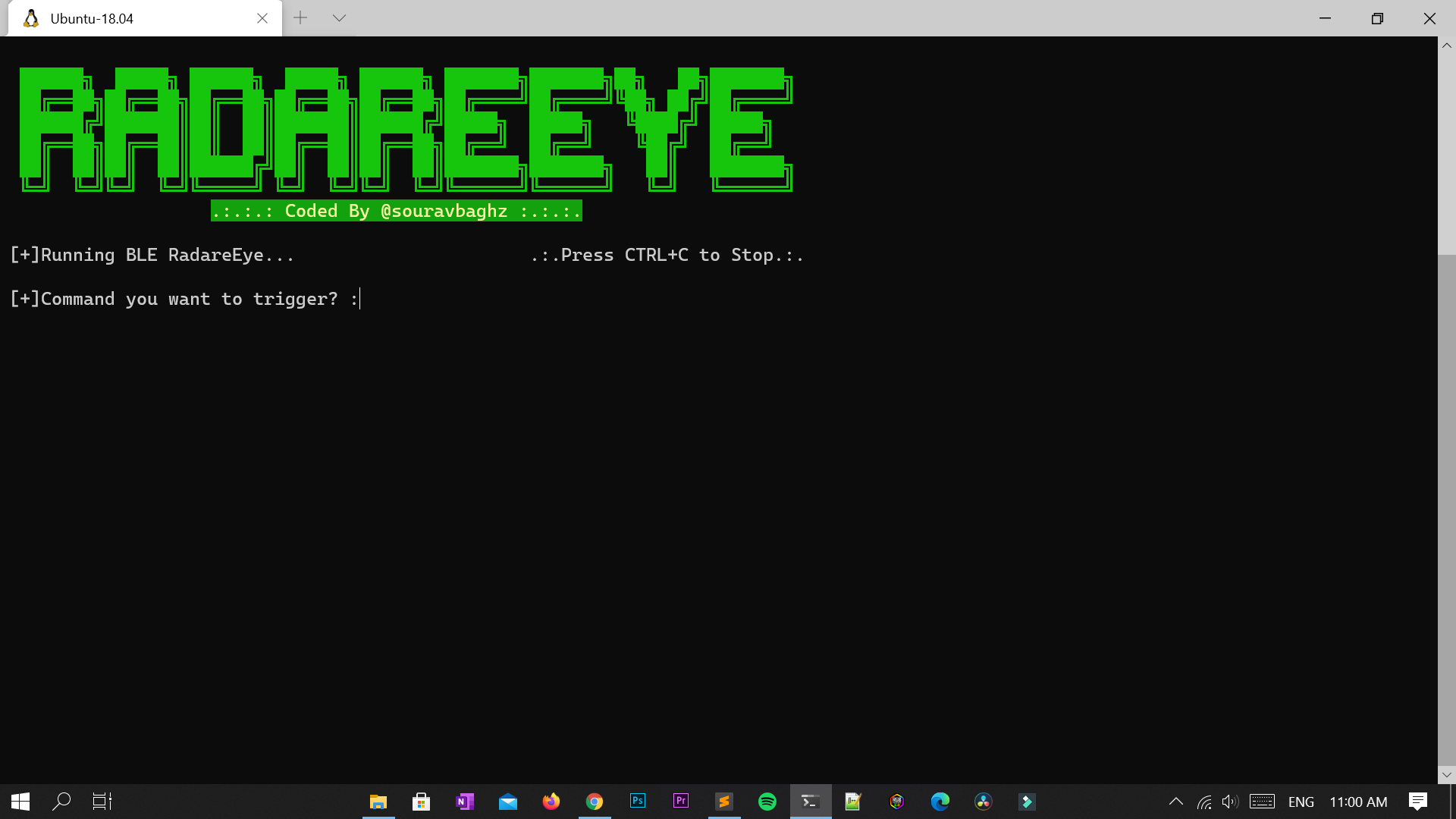

After running RadareEye, It will ask you 'Command you want to trigger?' , you can skip it by simply keep it blank and it RadareEye will show you status of your target whether it's in range or not without triggering any command. If you want to trigger any command when your target comes in between range then enter a command when it asks. Examples :
  • Below given command will shutdown our system imediatly when target device comes in range.
root@kitploit:~
[+]Command you want to trigger? :shutdown now
  • It will run your other script
root@kitploit:~
[+]Command you want to trigger? :./myscript.py

If you love my work then you can buy me a Coffee here.

Buy Me A Coffee


🤝 Connect with me

Instagram: souravbaghz GitHub souravbaghz Twitter souravbaghz Medium souravbaghz


Download Tool