 skyvern-ai/skyvern
Automate browser based workflows with AI


🐉 Automate Browser-based workflows using LLMs and Computer Vision 🐉







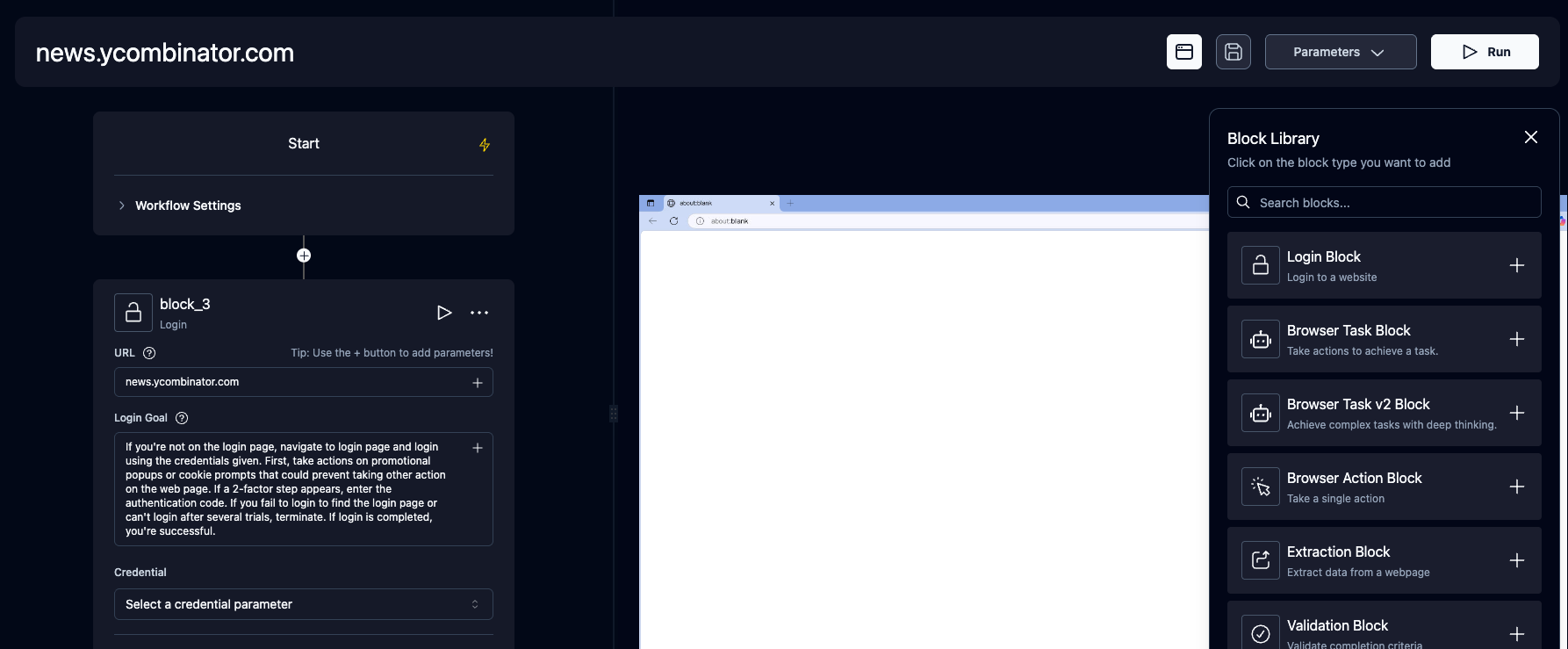
Skyvern automates browser-based workflows using LLMs and computer vision. It provides a Playwright-compatible SDK that adds AI functionality on top of playwright, as well as a no-code workflow builder to help both technical and non-technical users automate manual workflows on any website, replacing brittle or unreliable automation solutions.

Traditional approaches to browser automations required writing custom scripts for websites, often relying on DOM parsing and XPath-based interactions which would break whenever the website layouts changed.
Instead of only relying on code-defined XPath interactions, Skyvern relies on Vision LLMs to learn and interact with the websites.
Skyvern was inspired by the Task-Driven autonomous agent design popularized by BabyAGI and AutoGPT -- with one major bonus: we give Skyvern the ability to interact with websites using browser automation libraries like Playwright.
Skyvern uses a swarm of agents to comprehend a website, and plan and execute its actions:

This approach has a few advantages:
https://github.com/user-attachments/assets/5cab4668-e8e2-4982-8551-aab05ff73a7f
Skyvern Cloud is a managed cloud version of Skyvern that allows you to run Skyvern without worrying about the infrastructure. It allows you to run multiple Skyvern instances in parallel and comes bundled with anti-bot detection mechanisms, proxy network, and CAPTCHA solvers.
If you'd like to try it out, navigate to app.skyvern.com and create an account.
Choose your preferred setup method:
Database default:
skyvern quickstartandskyvern run serverdefault to a SQLite database at~/.skyvern/data.dbso the pip path works without Postgres or Docker. To use Postgres instead, pass--postgresfor a local container or--database-stringfor an existing database. Docker Compose always uses the bundled Postgres service.
Dependencies needed:
Additionally, for Windows:
pip install "skyvern[all]"
skyvern quickstart
The pip quickstart uses SQLite by default. For a local Postgres container, run skyvern quickstart --postgres.
Use this option if you want everything containerized (Postgres, API, UI) and don't want to install Python/Node locally.
git clone https://github.com/skyvern-ai/skyvern.git && cd skyvern
.env (the quickstart --docker-compose command below will create it from .env.example if missing):
cp .env.example .env  # if not already created
# edit .env to add your LLM API key
docker compose up -d
(sqlite3.OperationalError) table organizations already exists — You hit a known bug in pip install skyvern==1.0.31. Fix:
rm ~/.skyvern/data.db   # remove the leftover SQLite file
pip install --upgrade skyvern   # 1.0.32+ contains the fix
skyvern quickstart
If you are still on 1.0.31 and cannot upgrade, install via uv instead:
uv pip install skyvern
pip install skyvern fails with ResolutionImpossible (litellm / fastmcp) — You hit a dependency-resolution conflict in 1.0.31. Either upgrade to 1.0.32+ or use uv: uv pip install skyvern.
Skyvern is a Playwright extension that adds AI-powered browser automation. It gives you the full power of Playwright with additional AI capabilities—use natural language prompts to interact with elements, extract data, and automate complex multi-step workflows.
Installation:
pip install skyvernpip install "skyvern[all]" then run skyvern quickstartpip install "skyvern[all]" then run skyvern quickstart --postgrespip install "skyvern[ui]" then run
skyvern run ui --api-url <api-url> --api-key <api-key>npm install @skyvern/clientSkyvern adds four core AI commands directly on the page object:
| Command | Description |
|---|---|
page.act(prompt) | Perform actions using natural language (e.g., "Click the login button") |
page.extract(prompt, schema) | Extract structured data from the page with optional JSON schema |
page.validate(prompt) | Validate page state, returns bool (e.g., "Check if user is logged in") |
page.prompt(prompt, schema) | Send arbitrary prompts to the LLM with optional response schema |
Additionally, page.agent provides higher-level workflow commands:
