
 skylot/jadx
Command-line and GUI tool for decompiling Android Dex and APK files into readable Java source code, with resource decoding, deobfuscation, and Smali debugging capabilities.









jadx - Dex to Java decompiler
Command line and GUI tools for producing Java source code from Android Dex and Apk files
[!WARNING] Please note that in most cases jadx can't decompile all 100% of the code, so errors will occur.
Check Troubleshooting guide for workarounds.
Main features:
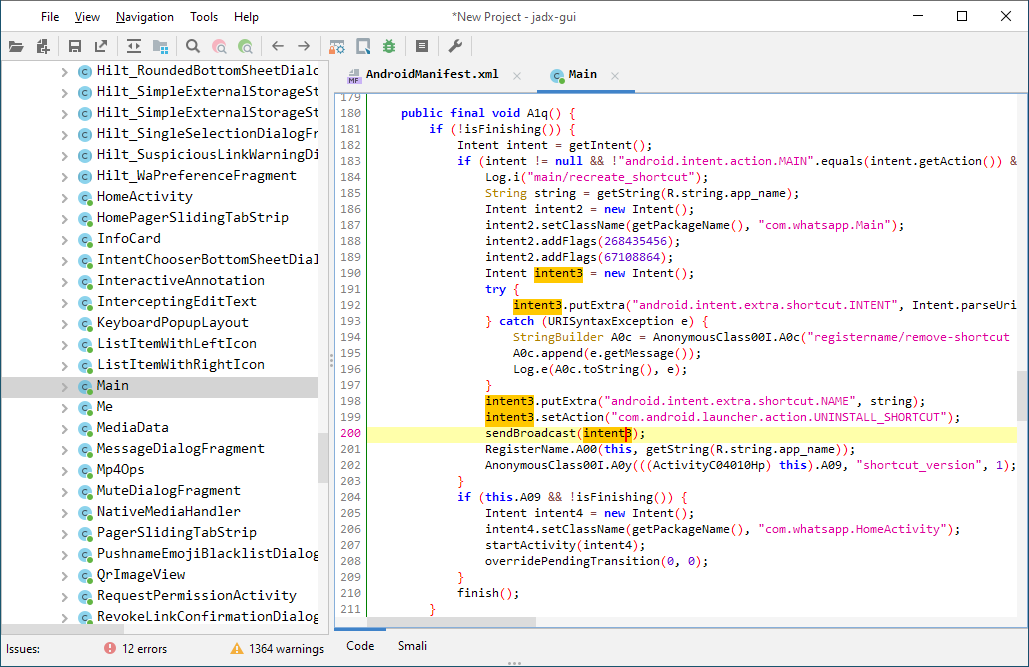
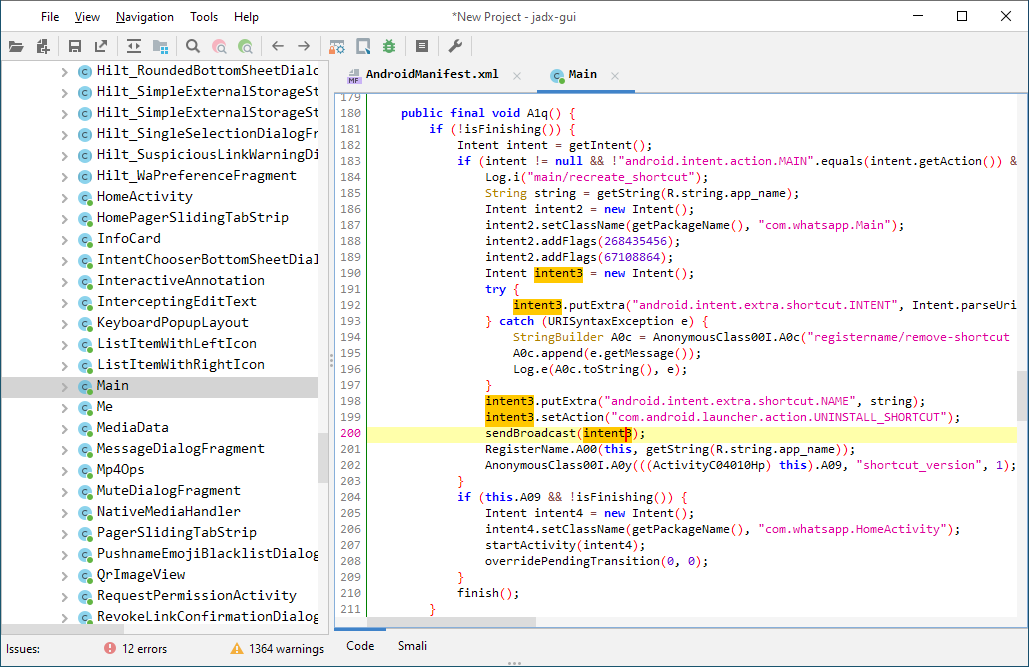
AndroidManifest.xml and other resources from resources.arscjadx-gui features:
Jadx-gui key bindings can be found here
See these features in action here: jadx-gui features overview

After download unpack zip file go to bin directory and run:
jadx - command line versionjadx-gui - UI versionOn Windows run .bat files with double-click
Note: ensure you have installed Java 11 or later 64-bit version.
For Windows, you can download it from oracle.com (select x64 Installer).


sudo pacman -S jadx

brew install jadx

flatpak install flathub com.github.skylot.jadx
You can use jadx in your java projects, check details on wiki page
JDK 17 or higher must be installed:
git clone https://github.com/skylot/jadx.git
cd jadx
./gradlew dist
(on Windows, use gradlew.bat instead of ./gradlew)
Scripts for run jadx will be placed in build/jadx/bin
and also packed to build/jadx-<version>.zip
jadx[-gui] [command] [options] <input files> (.apk, .dex, .jar, .class, .smali, .zip, .aar, .arsc, .aab, .xapk, .apkm, .jadx.kts)
commands (use '<command> --help' for command options):
  plugins	  - manage jadx plugins
