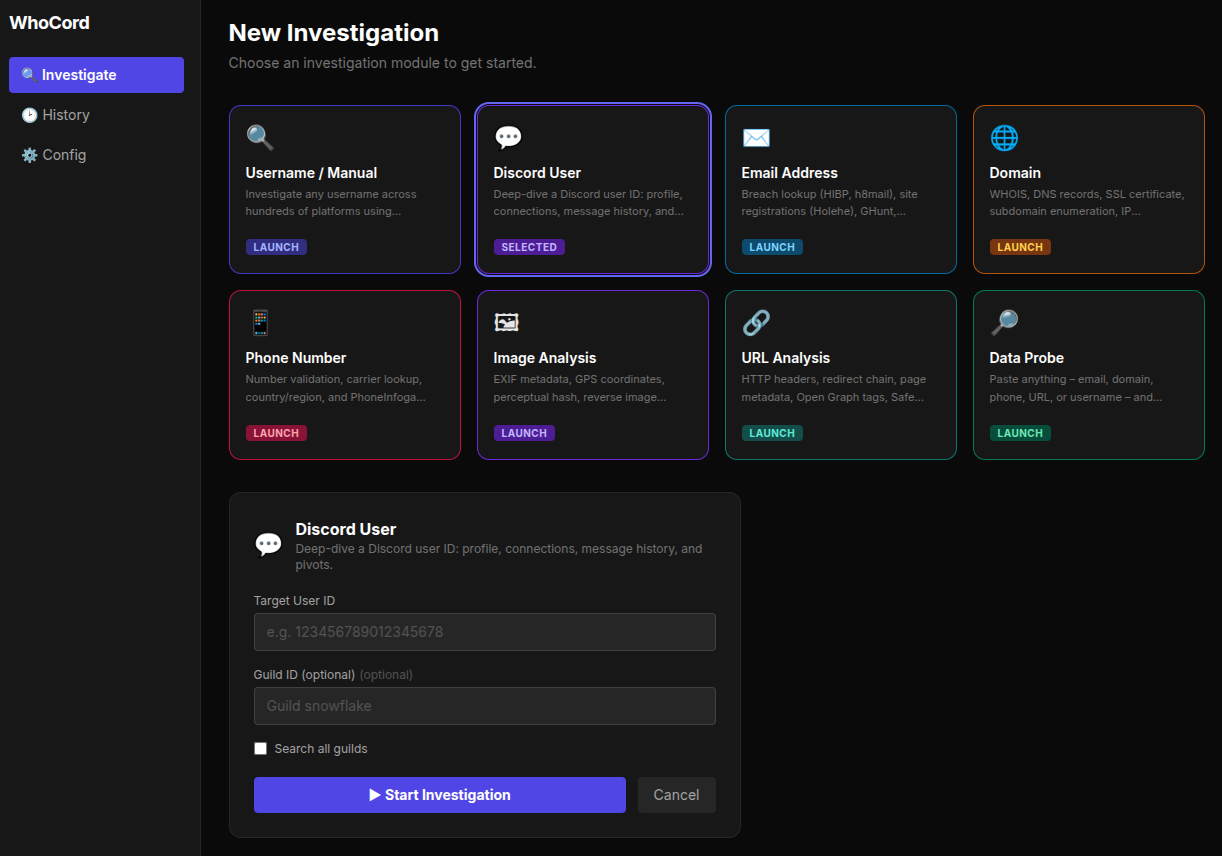


Scans Discord links across mutual guilds to extract profiles, cross‑references 700+ sites, searches usernames with 30+ tools, and generates an AI‑powered report.

An interactive OSINT canvas that grows with every discovery. Start with a seed — a Discord user, username, email, domain, phone, image, or URL — and watch the map build itself in real time.






Modules
Intelligence
networkxCanvas
.whocord-map exportCmd/Ctrl+K)Reports
whois — sudo apt install whois / brew install whoisgit clone https://github.com/Siv-nick/WhoCord.git
cd WhoCord
python3 -m venv .venv
source .venv/bin/activate # Windows: .venv\Scripts\activate
pip install --upgrade pip
pip install -r requirements.txt
pip install user-scanner maigret linkook socialscan
pip install holehe h8mail gitfive socid-extractor
pip install theharvester
Optional: pip install toutatis sharetrace. Scylla and PhoneInfoga need manual downloads. Blackbird is cloned on first use.
cd frontend
npm install
npm run build
cd ..
python web_app.py
Open http://127.0.0.1:5000.
Set them from the Config panel in the web UI. They are stored in your OS keyring.
| Token | Required for |
|---|---|
DISCORD_TOKEN | Discord mode |
GITHUB_TOKEN | Higher GitHub API rate limits |
GROQ_API_KEY |
git clone https://github.com/Siv-nick/WhoCord.git
cd WhoCord
python3 -m venv .venv
source .venv/bin/activate
pip install --upgrade pip
pip install -r requirements.txt
pip install user-scanner maigret linkook socialscan holehe h8mail gitfive
cd frontend && npm install && npm run build && cd ..
python web_app.py
Web UI: open http://127.0.0.1:5000, click Blank canvas, press Cmd/Ctrl+K, pick a module, enter a target.
CLI:
python -m discord_osint --mode discord \
  --target 123456789012345678 \
  --token "YOUR_TOKEN" \
  --guild 987654321098765432

python -m discord_osint --mode manual --target johndoe
python -m discord_osint --interactive
Settings live in discord_osint/config.json. Tokens live in the OS keyring.
Common flags:
Full list: discord_osint/tools_config.py.
When pivoting is on, every new email or username becomes a seed for a child investigation. Configure with PIVOT_EMAIL, PIVOT_USERNAME, PIVOT_MAX_DEPTH (default 3), PIVOT_MAX_SEEDS (default 5), and PIVOT_REQUIRE_CONFIRM.
discord_osint/
  __main__.py                 CLI entry
  config.py / config_service.py
  core.py                     Intel store
  discord_api.py              Discord profile and message search
  scraping.py                 Platform scrapers
  email_intel.py              Email tools
  extras.py                   WHOIS, Wayback, EXIF, reverse image
  api_extractor.py            Derives JSON endpoints from URLs
  username_search.py          User Scanner, Maigret, Linkook, Blackbird
  wmn_scanner.py              WhatsMyName

  intelligence/               Graph, correlations, narrative, HTML report
  pipeline/                   Stages, context, pivot, events

frontend/                     React, TypeScript, Vite, Tailwind
web_app.py                    Flask backend
Pipeline order:
DiscordModeStage -> Discovery -> Scraping -> Media
  -> Analysis -> Intelligence -> EmailIntel -> [Pivot] -> Reporting
pytest tests/ -v
WhoCord is for authorised security research, red-team engagements, penetration testing, and checking your own digital footprint. Using it to stalk, harass, or dox someone, to bypass privacy protections you are not authorised to bypass, to violate Discord's Terms of Service, or to break any law is illegal. You are responsible for how you use this tool. The authors are not liable for misuse.
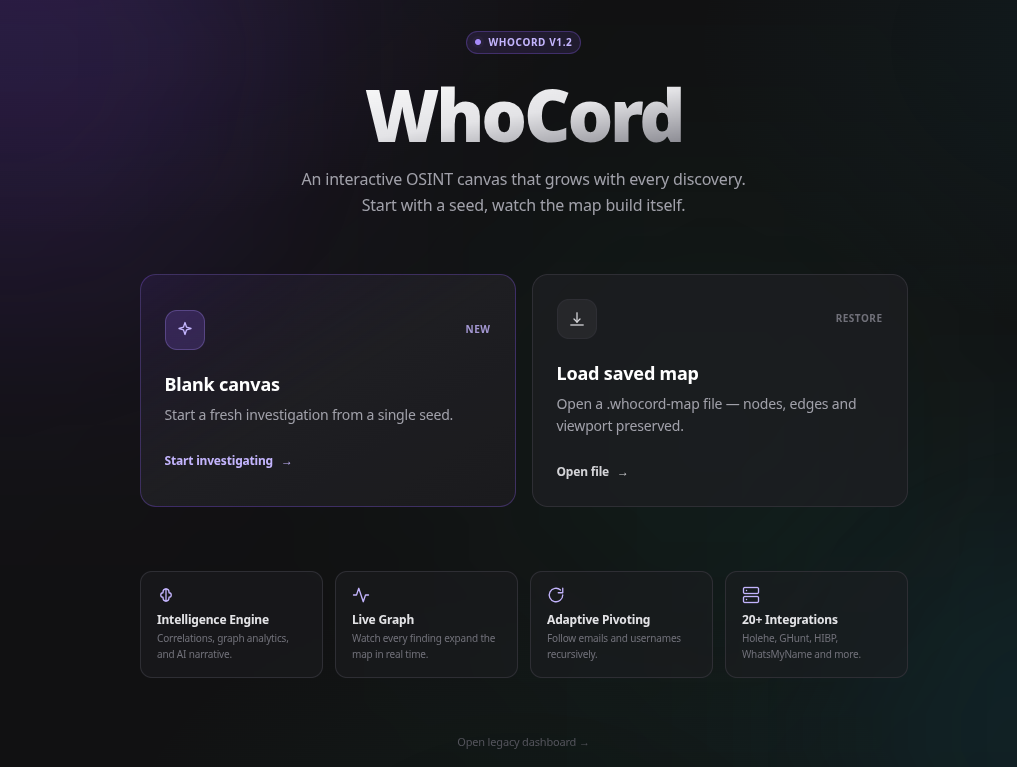 | 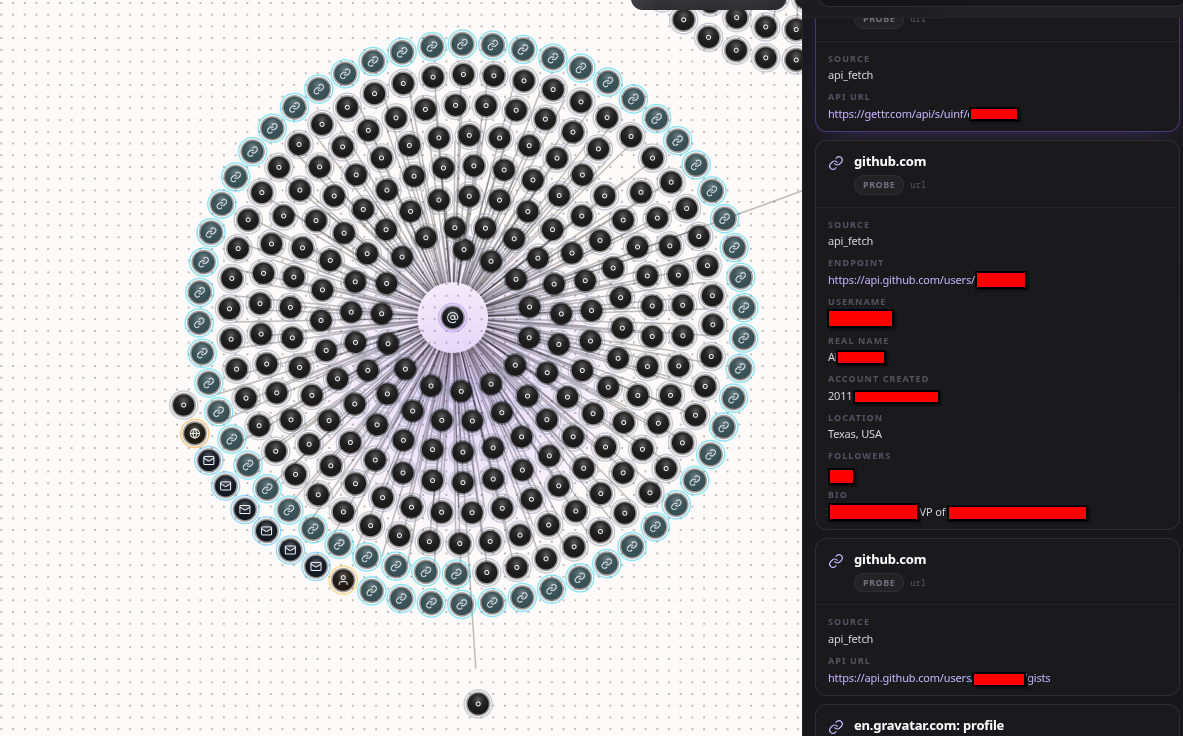 |
| 1. Start page | 2. Canvas with details panel |
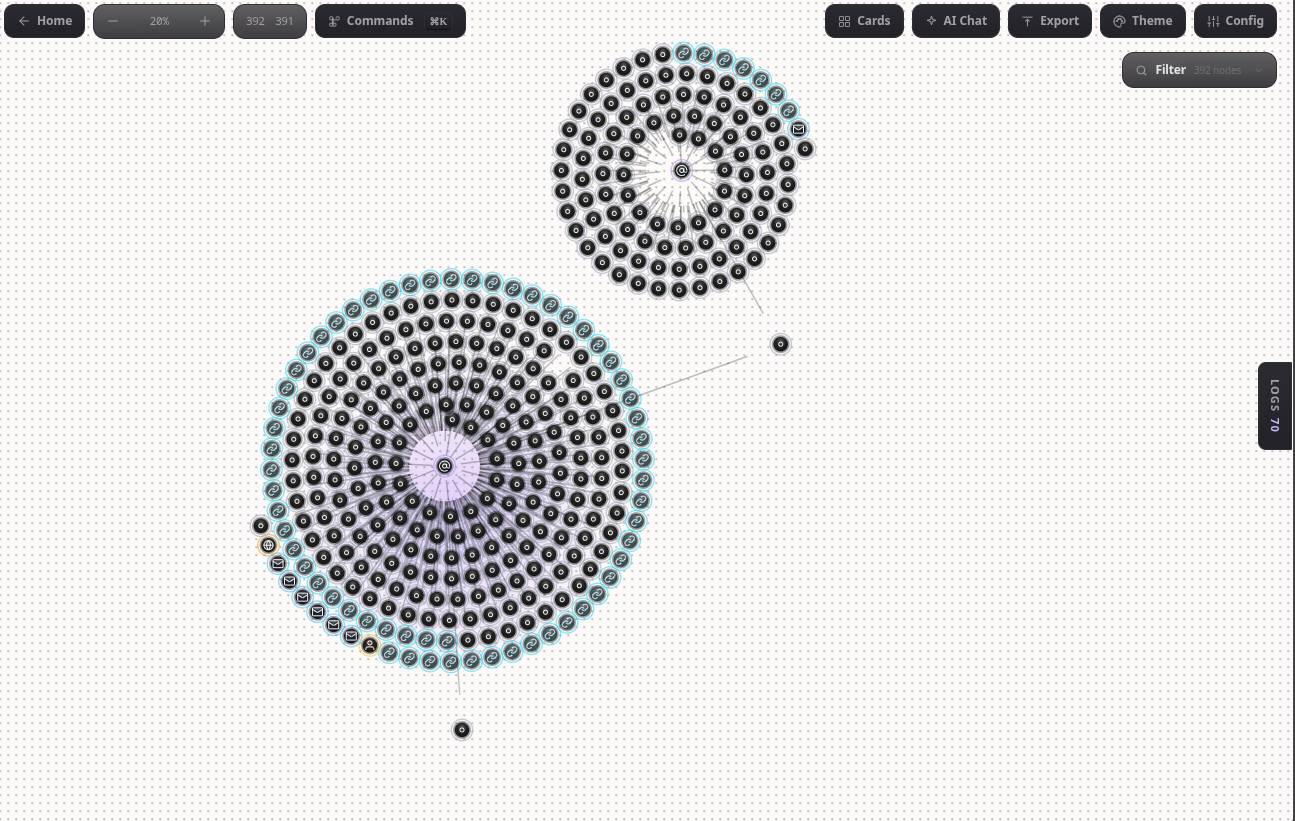 | |
| 3. Multiple investigation trees (392 nodes, 391 edges) |
| AI narrative and chat |
INSTAGRAM_SESSION | Toutatis |
| Flag | Description |
|---|
--mode {discord,manual} | Investigation mode |
--target | Username or Discord user ID |
--token | Discord token |
--guild | Guild ID |
--output {json,markdown,html} | Report format |
--debug | Verbose logging |
--interactive | Force the menu |
| Flag | Default | Tool |
|---|
ENABLE_USER_SCANNER | On | User Scanner |
ENABLE_WMN | On | WhatsMyName |
ENABLE_HOLEHE | On | Holehe |
ENABLE_HIBP | On | HaveIBeenPwned |
ENABLE_GHUNT | On | GHunt |
ENABLE_MAIGRET | Off | Maigret |
ENABLE_AI_REPORT | On | Groq report |
ENABLE_PIVOTING | Off | Recursive pivots |
ENABLE_CACHING | Off | Load previous intel |

