 siriusscan/sirius
Open-source vulnerability scanner with automated network discovery, CVE-based detection, CVSS scoring, risk dashboards, remote agents via gRPC, and a modern web UI for enterprise security teams.




Sirius is an open-source vulnerability scanner with automated discovery, CVE-based detection, and a modern web UI. Clone, run four commands, start scanning.
git clone https://github.com/SiriusScan/Sirius.git
cd Sirius
docker compose -f docker-compose.installer.yaml run --rm sirius-installer
docker compose up -d
Open http://localhost:3000 and log in:
[email protected] | |
| Password | printed by the installer (look for INITIAL_ADMIN_PASSWORD in the output) |
That's it. All six services start automatically. The installer generates secure secrets on first run and is safe to re-run.
By default the installer leaves IMAGE_TAG unset, so Compose pulls latest from GHCR. To pin a release (for example v1.0.0 in .env), only do so after that tag exists for all six container images; verify with bash scripts/verify-ghcr-public-access.sh v1.0.0 from a shell that is not logged in to ghcr.io.
Requirements: Docker Engine 20.10+ with Compose V2, 4 GB RAM, 10 GB disk. Works on Linux, macOS, and Windows (WSL2).
X-API-Key auth on port 9001)The installer step is always the same. Only the docker compose up command changes.
| Mode | Command | Use case |
|---|---|---|
| Standard | docker compose up -d | Most users -- pulls the full release stack from GHCR |
| Development | docker compose -f docker-compose.yaml -f docker-compose.dev.yaml up -d | Live-reload for local code work |
| Source Build | docker compose -f docker-compose.yaml -f docker-compose.build.yaml up -d --build | Explicit local full-stack builds |
| Production | docker compose -f docker-compose.yaml -f docker-compose.prod.yaml up -d | Hardened settings, pull_policy: always |
docker compose -f docker-compose.installer.yaml run --rm sirius-installer --non-interactive --no-print-secrets
docker compose up -d
docker compose -f docker-compose.installer.yaml run --rm sirius-installer --force
docker compose up -d --force-recreate
docker compose ps                    # all 6 services should show "healthy" or "running"
curl http://localhost:3000            # UI responds
curl http://localhost:9001/health     # API responds
Expected services: sirius-ui (3000), sirius-api (9001), sirius-engine (5174, 50051), sirius-postgres (5432), sirius-rabbitmq (5672, 15672), sirius-valkey (6379).
graph TD
    subgraph clients [Clients]
        UI["Sirius UI (Next.js)"]
        CLI["Terminal and Agent Runtime"]
    end

    subgraph core [Core Services]
        API["Sirius API (Go/Gin)"]
        Engine["Sirius Engine"]
    end

    subgraph infra [Infrastructure]
        MQ["RabbitMQ"]
        DB["PostgreSQL"]
        Cache["Valkey"]
    end

    UI -->|"HTTP/WebSocket"| API
    CLI -->|"gRPC"| Engine
    API -->|"AMQP publish"| MQ
    MQ -->|"Queue consume"| Engine
    API -->|"SQL read/write"| DB
    Engine -->|"SQL read/write"| DB
    API -->|"Session/cache ops"| Cache
    Engine -->|"Scan state cache ops"| Cache
| Service | Technology | Ports | Purpose |
|---|---|---|---|
| sirius-ui | Next.js 14, React, Tailwind | 3000 | Web interface |
| sirius-api | Go, Gin | 9001 | REST API and business logic |
| sirius-engine | Go + embedded gRPC agent | 5174, 50051 | Scanner, terminal, agent services |
| sirius-postgres | PostgreSQL 15 | 5432 | Vulnerability and scan data |
| sirius-rabbitmq | RabbitMQ | 5672, 15672 | Inter-service messaging |
| sirius-valkey | Valkey (Redis-compatible) | 6379 | Cache and session data |
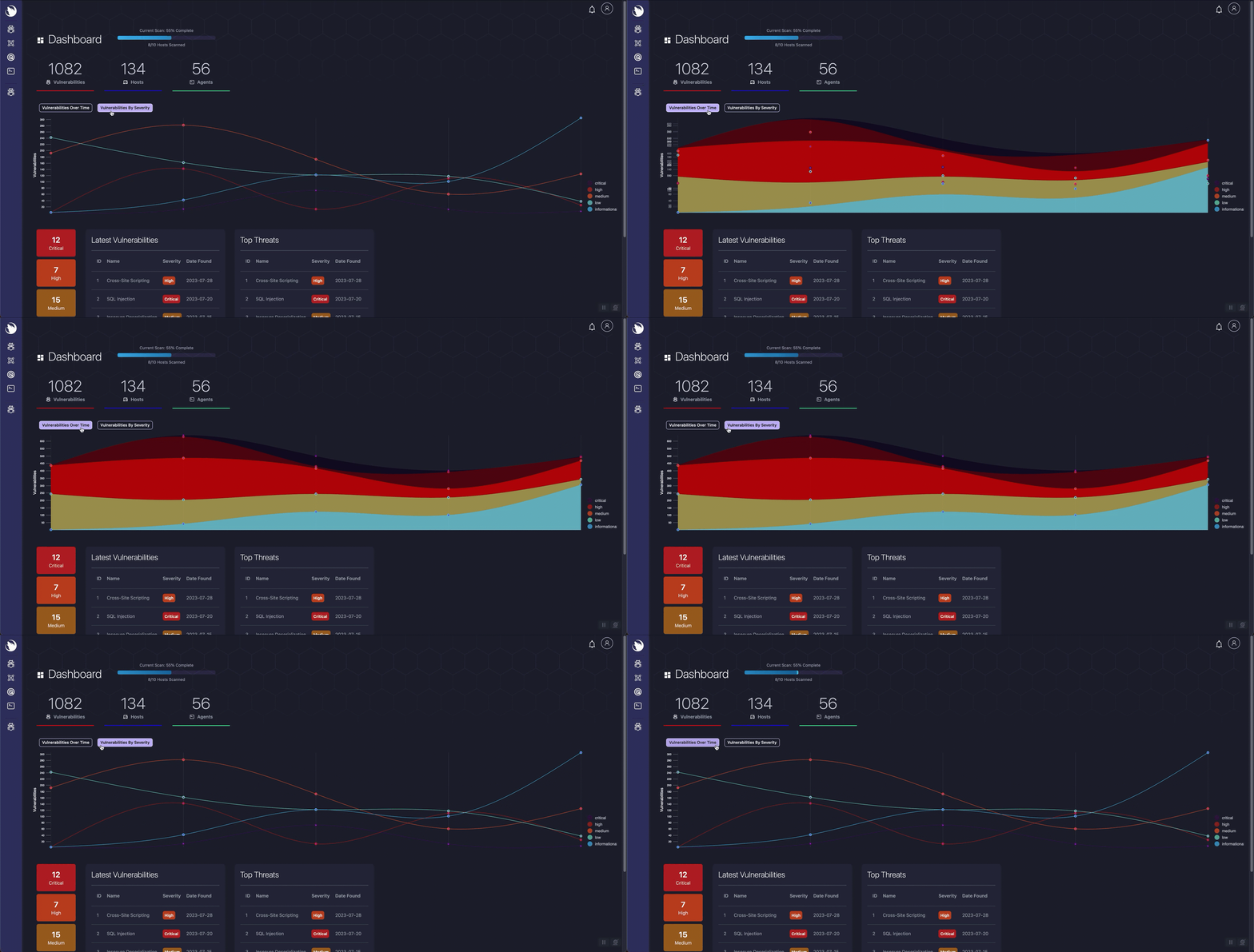
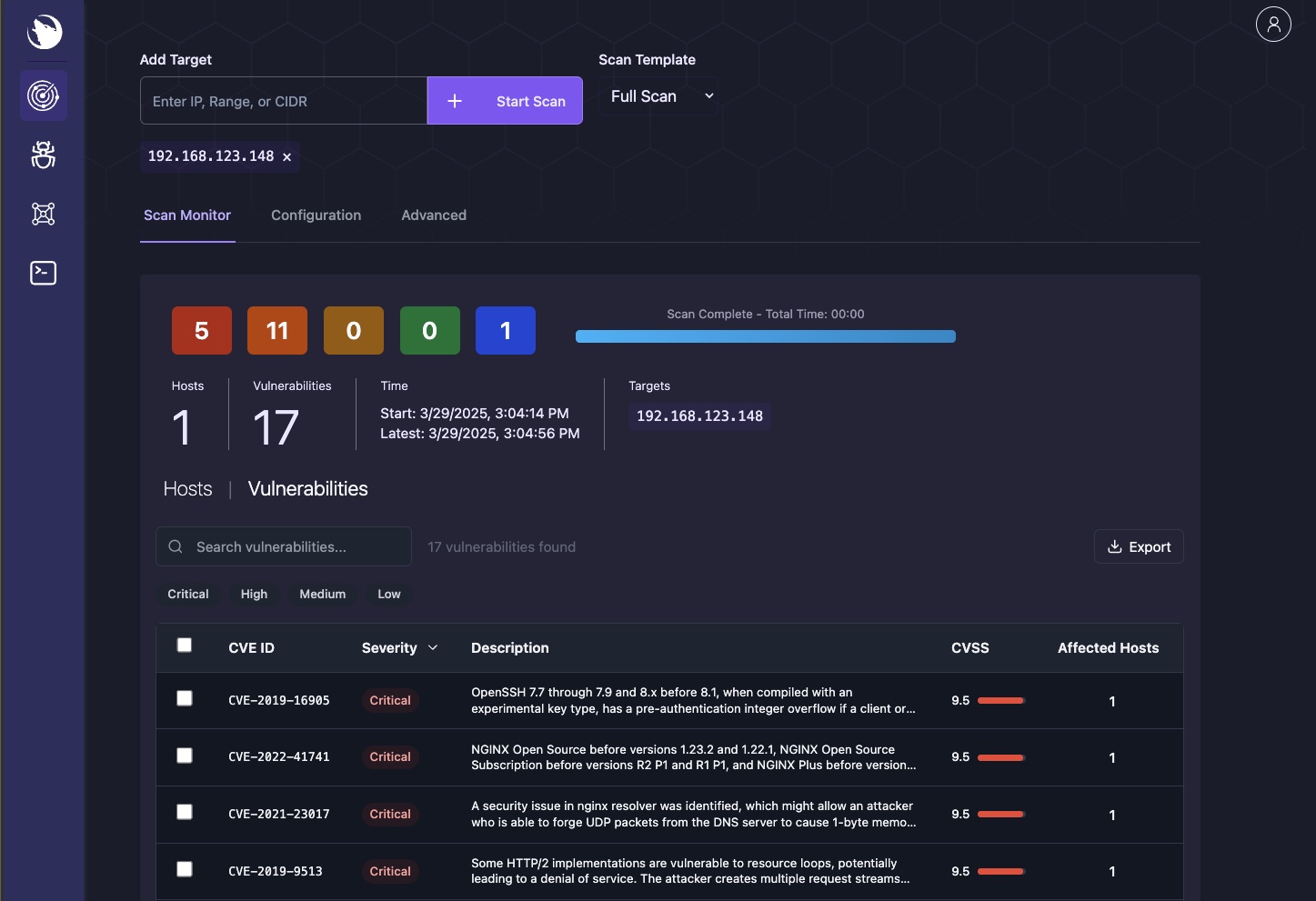
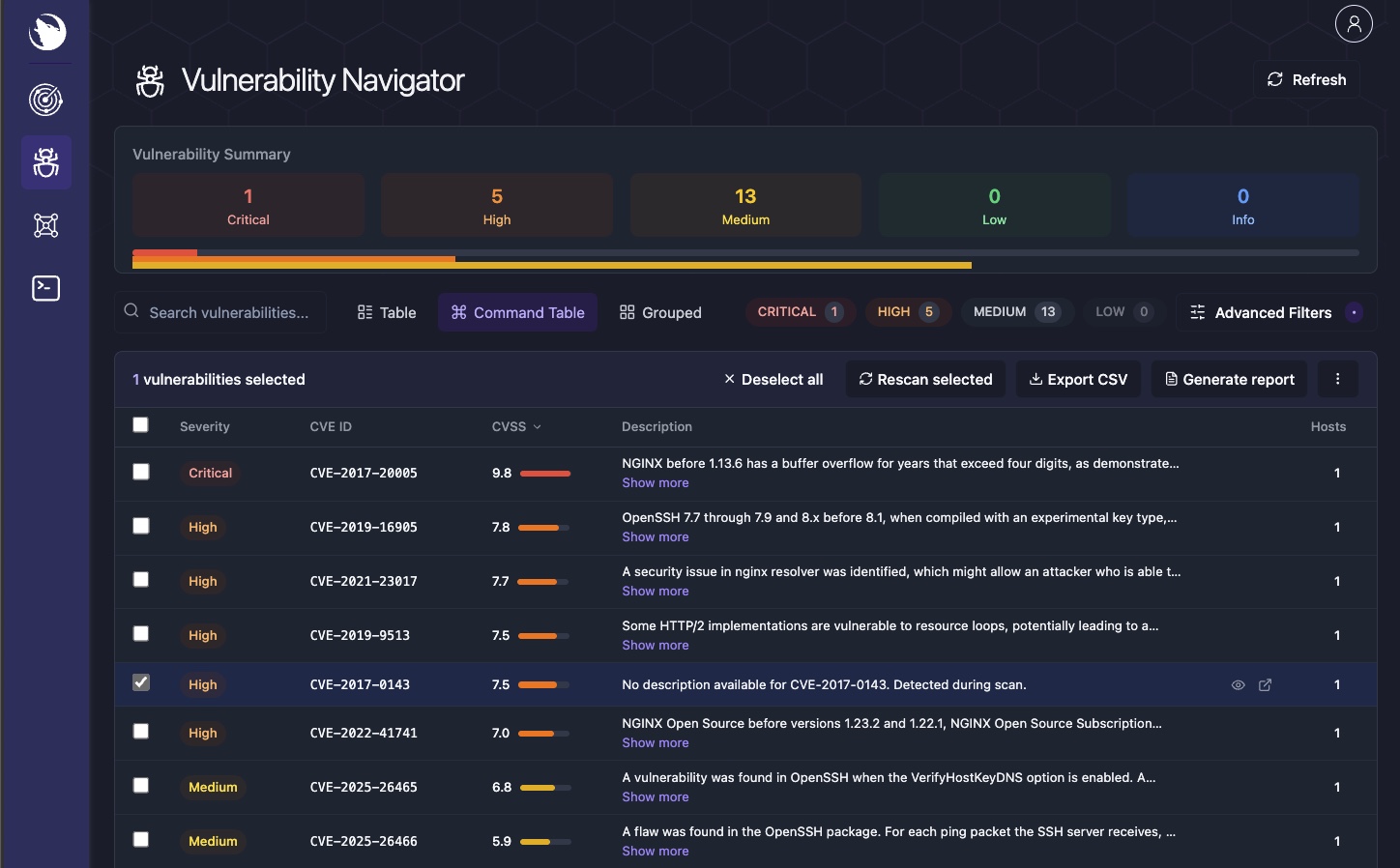
| Dashboard | Scanner | Vulnerability Navigator |
|---|---|---|
|  |  |
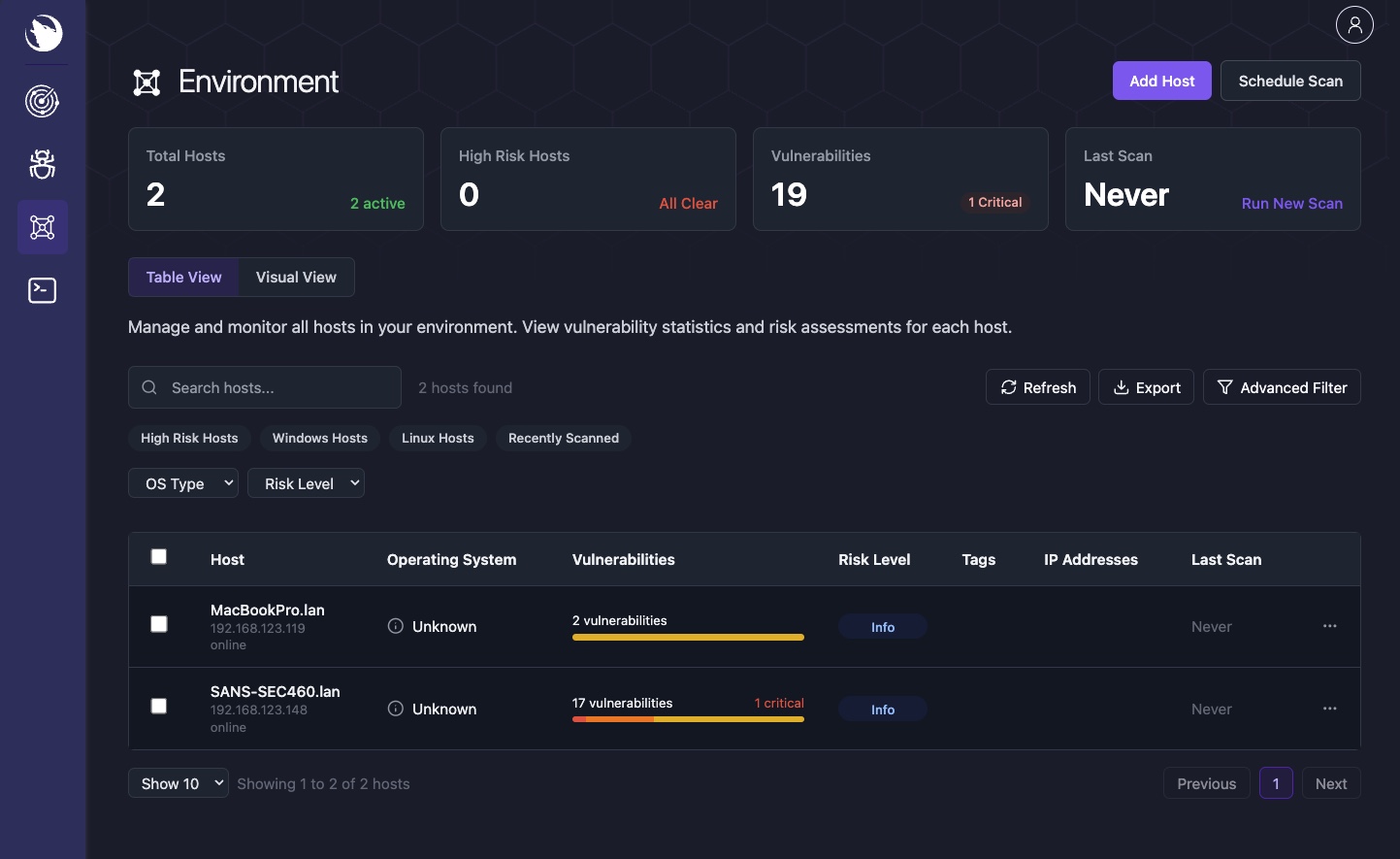
| Environment | Host Details | Terminal |
|---|---|---|
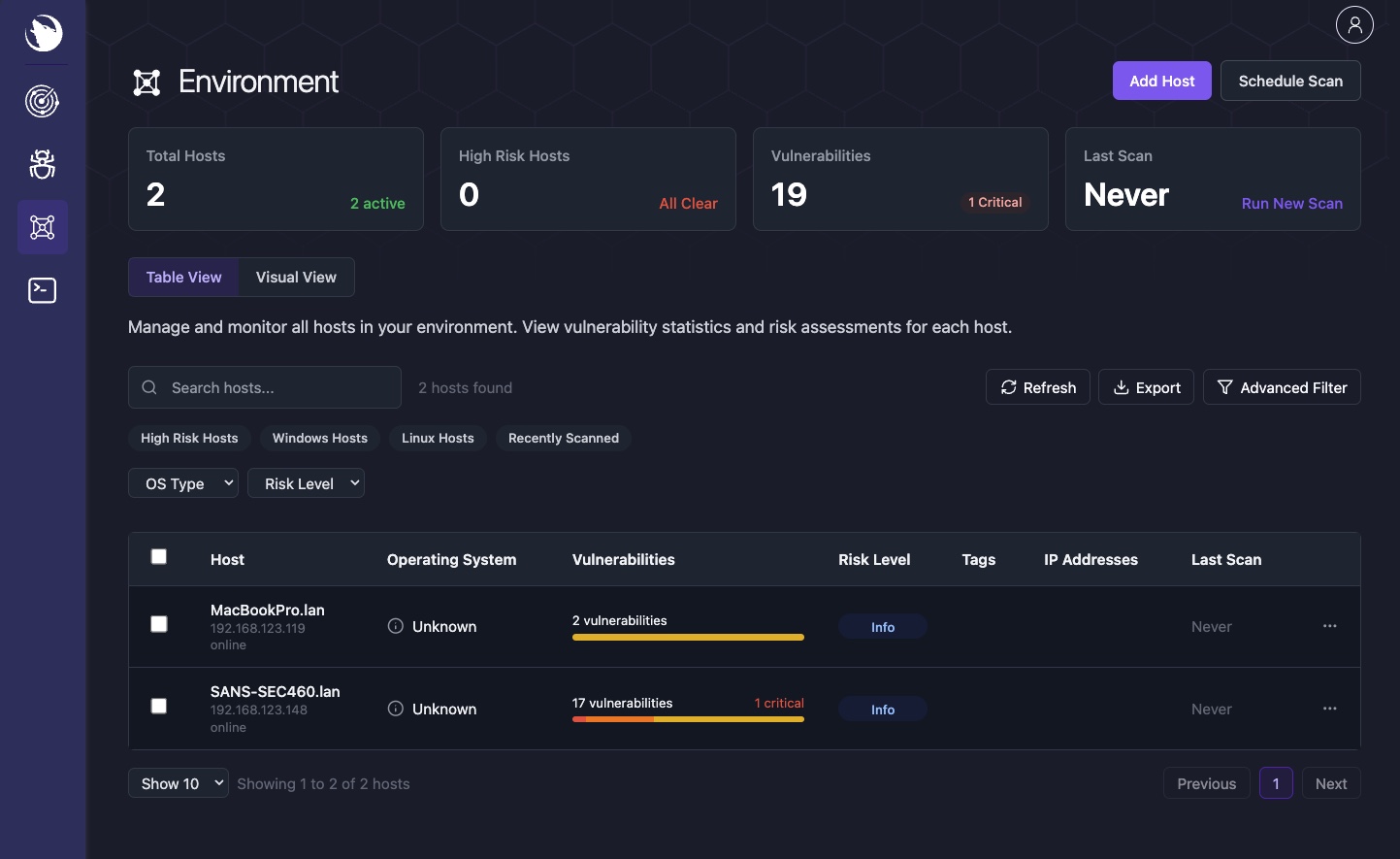 | 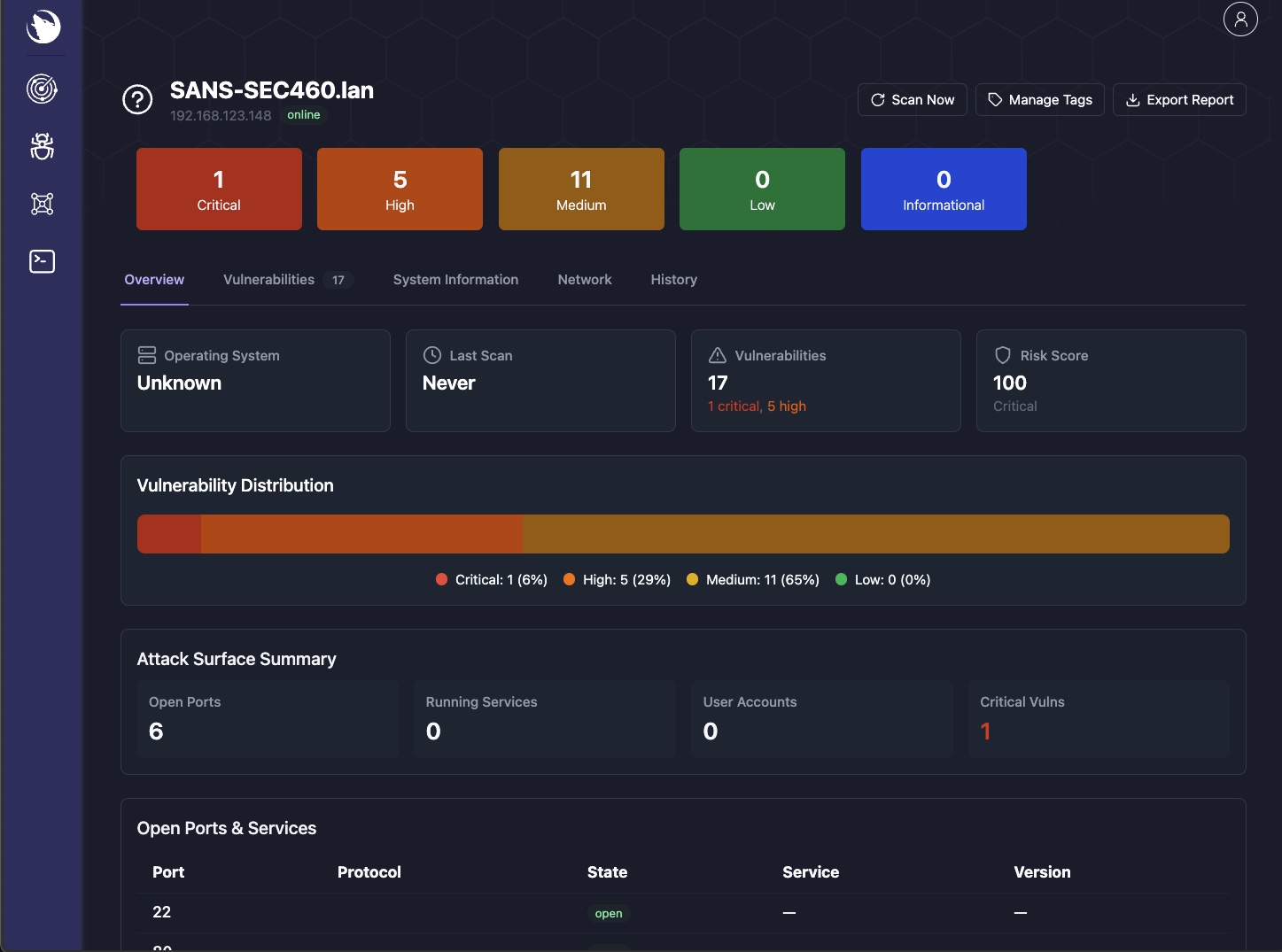 | 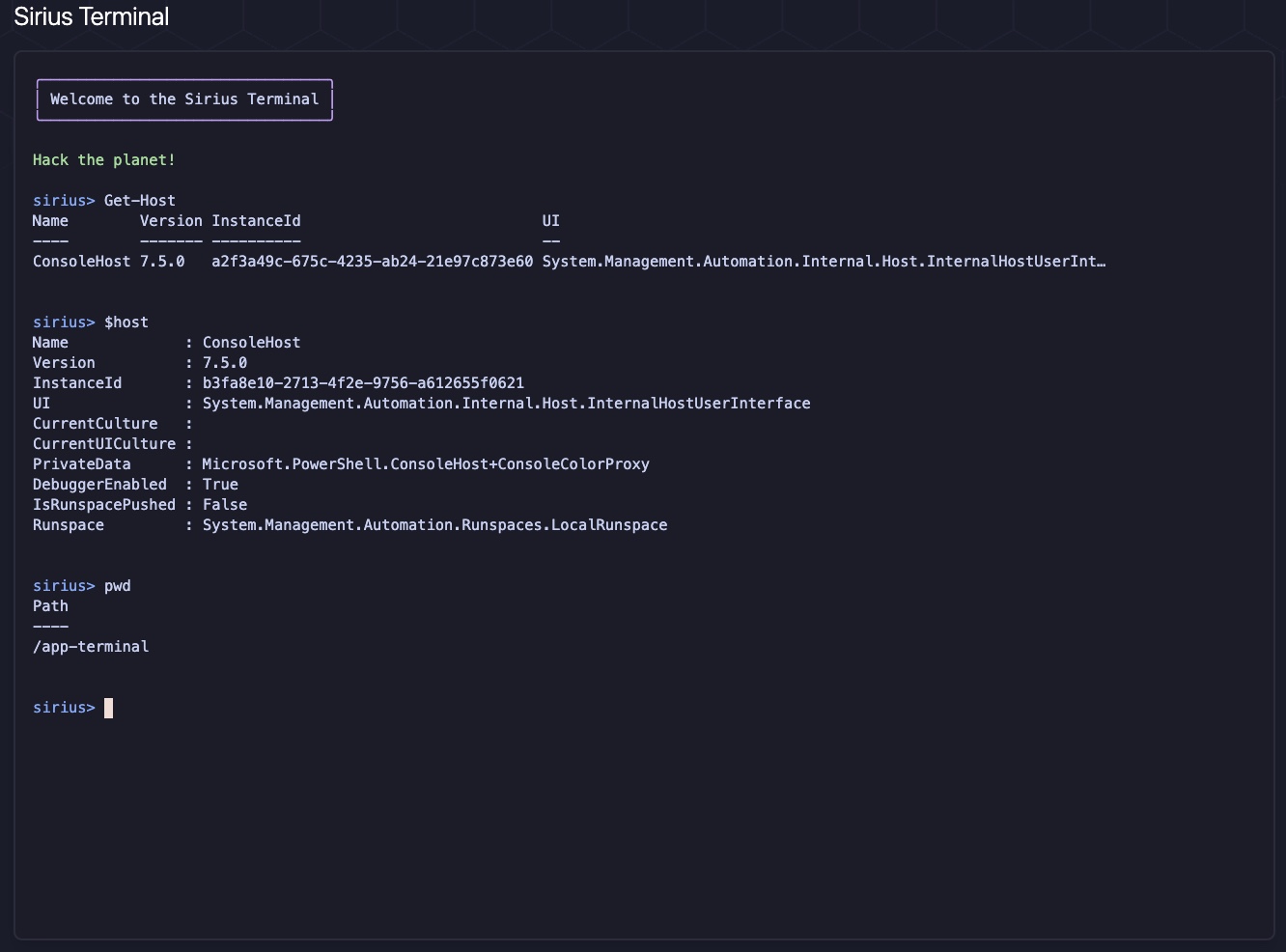 |
Sirius exposes REST endpoints on port 9001, protected by the internal service API key. Prefer the Docker secret file (SIRIUS_API_KEY_FILE, default /run/secrets/sirius_api_key); SIRIUS_API_KEY remains a supported env fallback. The installer writes ./secrets/sirius_api_key.txt (mode 0644 so non-root app UIDs can read the bind-mounted secret) and configures both.
curl http://localhost:9001/health -H "X-API-Key: $SIRIUS_API_KEY"
curl http://localhost:9001/api/v1/scan/get/all -H "X-API-Key: $SIRIUS_API_KEY"
Full API docs: REST API Reference
For production deployments:
--force to regenerate all credentialsdocker compose pull && docker compose up -dQuick fixes for common problems:
| Problem | Fix |
|---|---|
| Services won't start | docker compose logs <service> to find the error |
| Dev overlay missing infra | Use both files: -f docker-compose.yaml -f docker-compose.dev.yaml |
| Port conflict | lsof -i :3000 to find the conflicting process |
| Database connection error | docker exec sirius-postgres pg_isready |
| Stale secrets after reset | Re-run the installer, then docker compose up -d --force-recreate |
For detailed operational runbooks, verification procedures, and emergency recovery, see Operations & Troubleshooting.

