 shun1403/pil-cve-2017-8291-study
Educational lab demonstrating CVE-2017-8291 (PIL/GhostScript RCE) via crafted EPS file upload with PNG extension, including Docker setup and PoC execution.

sudo apt install -y docker-ce docker-ce-cli containerd.io docker-buildx-plugin docker-compose-pluginsudo apt remove docker docker-engine docker.io containerd runc -ysudo apt updatesudo apt install -y ca-certificates curl gnupg lsb-releasesudo mkdir -p /etc/apt/keyringscurl -fsSL https://download.docker.com/linux/ubuntu/gpg | sudo gpg --dearmor -o /etc/apt/keyrings/docker.gpgecho "deb [arch=$(dpkg --print-architecture) signed-by=/etc/apt/keyrings/docker.gpg] https://download.docker.com/linux/ubuntu
$(lsb_release -cs) stable" | sudo tee /etc/apt/sources.list.d/docker.list > /dev/nullsudo apt updatesudo apt install -y docker-ce docker-ce-cli containerd.io docker-buildx-plugin docker-compose-plugindocker compose versiongit clone https://github.com/vulhub/vulhub.git
After cloning, navigate to the vulnerability path you want to work on.
Here, it is /vulhub/python/PIL-CVE-2017-8291
Follow the practice using the yml file as shown below.
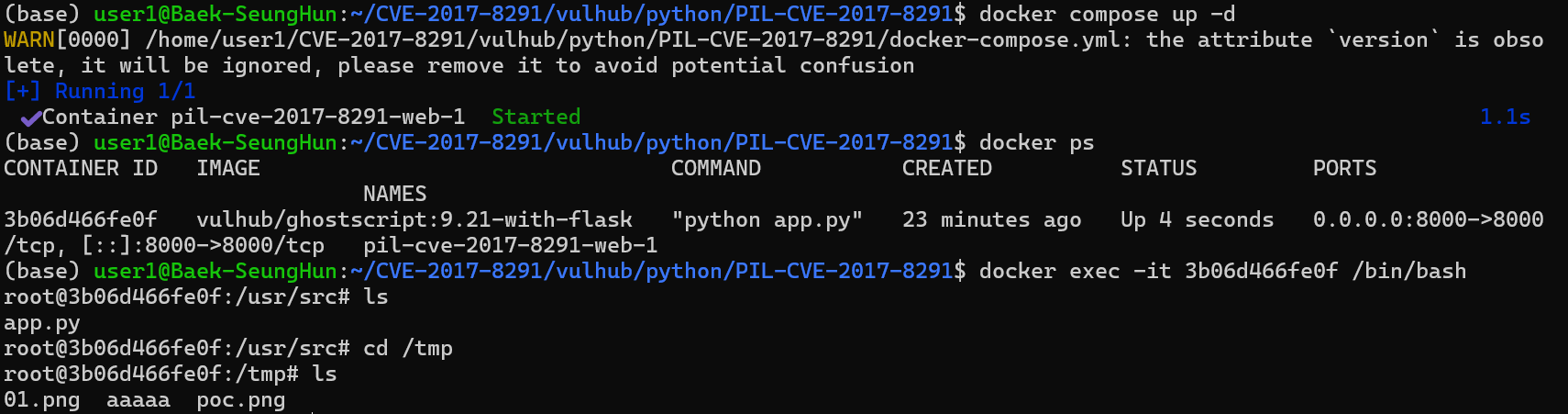
docker compose up -d : Command to create containers and run them in the background.
Then access localhost:8000/ to see the web page where file upload is possible.
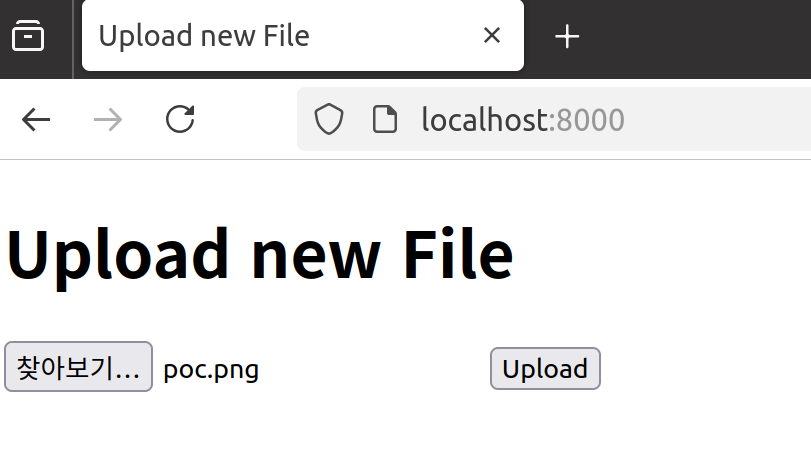
Upload the crafted poc.png located in the same path.
After uploading, you can see the following result:
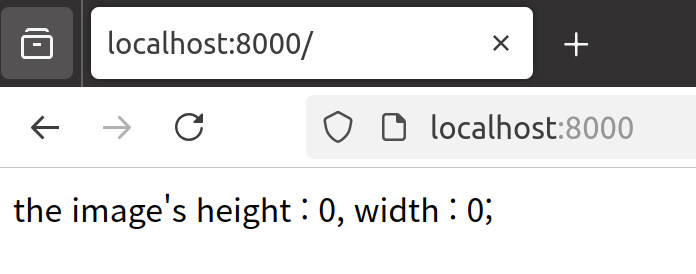
Normally, after uploading a PNG file, the width and height of the image are printed. However, because the backend classifies image types based on file headers, it ignores the extension. Therefore, an EPS file containing executable commands can be renamed with a .PNG extension and uploaded.
By doing this, when uploading the poc.png file, it becomes possible to execute the command 'touch /tmp/aaaaa'. If you change the command inside the POC file to a reverse shell command, you can obtain a shell.
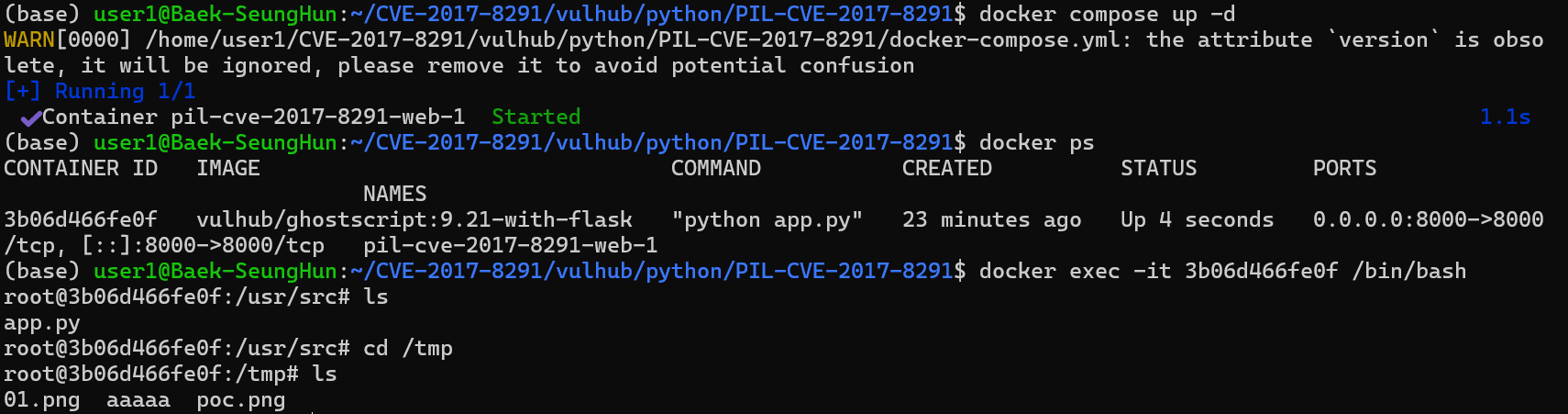
After uploading that file, connect to the docker container and check /tmp; you can see that the aaaaa file has been created by the command.
command = ["gs",
            "-q",                         # Quiet mode (minimize output)
            "-g%dx%d" % size,             # Set output image size (in pixels)
            "-r%fx%f" % res,              # Set input image resolution (DPI)
            "-dBATCH",                    # Automatically exit after job completion
            "-dNOPAUSE",                  # Continuous execution without pausing between pages
            "-dSAFER",                    # Enable safe mode
            "-sDEVICE=ppmraw",             # Set output device to ppmraw
            "-sOutputFile=%s" % outfile,   # Specify output file path
            "-c", "%d %d translate" % (-bbox[0], -bbox[1]),
                                            # Correct image origin (translate)
            "-f", infile,                  # Specify input file
          ]
try:
    with open(os.devnull, 'w+b') as devnull:
        subprocess.check_call(command, stdin=devnull, stdout=devnull)
    im = Image.open(outfile)
This vulnerability occurred in the Python Imaging Library (PIL) and was conducted targeting CVE-2017-8291. The vulnerability arises because PIL determines the image type based on the file header rather than the file extension. As a result, even though a file is actually in EPS format, if it is uploaded with only the extension changed to PNG, the server calls GhostScript and arbitrary commands embedded in the file can be executed.
During the project, by uploading a crafted poc.png file and confirming the creation of /tmp/aaaaa on the server, we reproduced that the vulnerability can lead to Remote Code Execution (RCE). Additionally, this vulnerability can be exploited by abusing the intended image processing functionality to escalate to advanced attacks such as reverse shells.
