 shoucheng3/codecentric__spring-boot-admin_cve-2022-46166_2-6-9
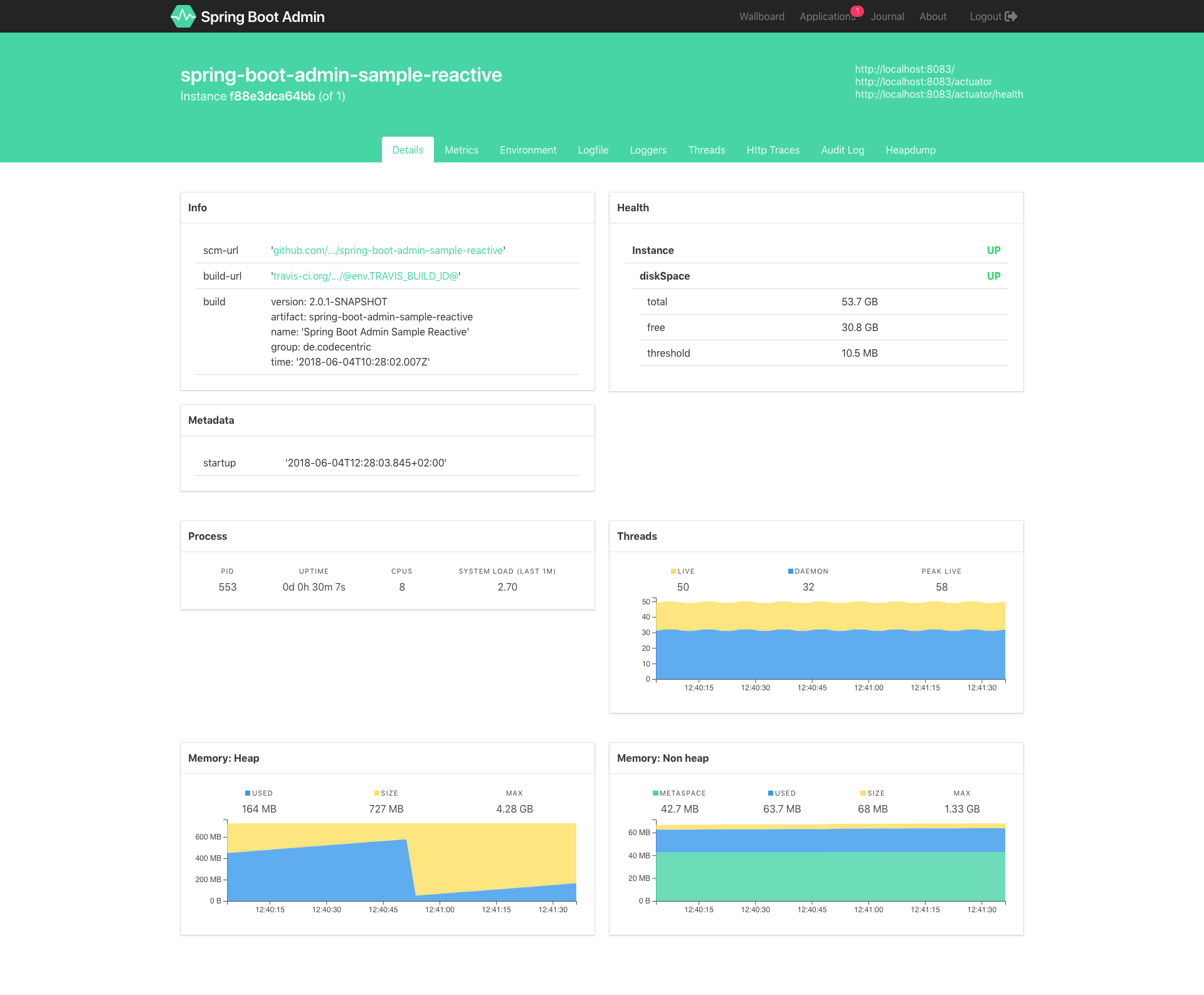
Admin interface for monitoring Spring Boot applications with health checks, metrics, log management, JMX interaction, and thread dump viewing.







This community project provides an admin interface for Spring Boot ® applications.
Monitoring Python applications is available using Pyctuator.
Spring Boot Admin provides the following features for registered applications:
A quick guide to get started can be found in our docs.
There are introductory talks available on YouTube:
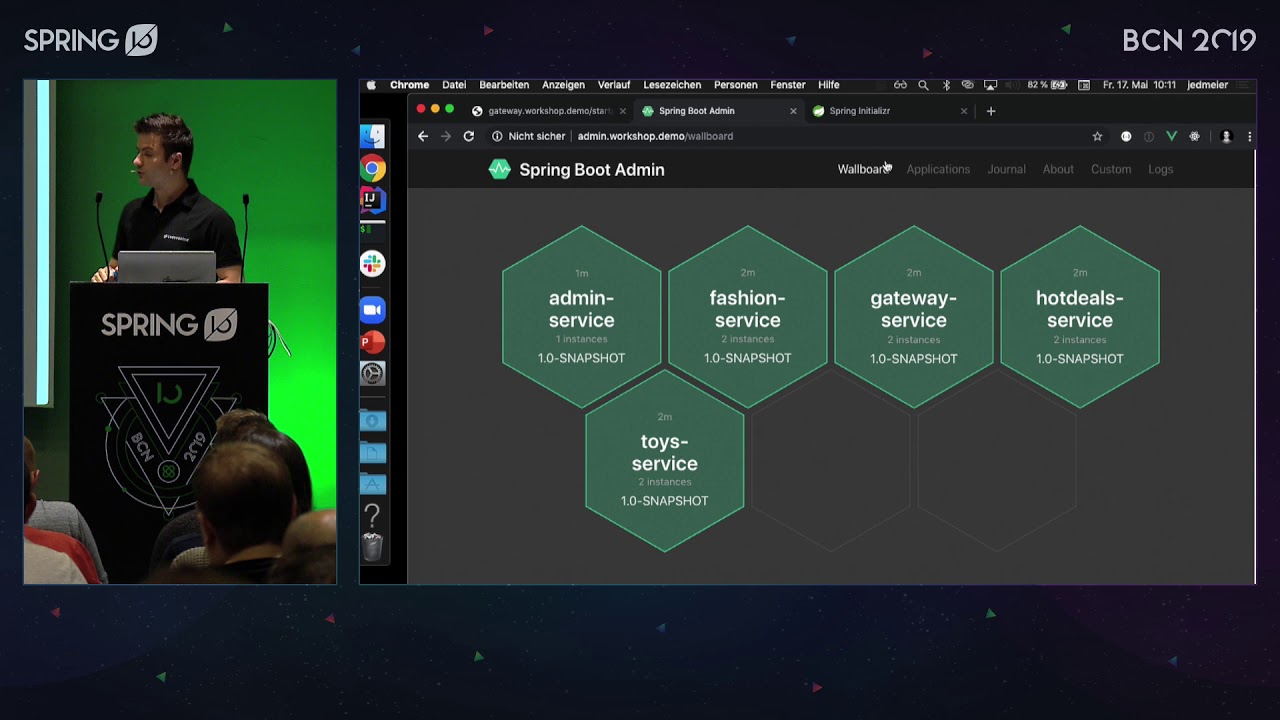
Cloud Native Spring Boot® Admin by Johannes Edmeier @ Spring I/O 2019
Monitoring Spring Boot® Applications with Spring Boot Admin @ Spring I/O 2018
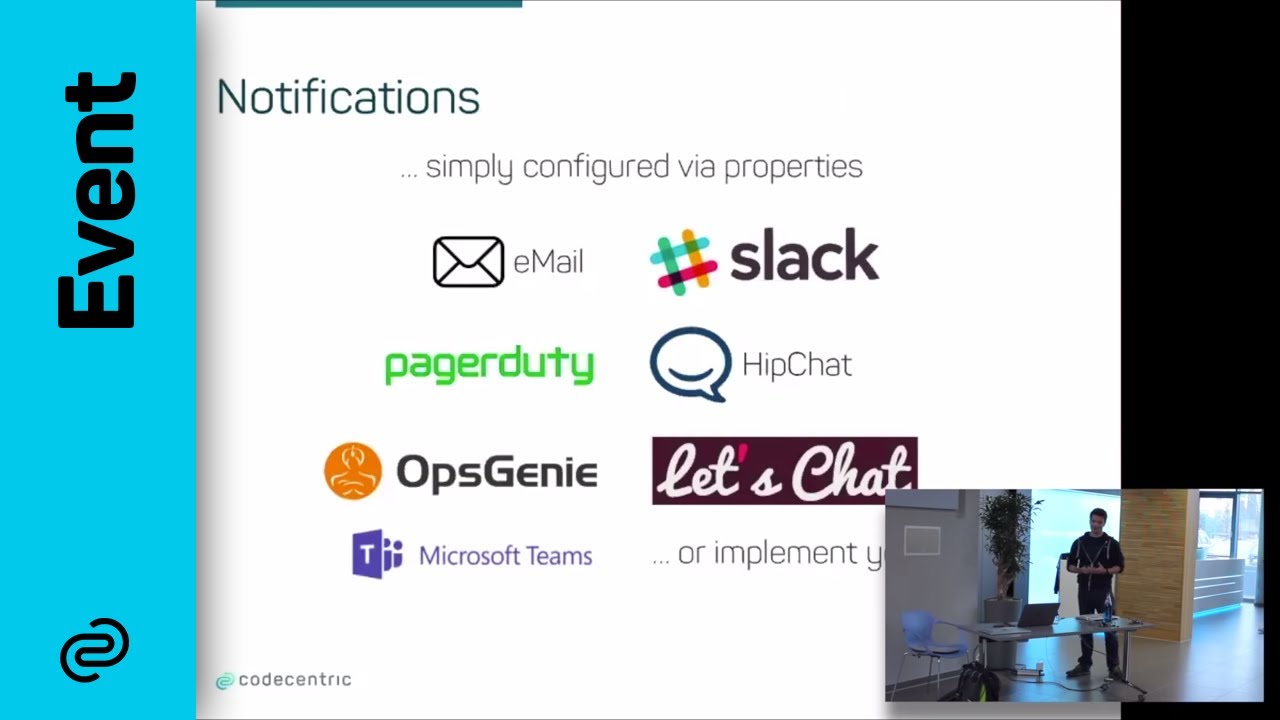
Spring Boot® Admin - Monitoring and Configuring Spring Boot Applications at Runtime
Spring Boot Admin's version matches the major and minor versions of Spring Boot:
etc. pp.
Nevertheless, it is possible to monitor any version of a Spring Boot service independently of the underlying Spring Boot version in the service. Hence, it is possible to run Spring Boot Admin Server version 2.6 and monitor a service that is running on Spring Boot 2.3 using Spring Boot Admin Client version 2.3.
Having trouble with codecentric's Spring Boot Admin? We’d like to help!
Check the reference documentation.
Ask a question on stackoverflow.com - we monitor questions tagged with spring-boot-admin.
Ask for help in our spring-boot-admin Gitter chat
Report bugs at http://github.com/codecentric/spring-boot-admin/issues.
Translated version The following reference guides have been translated by users of Spring Boot Admin and are not part of the official bundle. The maintainers of Spring Boot Admin will not update and maintain the guides mentioned below.
Version 2.6.6 (Chinese translated by @qq253498229)
The source code of codecentric's Spring Boot Admin is licensed under Apache License 2.0
Spring, Spring Boot and Spring Cloud are trademarks of Pivotal Software, Inc. in the U.S. and other countries.
You can access snapshot builds from the sonatype snapshot repository by adding the following to your repositories:
<repository>
	<id>sonatype-nexus-snapshots</id>
	<name>Sonatype Nexus Snapshots</name>
	<url>https://oss.sonatype.org/content/repositories/snapshots/</url>
	<snapshots>
		<enabled>true</enabled>
	</snapshots>
	<releases>
		<enabled>false</enabled>
	</releases>
</repository>
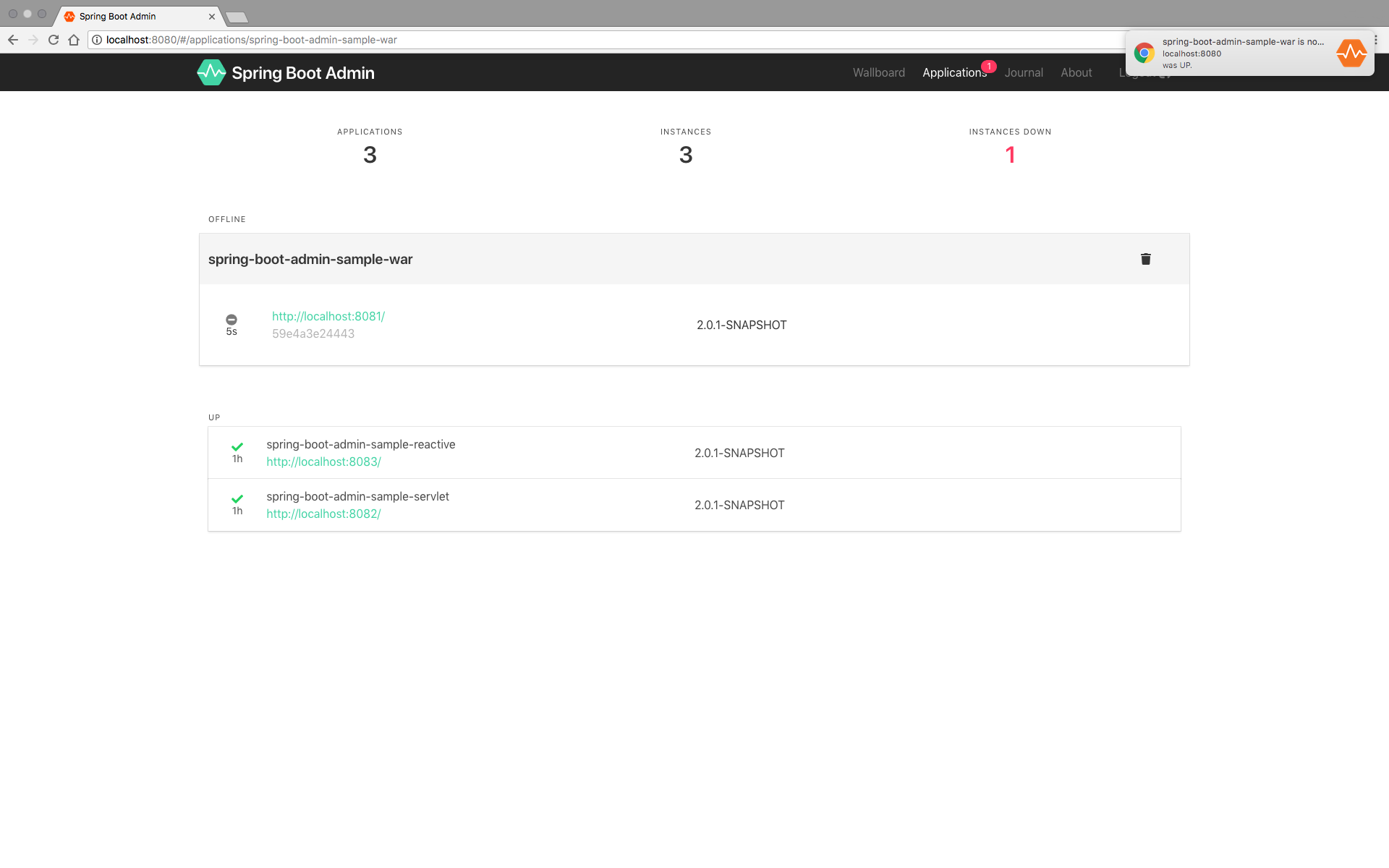 Dashboard with desktop notifications
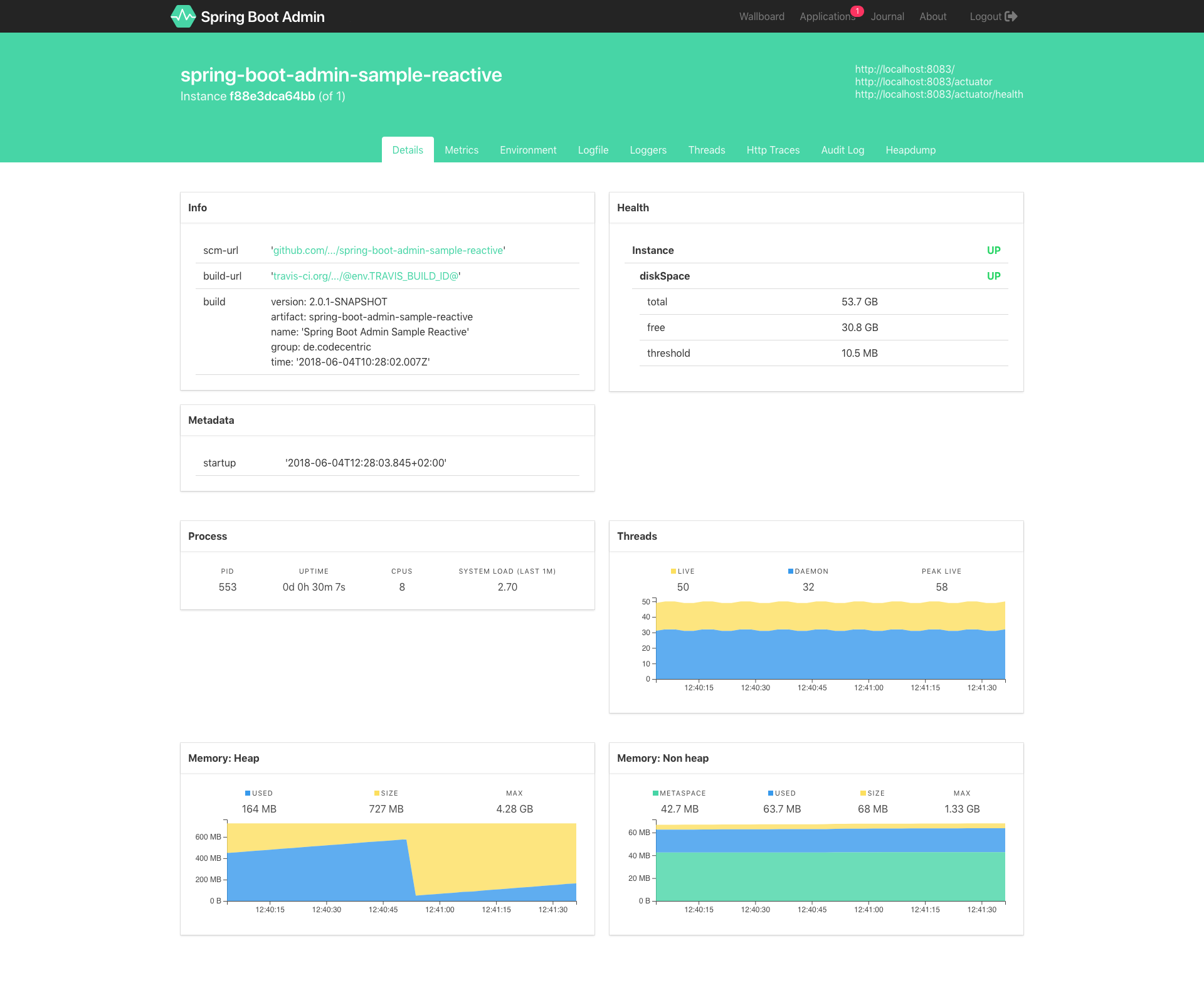 View application health, info and details
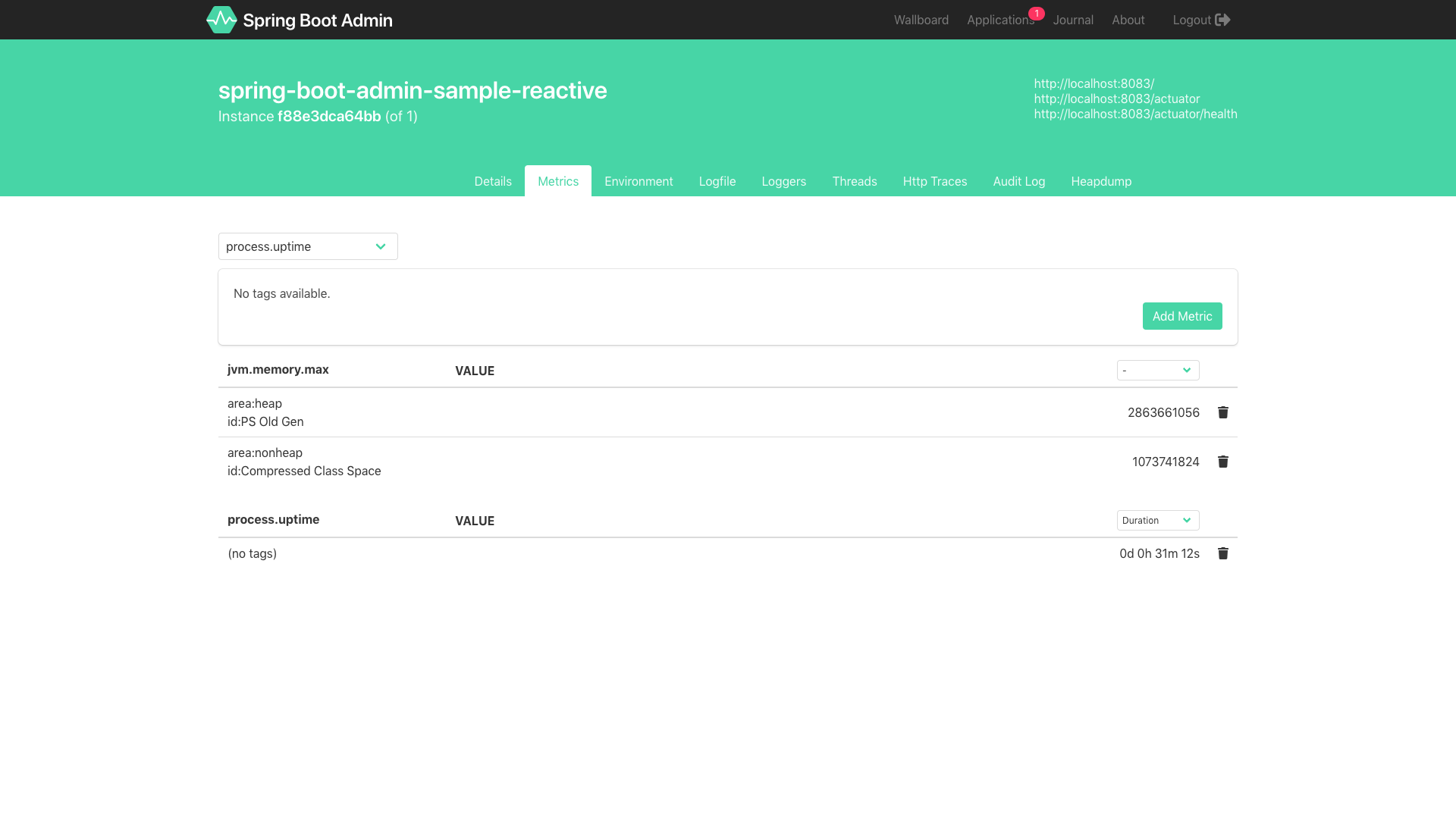 View metric counters and gauges
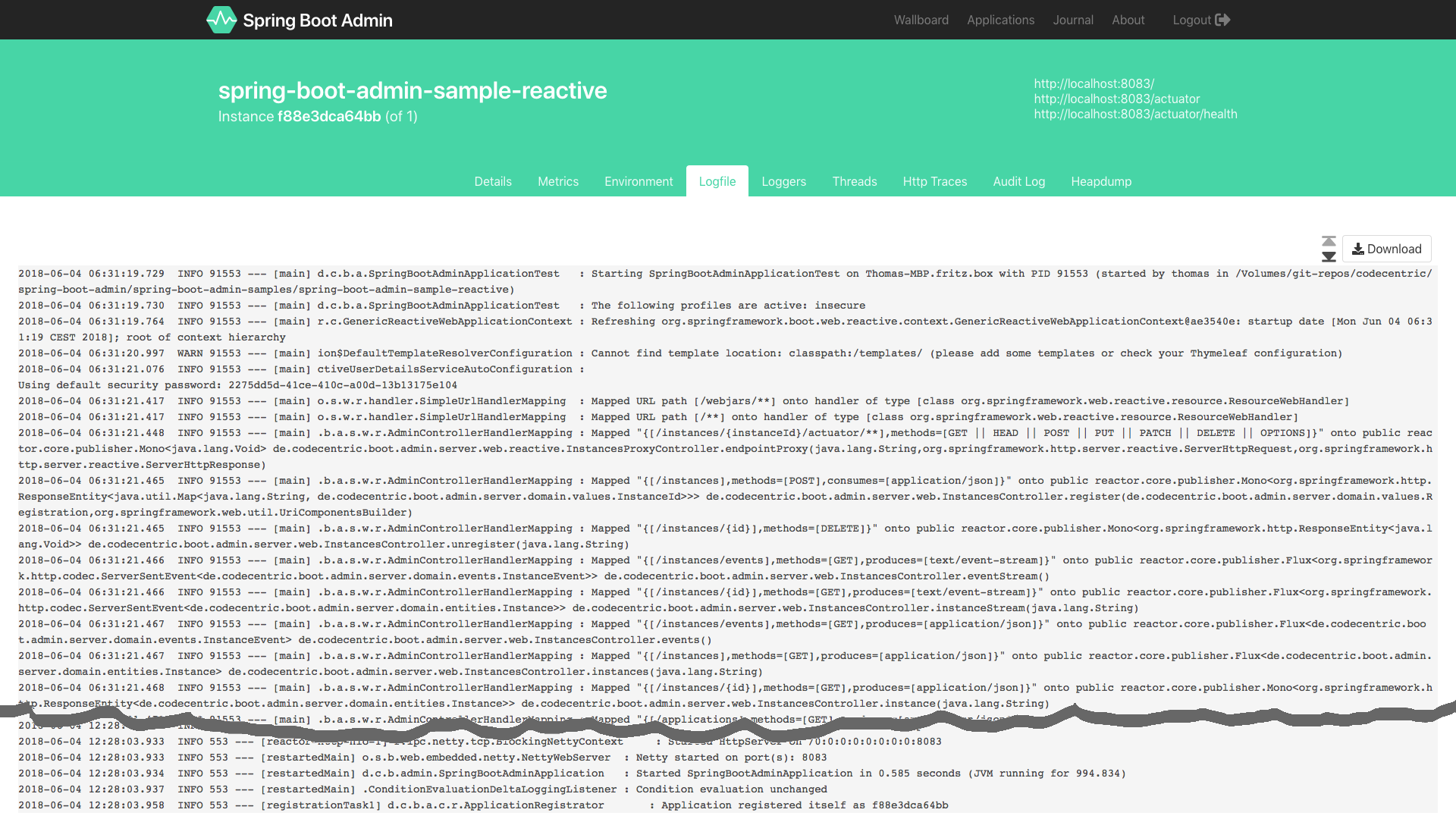 View logfile (with follow)
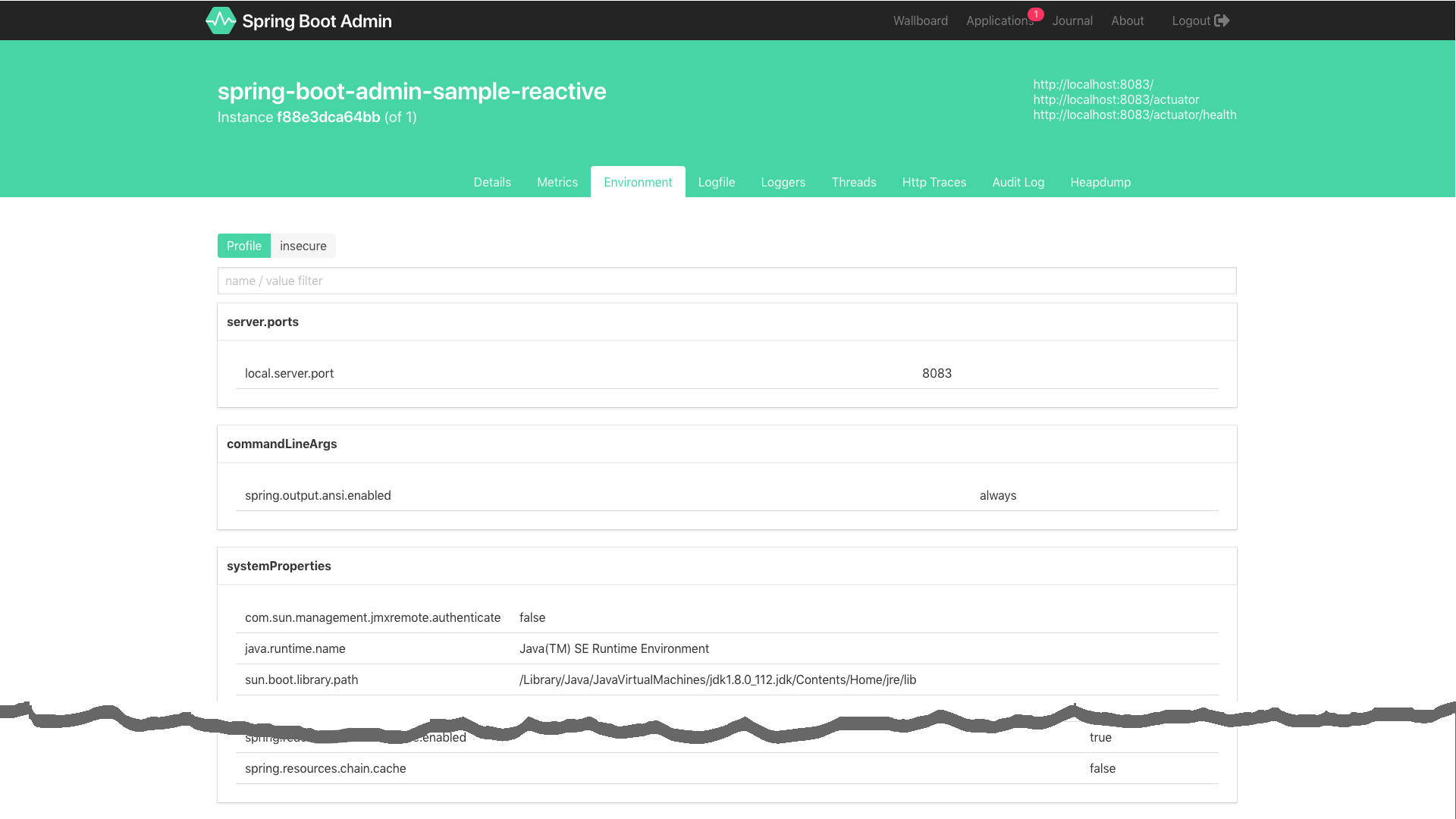 View and change Spring environment (via Spring Cloud)
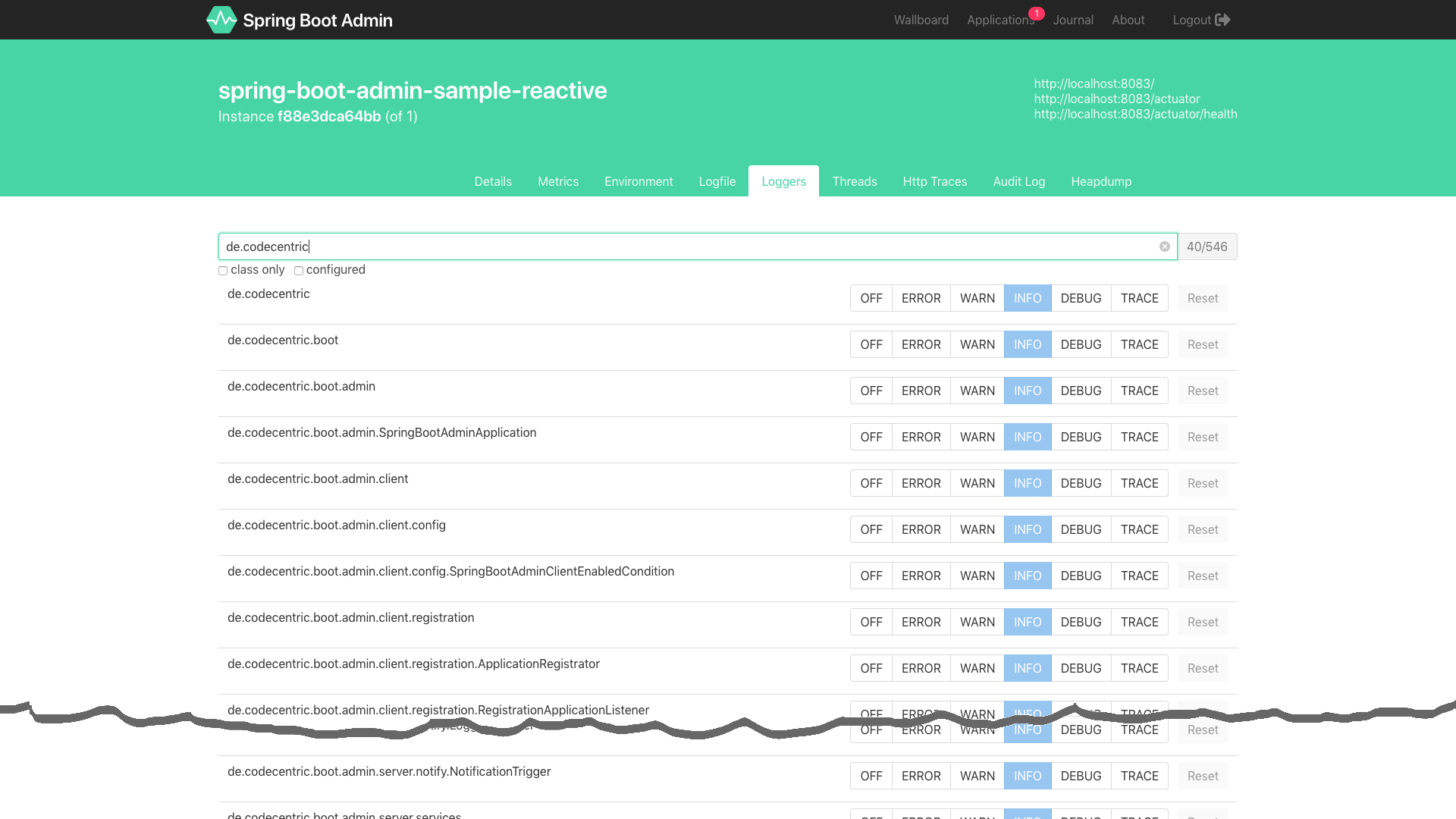 Manage Logback logger levels
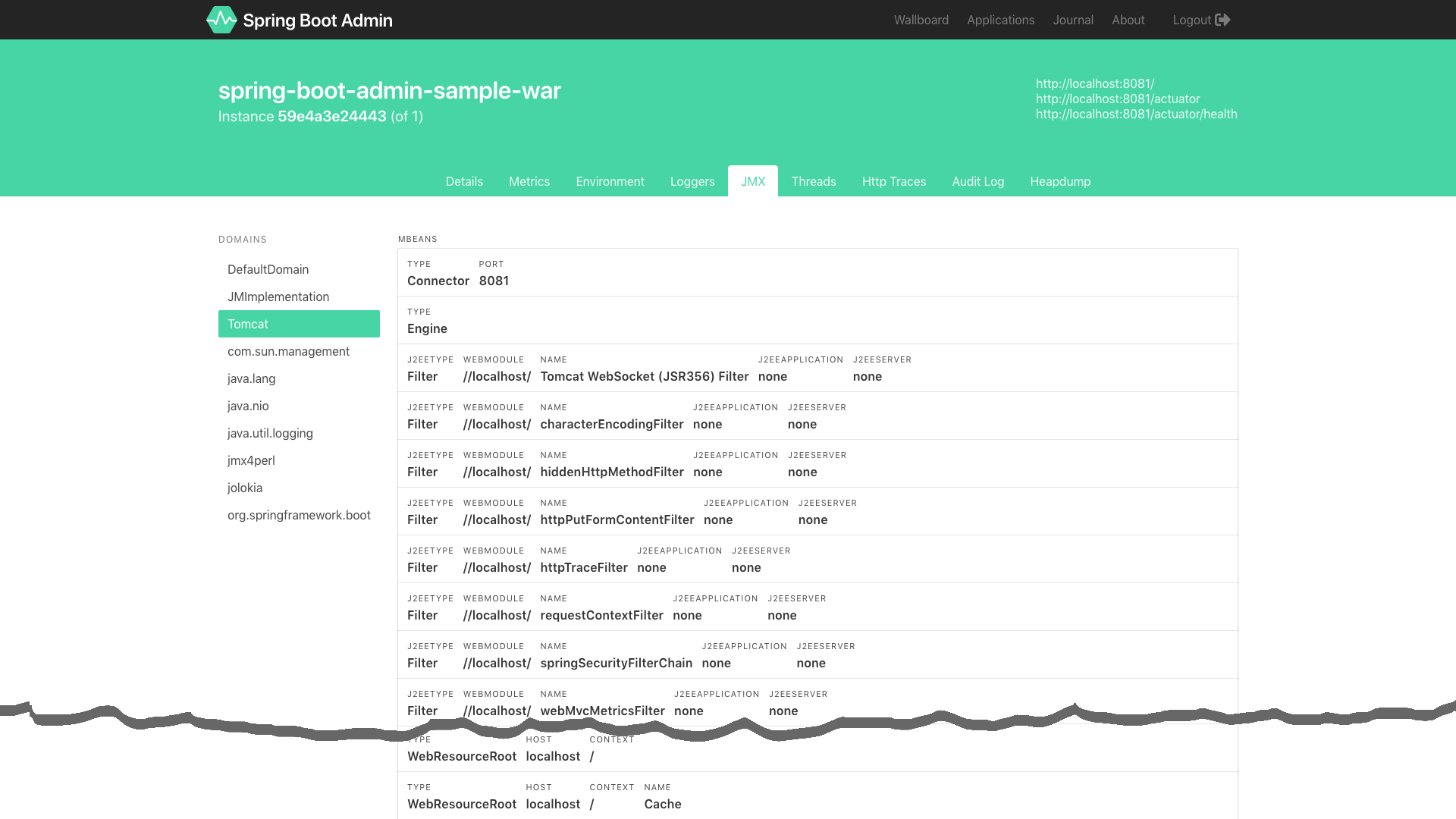 View and use JMX beans via jolokia
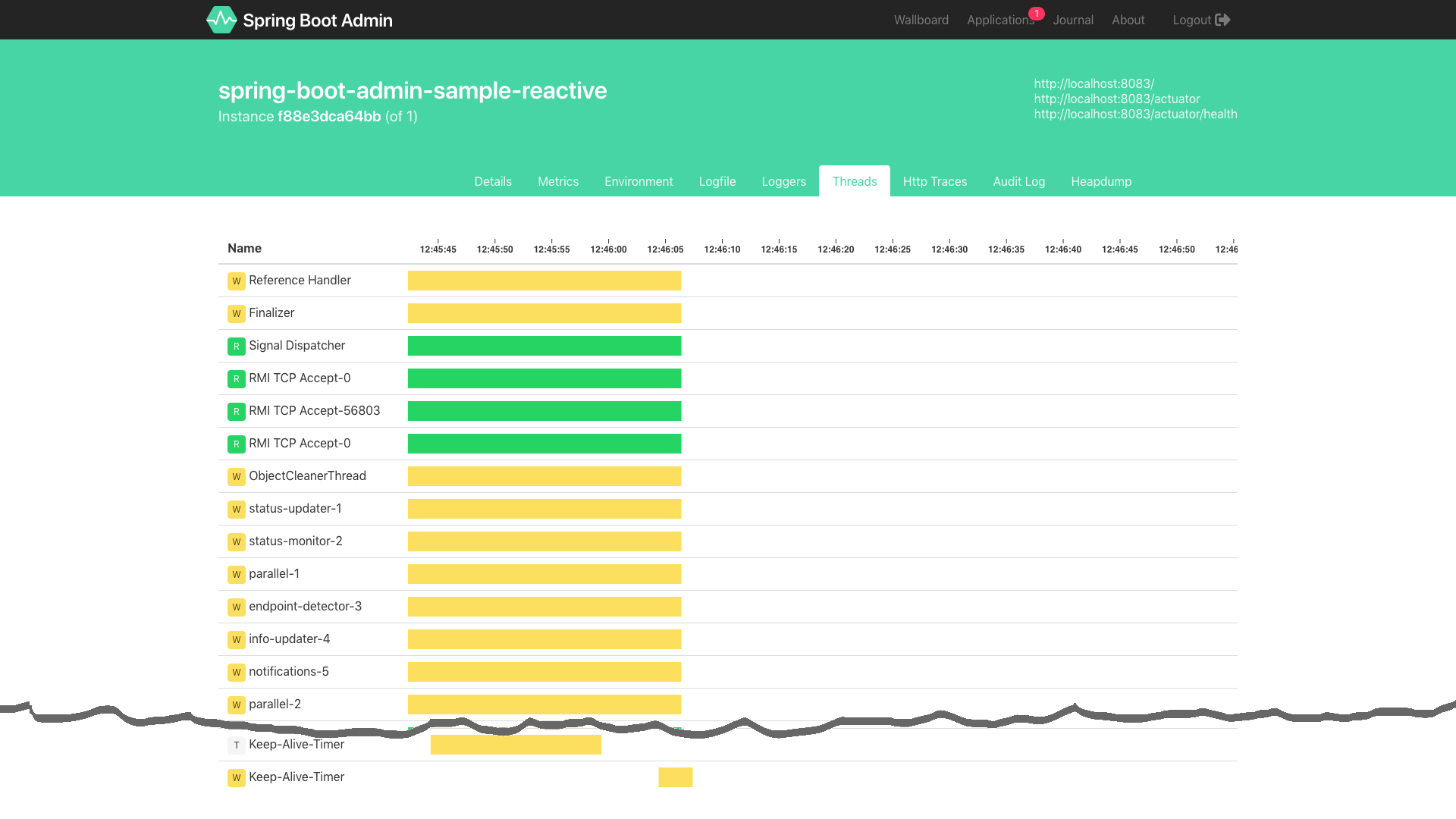 View thread dump
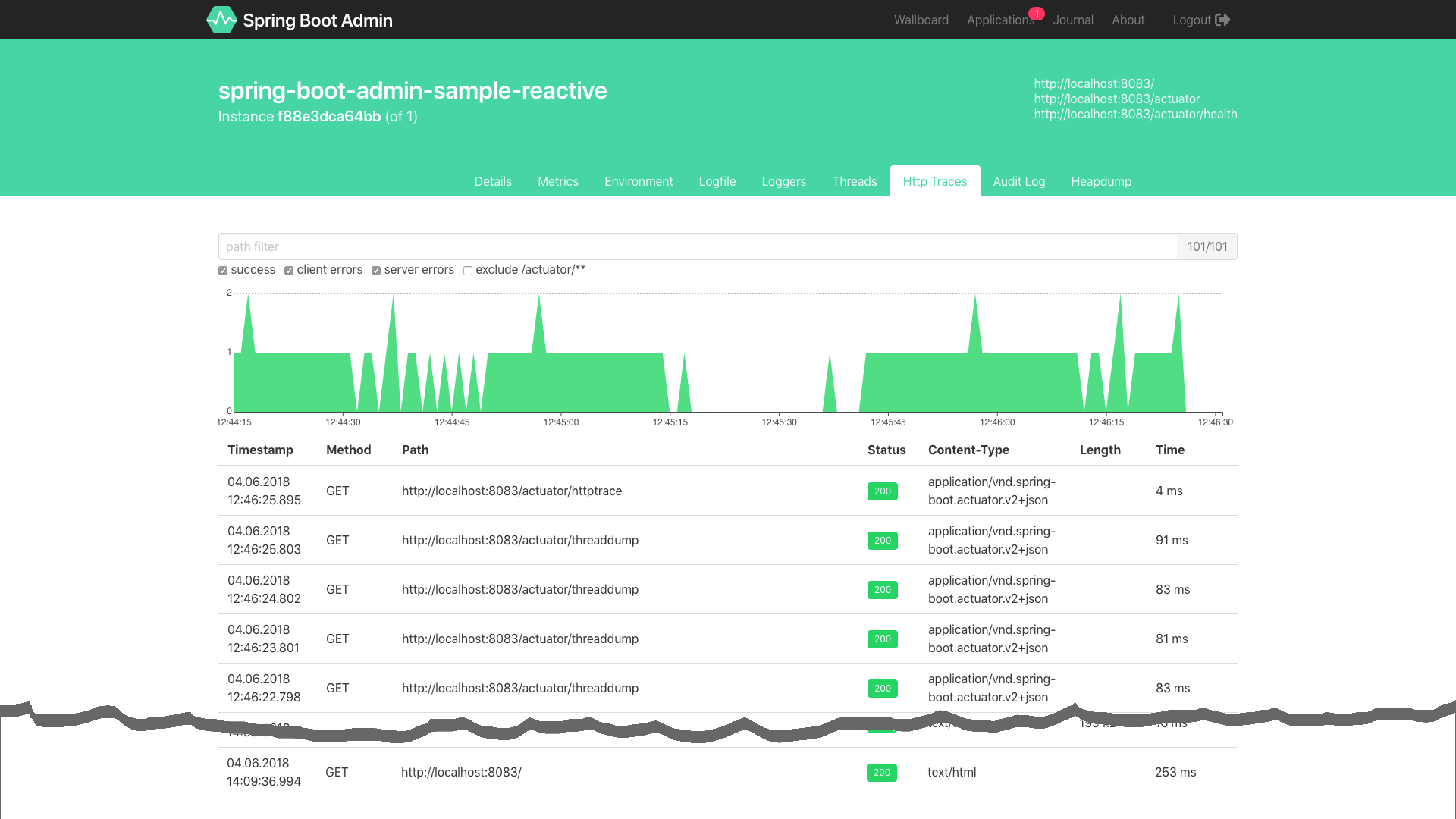 View http request traces
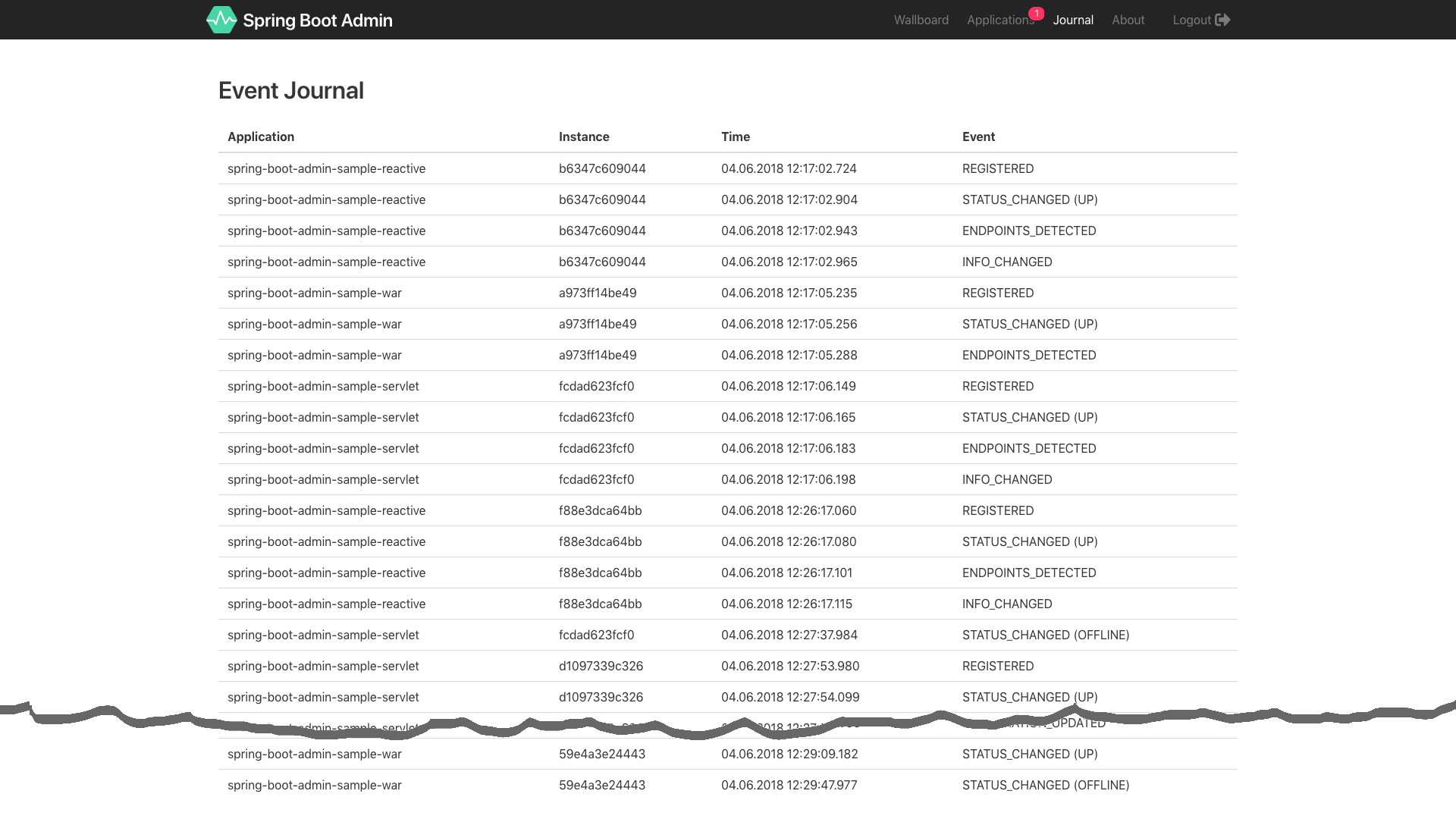 View history of registered applications
Requirements:
Please make sure you set $JAVA_HOME points to the correct JDK.
./mvnw clean package
