 secrary/drsemu
DrSemu - Sandboxed Malware Detection and Classification Tool Based on Dynamic Behavior

Dr.Semu runs executables in an isolated environment, monitors the behavior of a process, and based on Dr.Semu rules created by you or the community, detects if the process is malicious or not.
[The tool is in the early development stage]
With Dr.Semu you can create rules to detect malware based on dynamic behavior of a process.
Everything happens from the user-mode. Windows Projected File System (ProjFS) is used to provide a virtual file system. For Registry redirection, it clones all Registry hives to a new location and redirects all Registry accesses.
See the source code for more about other redirections (process/objects isolation, etc).
Dr.Semu uses DynamoRIO (Dynamic Instrumentation Tool Platform) to intercept a thread when it's about to cross the user-kernel line. It has the same effect as hooking SSDT but from the user-mode and without hooking anything.
At this phase, Dr.Semu produces a JSON file, which contains information from the interception.
After terminating the process, based on Dr.Semu rules we receive if the executable is detected as malware or not.
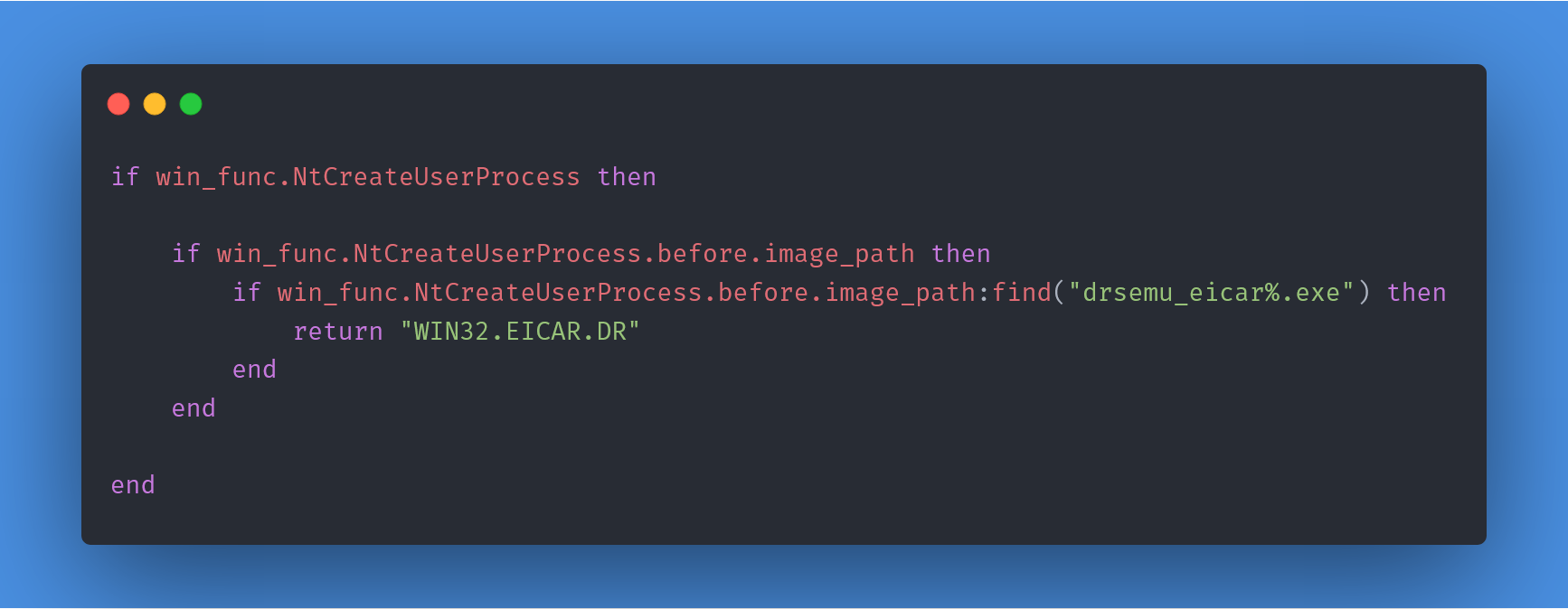
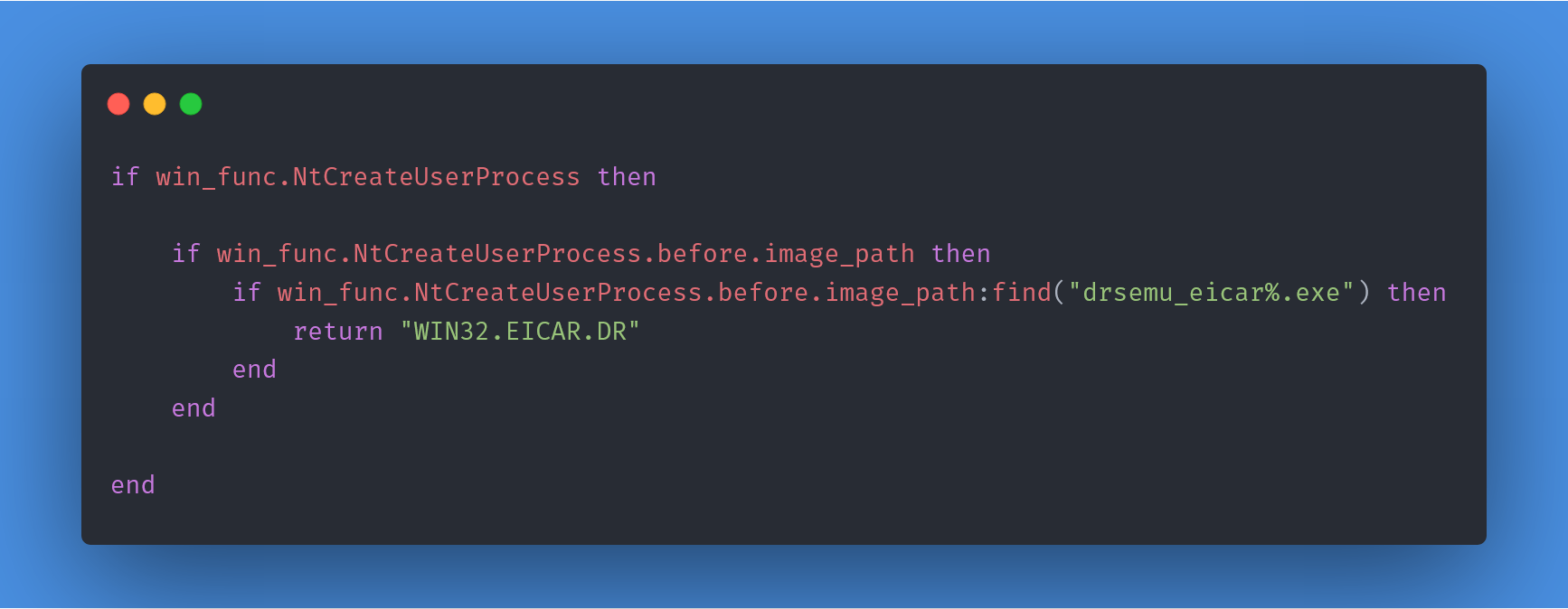
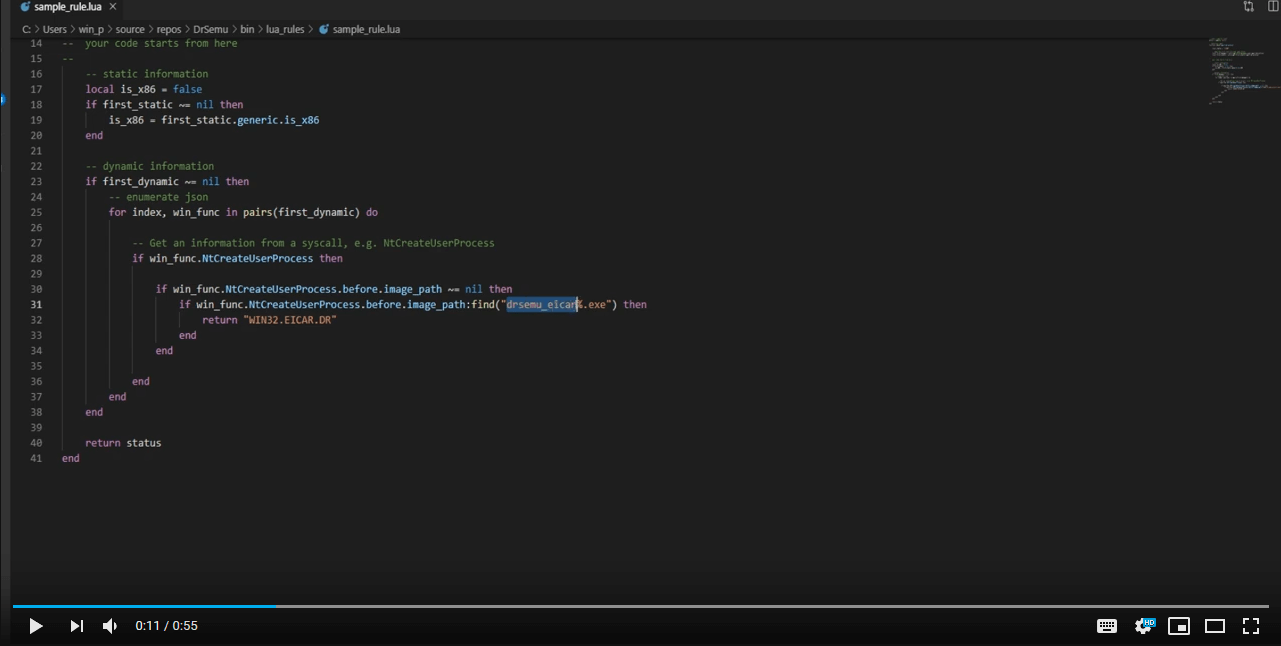
They are written in Python or LUA (located under dr_rules) and use dynamic information from the interception and static information about the sample. It's trivial to add support of other languages.
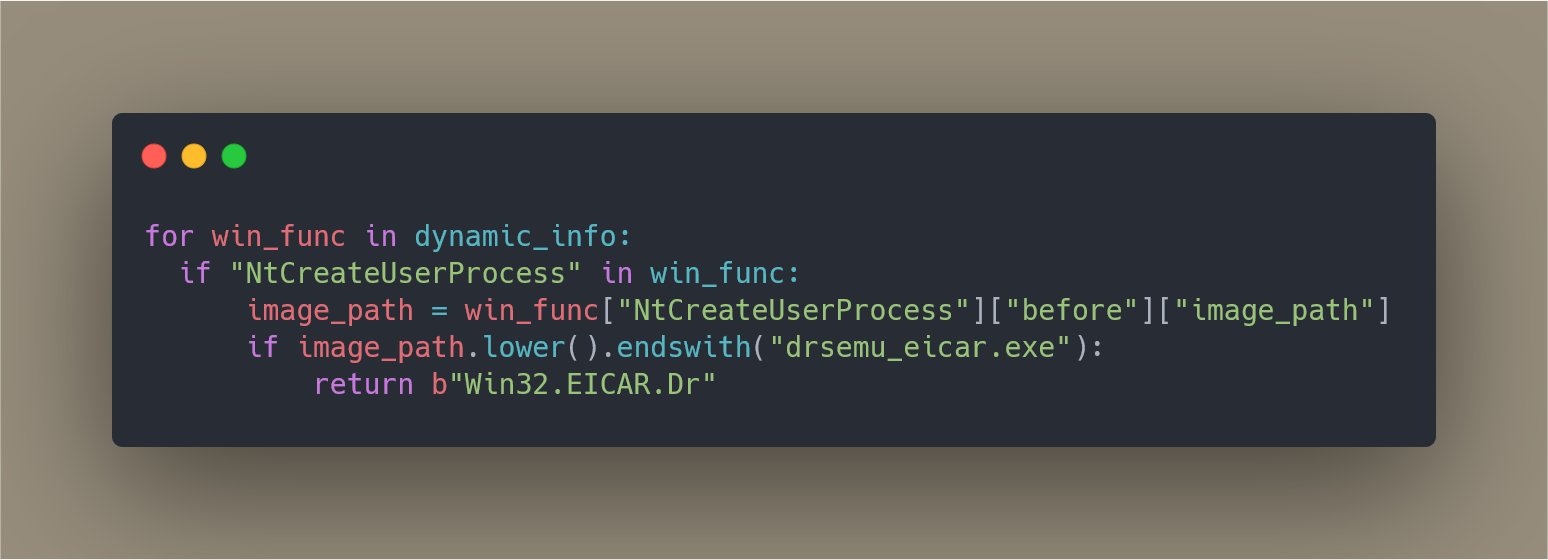
Example (Python): https://gist.github.com/secrary/ac89321b8a7bde998a6e3139be49eb72
Example (Lua): https://gist.github.com/secrary/e16daf698d466136229dc417d7dbcfa3
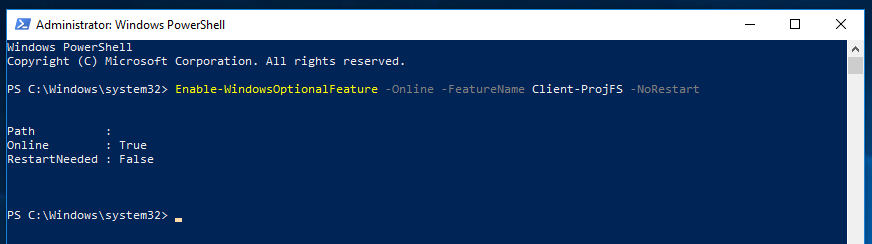
PowerShell to enable ProjFS in an elevated PowerShell window:Enable-WindowsOptionalFeature -Online -FeatureName Client-ProjFS -NoRestart
Download and extract a zip file from the releases page
Download DynamoRIO and extract into DrSemu folder and rename to dynamorio
Install Python 3 x64
DrSemu.exe --target file_path
DrSemu.exe --target files_directory
PowerShell to enable ProjFS in an elevated PowerShell window:Enable-WindowsOptionalFeature -Online -FeatureName Client-ProjFS -NoRestart
Install Python 3 x64
Download DynamoRIO and extract into bin folder and rename to dynamorio
Build pe-parser-library.lib library:
DrSemu\shared_libs\pe_parse using cmake-guibuild (\shared_libs\pe_parse\build\pe-parser-library\Release\) and 64-bit one under build64Multi-threaded (/MT)Set LauncherCLI As StartUp Project
Windows 10, version 1809 (due to Windows Projected File System)Windows 10, version 1809 (DynamoRIO supports Windows 10 versions until 1809)