 sauravrao637/oproxy
Open-source MITM proxy to intercept, inspect, and mock network traffic.

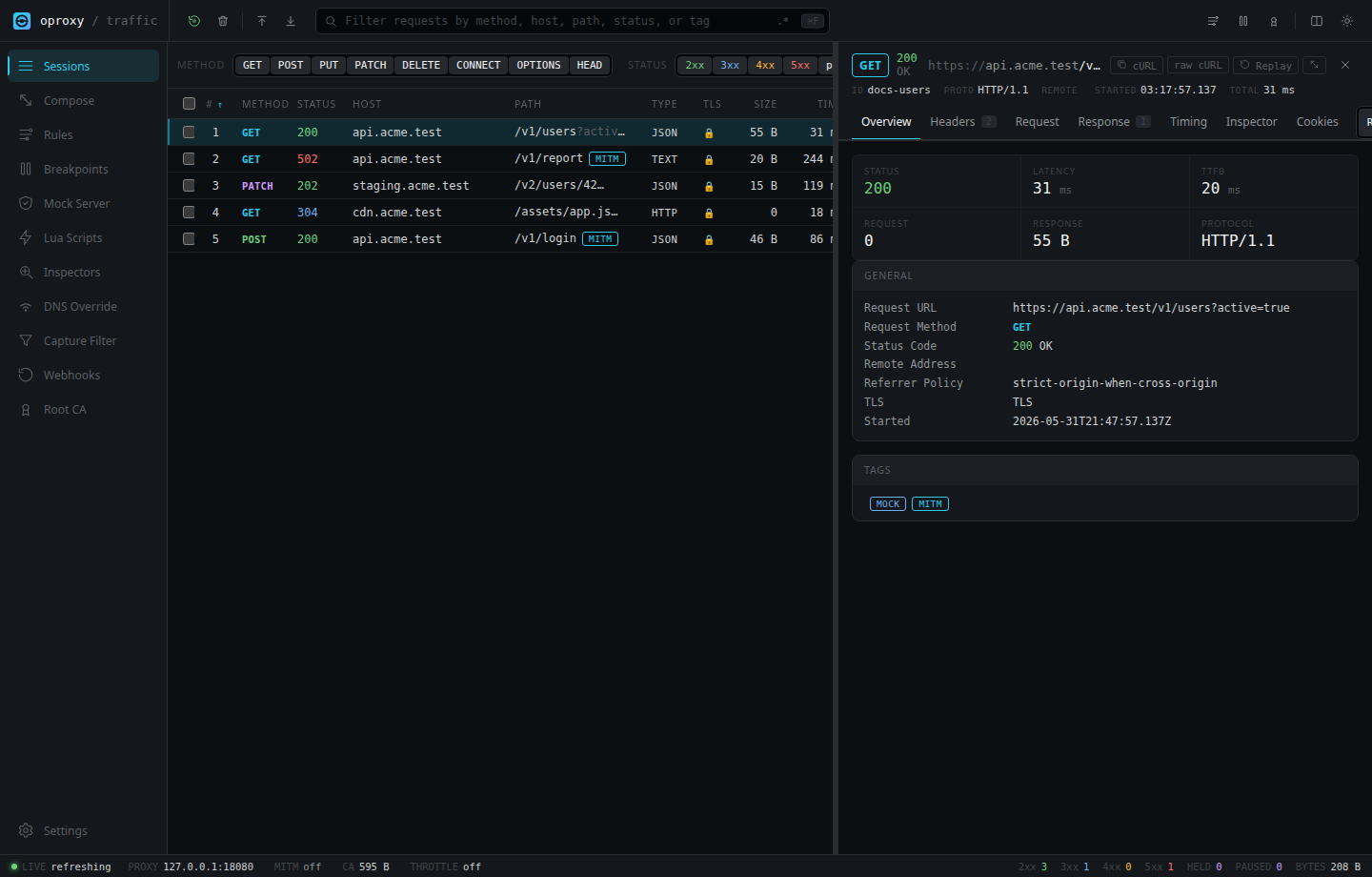
oproxy is a local HTTP, HTTPS, HTTP/3, WebSocket, and SOCKS5 proxy for inspecting, replaying, and modifying traffic from browsers, CLIs, mobile apps, API clients, services, and test suites.
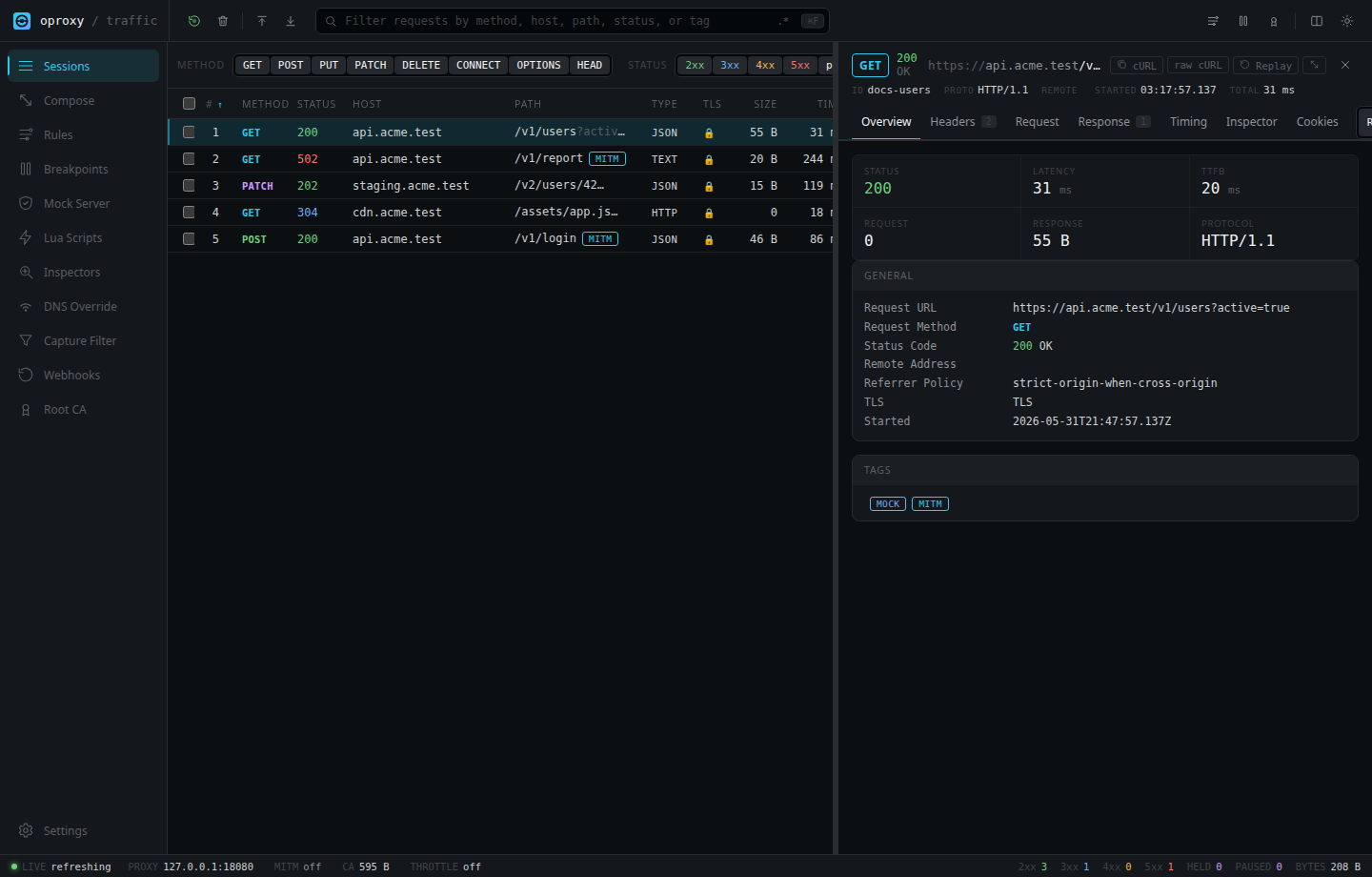
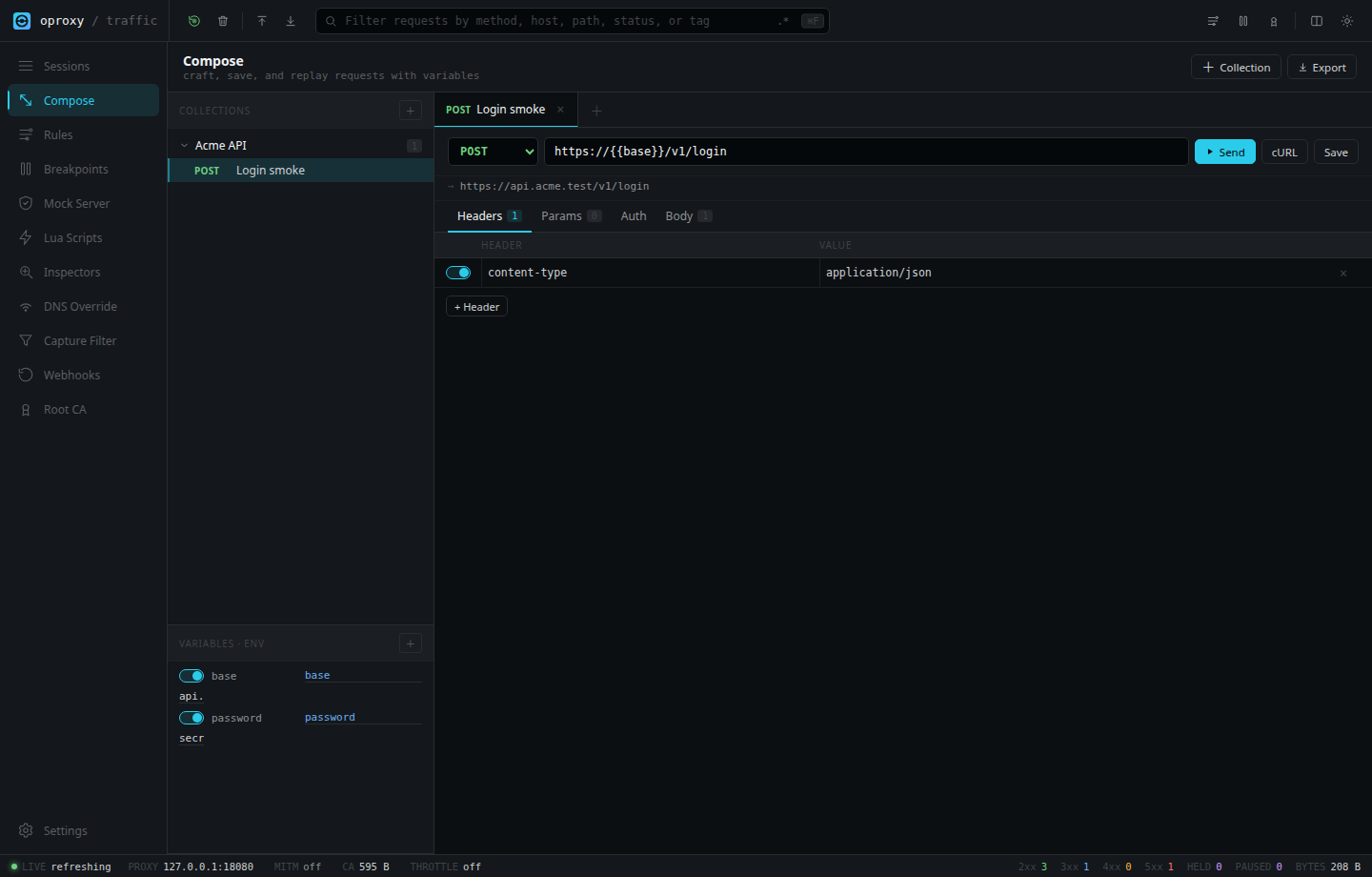
It runs a web UI, API, and optional AI assistant on the same local listener, so you can capture traffic, inspect requests and responses, replay requests, mock upstreams, rewrite traffic, throttle responses, and export reproducible snippets without changing application code.
The Assistant is an OpenAI-compatible control-plane client: it can inspect current proxy state through allowlisted tools and prepare traffic/configuration changes as reviewable confirmation cards.
Security note: HTTPS interception requires trusting a local oproxy root CA. Install that CA only on machines and browsers you control, keep the generated private key safe, and do not expose the admin UI without a strong token.
docker run --rm \
  --name oproxy \
  -p 127.0.0.1:8080:8080 \
  -p 127.0.0.1:1080:1080 \
  -p 127.0.0.1:8443:8443/udp \
  -e OPROXY_BIND_HOST=0.0.0.0 \
  -e OPROXY_MITM_ENABLED=true \
  -e OPROXY_HTTP3_ENABLED=true \
  -e OPROXY_HTTP3_PORT=8443 \
  -e OPROXY_ALLOW_REMOTE_ADMIN=true \
  -e OPROXY_ADMIN_TOKEN=change-me-to-a-strong-secret \
  -v oproxy-certs:/app/certs \
  -v oproxy-storage:/app/storage \
  ghcr.io/sauravrao637/oproxy:latest
Open http://127.0.0.1:8080 and sign in with the token.
Docker bridge networking needs OPROXY_BIND_HOST=0.0.0.0. The command above still publishes ports only on host loopback. Change OPROXY_ADMIN_TOKEN before real use.
docker compose up --build
The checked-in Compose file enables MITM, HTTP/3 on UDP 8443, persistent certs/state, and a healthcheck.
Requirements: Rust 1.85+, Node.js 22+, and Yarn via Corepack.
corepack enable
yarn --cwd src/design install --frozen-lockfile
yarn --cwd src/design build
cargo run --release
Open http://127.0.0.1:8080.
curl -x http://127.0.0.1:8080 http://example.com
The request appears in the Sessions view.
For HTTPS:
curl http://127.0.0.1:8080/admin/ca -o oproxy-ca.crt
curl --cacert oproxy-ca.crt -x http://127.0.0.1:8080 https://example.com
For browser HTTPS capture, configure the browser or OS to use 127.0.0.1:8080 as the HTTP and HTTPS proxy, then import the CA from http://127.0.0.1:8080/admin/ca.
oproxy is licensed under the MIT License.
