
 s4vitar/airdroidpwner
Programa ideal para robar toda la información de un dispositivo remotamente a través de la aplicación AirDroid. [CVE-2019-9599] (https://www.exploit-db.com/exploits/46337)


Proof of Concept Video: https://www.youtube.com/watch?v=0QDM224_6DM
CVE: https://nvd.nist.gov/vuln/detail/CVE-2019-9599
Exploit-db: https://www.exploit-db.com/exploits/46337
AirDroid is one of the best known and most used tools for remotely controlling a computer, specifically via the browser.
To control and manage the device running the service, an initial acceptance phase on the client side is required, where a 'Message Box' like the one shown below appears:
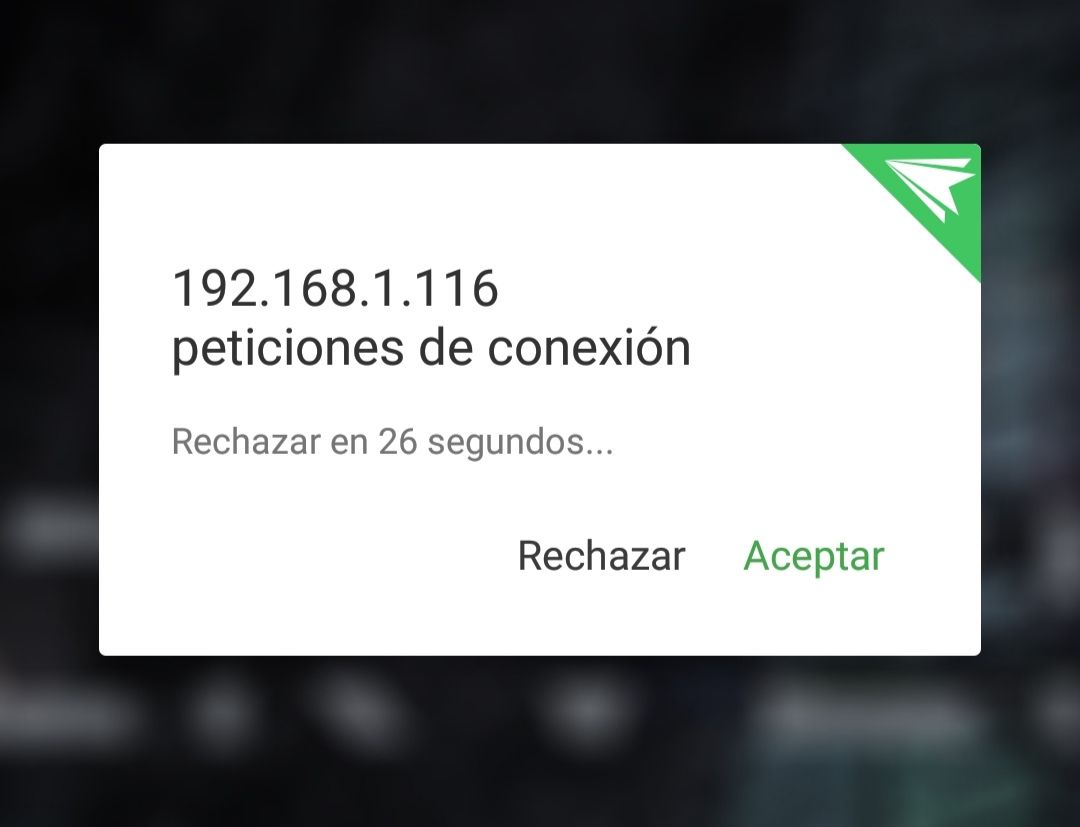
Once the connection is accepted, the session controller can manage the device from the browser, being able to perform the following tasks among others:
Although I have not shared the PoC that bypasses the client‑side validation, I have shared some utility scripts for extracting privileged information once the connection is accepted.
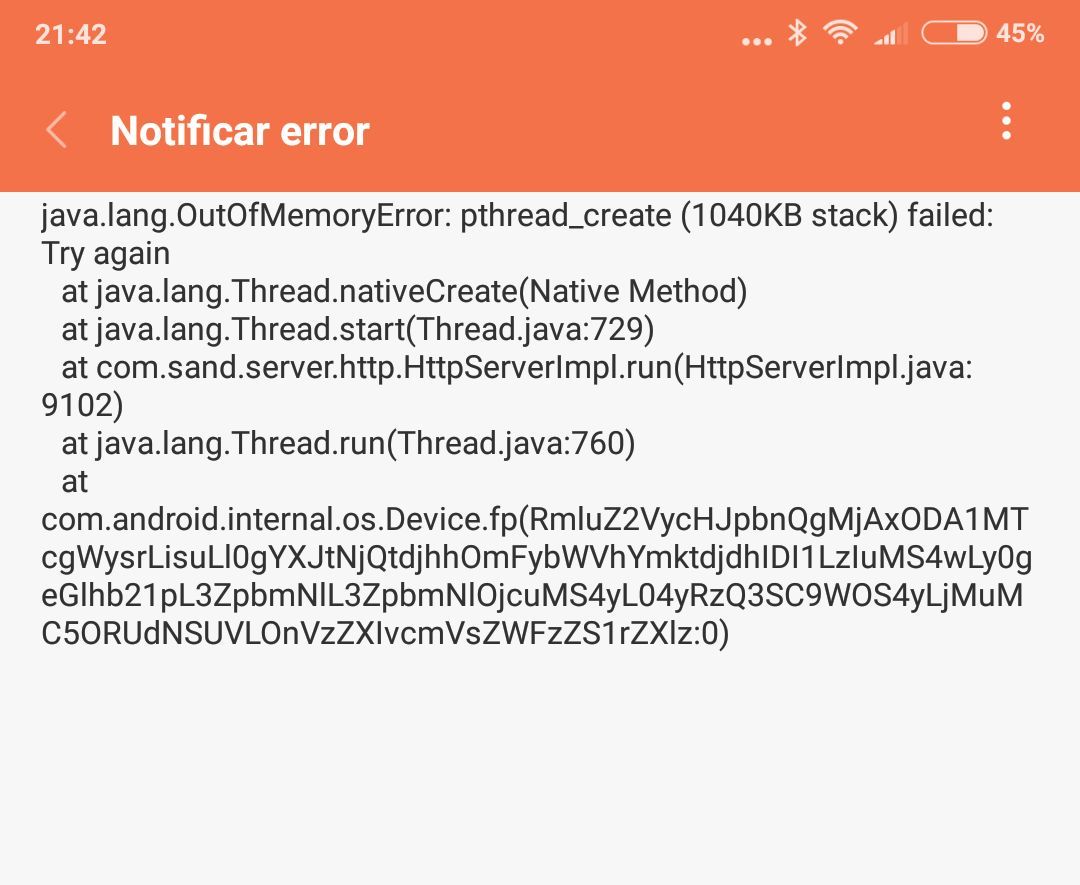
Likewise, I have shared the scripts 'airdroid_dos.sh' and 'airdroid_fast_dos.sh', which perform a 'Remote DoS Application & System Crash' action, whereby they manage to remotely corrupt the service and freeze the mobile device by filling up all memory until it becomes inoperative:
We start by running the script 'AirDroidPwner.py', where we need to provide our Shodan API KEY to find a large bunch of devices running the AirDroid service:
# Use your Shodan API KEY
SHODAN_API_KEY = "xxxxxxxxxxxxxxxxxxxxxxxxxxxxxxxxxxxxxx"
api = shodan.Shodan(SHODAN_API_KEY)
The execution is done as follows:
python AirDroidPwner.py
As you can see, very complex. After execution, via the Shodan API, in a first instance all the IPs that Shodan itself indexes for the search performed (in this case the AirDroid service on port 8888) are stored in an array.
Once found, a validation process is carried out to verify that the discovered hosts actually have the service enabled, using the status code returned by the server side after a simple request.
After obtaining the new array with the elements corresponding to the active hosts, they are exported to a file named 'ips'. Currently the following operation modes exist:
After the connection is accepted (the request is sent to the hosts and it's a matter of whether any of them accept it [Unfortunately, you will see that many do...]), the session identifier is stored in the 7bb parameter, from which queries are later managed:
def get_identifier(r_json):
        identifier_session = r_json["7bb"]
        return identifier_session
If the client does not accept the connection, they are stored in a vector of rejected connections for later initiation of an attack type (The attacker can decide <y/n>):
Where, by using the 'Message Box', through a main loop of modifiable iterations (default 10) together with sub‑loops that make 3,000 threaded requests to the victims, the device's RAM is filled, causing not only a remote denial of service of the application but also a Remote System Crash, where the device becomes completely inoperative, forcing a system restart.
This vulnerability affects not only the latest version of AirDroid but also all previous versions.
If the victim accepts the connection, these are the operations currently implemented in the tool:
Additionally, we can also run the scripts 'airdroid_dos.sh' and 'airdroid_fast_dos.sh'. The main difference between them is that the second one goes directly to the attack, while the first one performs a brief initial check to see if the host has the service active, etc. (More commercial side).
If you want to manage the access from the web browser, after running the script 'AirDroidPwner.py' and exporting the list of IPs to the 'ips' file, you can run the script 'web_browser.py' to open all active services in a browser.
Tasks:
