

Self-hosted AI agent harness for authorized pentests, bug bounty, security labs, and CTFs. Plugin-based, multi-provider LLM support with local sessions.

Heaven for Hackers — the professional security testing workspace.
An open-source, dark-first AI agent harness for authorized penetration tests, bug bounty research, security labs, and CTF engagements. Built on a plugin architecture where every layer — model adapters, tools, sessions, settings, and credentials — is replaceable from configuration.
Works with any AI model API. Bring your own key from OpenAI, Anthropic, DeepSeek, Google, Mistral, Groq, OpenRouter, Azure OpenAI, or any OpenAI-compatible gateway — one click auto-discovers your models and you're running.
| Workspace | Provider cards |
|---|---|
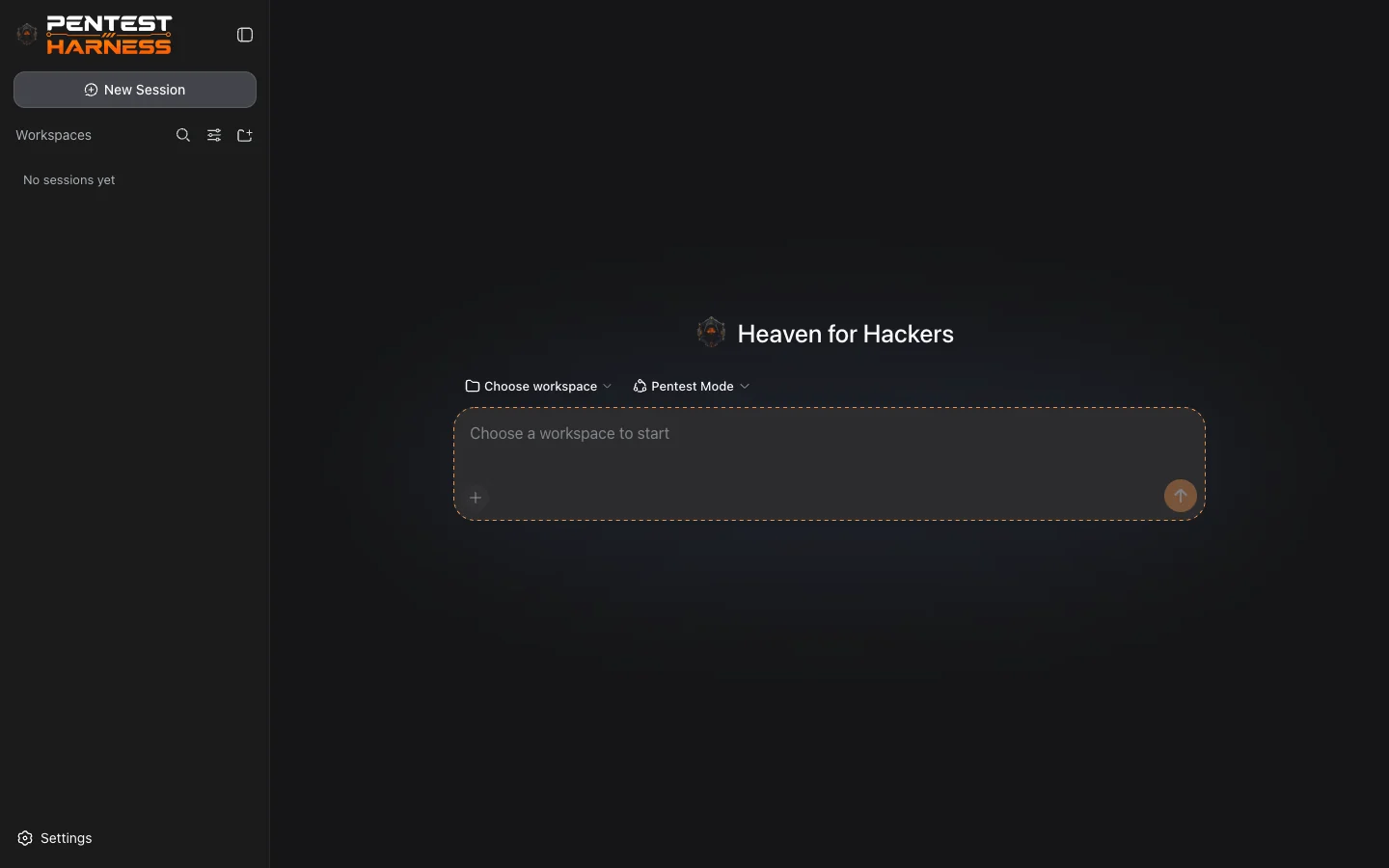 | 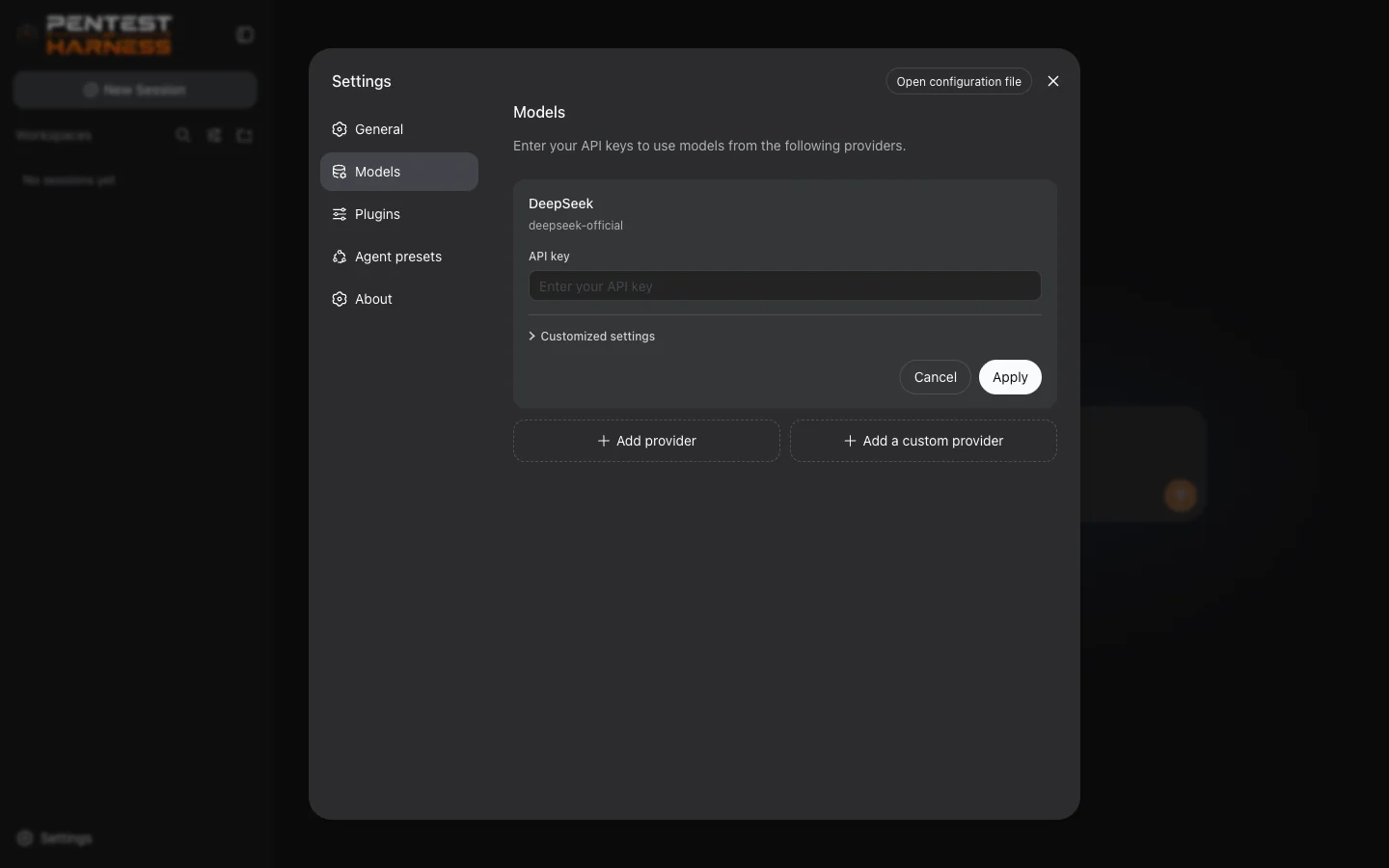 |
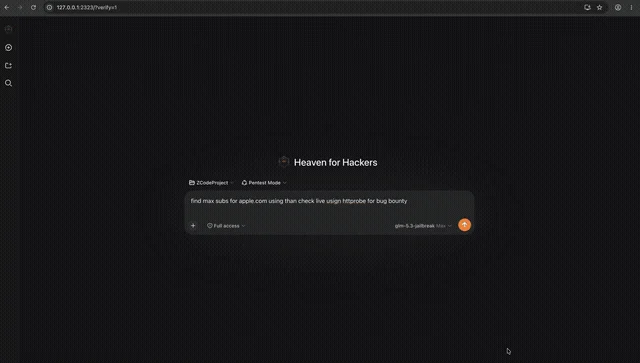
Download the full video
git clone https://github.com/S1N6H/pentest-harness.git
cd pentest-harness
pnpm install
pnpm build
pnpm dsh web
The Web UI opens at http://127.0.0.1:2323 in your browser.
If
pnpm dshis not on your PATH, usepnpm exec dsh webornode apps/cli/lib/index.js web.
npm i -g pnpm)pnpm dsh web --port 3000
| Setting | Value |
|---|---|
| Web UI | http://127.0.0.1:2323 |
| Settings file | $DSH_HOME/settings.yaml (default ~/.dsh/settings.yaml) |
| Credentials | $DSH_HOME/.credentials.yaml (owner-only permissions) |
MIT

Unlimited AI models · One platform · Zero limits
Access every major model — Claude, GPT, Gemini, and more — in one place. Built for builders who ship.
🚀 Visit HackWithClaude.com · 💡 Explore the models

