 rohanrhu/gdb-frontend
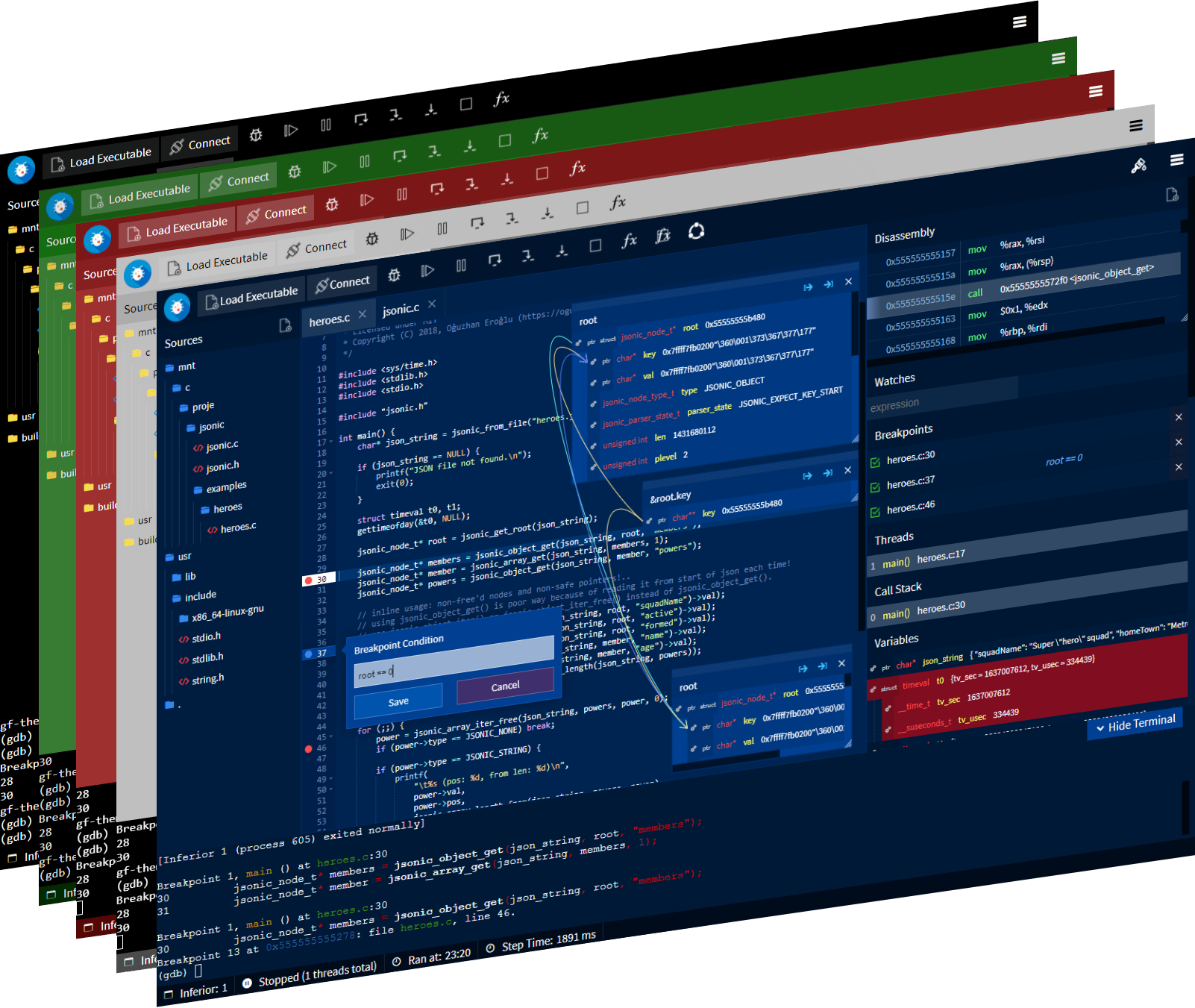
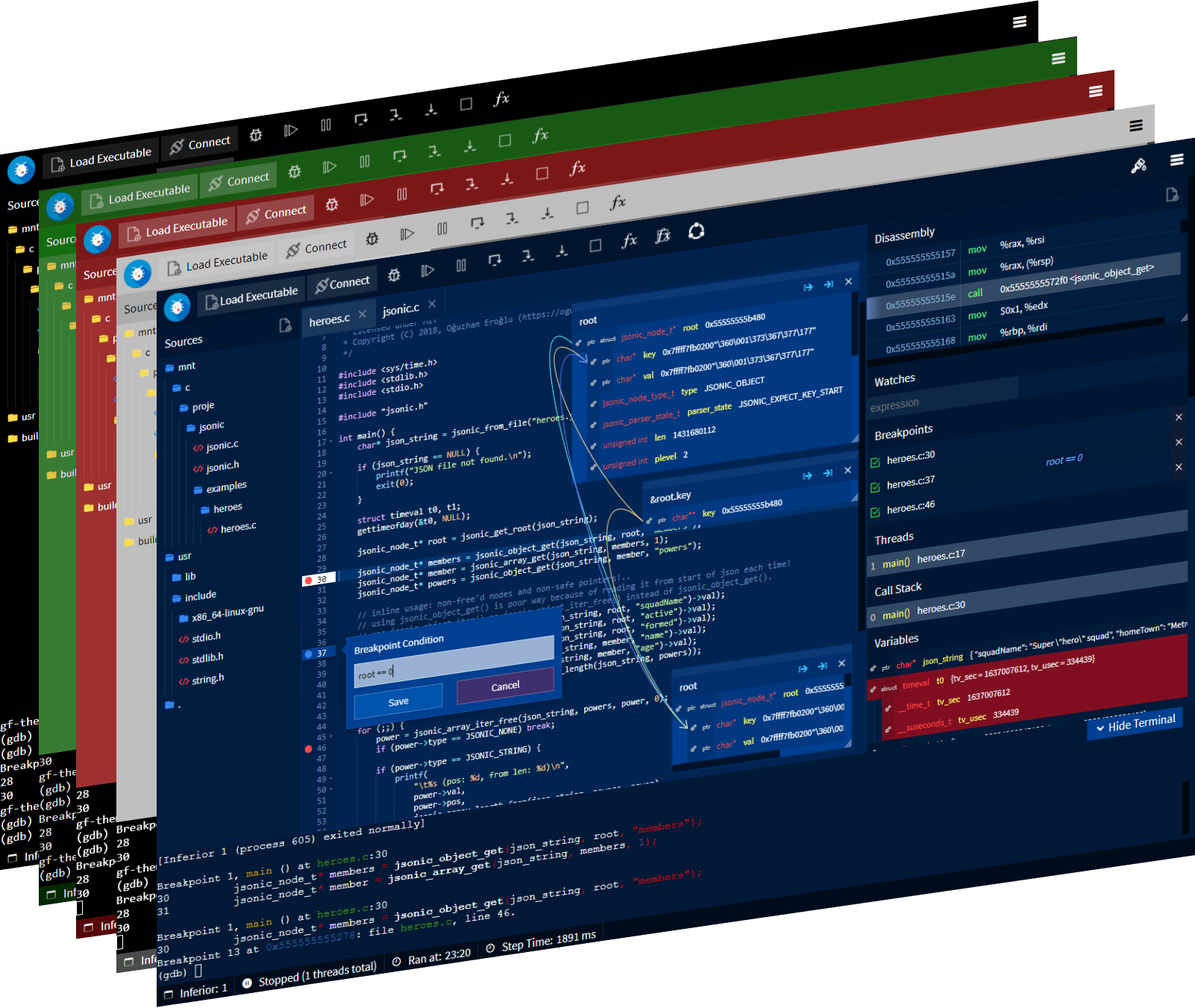
☕ GDBFrontend is an easy, flexible and extensible gui debugger.







GDBFrontend is an easy, flexible and extensionable gui debugger.
You can install GDBFrontend with pip.
sudo python3 -m pip install gdbfrontend
if it is already installed and you are upgrading
sudo python3 -m pip install --upgrade gdbfrontend
or if you want to install specific GIT snapshot:
sudo python3 setup.py install
and you can run
gdbfrontend
You can download latest source and run it.
You can run gdb-frontend with following commands:
git clone https://github.com/rohanrhu/gdb-frontend.git gdb-frontend
cd gdb-frontend
./gdbfrontend
and you can open it with:
http://127.0.0.1:5550/
You can open GDB shell with the command:
tmux a -t gdb-frontend
You can install Arch Linux package for Arch-based distributions. (AUR Package)
yay -S gdb-frontend-bin
and you can run it:
gdbfrontend
Flatpak package is a TODO.
Follow this tutorial to learn how to debug Dockerized C/C++ apps with GDBFrontend.
Follow this quick tutorial for debugging embedded devices with GDBFrontend.
Follow this quick tutorial for debugging native C Python extensions with GDBFrontend.
GDBFrontend has powerful and extensible APIs. Follow this quick tutorial to learn developing GDBFrontend plugins.
Follow this quick tutorial for integration ideas for special development/debugging requirements.
Follow this tutorial for debugging STM32 with OpenOCD and GDBFrontend.
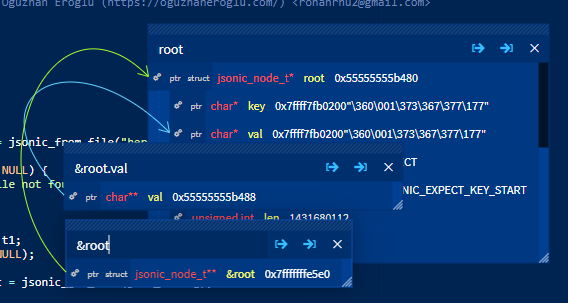
GDBFrontend has an expression evaluator that you can use multiple in sametime.

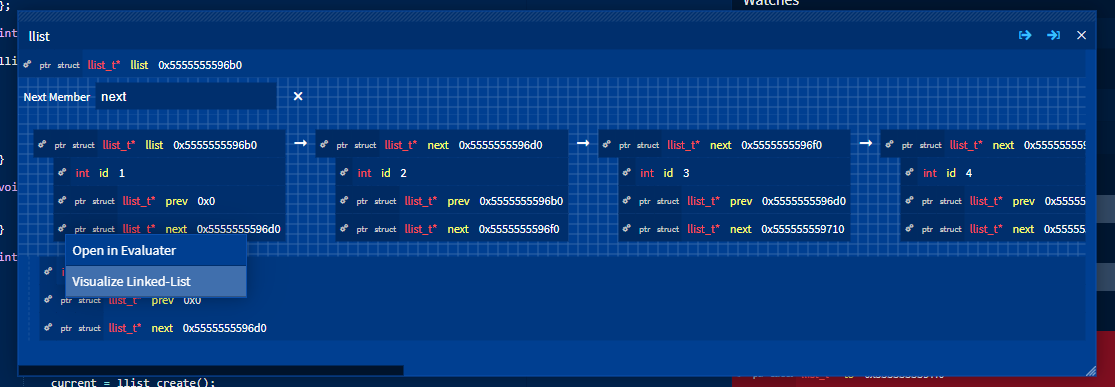
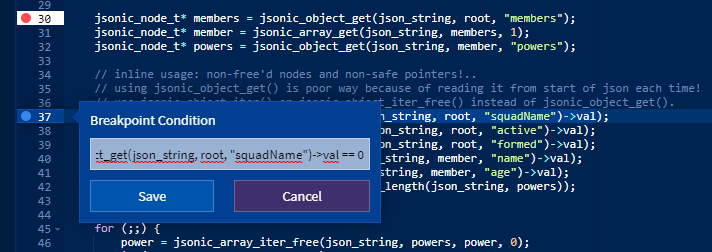
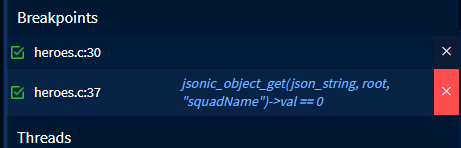
Right click to a breakpoint for setting its condition.
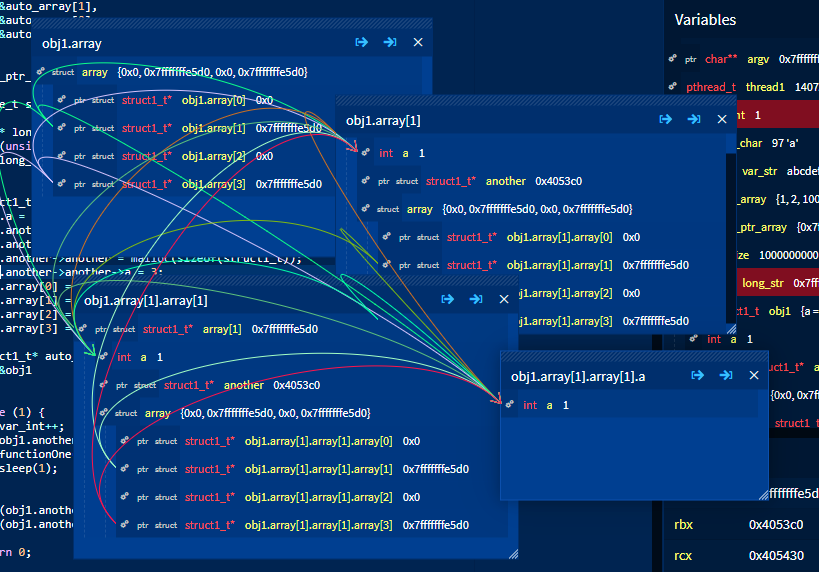
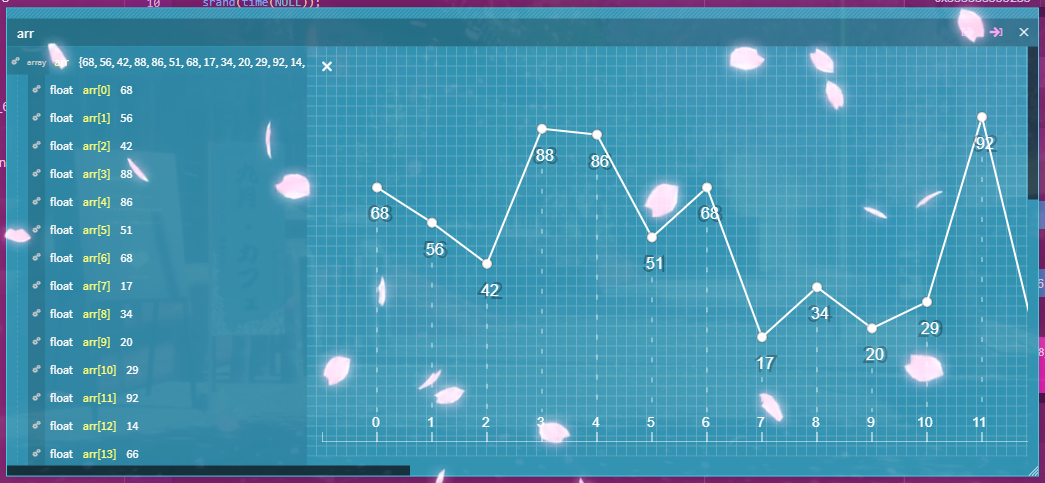
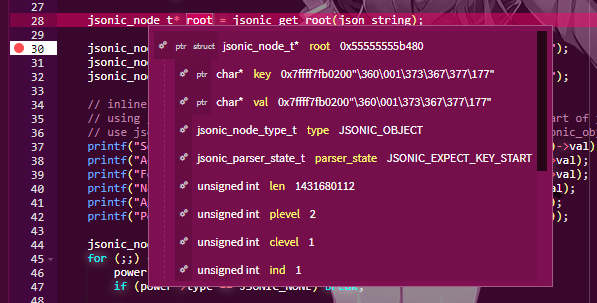
Expressions of all variables, members and items are connected in GDBFrontend's VariablesExplorer.
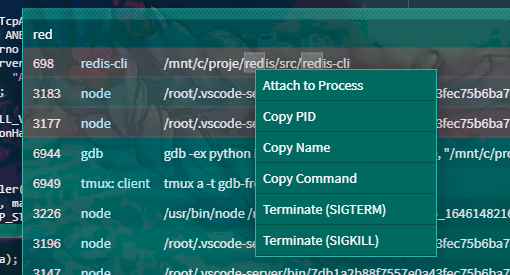
You can watch, filter or manage processes with Process Manager.
GDBFrontend has a set of some features for collabration named as "Enhanced Collabration".
Collabration draw is available when you enable Enhanced Collabration. Click to Draw or use Ctrl + Shift + X shortcut to draw and Ctrl + Shift + C to clear all drawings.

With Enhanced Collabration all debugger clients are synchronized on source viewing.
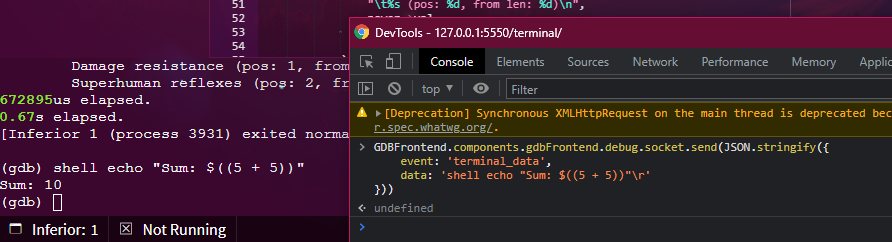
GDBFrontend is very extensible and has powerful APIs. Some examples of GDBFrontend's extensibility.
./gdbfrontend$ gdbfrontend --help
GDBFrontend is a easy, flexible and extensionable gui debugger.
Options:
--help, -h: Shows this help message.
--version, -v: Shows version.
--gdb-args="ARGS", -G "ARGS": Specifies GDB command line arguments. (Optional)
--gdb-executable=PATH, -g PATH: Specifies GDB executable path (Default is "gdb" command on PATH environment variable.)
--tmux-executable=PATH, -tmux PATH: Specifies Tmux executable path (Default is "tmux" command on PATH environment variable.)
