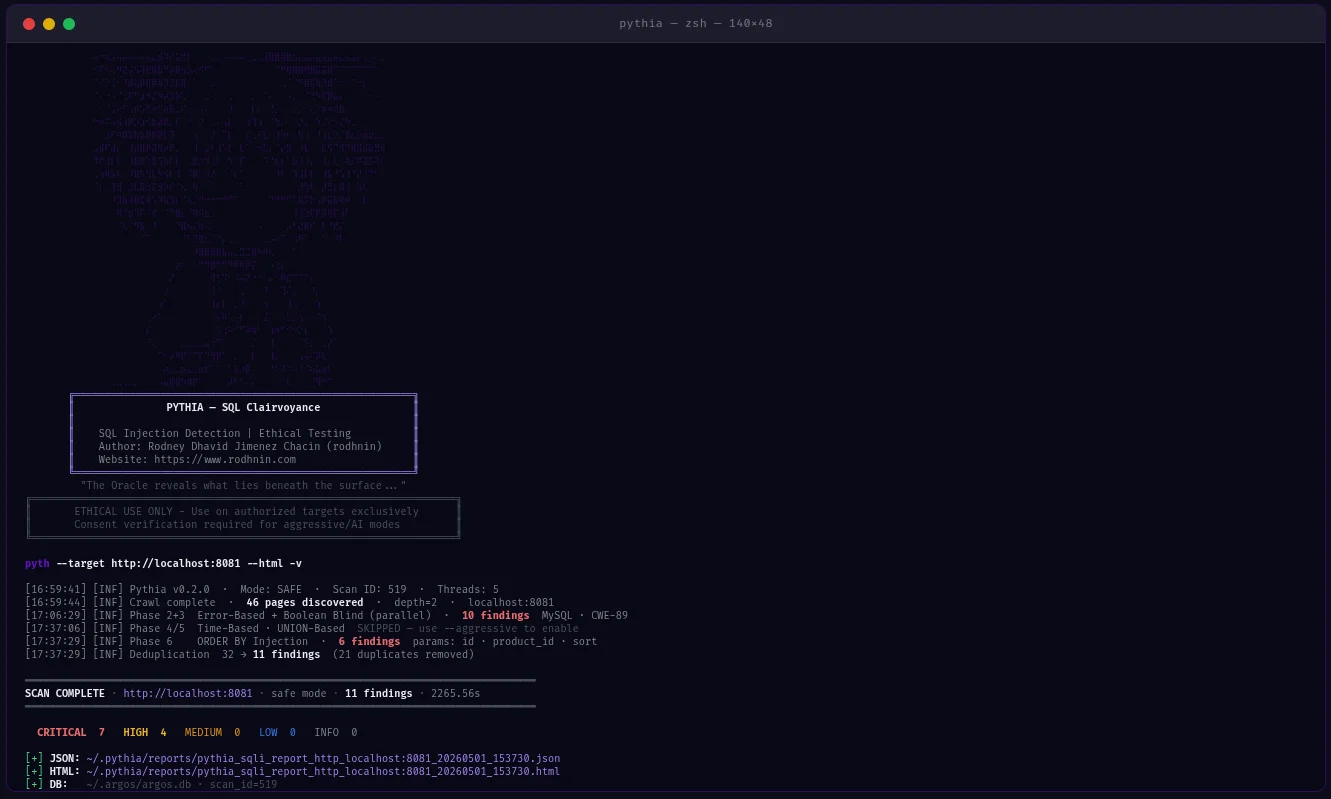
 rodhnin/pythia-sql-clairvoyance
Advanced SQL Injection Scanner with AI-powered analysis, ethical compliance framework, and professional reporting.






Production-ready SQL injection scanner with 6 detection methods, AI-powered remediation, SARIF output, and CI/CD integration.
Quick Start · Documentation · Docker · AI Analysis · Star on GitHub
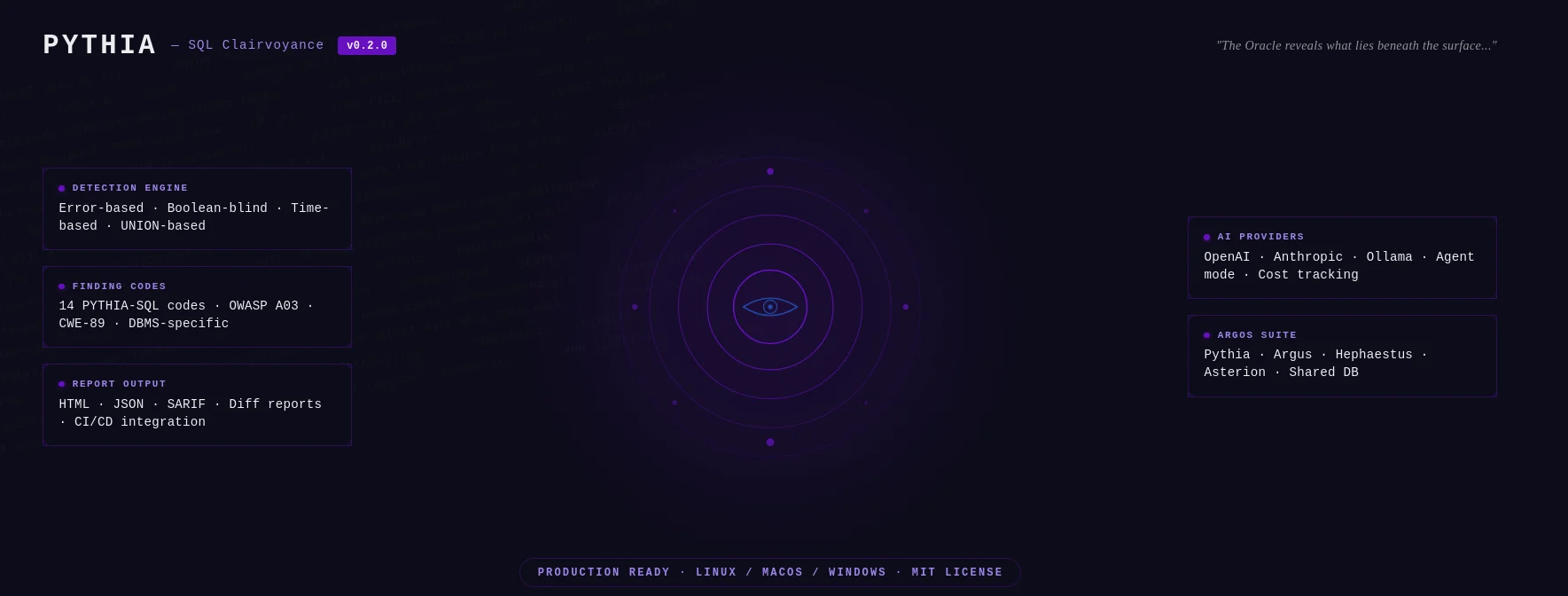
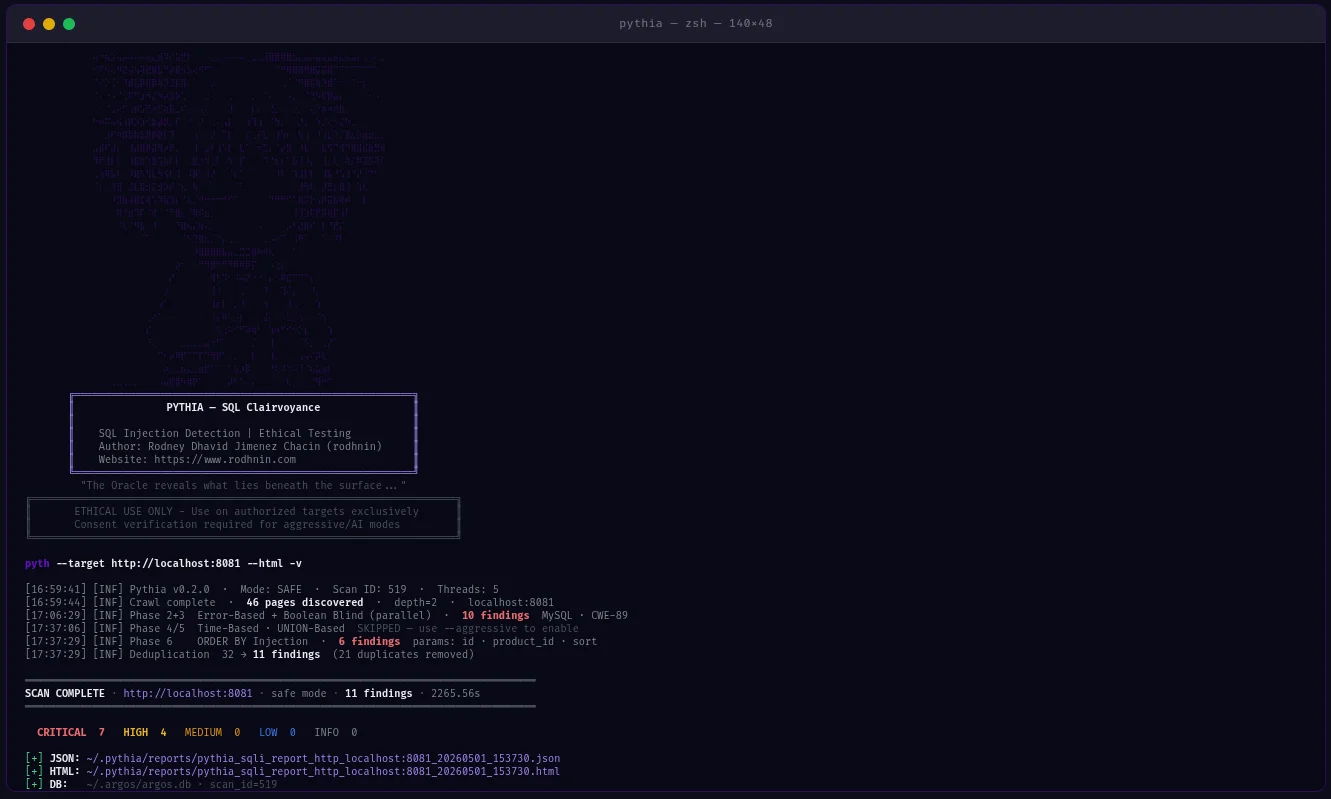
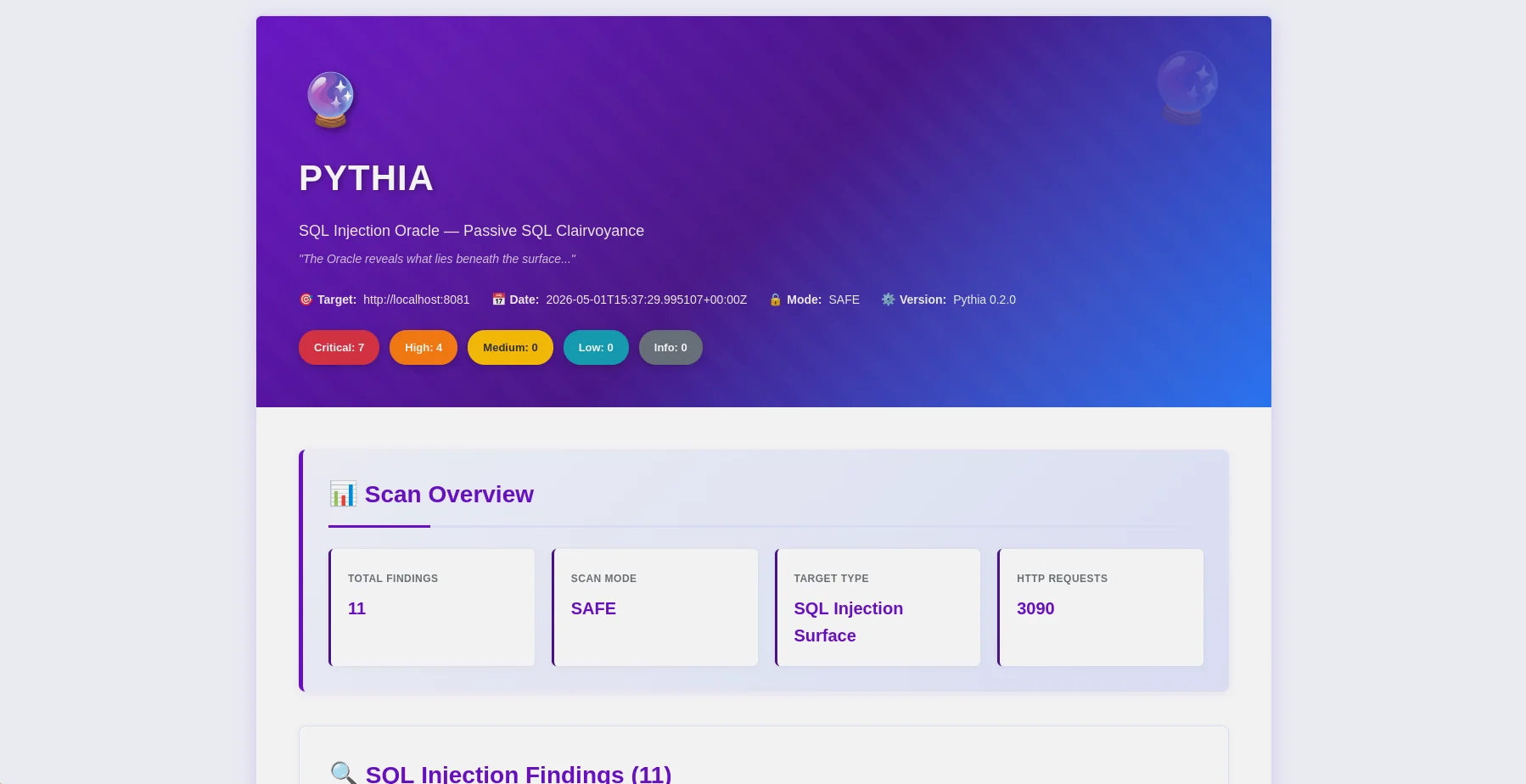
HTML report — findings overview with severity badges and OWASP mapping |
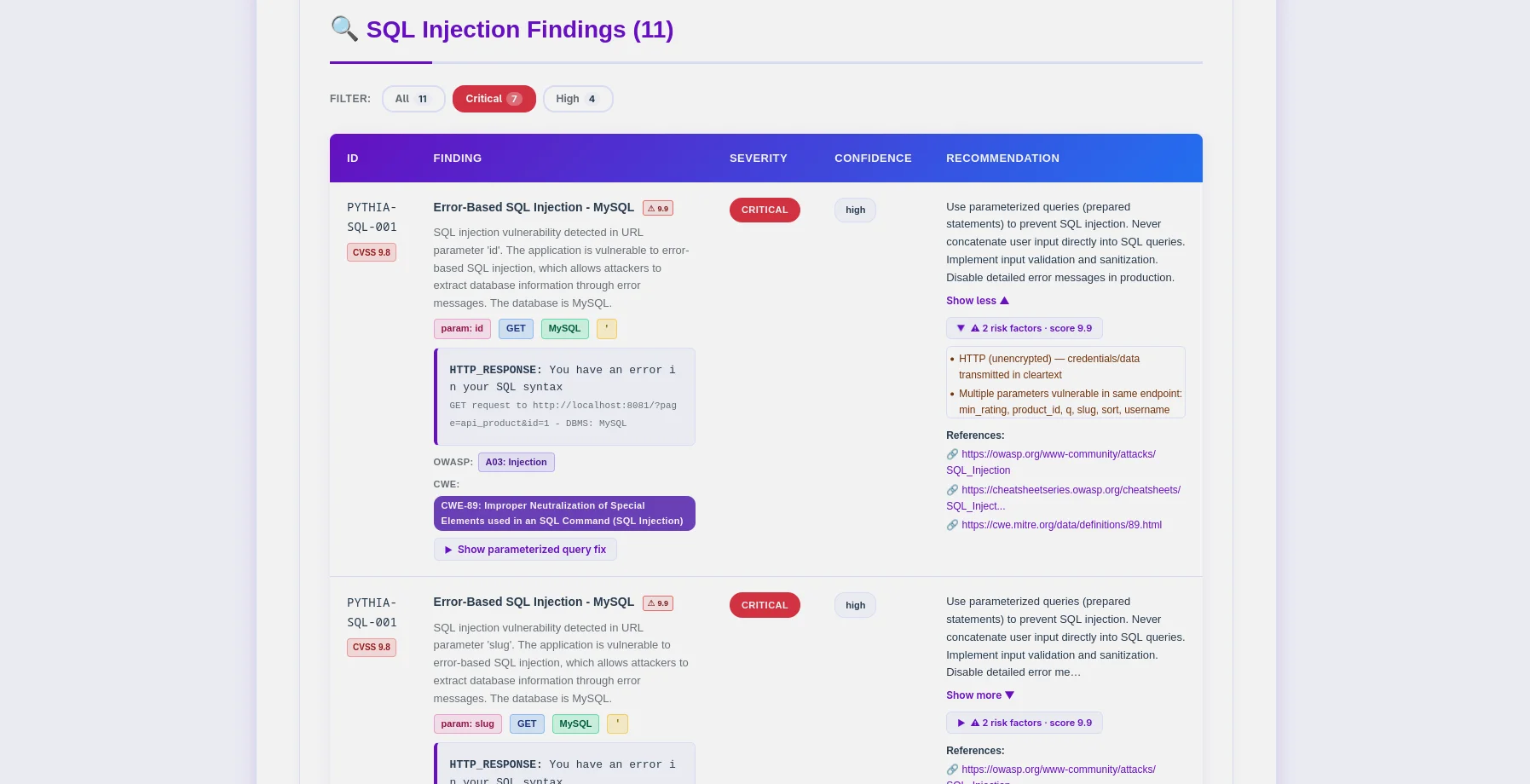
Findings table — PYTHIA-SQL codes, DBMS detection, CWE-89 mapping |
Pythia is a production-ready SQL injection detection scanner that puts ethics first. Built for penetration testers, security researchers, and DevSecOps engineers, it identifies SQL injection vulnerabilities across 6 detection methods and integrates directly into CI/CD pipelines.
--fail-on, --sarif, --diff flags for pipeline integration~/.argos/argos.db)| Detection Method | Description | Mode Required |
|---|---|---|
| Error-Based | SQL errors in responses (MySQL, PostgreSQL, MSSQL, Oracle, SQLite) | Safe |
| Boolean-Blind | Response differences from TRUE/FALSE conditions | Safe |
| Time-Based Blind | Response delays from SLEEP/WAITFOR payloads | Aggressive |
| UNION-Based | Data extraction via UNION SELECT | Aggressive |
| Second-Order | Store→retrieve injection patterns (POST→GET chain) | Aggressive |
| ORDER BY Injection | Numeric sort parameter injection | Aggressive |
# One command, comprehensive SQLi analysis
python -m pyth --target http://example.com/products?id=1 --html
--js), sitemap, robots.txt# Pipeline-friendly: exit 10 if high+ findings found
python -m pyth --target https://staging.app.com --aggressive --fail-on high
echo $? # 0=clean, 10=findings found, 1=error
# SARIF for GitHub Security / GitLab SAST
python -m pyth --target https://app.com --aggressive --sarif > results.sarif
# Compare vs last scan — show what's new, what's fixed
python -m pyth --target https://app.com --aggressive --diff last --html
# Scan authenticated endpoints (JWT, API keys, custom cookies)
python -m pyth --target https://api.example.com/v1/users \
  --auth-header "Authorization: Bearer eyJhbGc..." \
  --auth-header "X-API-Key: sk-prod-xxx" \
  --aggressive --html
Pass --auth-header multiple times for multiple headers.
Choose your AI provider from the command line:
| Provider | Best For | Speed | Cost | Privacy |
|---|---|---|---|---|
| OpenAI gpt-4o-mini (default) | Production quality, low cost | Fast | ~$0.02/scan | Standard |
| Anthropic Claude | Privacy-focused, code remediation | Fast | ~$0.06/scan | Enhanced |
| Ollama (Local) | Complete privacy | Slow (CPU) | Free | 100% Offline |
# Standard analysis
python -m pyth --target http://example.com --use-ai --ai-tone technical --html

# Agent mode: AI queries NVD for real CVEs (no API key for NVD)
python -m pyth --target http://example.com --use-ai --ai-agent --html

# Multi-provider comparison
python -m pyth --target http://example.com --use-ai \
  --ai-compare "openai:gpt-4o-mini,anthropic:claude-3-5-haiku-20241022" --html

# With budget cap
python -m pyth --target http://example.com --use-ai --ai-budget 0.05 --html
JSON Reports (Machine-Readable, v0.2.0 schema)

