 redteamsocietegenerale/dllirant
DLLirant is a tool to automatize the DLL Hijacking researches on a specified binary.

DLLirant is a tool to automatize the DLL Hijacking and DLL Proxying researches on a specified binary.
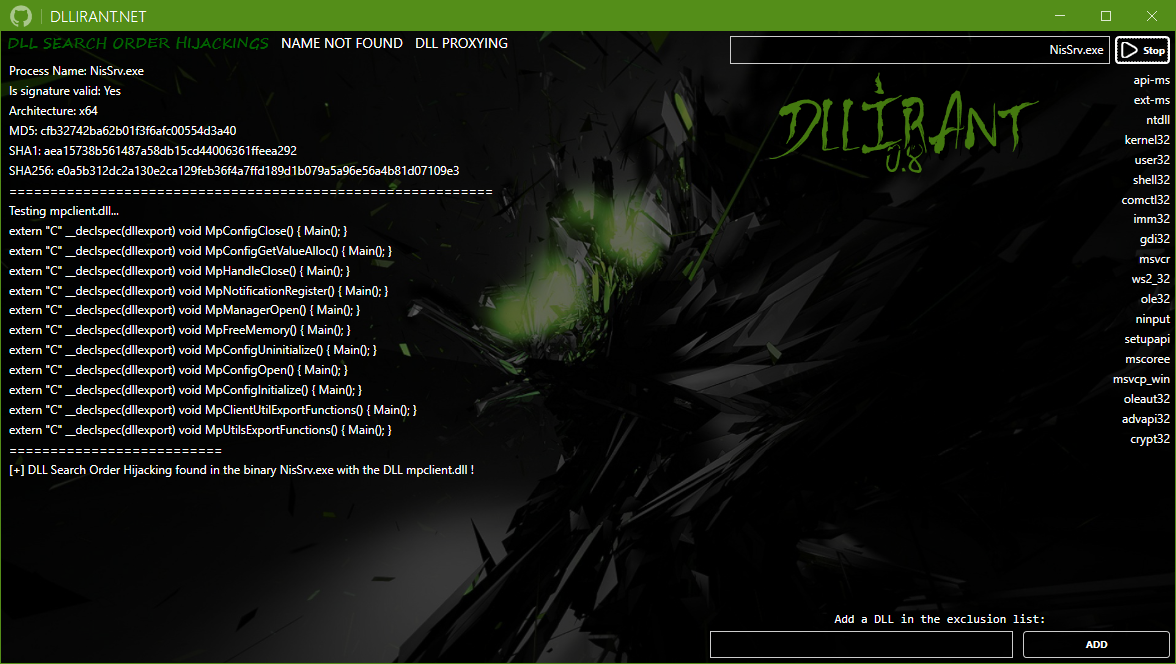
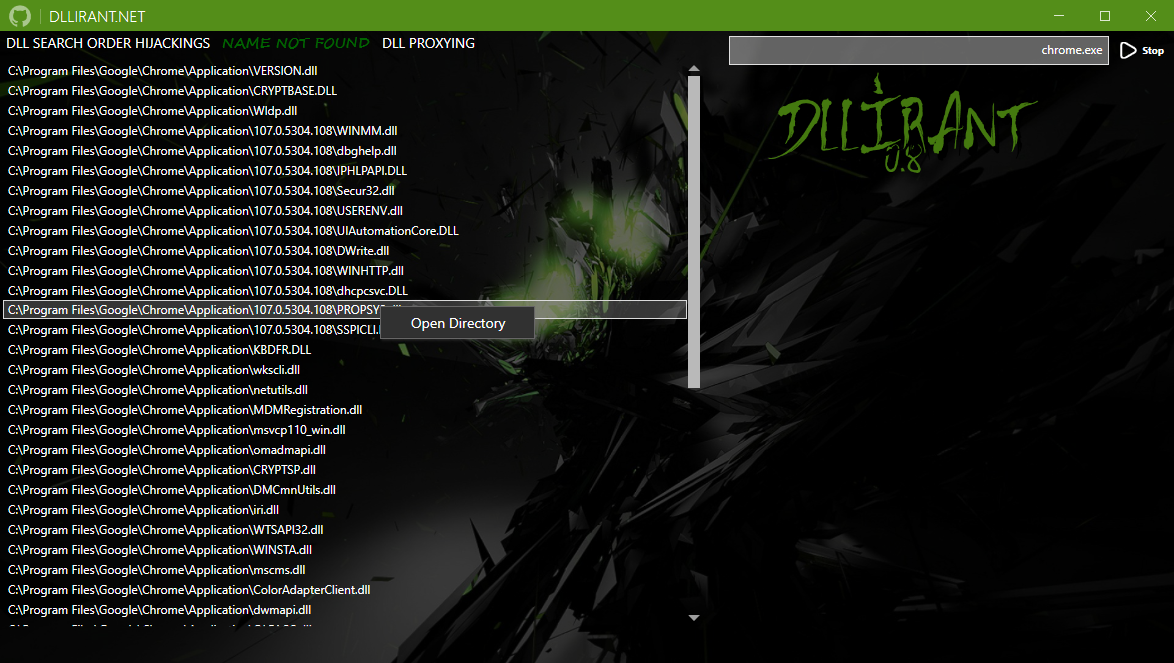
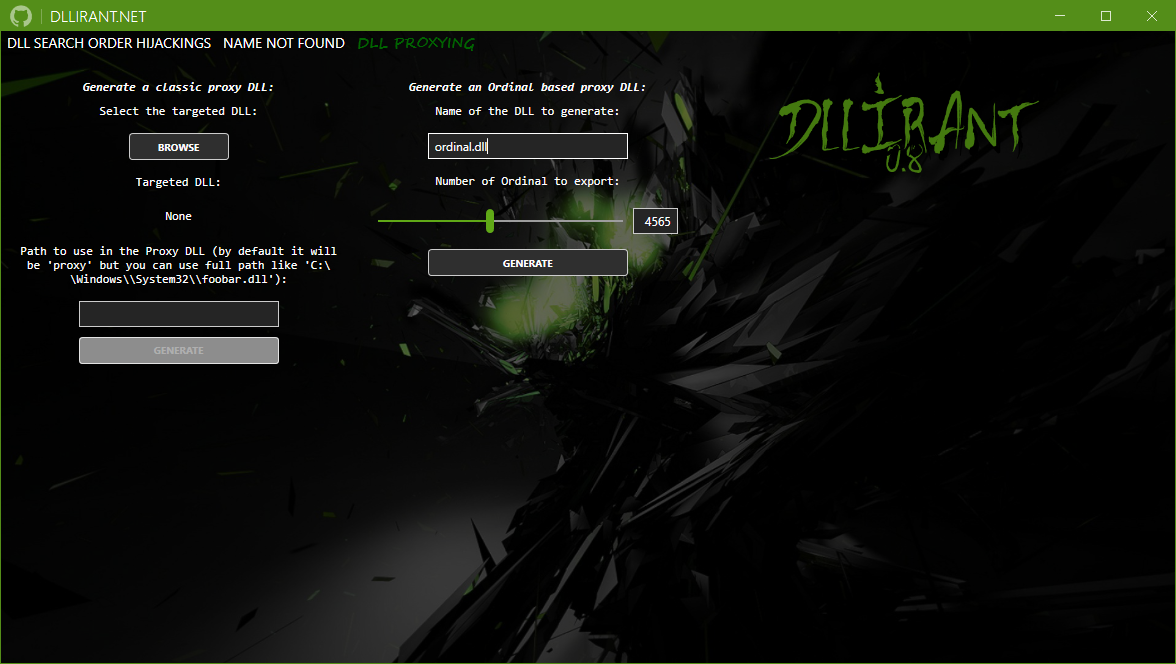
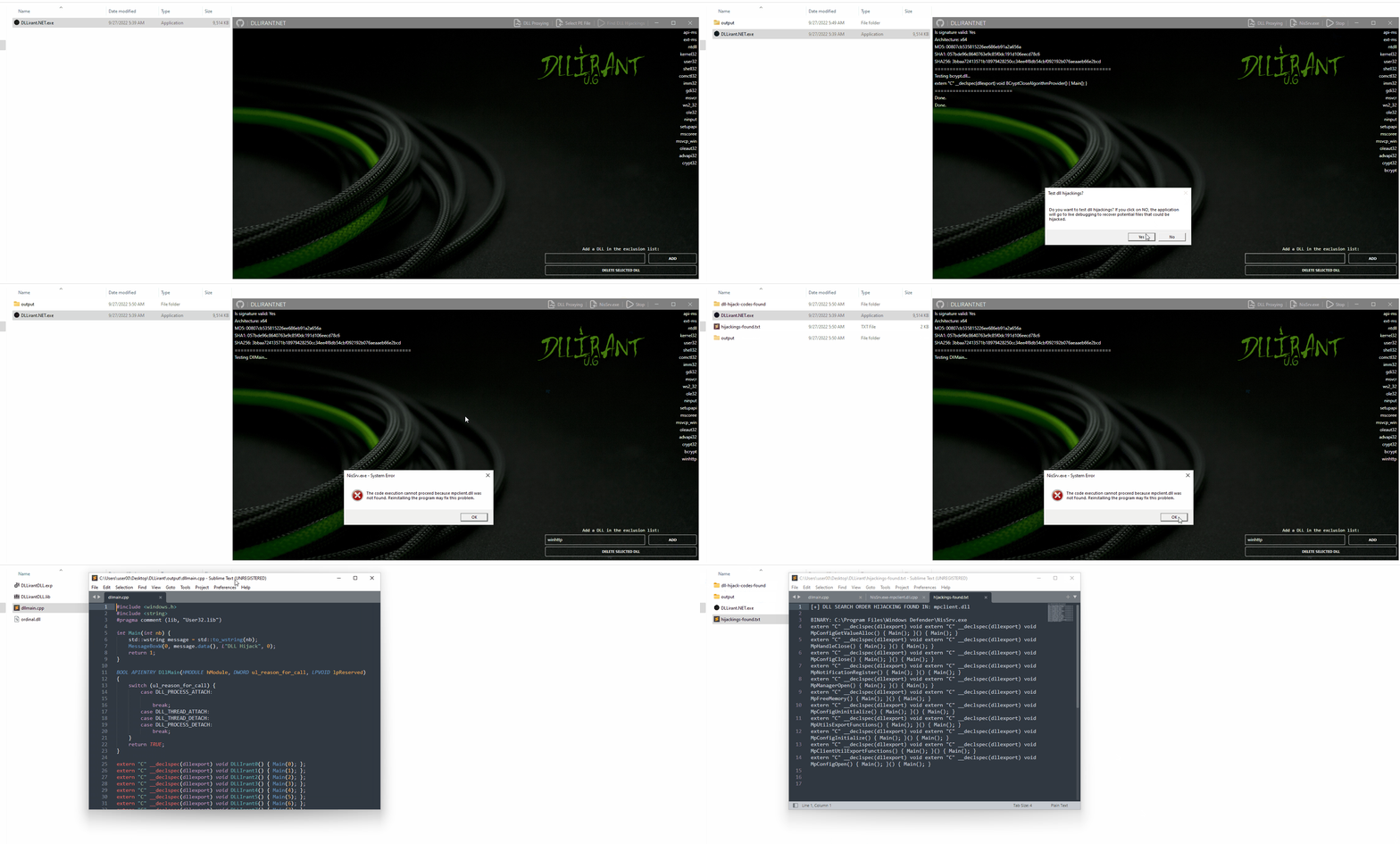
Select the desired PE file, if it is an .exe, the application will currently search for DLL Search Order Hijacking, if you select a DLL, the application will offer you to proxy it.
Regarding the second option, you must specify a path for the proxy DLL, this path can be specified in two ways:
With a name, this will generate the proxy DLL and rename it with the name of the selected DLL, and the application will copy the selected (original) DLL and rename it with the name you selected.
With a path, this option will generate a single file, the proxy DLL that will call the functions exported from the DLL specified in the text box.
You can also create an import directory and place the missing DLL files that your application need if necessary (the DLL files will be copied automatically in the output directory with the targeted binary).
Important
Concerning the error messages of your targeted application, I tried to avoid the error messages, but you can't really because the messagebox is generated by the System via csrss.exe, not via the targeted application, so you can try to kill the threads, the child windows, use SetErrorMode etc... it will not work.
The script will create an output directory in the same directory of DLLirant, copy the targeted binary to the output directory.
Via the PeNet library, the script will extract the dll names required by the binary, and test each imports functions available one by one by compilate a custom DLL with the required exported functions.
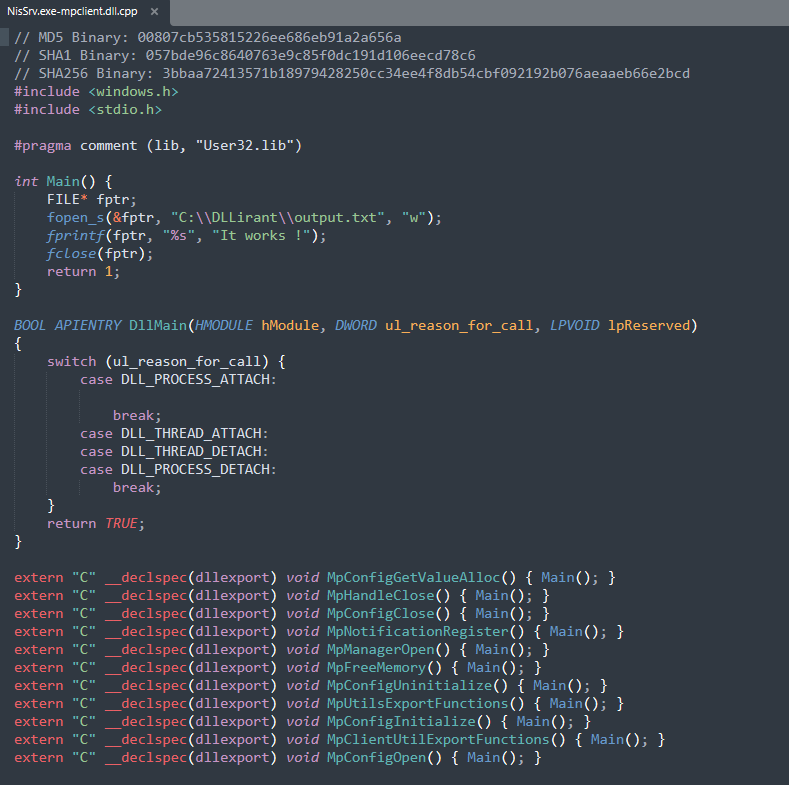
If a function required by the binary is executed, the custom DLL will create a C:\DLLirant\output.txt to be sure that a DLL Hijacking is possible.
The PoCs of the DLL Hijackings will be also created in the DLLirant/dll-hijacks directory.
