 redr0nin/cve-2026-63563
Unauthenticated Address Book Modification on Sharp MX/BP Multifunction Printers

Vendor advisory: Sharp Product Security Advisory 2026-004 (published July 31, 2026)
Sharp MX/BP series multifunction printers expose the address book through the device web interface without requiring authentication in the default configuration. A remote unauthenticated attacker can view and modify configured scan destinations such as the SMB Network Folder, FTP, Desktop, and E-mail without knowing or replacing the stored credentials.
Two primary attack vectors exist, resultant:
Both stem from the same root cause: password protection for the device web page is not enforced in the shipped configuration.
Confirmed during testing: MX-3071, MX-M3070, BP-70C45. The behavior appeared consistent across MX and BP models generally. Sharp's advisory lists the full affected model and firmware list.
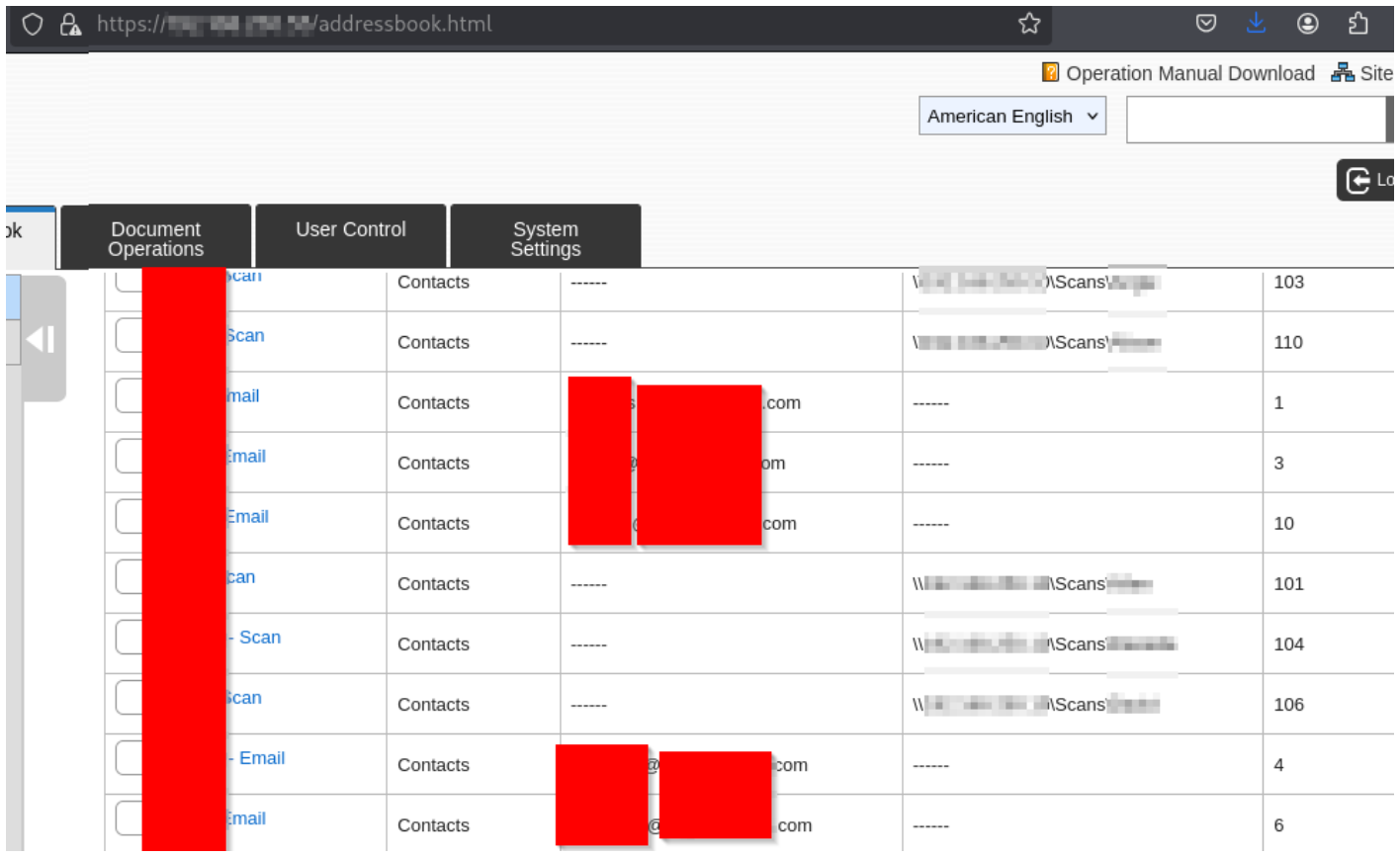
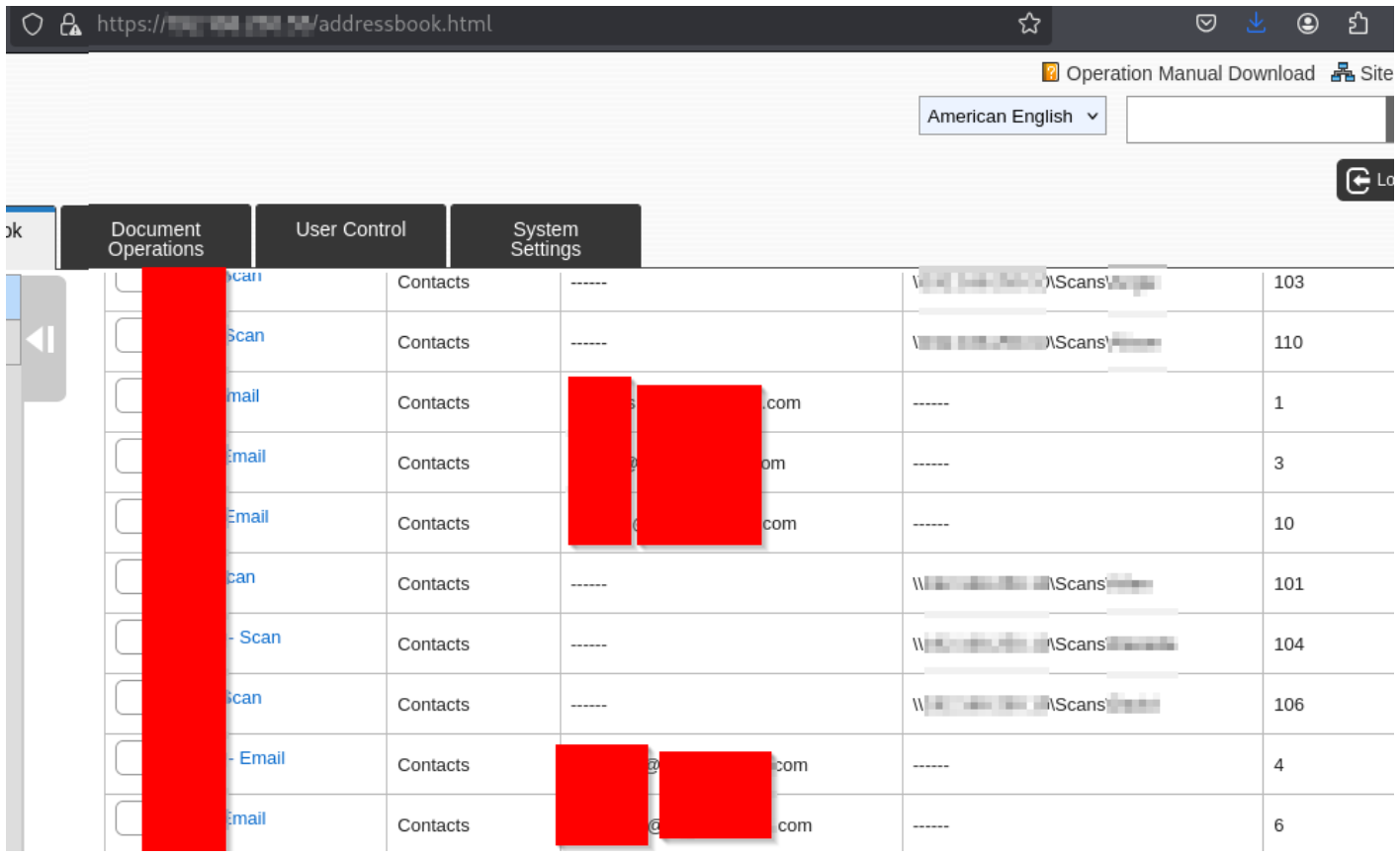
Navigating to /addressbook.html returns the device's address book with no authentication prompt. This alone leaks internal e-mail addresses and, frequently, internal SMB paths and hostnames.
Opening an entry reveals the destination type and which destination is set as default. Selecting the Network Folder tab shows a pre-populated network path, username, and a masked password field. The credential material is retained server-side and is not cleared when the path is edited, thus the path can be changed without supplying or knowing the password.

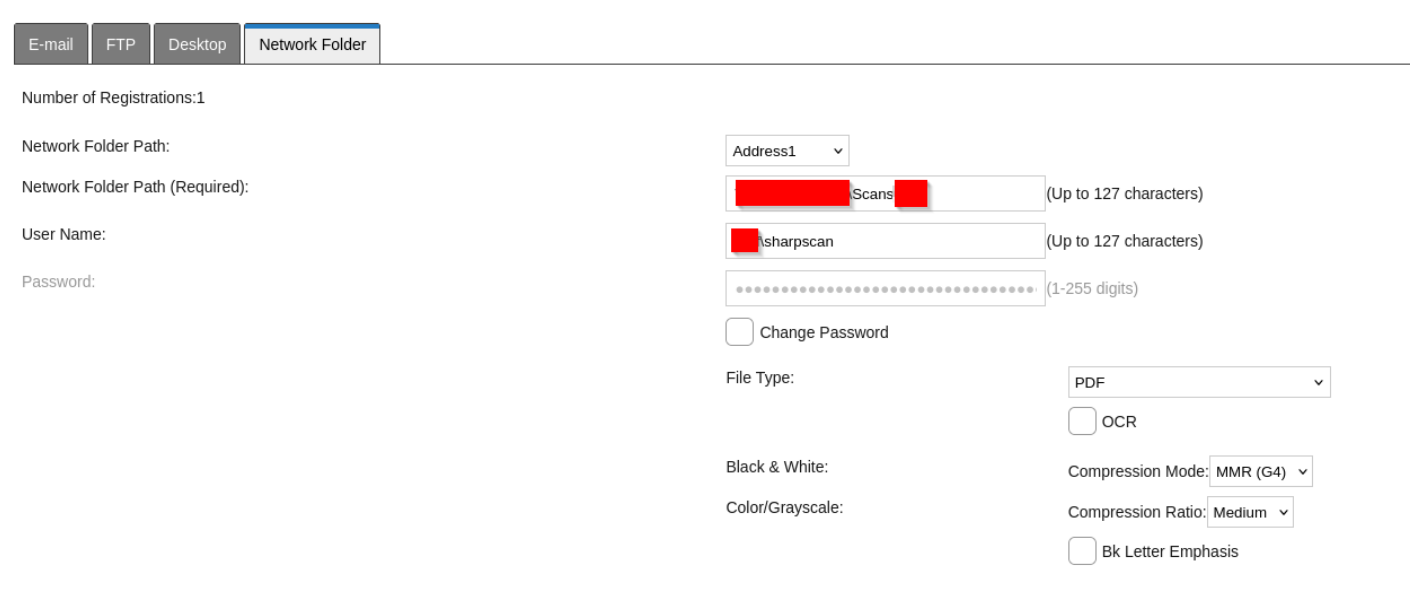
Because the stored credential survives modification of the path, an attacker can point the Network Folder destination at a rogue SMB share. The next time a user scans, the printer authenticates outbound to the attacker's host:

Externally, this yields an NTLMv2 hash that may be crackable depending on password length. Internally, it is worse: Responder plus a relay tool passes the material directly to hosts without SMB signing, removing the need to crack anything. Depending on the privileges of the service account bound to the scan destination, this can escalate to a domain compromise, and this technique has already been confirmed and utilized by colleagues.
The same pattern applies to the FTP and Desktop tabs. Stored credentials persist and the destination IP or path can be rewritten.
Path modification doesn't come without a cost: it breaks the actual delivery, so there's a limited window before a user notices their scans aren't arriving.
The e-mail variant avoids this. If an entry has a Network Folder set as the default destination, an attacker can add an e-mail address under the E-mail tab and mark it as default as well.
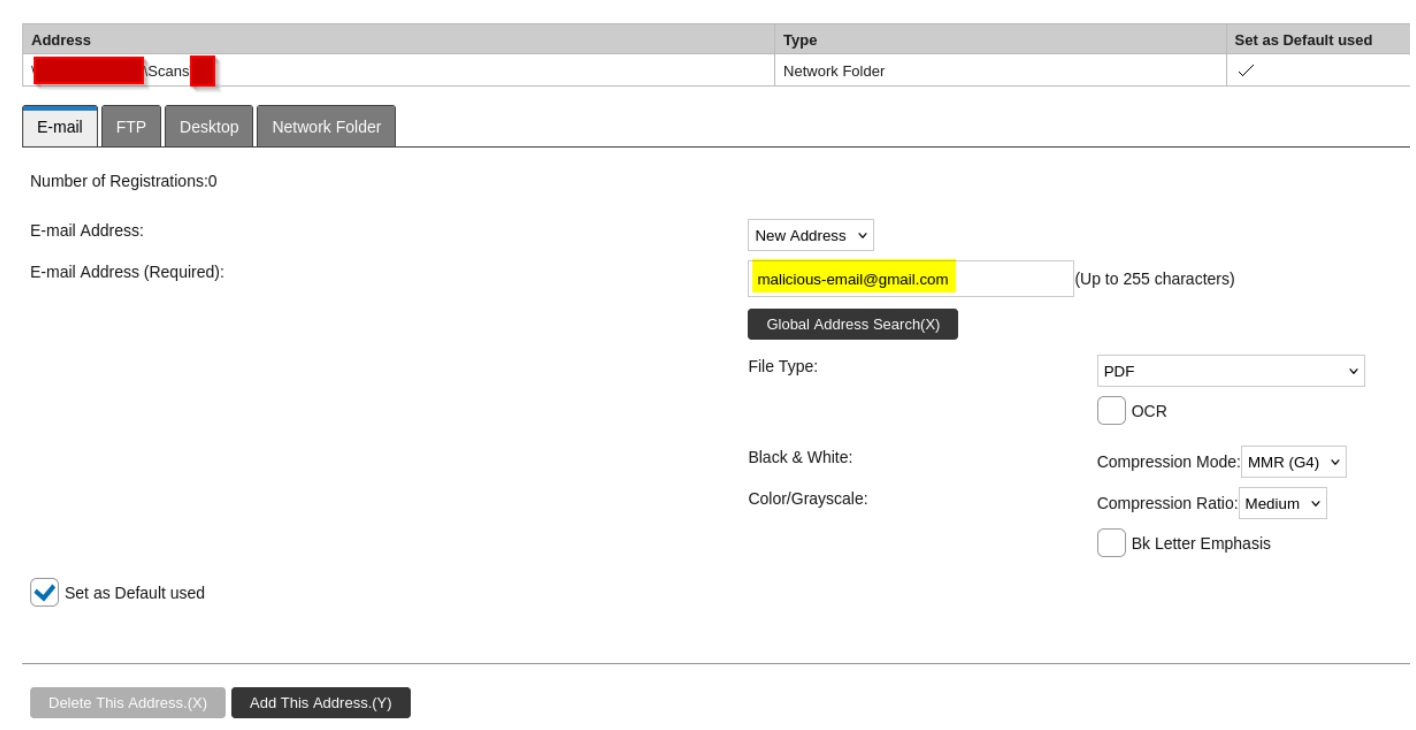
Both destinations now sit on the entry, each flagged as default:

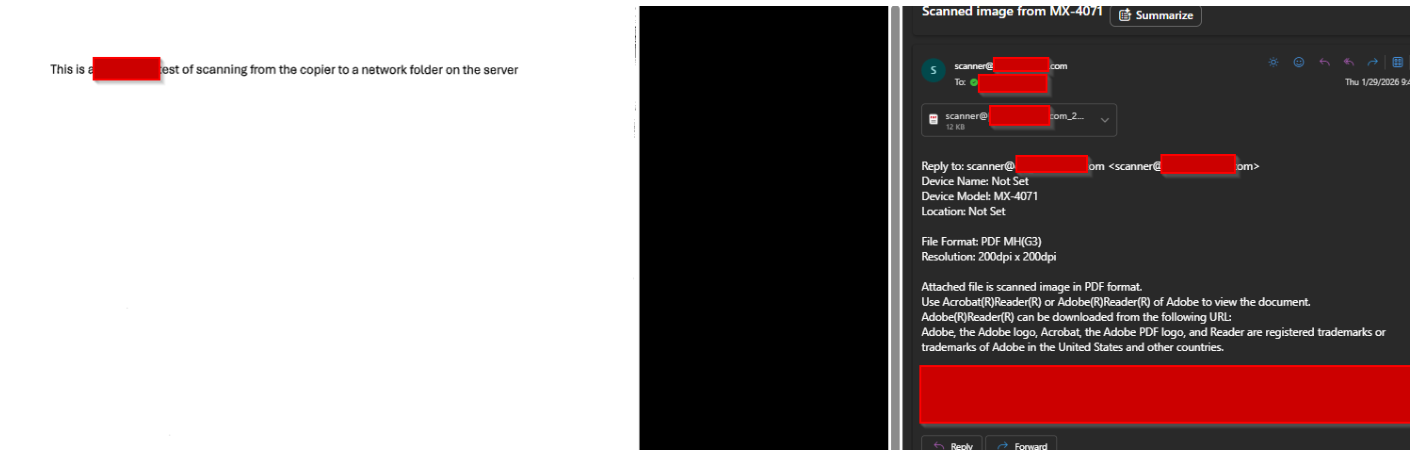
Scans continue to arrive at the intended SMB share, and the attacker receives a copy of every document. No credentials are obtained this way, but there is no functional indicator to the user that anything changed. Repeated across every address book entry, this backdoors document flow organization-wide.
https://<printer>/addressbook.html — no authentication is requested. Internal e-mail addresses and SMB paths are visible.| Date | Event |
|---|---|
| February 2026 | Issues reported to Sharp with descriptions and proofs of concept |
| March 2026 | Sharp confirmed the vulnerabilities |
| July 31, 2026 | Sharp published advisory/public disclosure |
