 redbyte1337/graphspy
Initial Access and Post-Exploitation Tool for Entra ID and M365 with a browser-based GUI


   ________                             _________
  /       /  by RedByte1337    __      /        /
 /  _____/___________  ______ |  |__  /   _____/_____ ______
/   \  __\_  __ \__  \ \____ \|  |  \ \_____  \\____ \   |  |
\    \_\  \  | \/  __ \|  |_> |   \  \/        \  |_> \___  |
 \______  /__|  |____  |   __/|___|  /_______  /   ___/ ____|
        \/           \/|__|        \/        \/|__|   \/
The following goes over the recommended installation process using pipx to avoid any dependency conflicts.
GraphSpy is built to work on every operating system, although it was mainly tested on Linux and Windows.
For other installation options and detailed instructions, check the Installation page on the wiki.
# Install pipx (skip this if you already have it)
apt install pipx
pipx ensurepath

# Install the latest version of GraphSpy from pypi
pipx install graphspy
After installation, the application can be launched using the graphspy command from any location on the system.
Running GraphSpy without any command line arguments will launch GraphSpy and make it available at http://127.0.0.1:5000 by default.
graphspy
Now simply open http://127.0.0.1:5000 in your favorite browser to get started!
Use the -i and -p arguments to modify the interface and port to listen on.
# Run GraphSpy on http://192.168.0.10
graphspy -i 192.168.0.10 -p 80
# Run GraphSpy on port 8080 on all interfaces
graphspy -i 0.0.0.0 -p 8080
For detailed instructions and other command line arguments, please refer to the Execution page on the wiki.
Please refer to the GitHub Wiki for full usage details.
For a quick feature overview, check out the official release blog post.
If you are contributing to GraphSpy or modifying internals, start here:
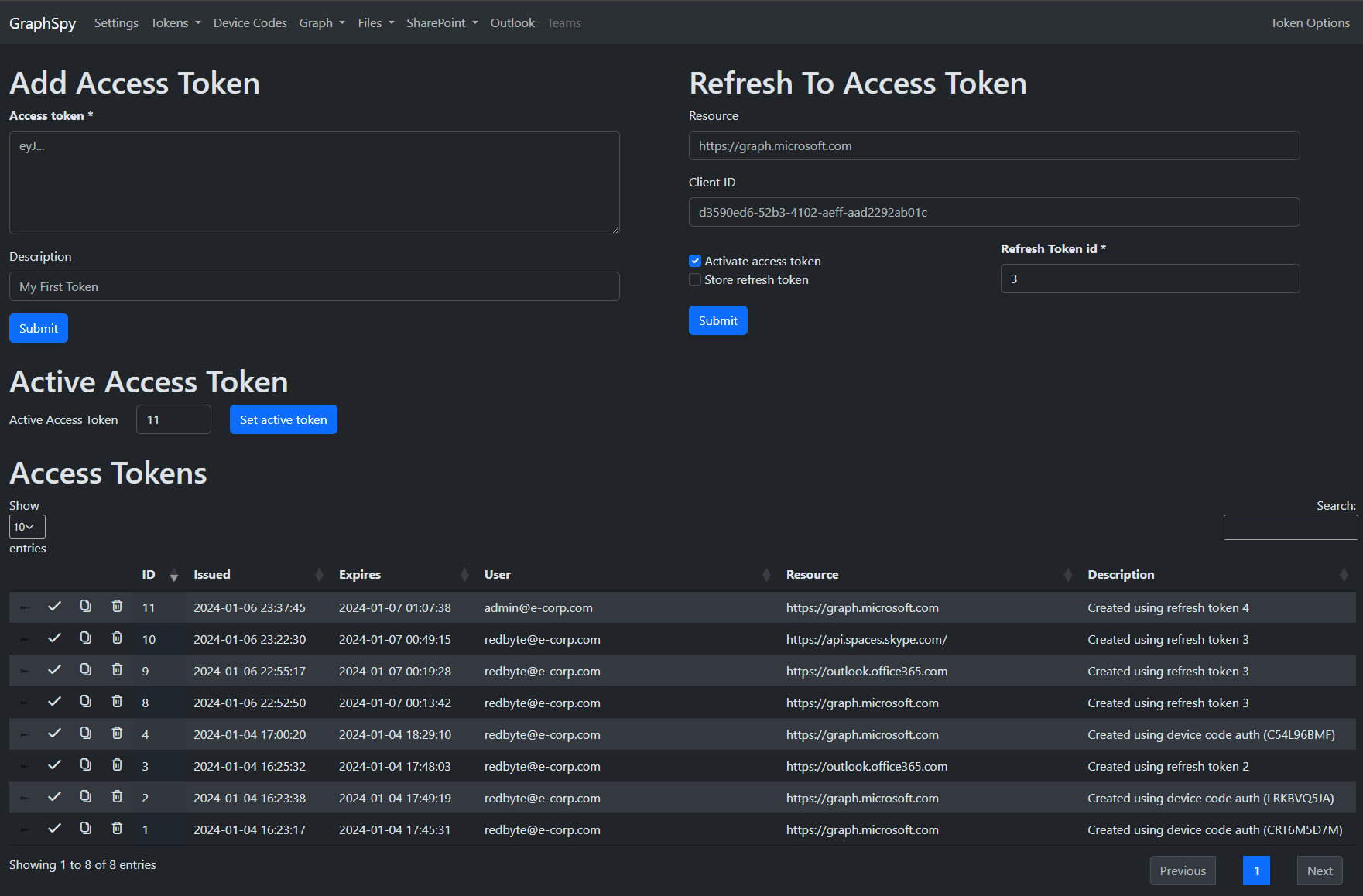
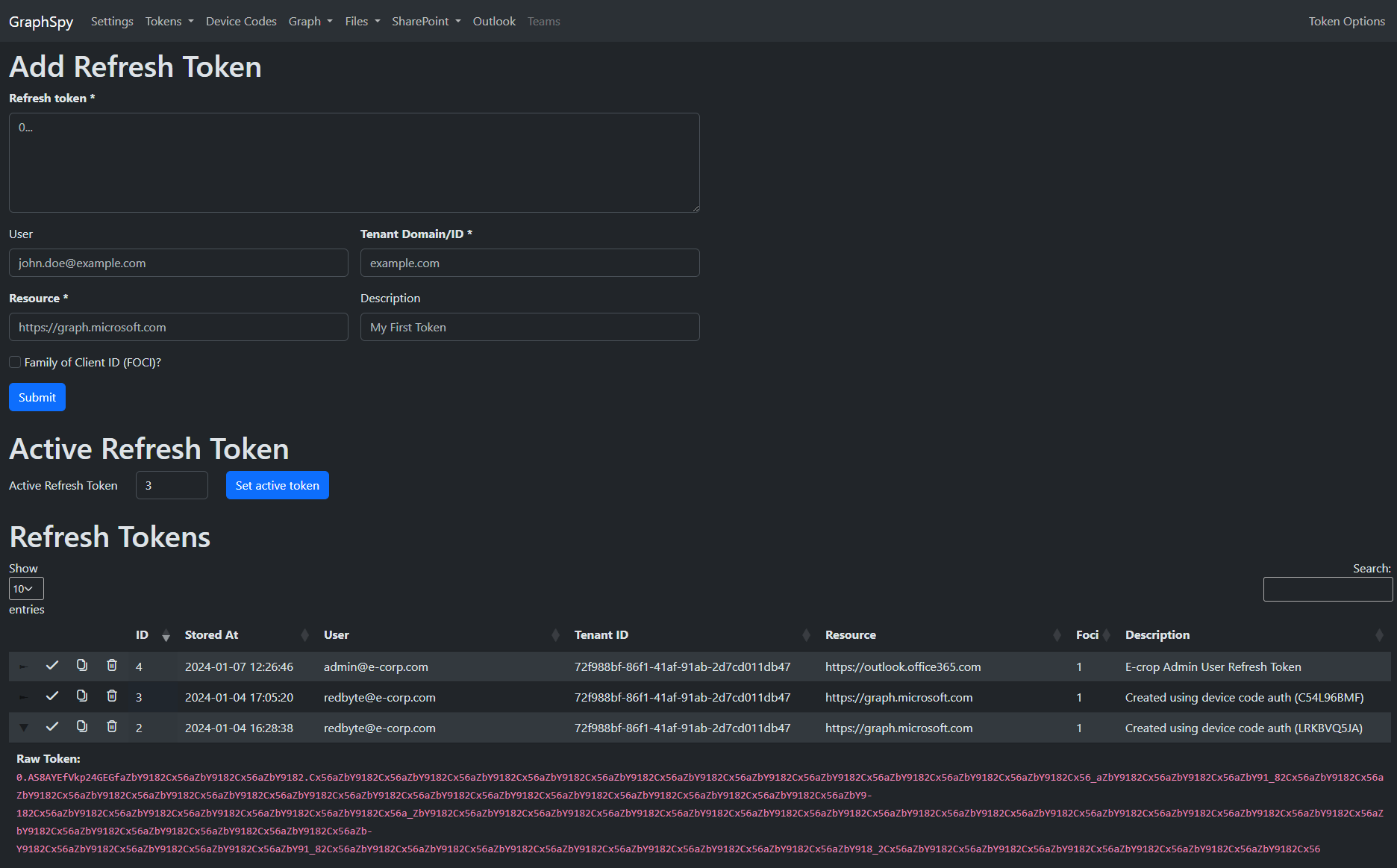
Store your access and refresh tokens for multiple users and scopes in one location.
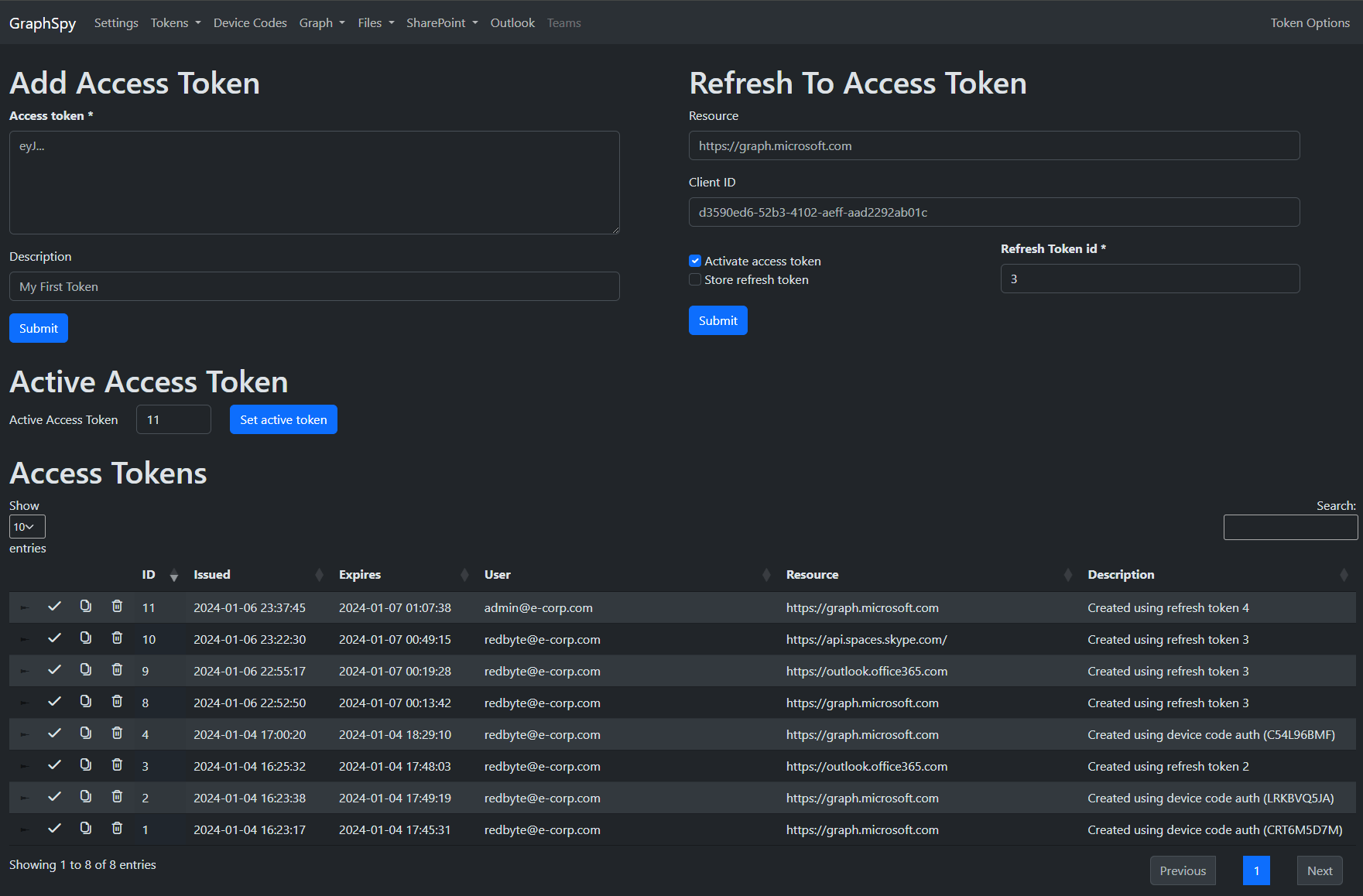
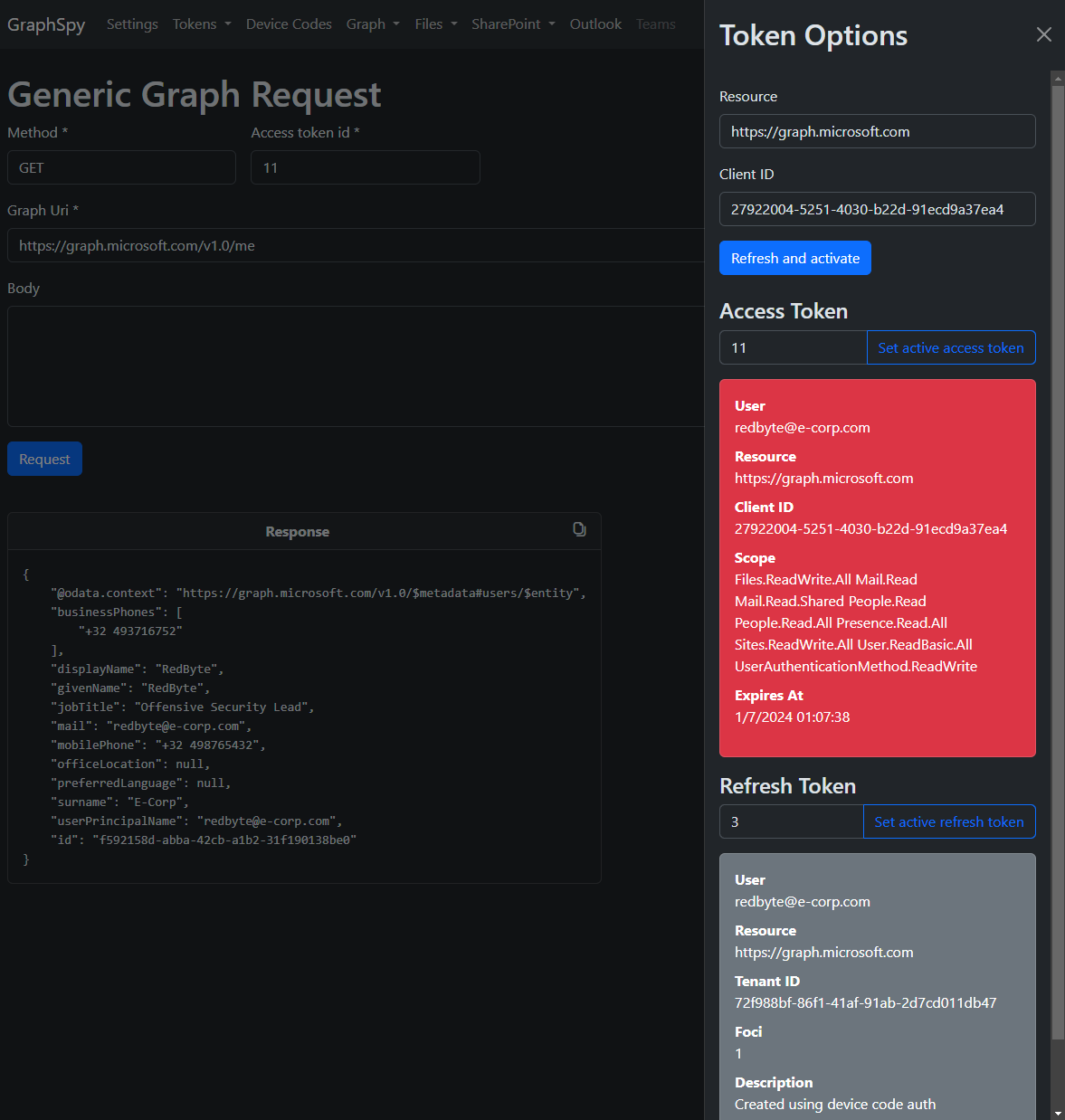
Easily switch between them or request new access tokens from any page.
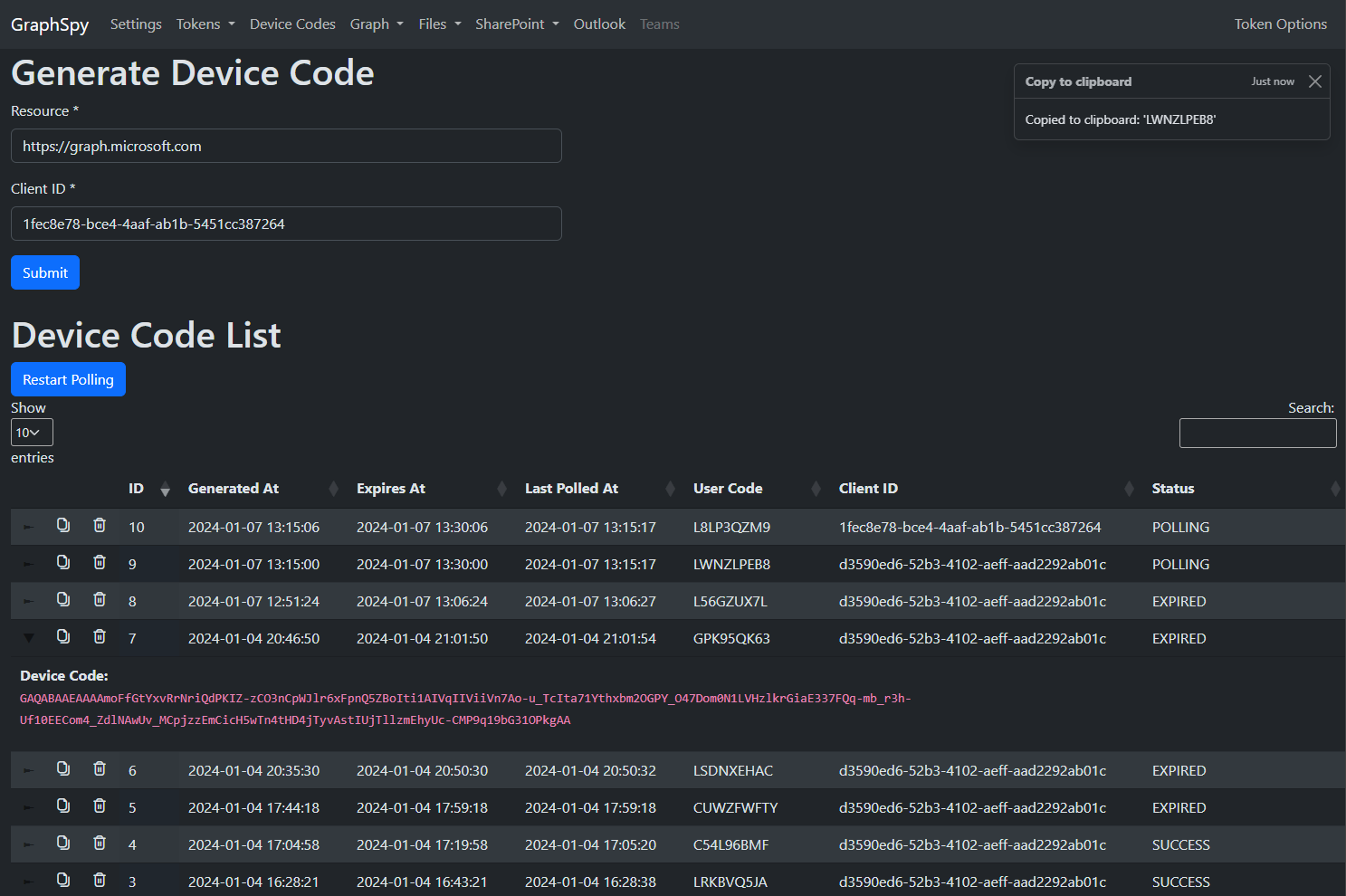
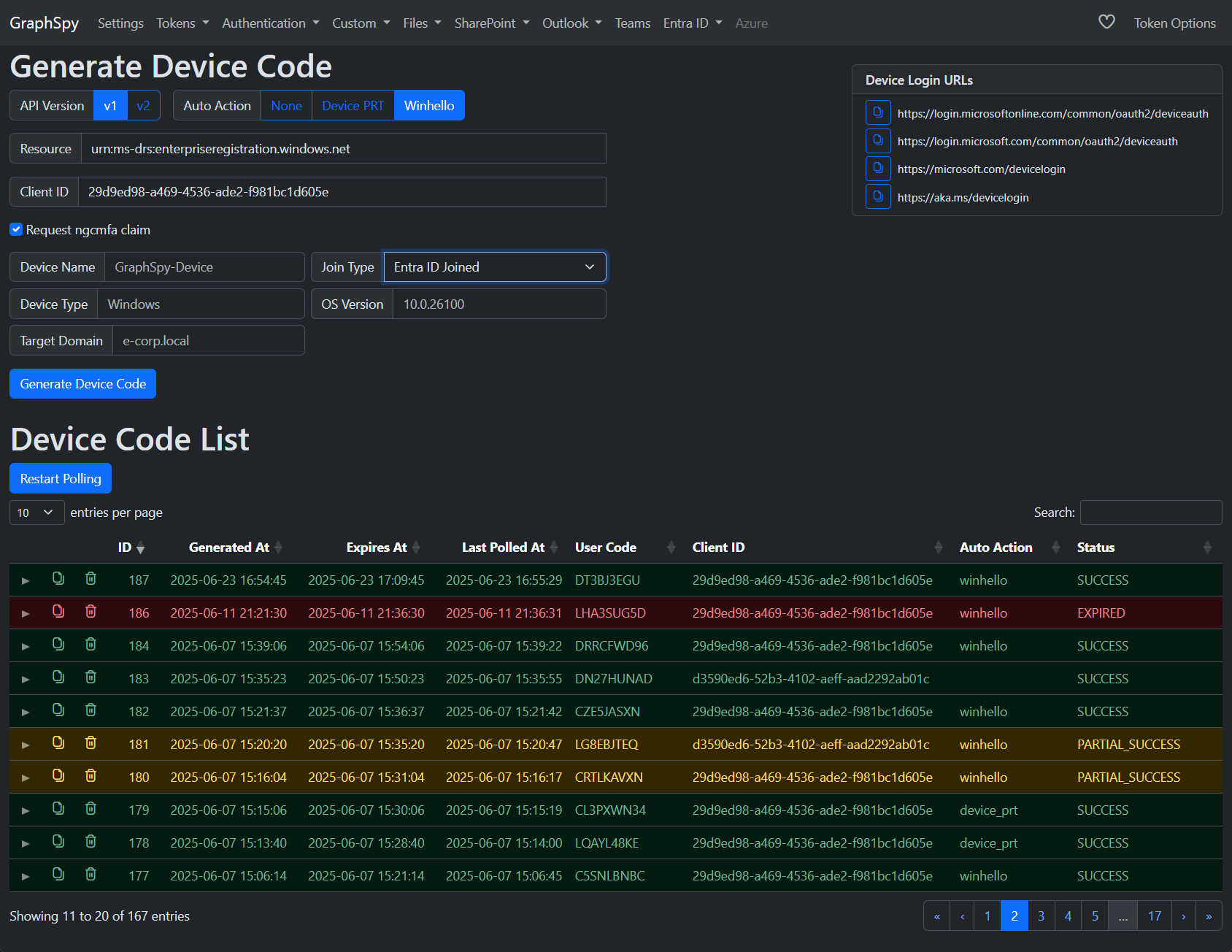
Easily create and poll multiple device codes at once. If a user used the device code to authenticate, GraphSpy will automatically store the access and refresh token in its database.
Configure automatic actions to take place instantly after a successful device code authentication.
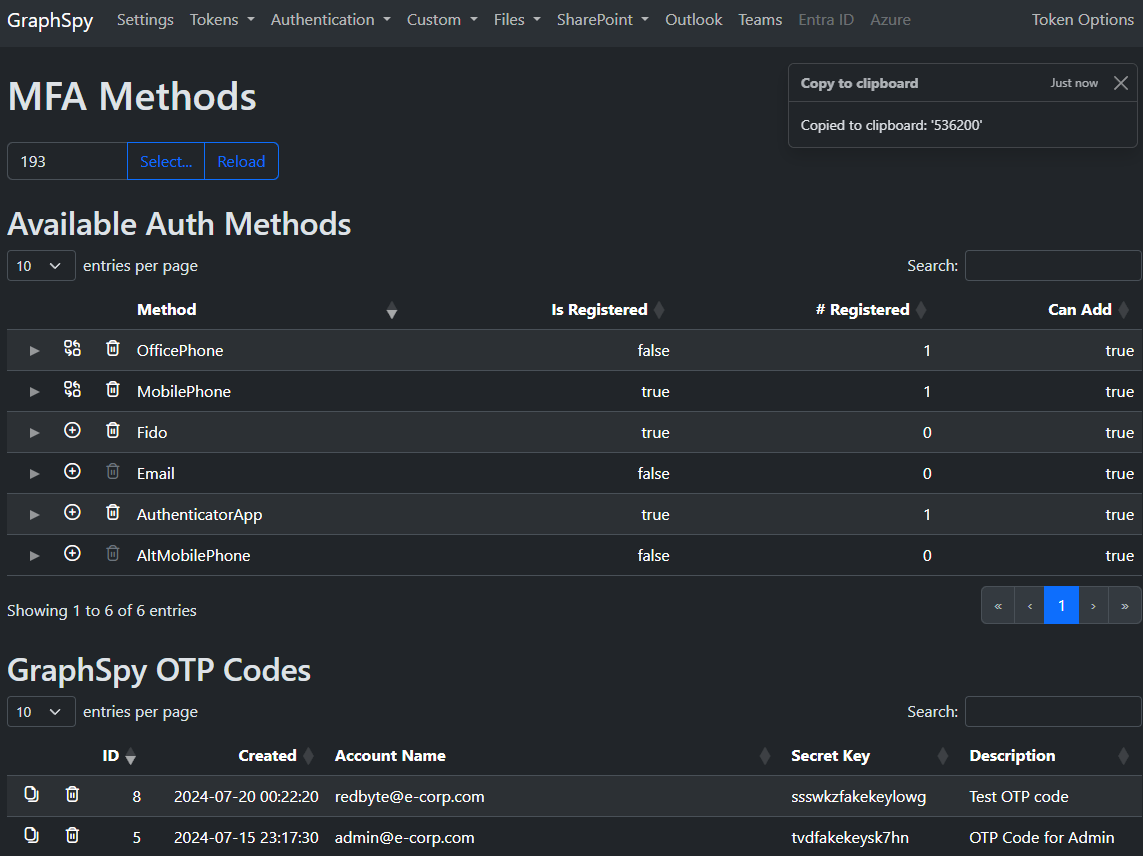
View, modify and create MFA methods linked to the account of the user.
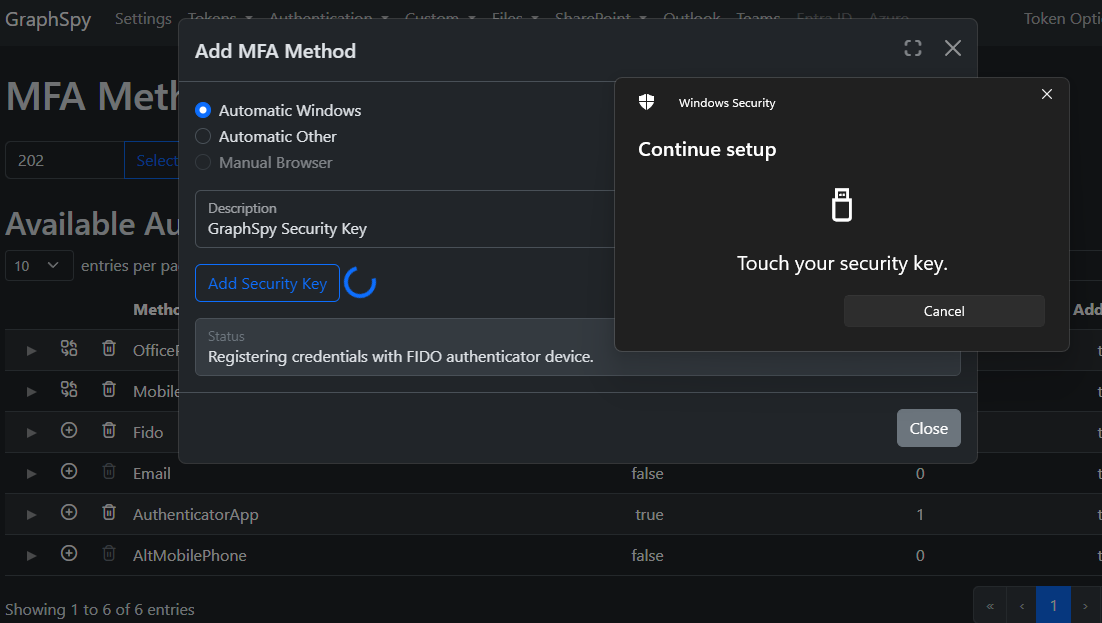
The following MFA methods can be added from GraphSpy to set up persistance:
Request, import or use primary refresh tokens from within GraphSpy.
These PRTs are a lot more powerful than regular refresh tokens, since these are not bound to one specific application, but can instead be used to obtain access tokens for ANY application/scope as the user (both FOCI and non-FOCI ones).
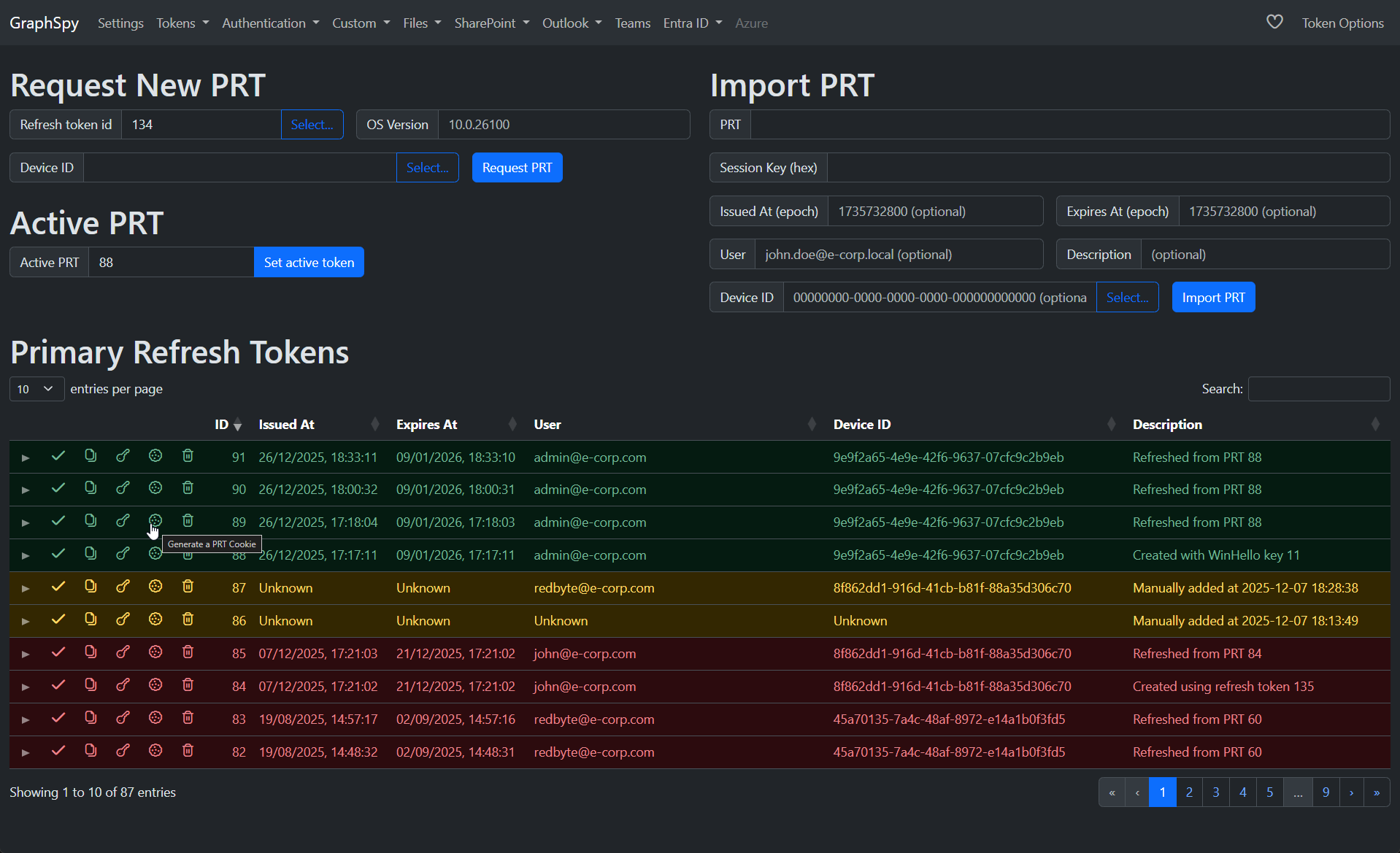
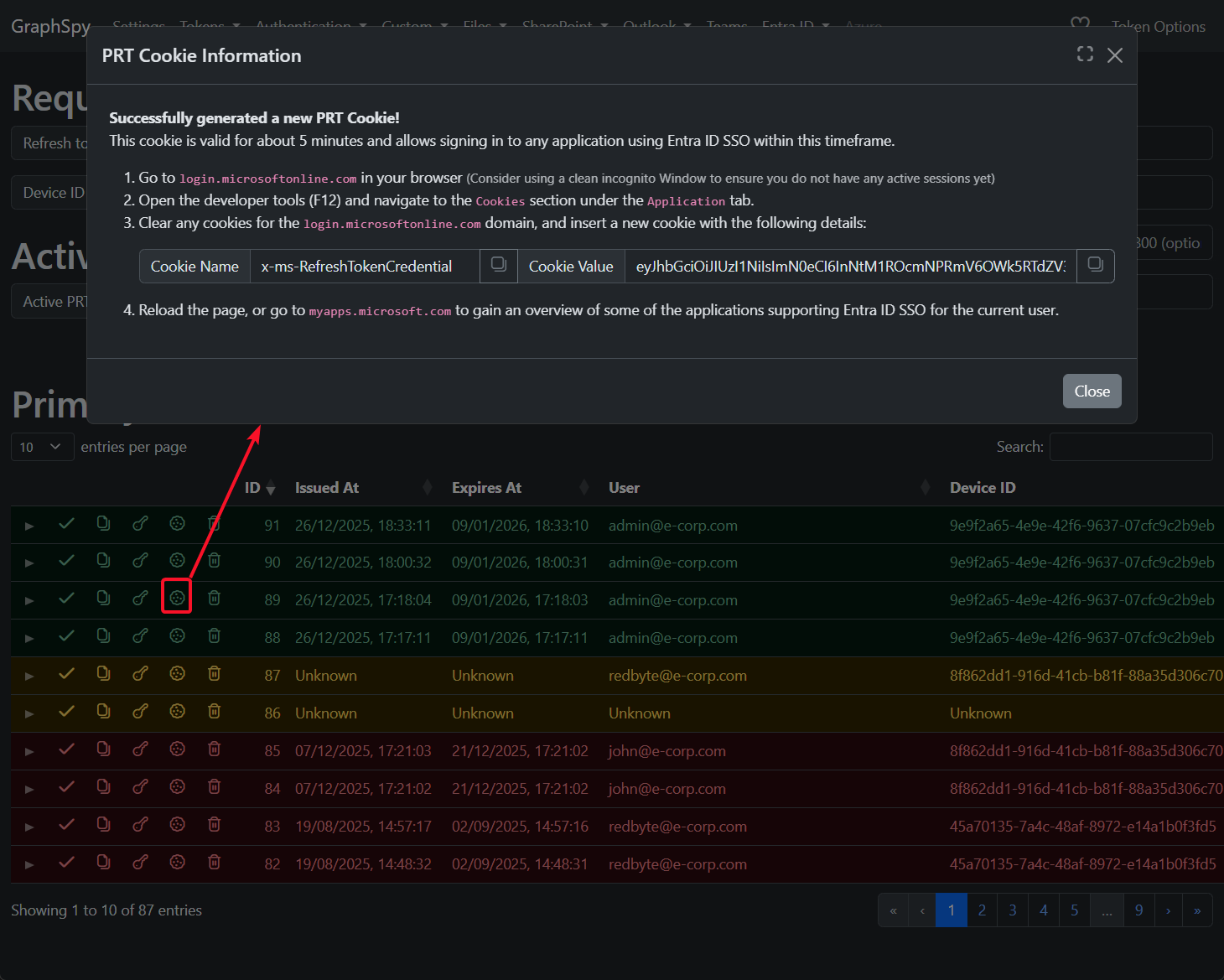
Additionally, these PRT tokens can be used to generate PRT Cookies, which can be imported directly in a browser to provide a full interactive access to any web application integrated with Entra ID SSO.
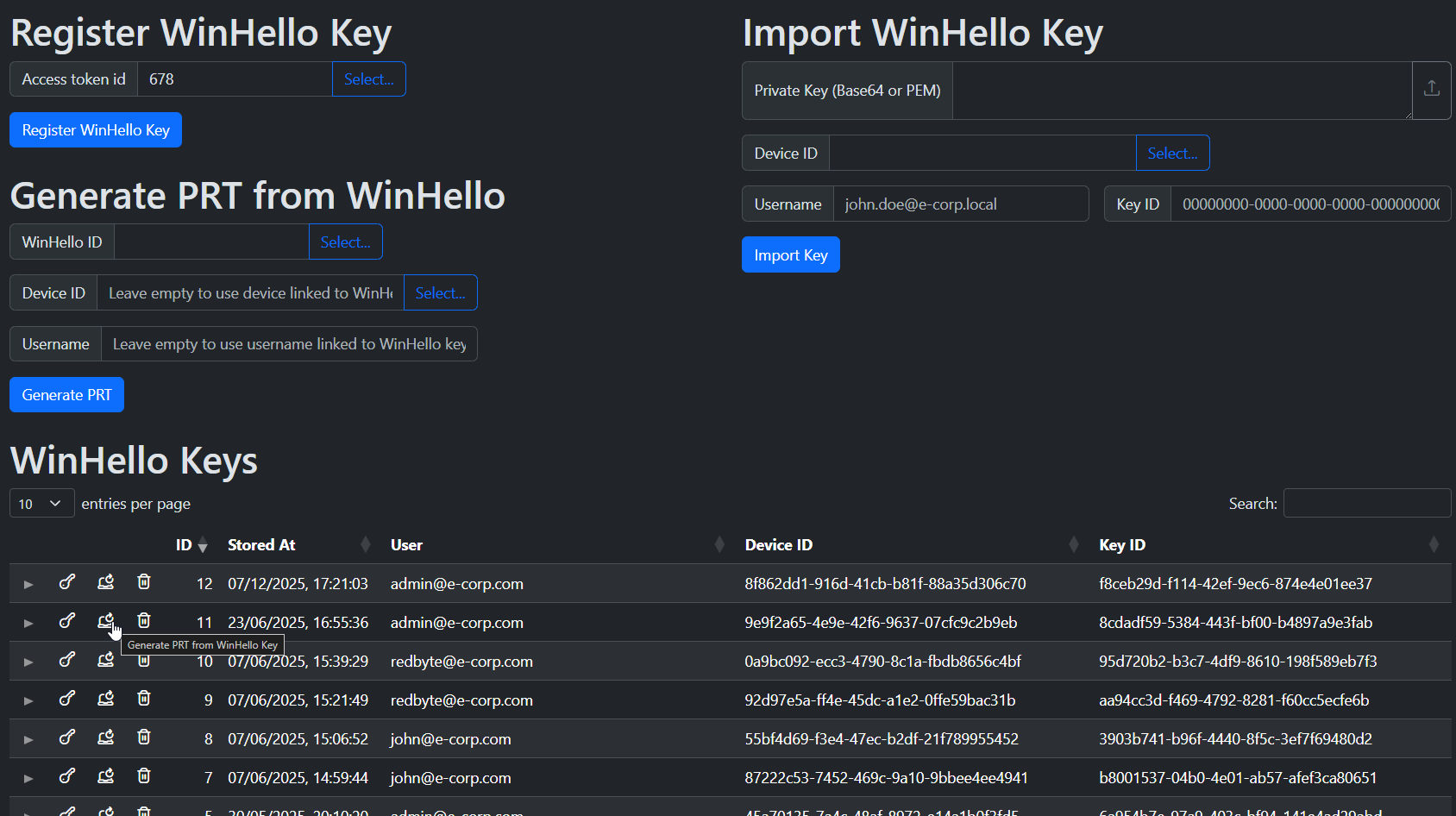
Register Windows Hello For Business (whfb) keys in GraphSpy for a user & device combination, or import them from a different tool or a compromised device.
These WinHello keys can be used to generate new Primary Refresh Tokens for the user, even after password password resets, making them very powerful account persistence!
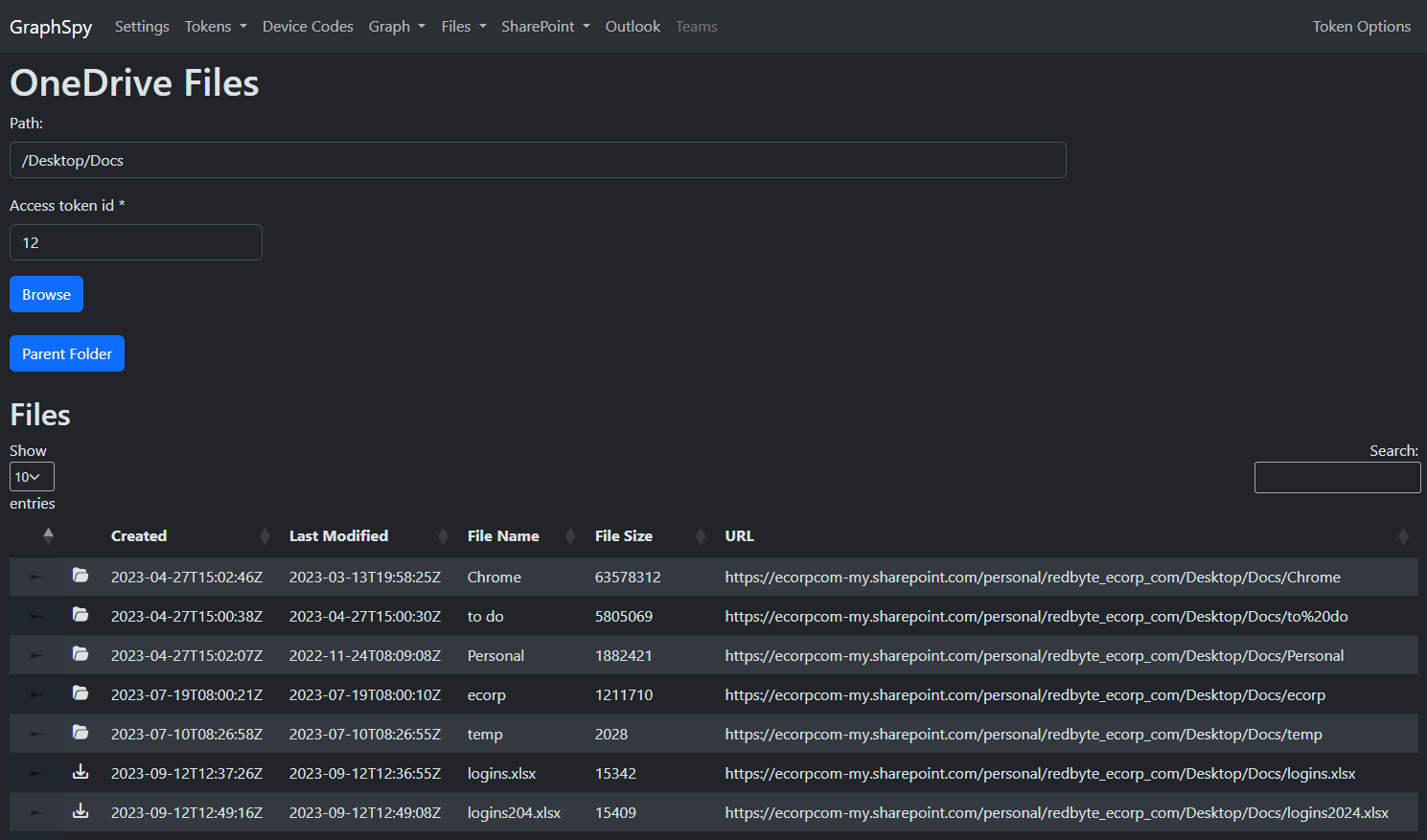
Browse through files and folders in the user's OneDrive or any accessible SharePoint site through an intuitive file explorer interface.
Of course, files can also be directly downloaded, or new files can be uploaded.
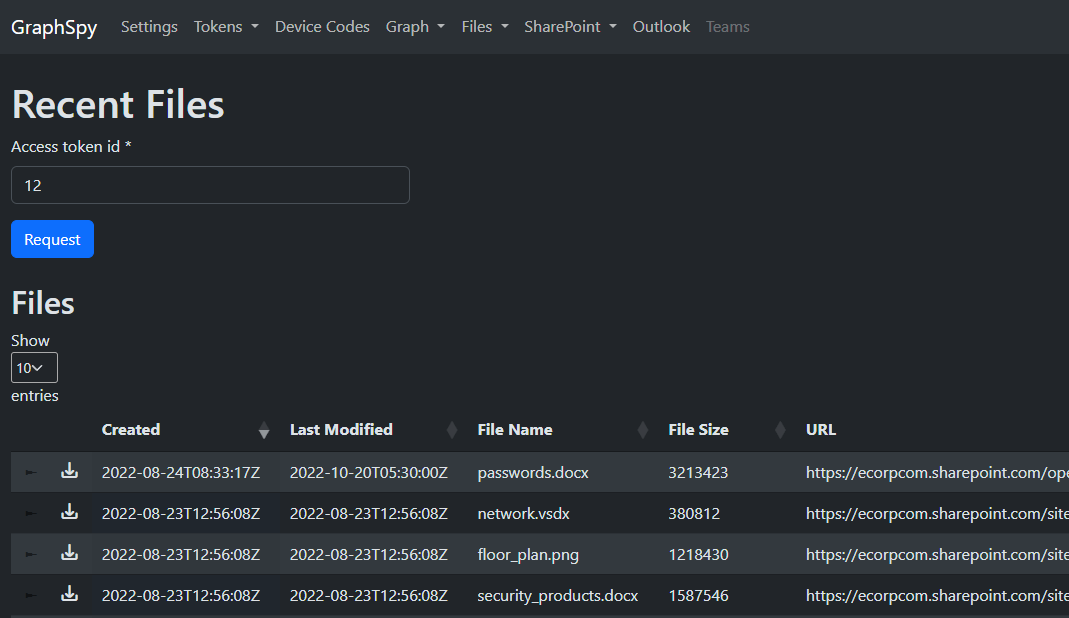
Additionally, list the user's recently accessed files or files shared with the user.
Open the user's Outlook web mail with a single click using just an Outlook access token (FOCI)!

