 radareorg/r2web
Access radare2 from anywhere, anytime.

r2web lets you run radare2 without local installs or platform hassles. Analyze files directly in your browser. It runs entirely client-side using radare2 WASI and Wasmer, with an xterm.js frontend for interactive command execution.
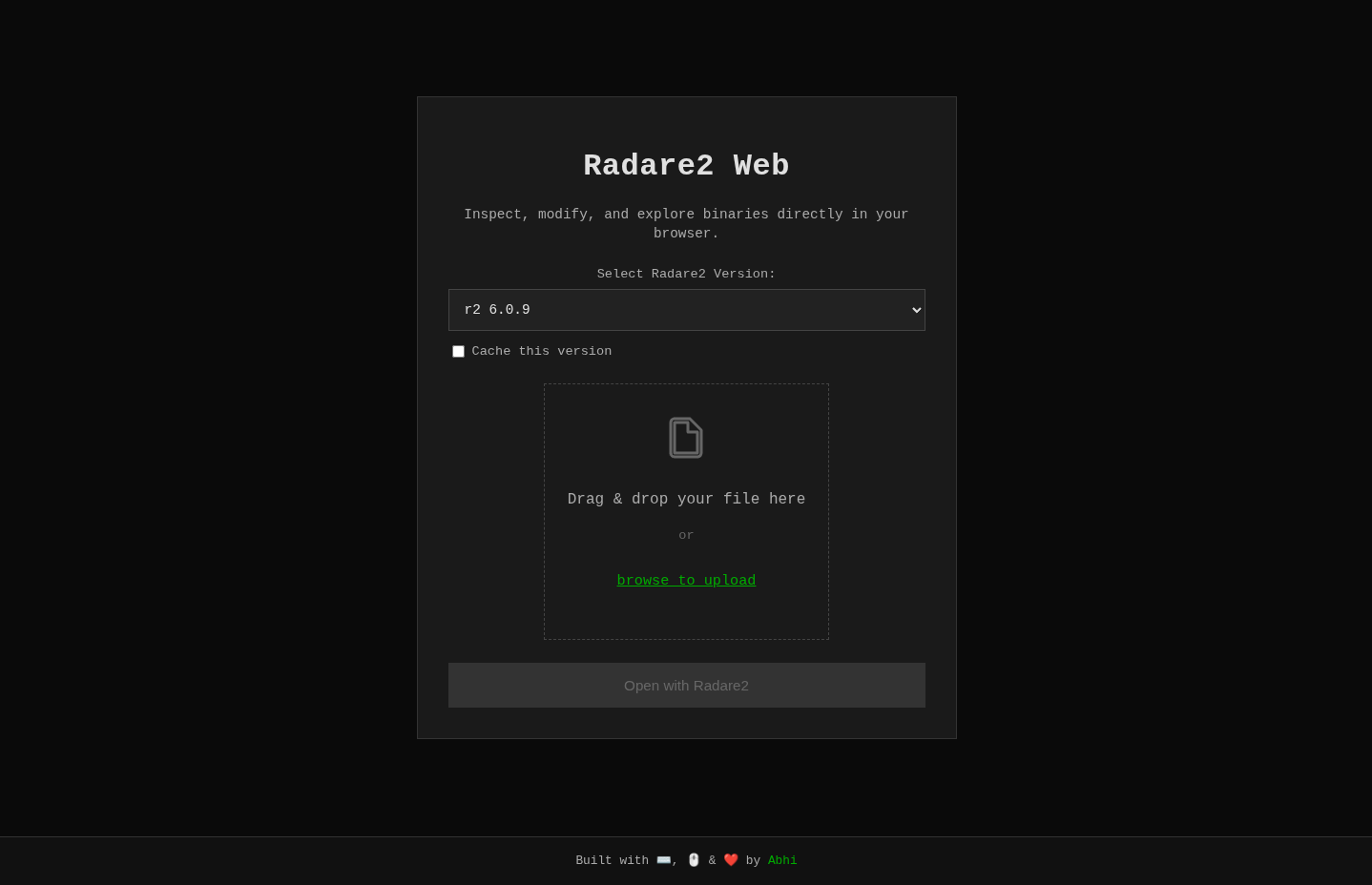 | 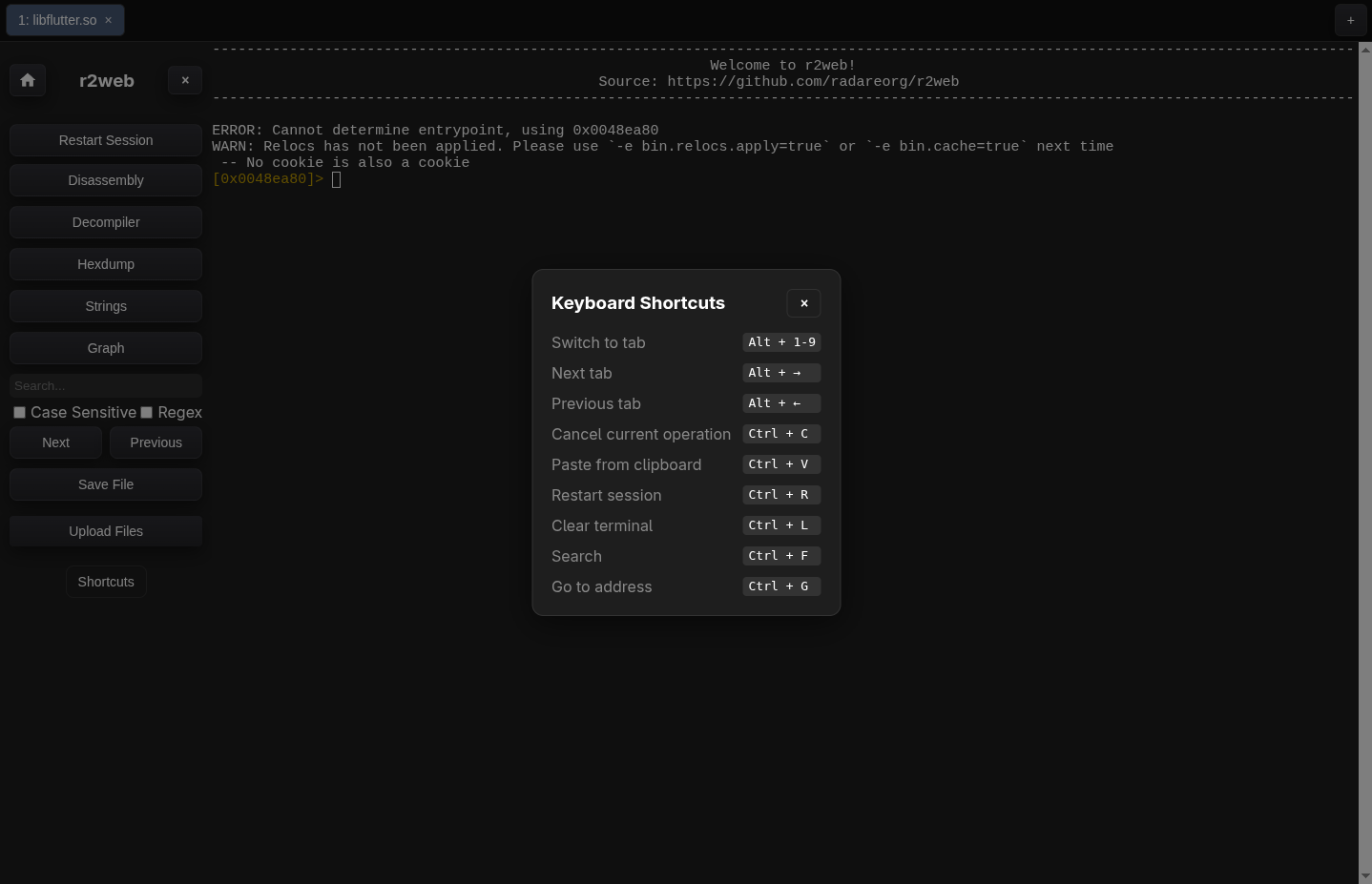 | 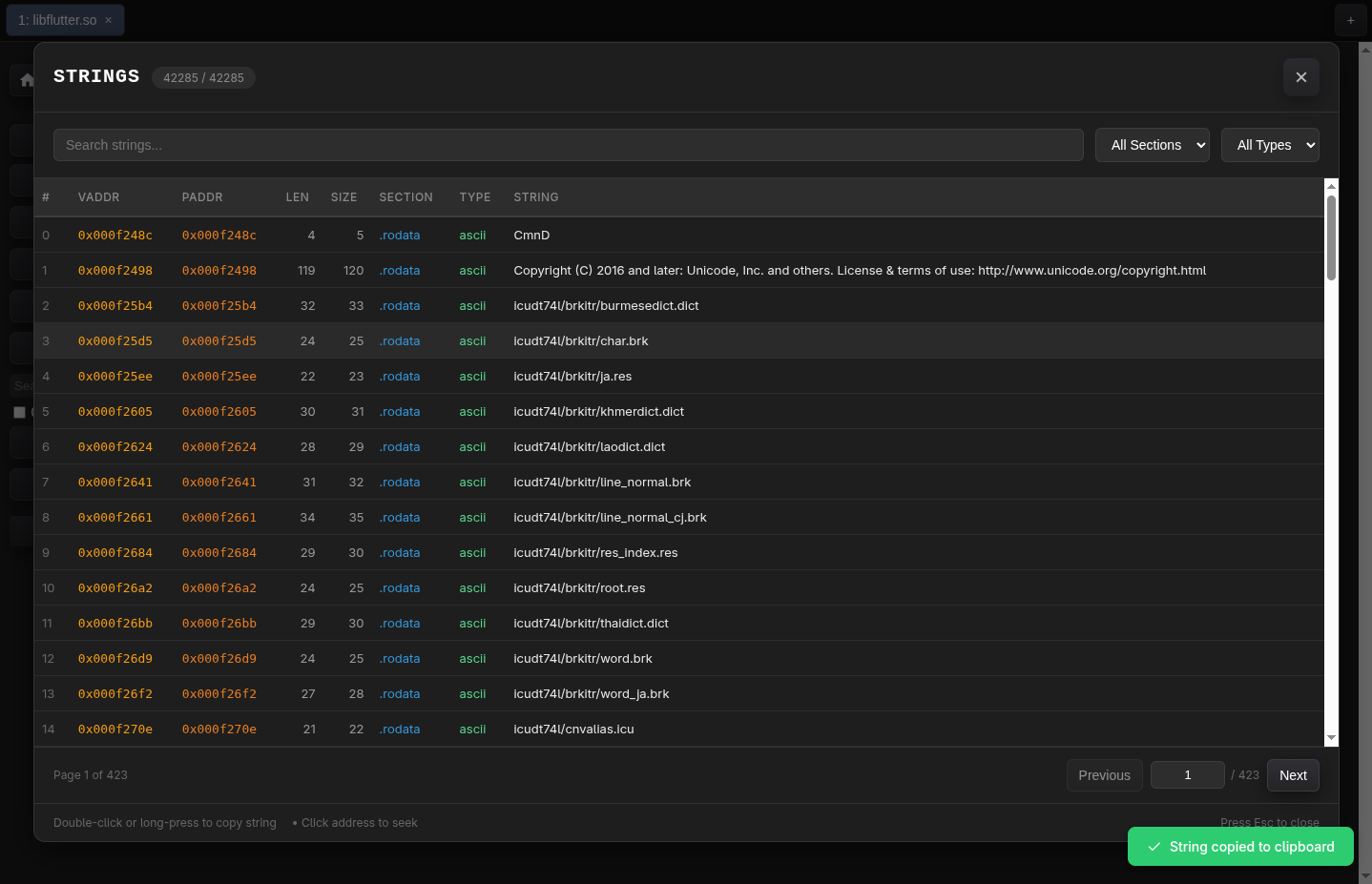 |
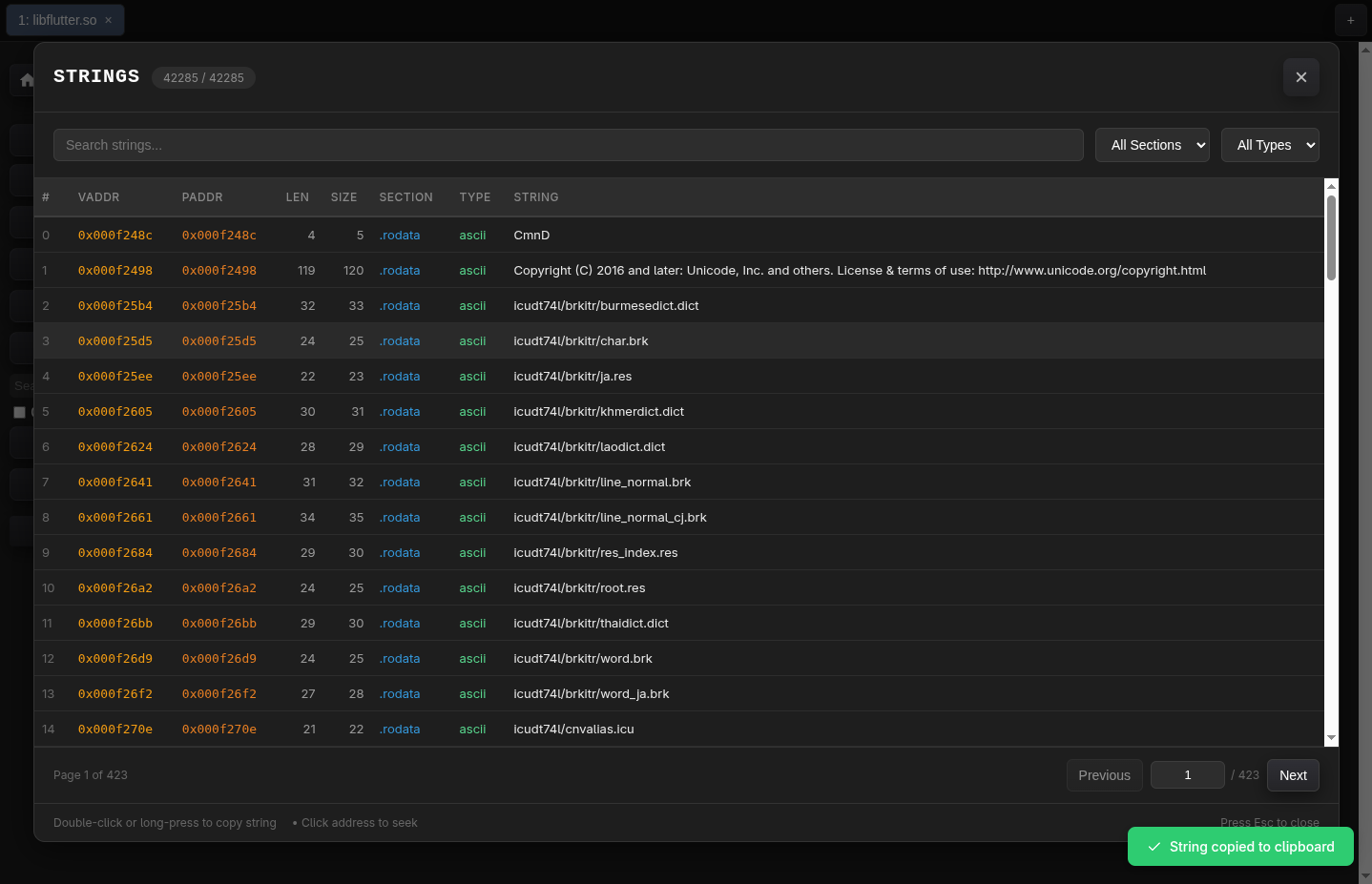
| Dashboard | Shortcuts | Strings View |
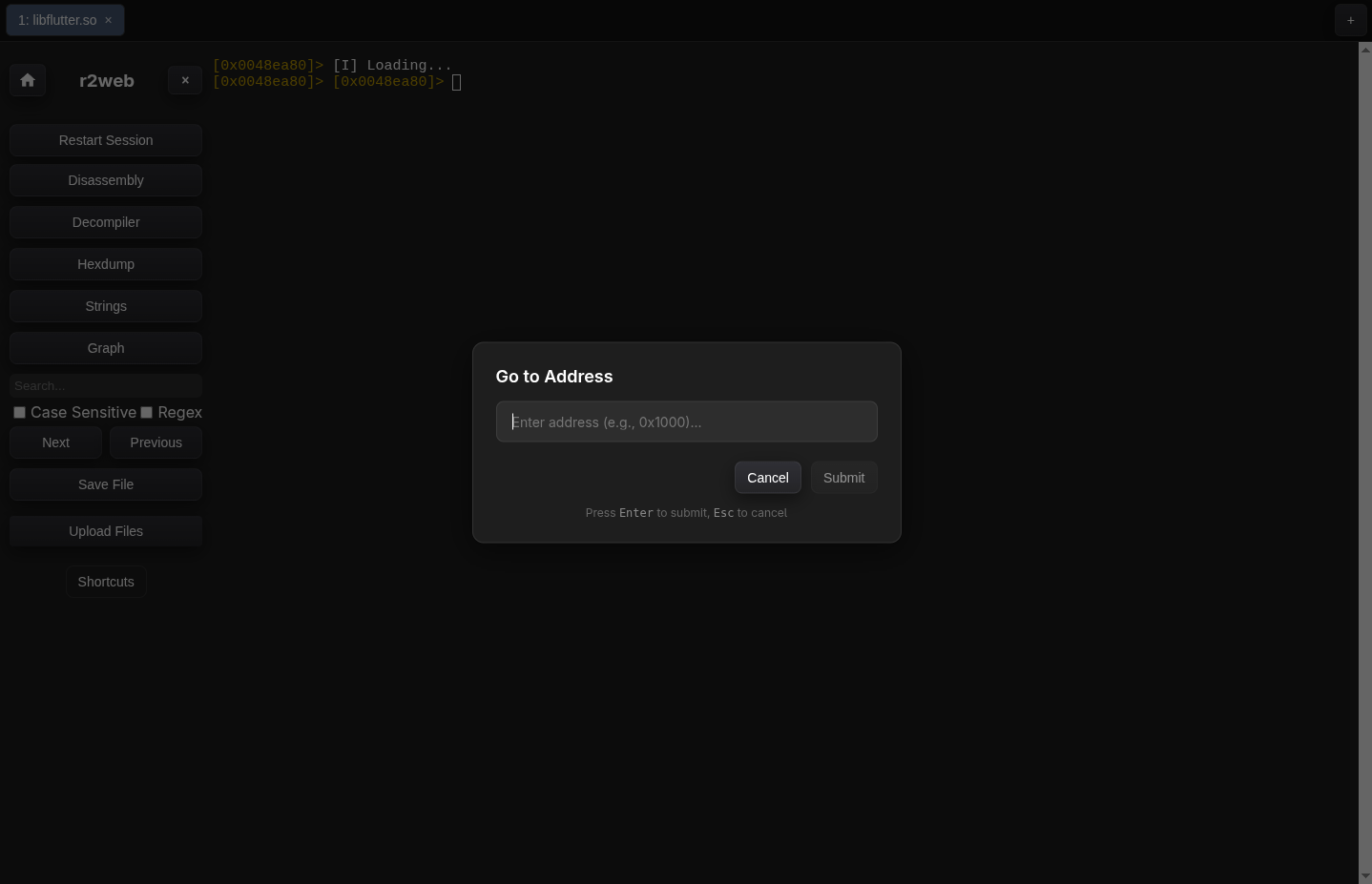 | 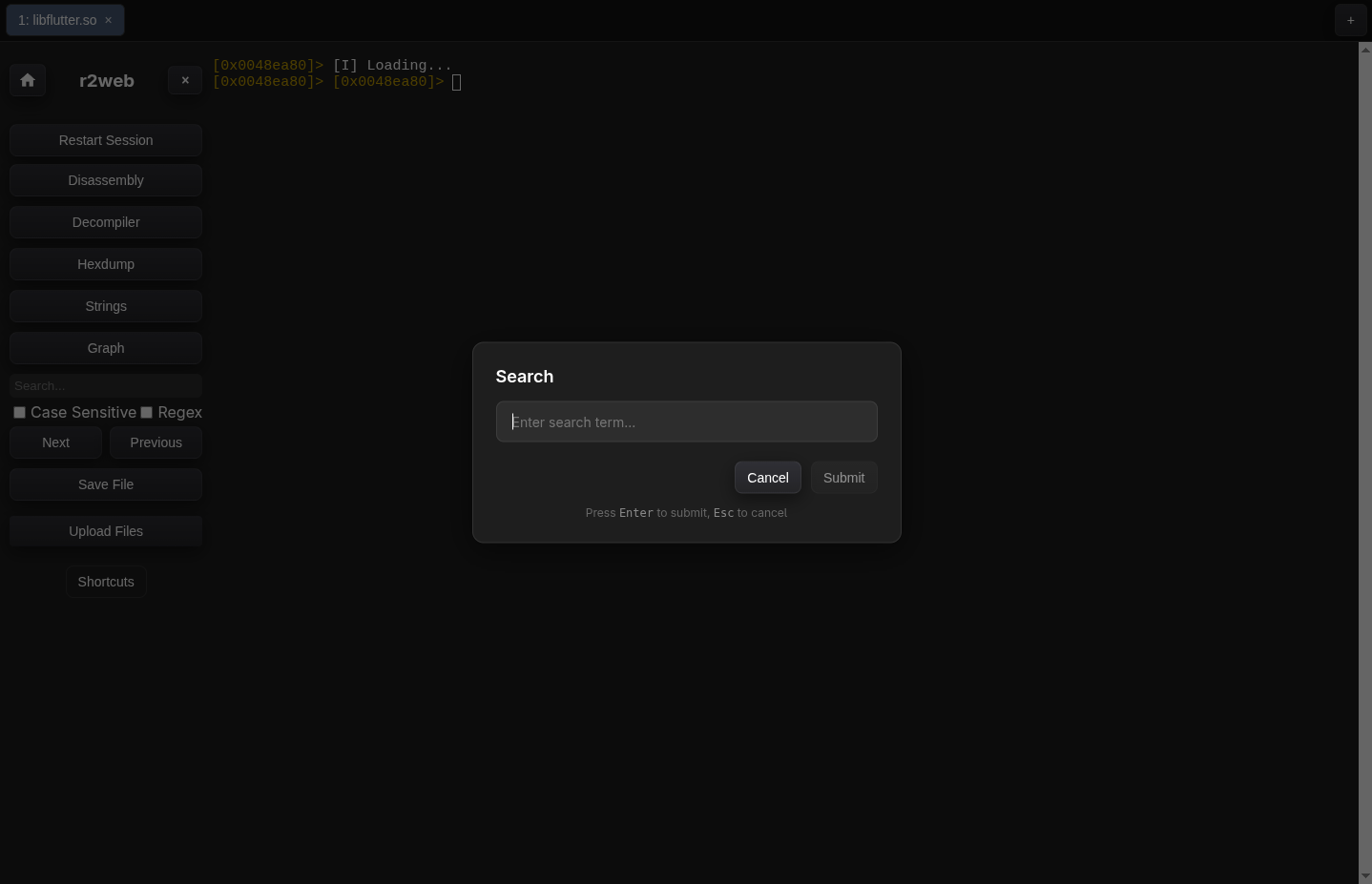 | 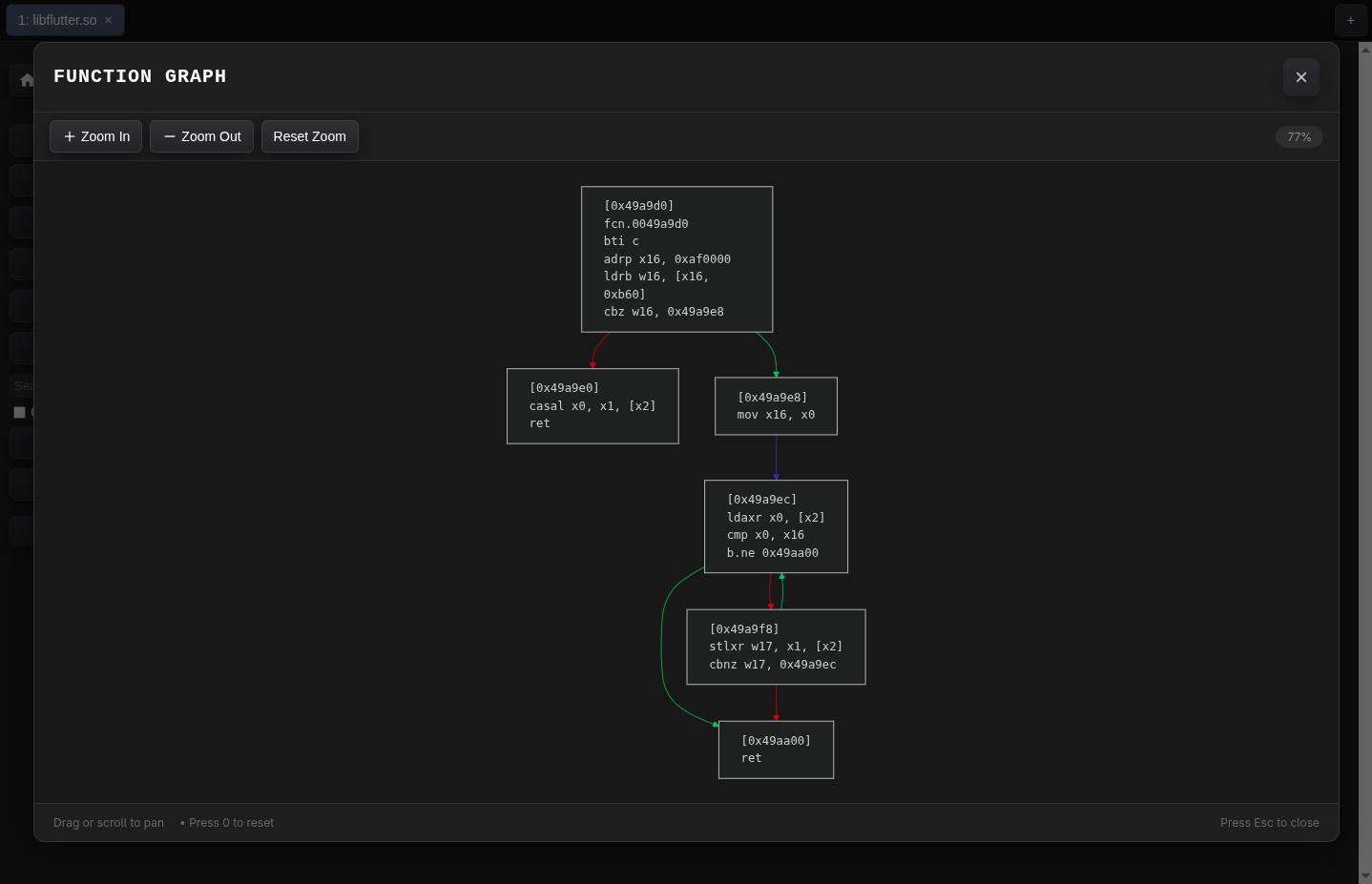 |
| Goto Address | Search | Graph View |
Ctrl+G for seek).pd, px, iz.r2web uses:
To run locally:
git clone https://github.com/radareorg/r2web.git
cd r2web
bun install
bun dev
you'll need to run a very small proxy api server to workaround with browser's CORS policy, to do that run:
bun run api/wasm.cjs # or node api/wasm.cjs if you don't have bun installed
which will run a local proxy server at http://localhost:3000/wasm, that will be used to fetch the wasm file from the github releases.
Or you can run both dev & proxy server at the same time using:
bun cc
To build for production:
bun run build
By default, the build assumes your app is served from the root path (/). If deploying to a subdirectory (e.g., example.com/online), set the VITE_BASE_URL environment variable:
VITE_BASE_URL=/online bun run build
[!NOTE] Proxy server is only required to support multiple (older) versions of radare2. If you only care about the latest version, you can skip the proxy server.
Or skip the setup and try it live.
[!TIP]
If you don't have bun installed, you can use npm or yarn or any other package manager which you have installed. Just replace
bunwithnpmoryarn(or any other package manager) in the above commands.When opening the built files directly from your file system (using
file://protocol), you may encounter CORS errors. Static hosting with a proper HTTP server (like GitHub Pages, Netlify, Vercel, etc.) is recommended or start a local server.
Q: Why am I unable to save files?
Saving functionality is supported from r2 version 6.0.3 onwards. Earlier versions had a limitation on the r2-wasm side that has since been resolved.
Q: Why isn't the Graph view loading?
The Graph view requires r2 version 6.0.9 or higher to function correctly.
Q: Which browsers are supported?
While we aim for broad compatibility, there are currently known issues with Firefox. For the most stable experience, we recommend using Chromium-based browsers (such as Chrome, Edge, or Brave).
Q: How is the radare2 binary handled?
The binary is automatically downloaded on the first load and cached locally for future use. If you prefer not to store it, an option to disable caching is available at start during version selection.
Contributions are welcome! Please open an issue or submit a pull request. To keep the project aligned with its core goals, please keep the following guidelines in mind:
This project is licensed under the MIT License. See the LICENSE file for details.
